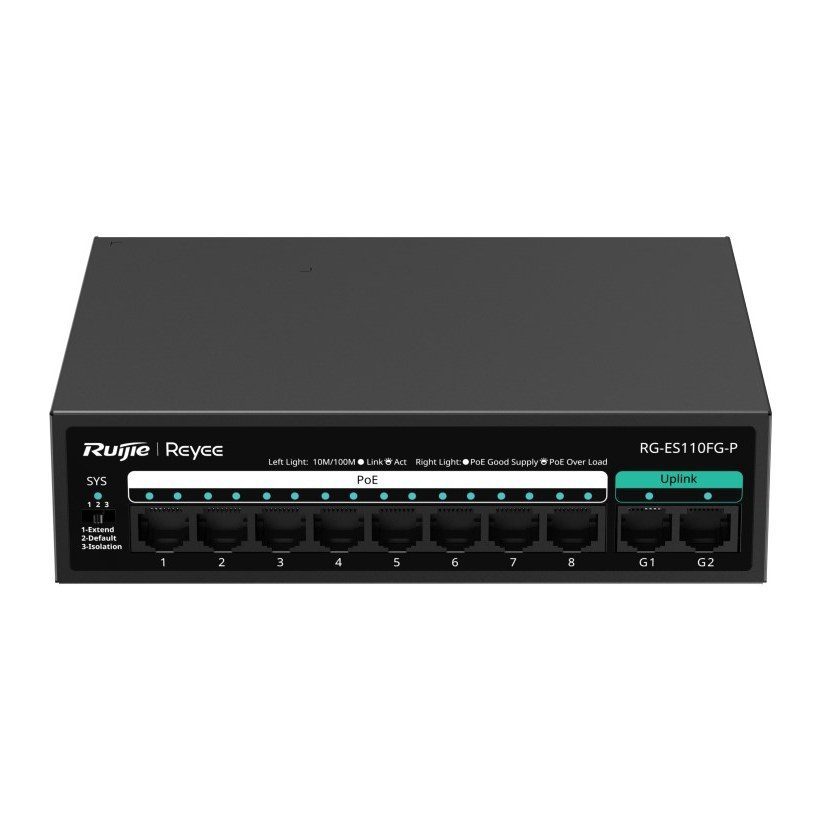
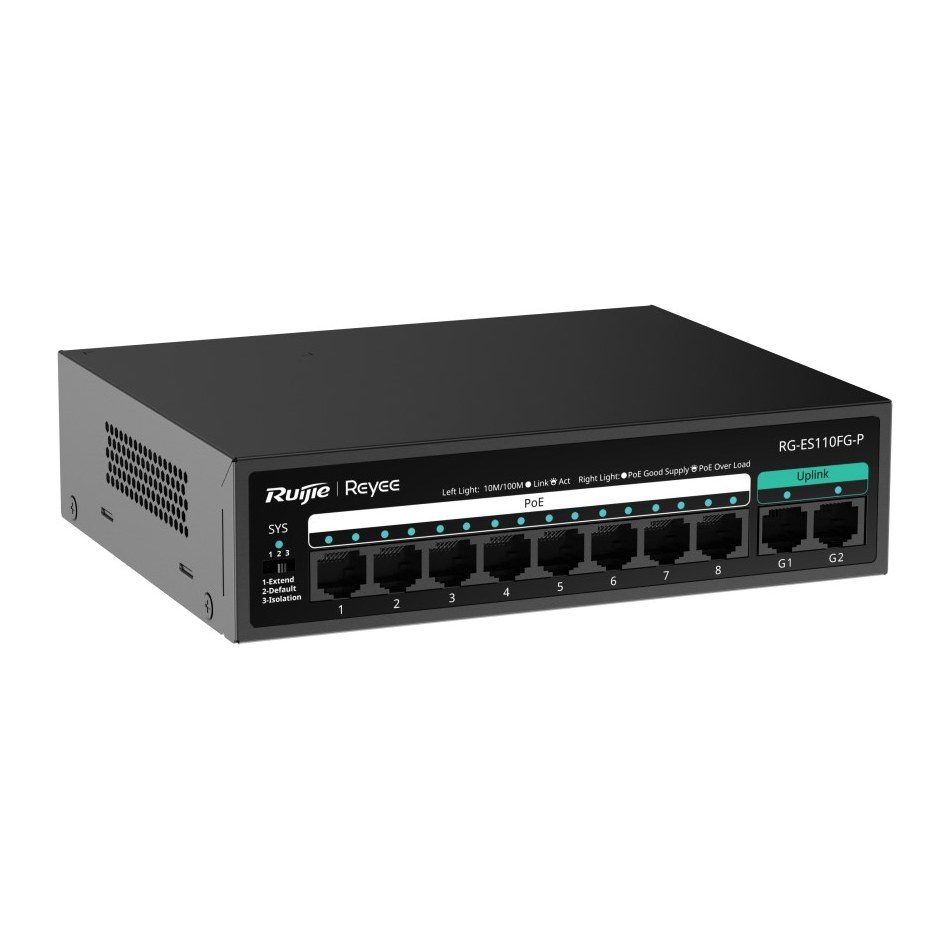
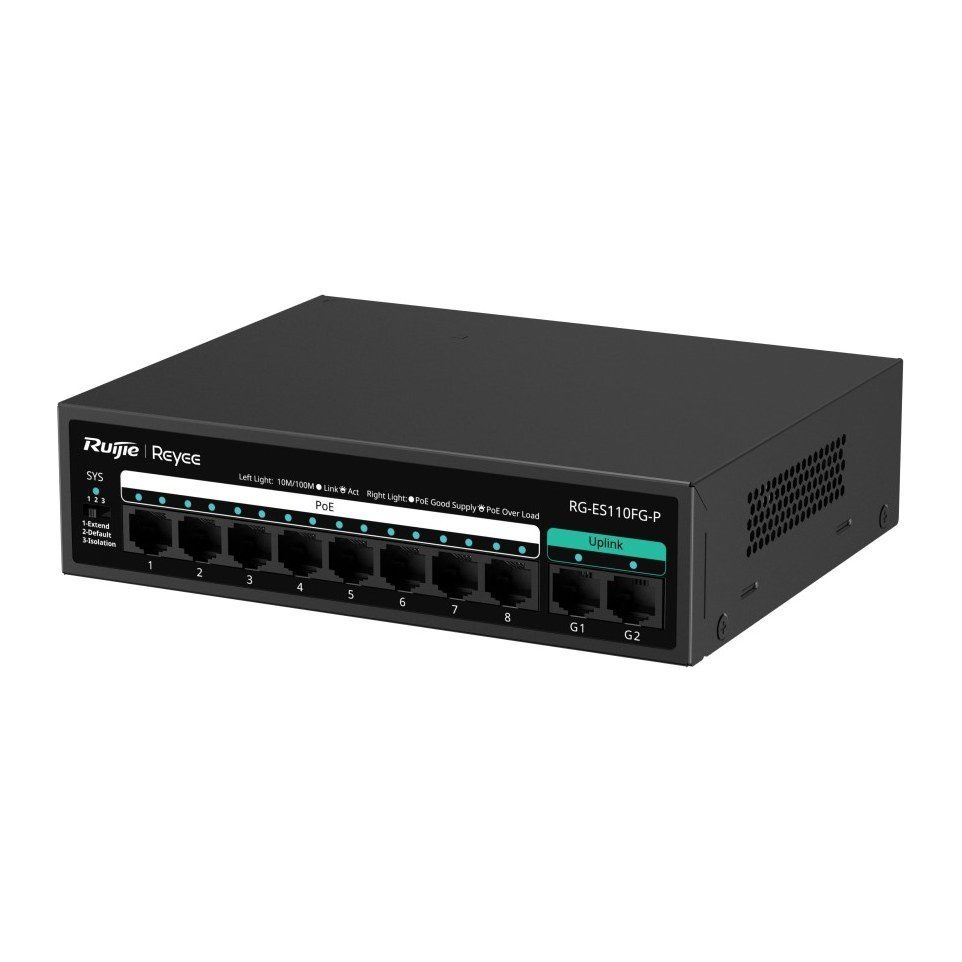
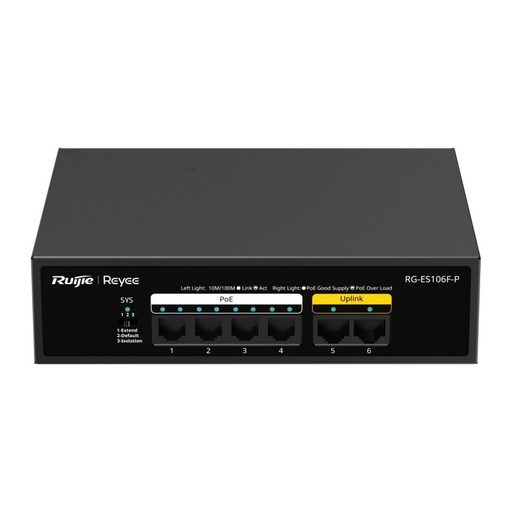
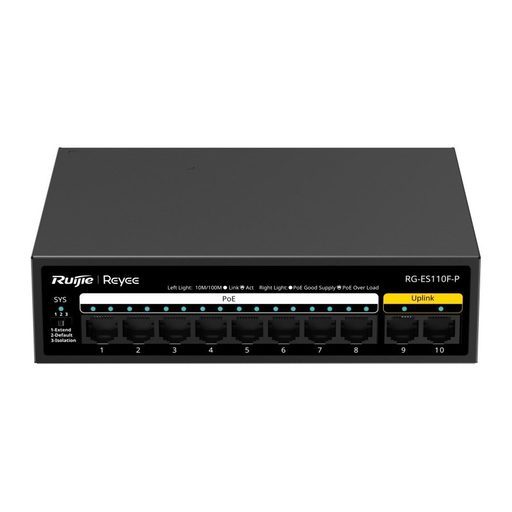
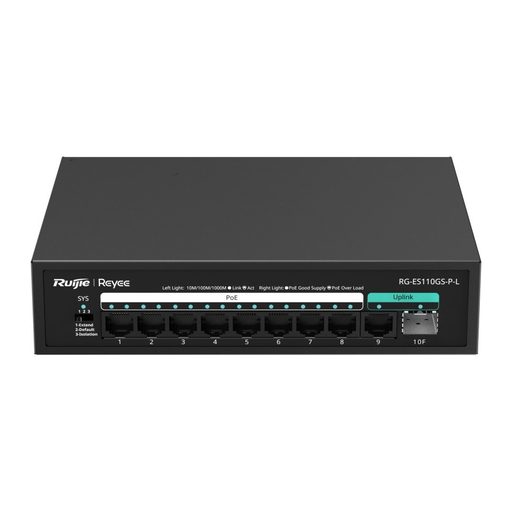
Overview of Reyee RG-ES110FG-P
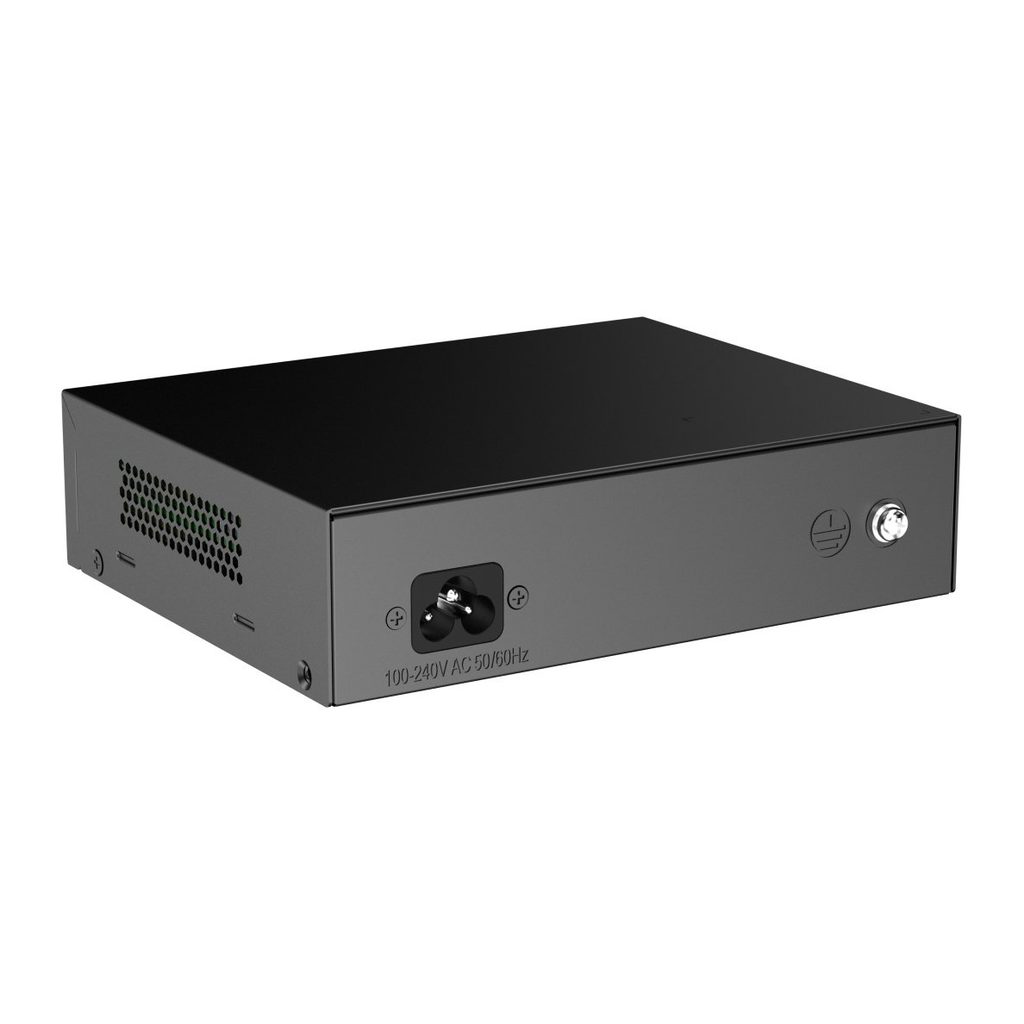
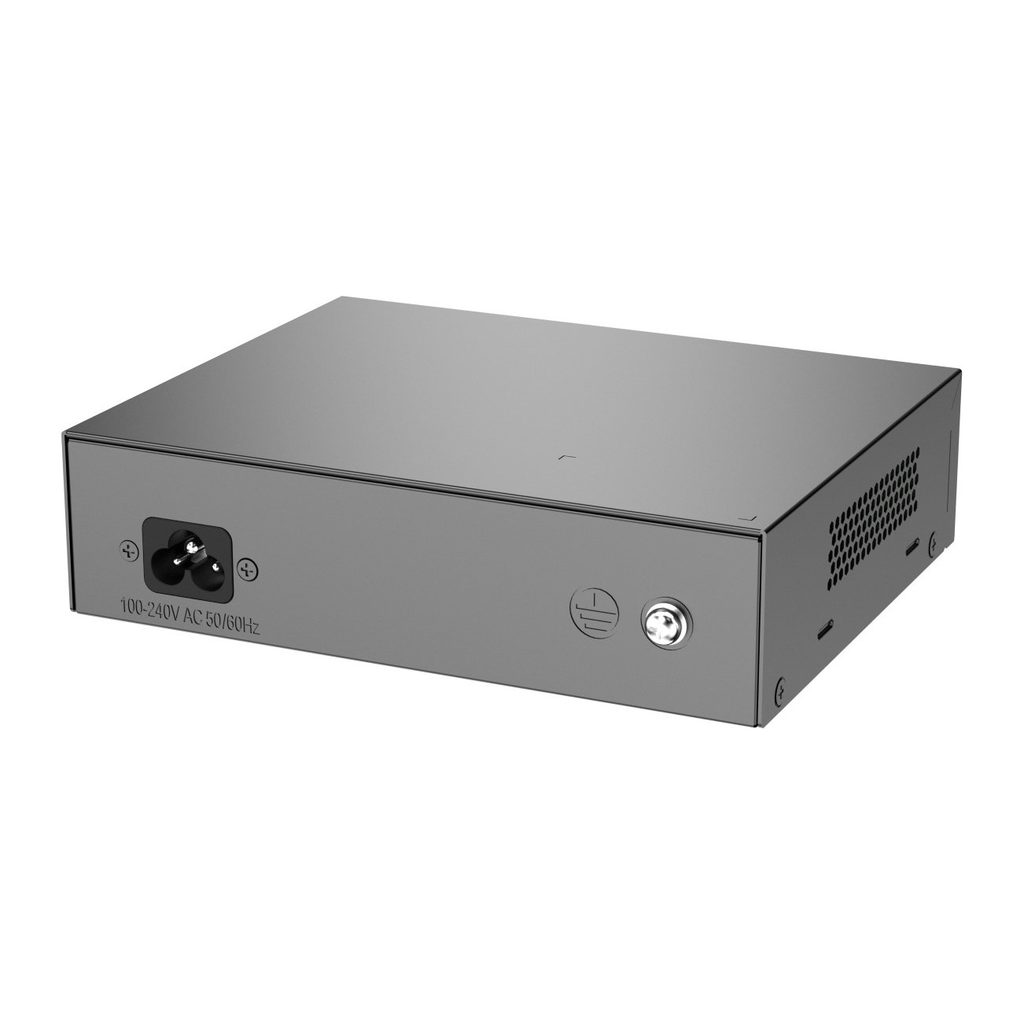
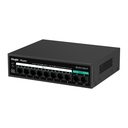
The Ruijie Reyee RG-ES110FG-P is an unmanaged PoE switch with eight 10/100 Mbps PoE+ ports and two gigabit uplink ports, offering a 110 W PoE budget for CCTV in villas, retail shops, warehouses, schools and offices. Ports 1-8 power cameras, access points or IP phones at up to 30 W each under IEEE 802.3af/at, while the G1 and G2 gigabit ports provide fast links to the NVR and the core network. A DIP switch enables Extend mode for runs up to 200 m over Cat5e or Isolation mode for security, and PoE watchdog automatically recovers stalled devices. The fanless metal unit is plug and play, Ruijie Cloud visible with a managed Reyee switch, with a three-year warranty.
Technical Specifications – Reyee RG-ES110FG-P
Product Information
| Product Category | Layer 2 |
|---|
| Warranty | 3 years |
|---|
Port Specifications
| Total number of RJ45 ports | 10 |
|---|
| Number of 10/100BASE-T ports | 8 |
|---|
| Number of 10/100/1000BASE-T ports | 2 |
|---|
| Ultra-long-haul transmission | Yes |
|---|
| DIP switch | Extend mode: The rate of Ports 1 to 8 is reduced to 10 Mbps, but the maximum transmission distance can be up to 200 meters (Cat5e cables required). Flow control on. Default mode: All ports can communicate with each other. Flow control on. Isolation mode: Ports 1 to 8 cannot communicate with each other, but they can communicate with ports G1 and G2. Flow control on. |
|---|
Power Supply and Consumption
| PoE Out standard | PoE/PoE+ (IEEE 802.3af/at) |
|---|
| Number of PoE Out ports | 8 |
|---|
| Number of PoE/PoE+ Out ports | 8 |
|---|
| PoE budget | 110 W |
|---|
| PoE power pins | 1–2 (+), 3–6 (-) |
|---|
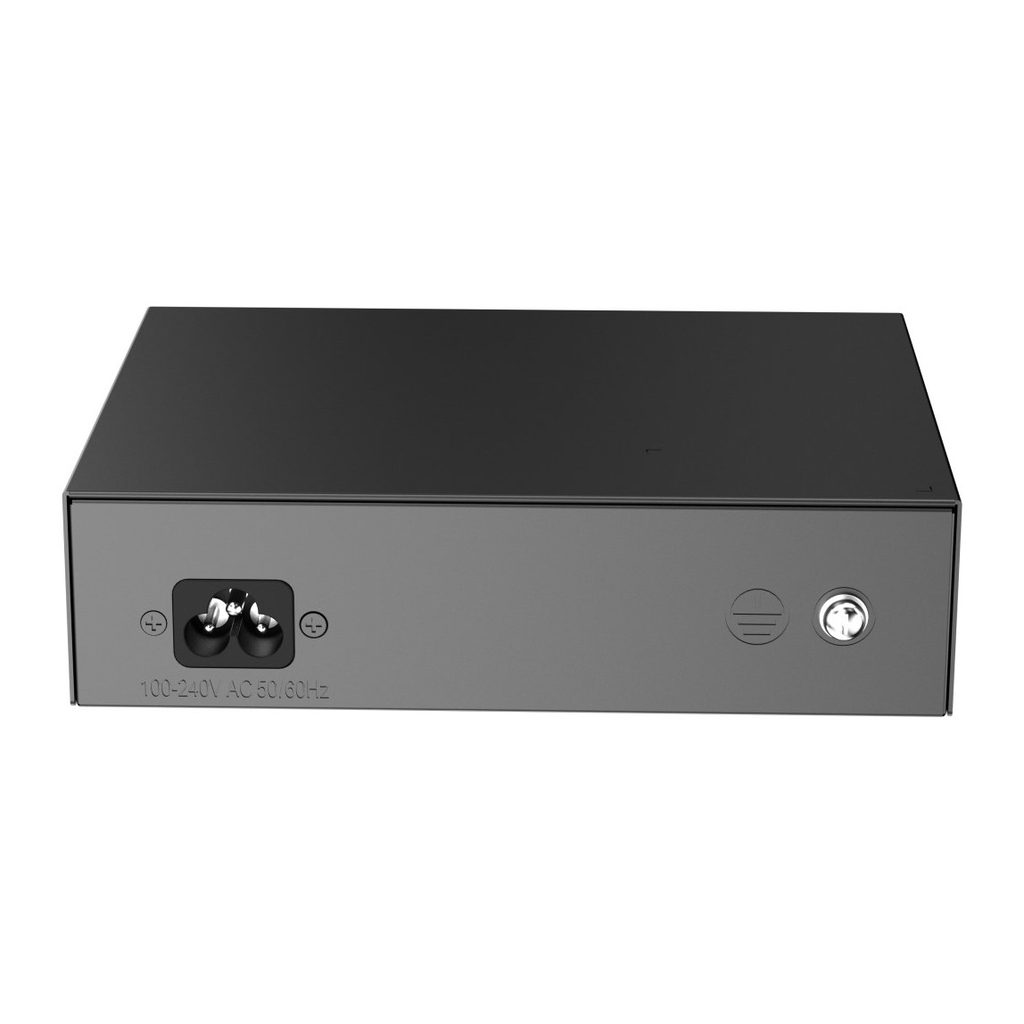
| Power input | 220 V AC power supply: Rated input voltage: 100 V AC to 240 V AC, 50 Hz to 60 Hz; Maximum input voltage: 90 V AC to 264 V AC, 47 Hz to 63 Hz; Rated input current: 3 A |
|---|
| Maximum power consumption | 10 W (with no PoE load); 120 W (with PoE full load) |
|---|
| Power supply | Fixed power supply |
|---|
System Specifications
| Flash memory | 2 MB |
|---|
| Forwarding rate | 4.1 Mpps |
|---|
| Switching capacity | 5.6 Gbps(bit/s) |
|---|
Dimensions and Weight
| Casing | Metal |
|---|
| Product dimensions (W x D x H) | 166 mm x 132.6 mm x 43 mm (6.54 in. x 5.22 in. x 1.69 in.) |
|---|
| Weight | 0.97 kg (2.14 lbs) (without packaging materials); 1.22 kg (2.69 lbs) (with packaging materials) |
|---|
| Shipping weight | 1.22 kg (2.69 lbs) |
|---|
Environment and Reliability
| Fan | Fanless design |
|---|
| Cooling | Natural cooling |
|---|
| Mounting options | Wall/Desk |
|---|
| Hot swapping of cables | Hot swapping supported by the service port and power connector |
|---|
| MTBF | 200,000 hours |
|---|
| Operating temperature | 0°C to 45°C (32°F to 113°F) |
|---|
| Storage temperature | -40°C to +70°C (-40°F to +158°F) |
|---|
| Operating humidity | 10% RH to 90% RH (non-condensing) |
|---|
| Storage humidity | 5% RH to 95% RH (non-condensing) |
|---|
| Altitude | -500 m to +5,000 m (-1,640.42 ft. to +16,404.20 ft.) |
|---|
| ESD protection | Air discharge: 8 kV; Contact discharge: 6 kV |
|---|
| Surge protection | Service port: ± 4 kV for common mode; Power connector: ± 6 kV for common mode and ± 4 kV for differential mode |
|---|
Certification and Regulatory Compliance
| EMC | EN 55032, EN IEC 61000-3-2, EN 61000-3-3, EN 55035, EN 300 386 |
|---|
| Safety compliance | EN 62368-1, IEC 62368-1 |
|---|
| Certification | CE, CB |
|---|
Basic Configurations
Ethernet Switching
| Maximum number of MAC address entries | 8000 |
|---|
| Interface flow control | Yes |
|---|
| LLDP | No |
|---|
Interface
| Jumbo frame length (MTU) | 2048 bytes |
|---|
Security
System Performance Capacity
| Recommended camera limit | 200W H265: 20; 400W H265: 10 |
|---|
Package Contents
| Contents | Device x 1; Power cord x 1 (0.8 m, 1 m, 1.2 m or 1.5 m, per actual delivery); User Manual x 1; Warranty Card x 1 |
|---|
Source: Ruijie Reyee official website and datasheet. Specifications are subject to change by the manufacturer.