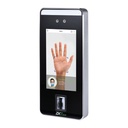
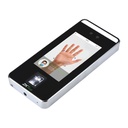
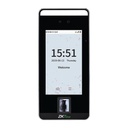
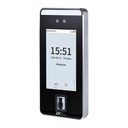
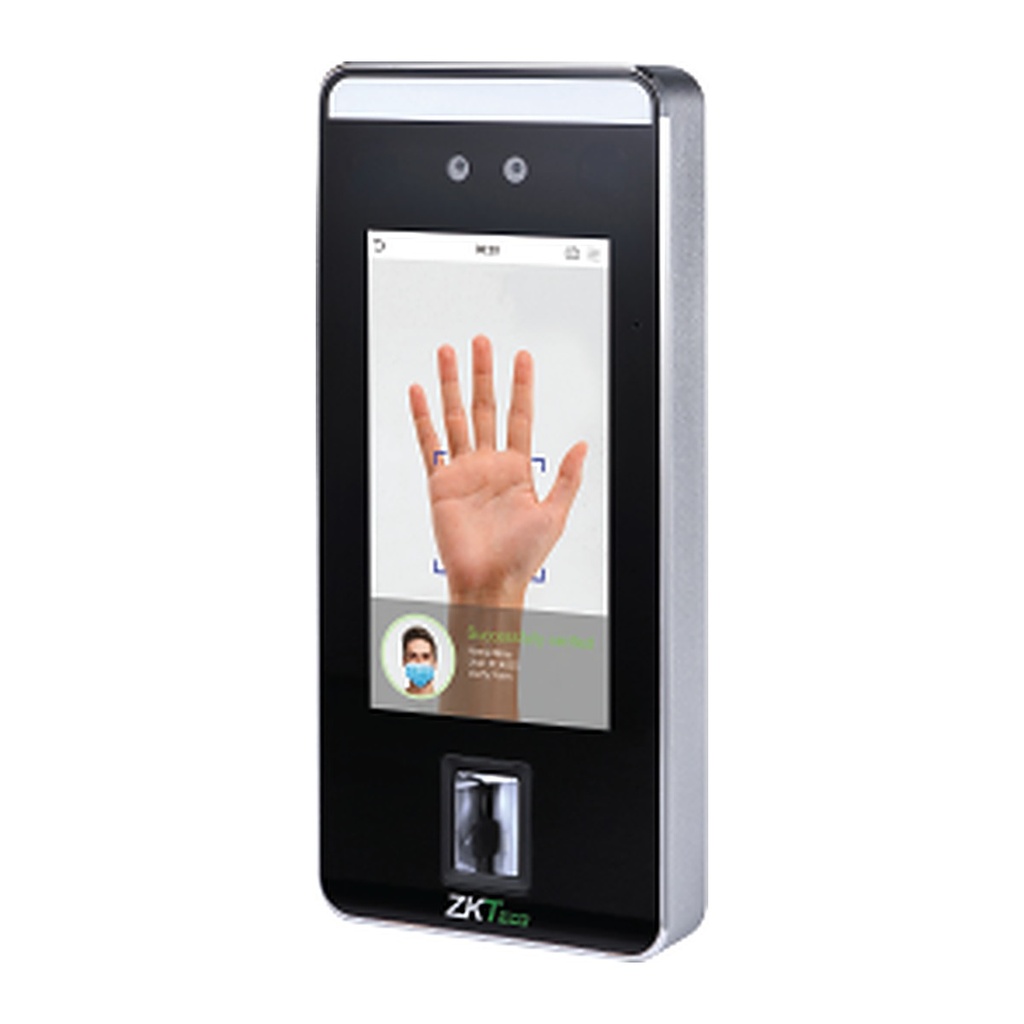
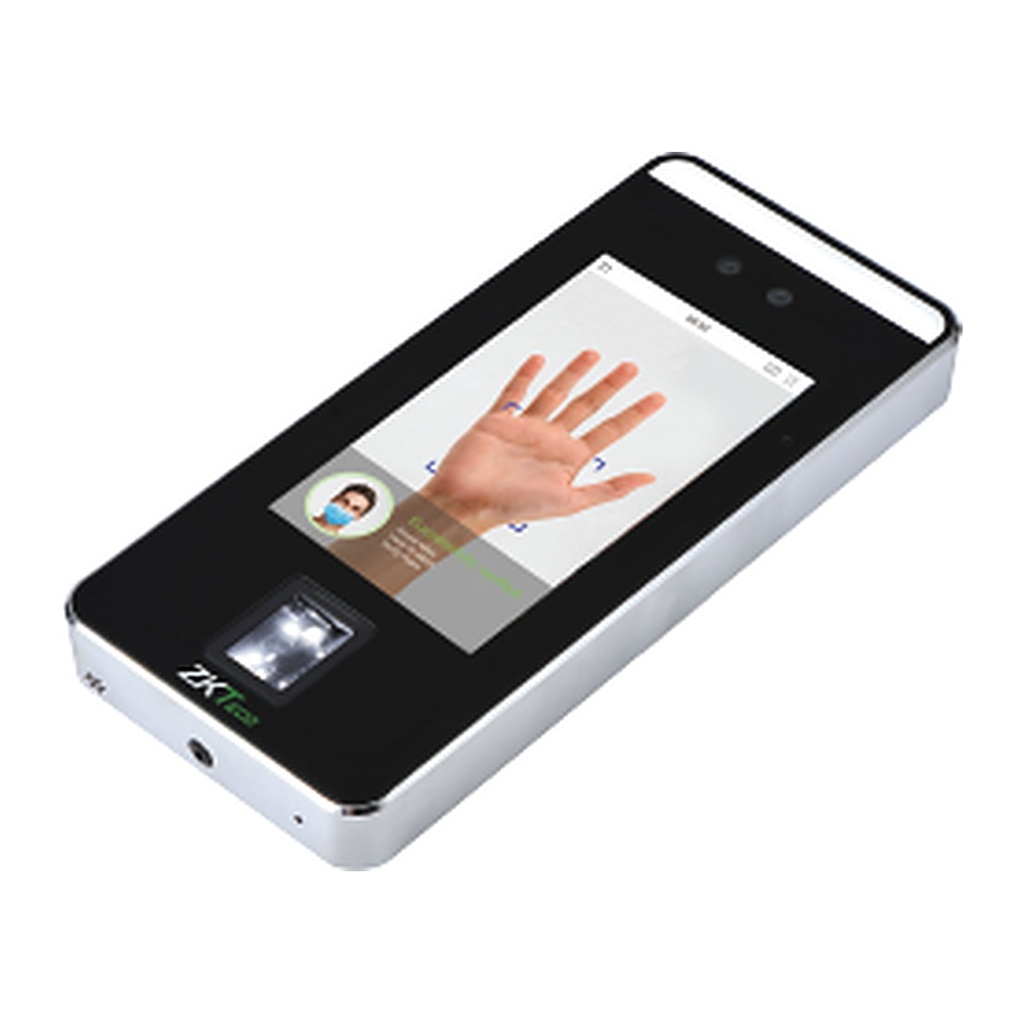
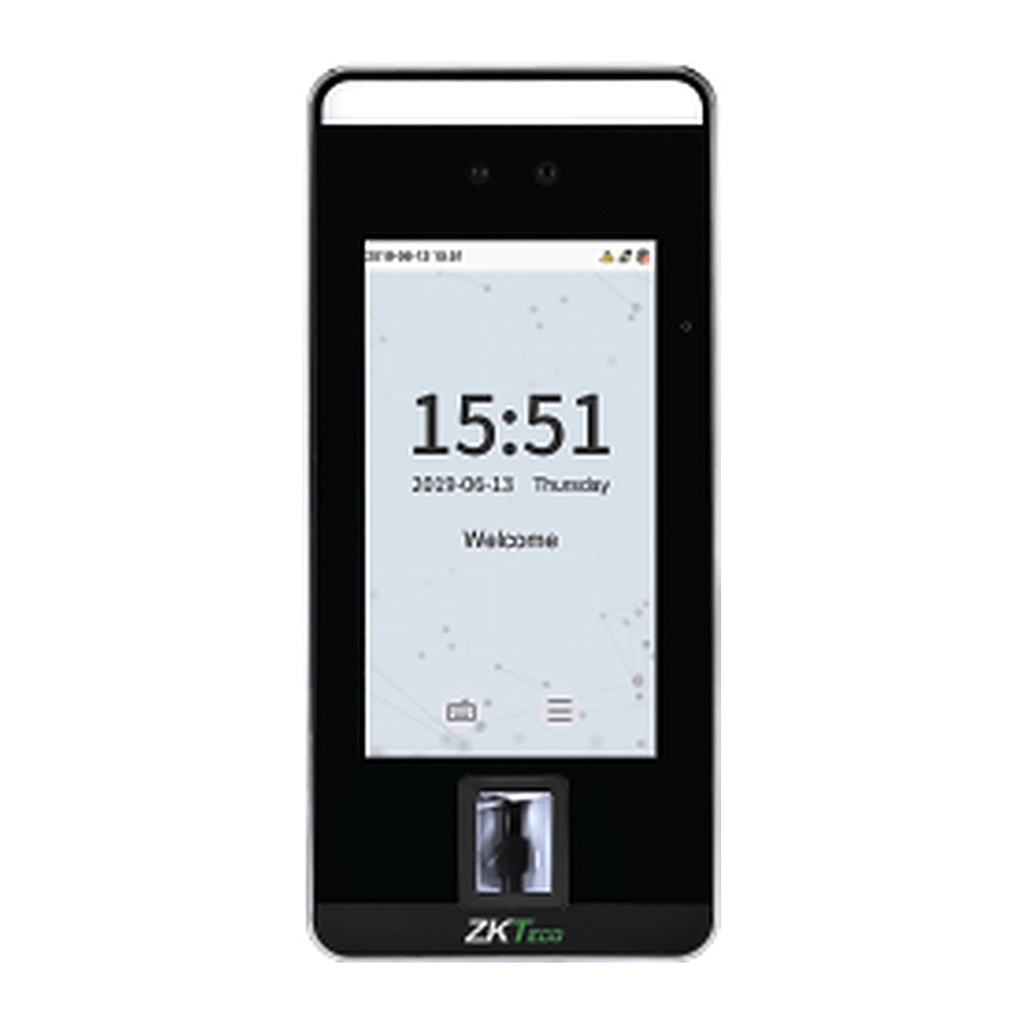
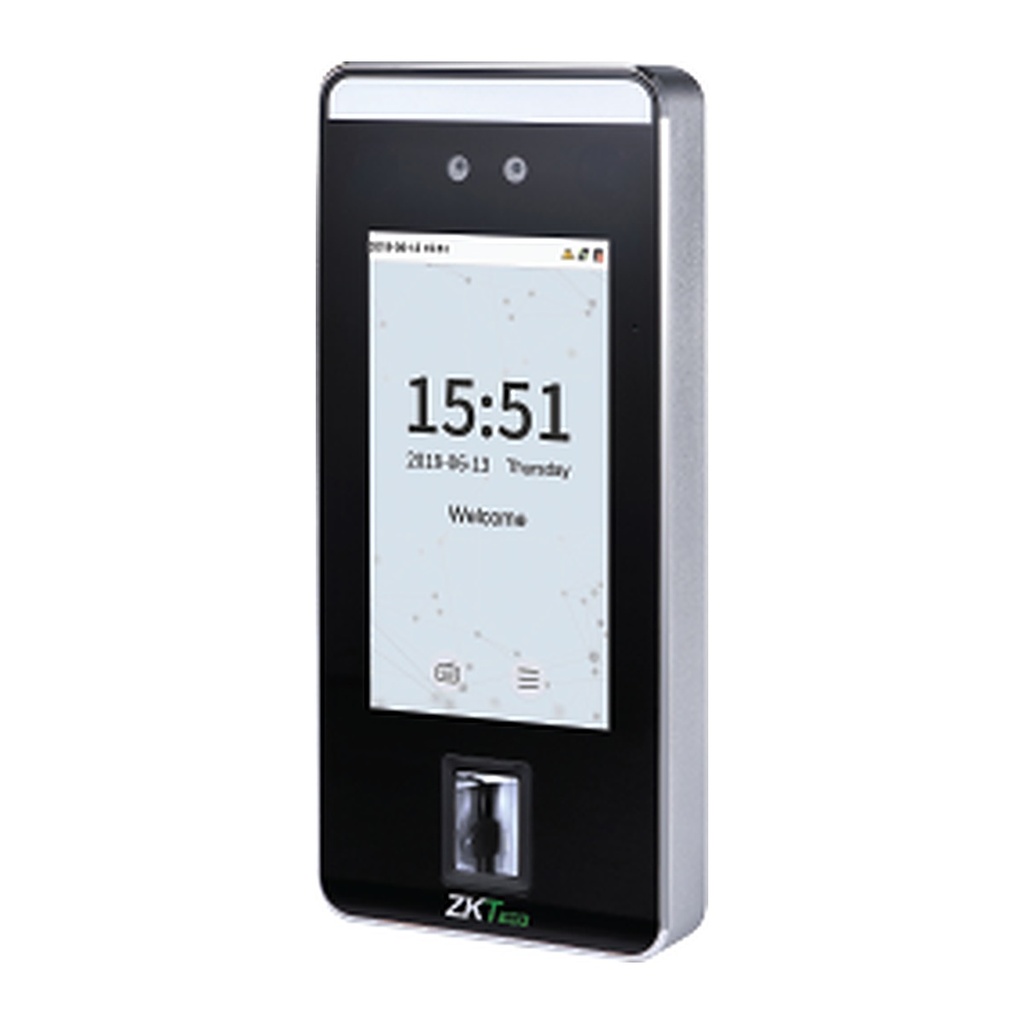
| Model | SpeedFace-V5L SpeedFace-V5L-RFID SpeedFace-V5L[QR] |
|---|
| Display | 5"@ ISP Color LCD Screen (720*1280) |
|---|
| Camera | Binocular Camera @ 2MP WDR |
|---|
| Operation System | Linux |
|---|
| Hardware | SpeedFace-V5L: CPU: CPU: Quad Core A55 @1.2GHz; RAM: 512MB (Optional Palm: 1GB); ROM: 8GB; Supplement Light: Yes; Virtual Keypad: 16 Keys; Fingerprint Sensor: Z-ID; Casing Color: Metallic silver SpeedFace-V5L-RFID: CPU: Quad Core A55 @1.2GHz; RAM: 1GB; ROM: 8GB; Supplement Light: Yes; Virtual Keypad: 16 Keys; Casing Color: Metallic silver SpeedFace-V5L[QR]: CPU: Quad Core A55 @1.2GHz; RAM: 512MB (Optional Palm: 1GB); ROM: 8GB; Supplement Light: Yes; Virtual Keypad: 16 Keys; Casing Color: Metallic silver |
|---|
| Authentication Method | SpeedFace-V5L: Face / Fingerprint / Palm (Optional) / Card / Password (Virtual Keypad) SpeedFace-V5L-RFID: Face / Palm (Optional) / Card / Password (Virtual Keypad) SpeedFace-V5L[QR]: Face / Palm (Optional) / Card / Password (Virtual Keypad) |
|---|
| Fingerprint Template Capacity | SpeedFace-V5L: 10,000 (1:N) SpeedFace-V5L-RFID: / SpeedFace-V5L[QR]: / |
|---|
| Face Template Capacity | 10,000 (1:N) |
|---|
| Palm Template Capacity | 3,000 (1:N) (Optional, only for 1GB RAM Mainboard) |
|---|
| Card Capacity | 10,000 (1:N) |
|---|
| Transaction Capacity | 200,000 (1:N) |
|---|
| Biometric Verification Speed | SpeedFace-V5L: less than 0.5 sec (Fingerprint); less than 0.35 sec (Facial authentication) ; less than 0.35 Sec (Palm) SpeedFace-V5L-RFID: less than 0.35 sec (Facial authentication); less than 0.35 Sec (Palm) SpeedFace-V5L[QR]: less than 0.35 sec (Facial authentication); less than 0.35 Sec (Palm) |
|---|
| Touchless Biometric Recognition Distance | 30cm to 170cm (Facial authentication) 15cm to 40cm (Palm authentication) |
|---|
| False Acceptance Rate (FAR) % | SpeedFace-V5L:≤0.01% (Facial authentication) ; ≤0.0001% (Fingerprint); ≤ 0.01% (Palm) SpeedFace-V5L-RFID / SpeedFace-V5L[QR]: ≤0.01% (Facial authentication) ; ≤ 0.01% (Palm) |
|---|
| False Rejection Rate (FRR) % | SpeedFace-V5L: ≤0.02% (Facial authentication) ; ≤ 0.01% (Fingerprint); ≤ 0.17% (Palm) SpeedFace-V5L-RFID / SpeedFace-V5L[QR]: ≤0.02% (Facial authentication) ; ≤ 0.17% (Palm) |
|---|
| Biometric Algorithm | SpeedFace-V5L: ZKFace V3.6; ZKFingerprint V13.0 (Standard) / V10.0 (Optional) ZKPalmVein V20.1 SpeedFace-V5L-RFID \ SpeedFace-V5L[QR]: ZKFace V3.6; ZKPalmVein V20.1 |
|---|
| Card Type | SpeedFace-V5L: ID Card@125kHZ (Optional); IC [email protected] MHz (Optional) Optional Multi-Tech Module: Module1: ID & IC & DESFire EV1 / EV2 & Felica (125 kHz & 13.56 MHz Dual Frequency) Module 2: ID & IC & DESFire EV1/EV2 & FeliCa & HID Prox & HID iClass (125 kHz & 13.56 MHz Dual Frequency) SpeedFace-V5L-RFID \ SpeedFace-V5L[QR]: ID Card@125kHZ (Standard); IC [email protected] MHz (Optional) Optional Multi-Tech Module: Module1: ID & IC & DESFire EV1 / EV2 & Felica (125 kHz & 13.56 MHz Dual Frequency) Module 2: ID & IC & DESFire EV1/EV2 & FeliCa & HID Prox & HID iClass (125 kHz & 13.56 MHz Dual Frequency) |
|---|
| QR Code | SpeedFace-V5L / SpeedFace-V5L-RFID: Dynamic OR codes on the ZKBio CVAccess mobile application (Optional) (Via Face Camera) SpeedFace-V5L[QR]: Dynamic QR codes on the ZKBio CVAccess mobile application (Standard) (Via QR Module) |
|---|
| Communication | TCP/IP*1 Wi-Fi (IEEE802.1b/g/n/a/ac/ax) @ 2.4 GHz / 5 GHz (Optional) Wiegand (Input & Output)*1 RS485: ZKTeco RS485*1* Aux Inputs *1, Aux Outputs *1, Electric Lock*1, Door Sensor*1, Exit Button*1, Alarm*1 |
|---|
| Standard Functions | ADMS, DST, Photo Capture, Event Photo Capture, Up to 14-digit User ID, Access Levels, Groups, Holidays, Anti-Passback, Record Query, Tamper Switch Alarm, Multiple Verification Methods, T9 Keyboard (Input), AC Push and TA Push Protocol Switch, HTTPs / SSH Backend Access, Mask Detection |
|---|
| Optional Functions | Video Door Phone: SIP Client (Version2.0), ONVIF (Compatible with Profile S, Profile T, Profile G, Profile C, Profile Q & Profile A), Wi-Fi, Webserver |
|---|
| Video Intercom | Video Intercom(ZKTeco Private Protocol via TCP/lP) Support Devices: Standalone Terminal: SpeedFace-V5L(Only ZAM230 Platform); Indoor Monitor: VT07-B01, VT07-B01-W Video Intercom (Standard SIP Protocol) Support Devices: Standalone Terminal: SpeedFace-V5L(Only ZAM230 Platform); Indoor Monitor: VT07-B22L, VT07-B26L-W; Software: ZKBio CVAccess, BioTalk Pro; Mobile App: ZKBio Zlink, ZKBio Zexus |
|---|
| Access Control Interface | RS485 (DM10 Controller 1 Door Expansion / RS485 Card Reader / Biometric Reader) |
|---|
| Power Supply | 12V DC 3A |
|---|
| Operating Temperature | -10°C to 45°C (14°F to 113°F) |
|---|
| Operating Humidity | 10% to 90% RH (Non-condensing) |
|---|
| Dimensions | 202.93mm*91.93mm*21.5mm (L*W*H) |
|---|
| Gross Weight | 1.3 Kg |
|---|
| Net Weight | 0.6 Kg |
|---|
| Supported Software | On-Premise Software: BioTime, ZKBio CVSecurity, ZKBio CVAccess Cloud-based Software: BioTime Cloud |
|---|
| Installation | Wall-mount (Compatible with Asian Gang-box / Single Gang-Box) |
|---|
| Certifications | ISO14001, ISO9001, CE, FCC |
|---|
![[SpeedFace V5L] ZKTeco SpeedFace V5L Visible Light Face Recognition Terminal, Fingerprint, Card, Anti-Spoofing](/web/image/product.image/1062/image_1024/%5BSpeedFace%20V5L%5D%20ZKTeco%20SpeedFace%20V5L%20Visible%20Light%20Face%20Recognition%20Terminal%2C%20Fingerprint%2C%20Card%2C%20Anti-Spoofing?unique=09d9f02)
![[SpeedFace V5L] ZKTeco SpeedFace V5L Visible Light Face Recognition Terminal, Fingerprint, Card, Anti-Spoofing](/web/image/product.image/1062/image_128/%5BSpeedFace%20V5L%5D%20ZKTeco%20SpeedFace%20V5L%20Visible%20Light%20Face%20Recognition%20Terminal%2C%20Fingerprint%2C%20Card%2C%20Anti-Spoofing?unique=09d9f02)