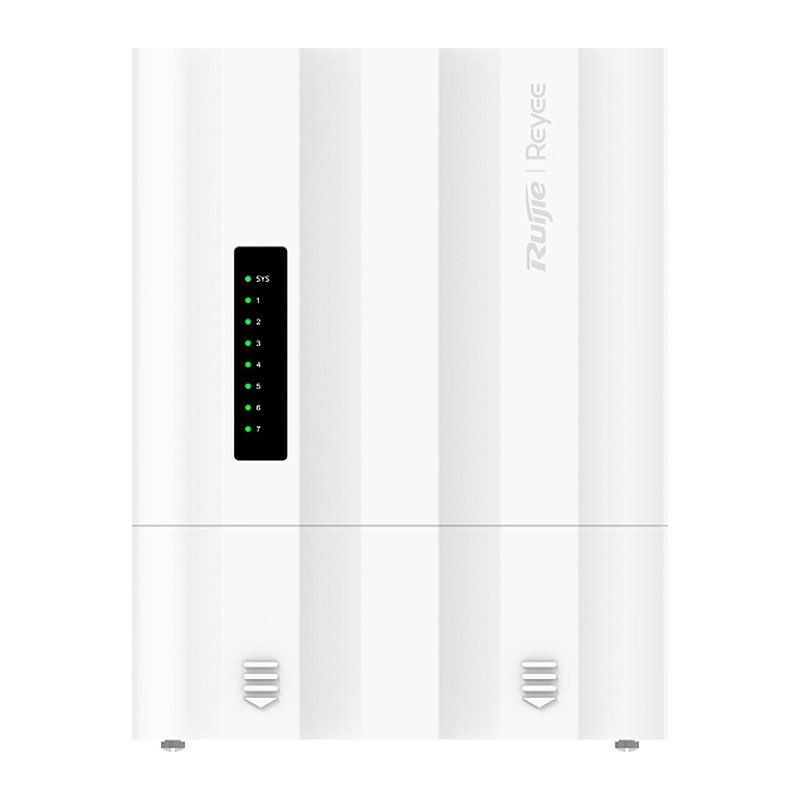
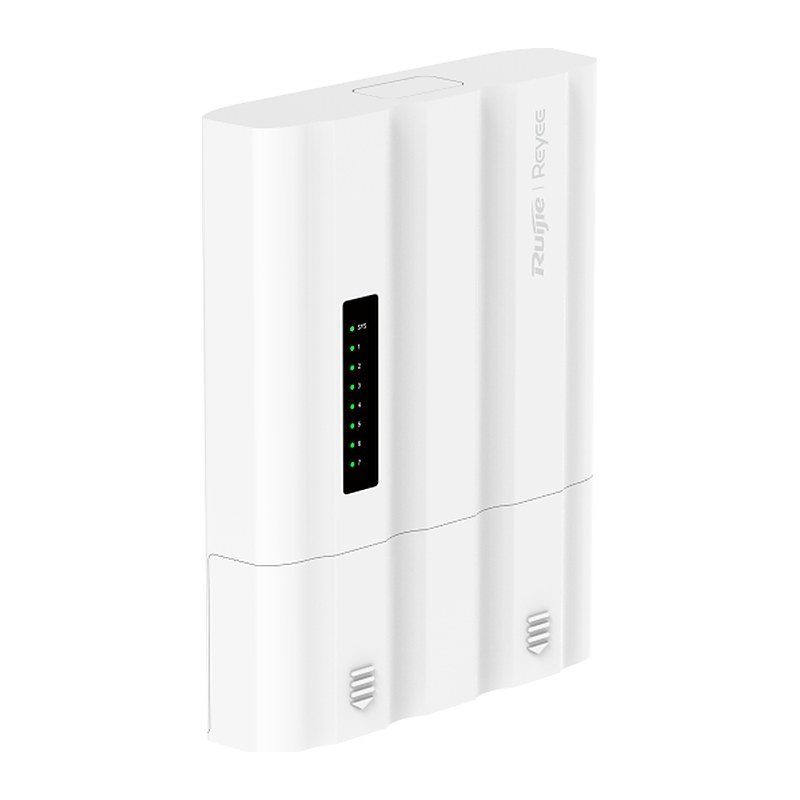
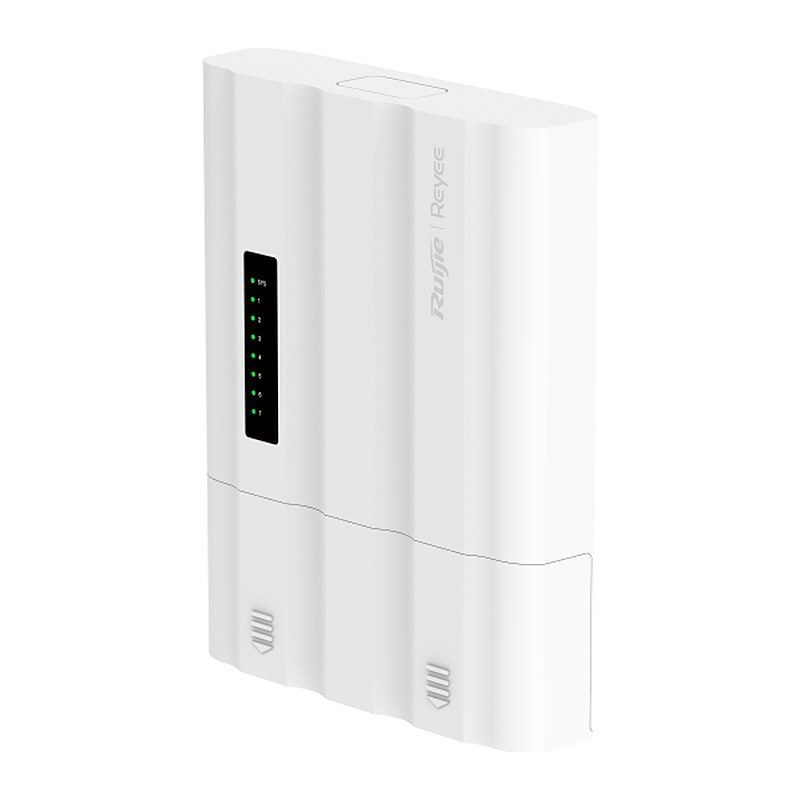
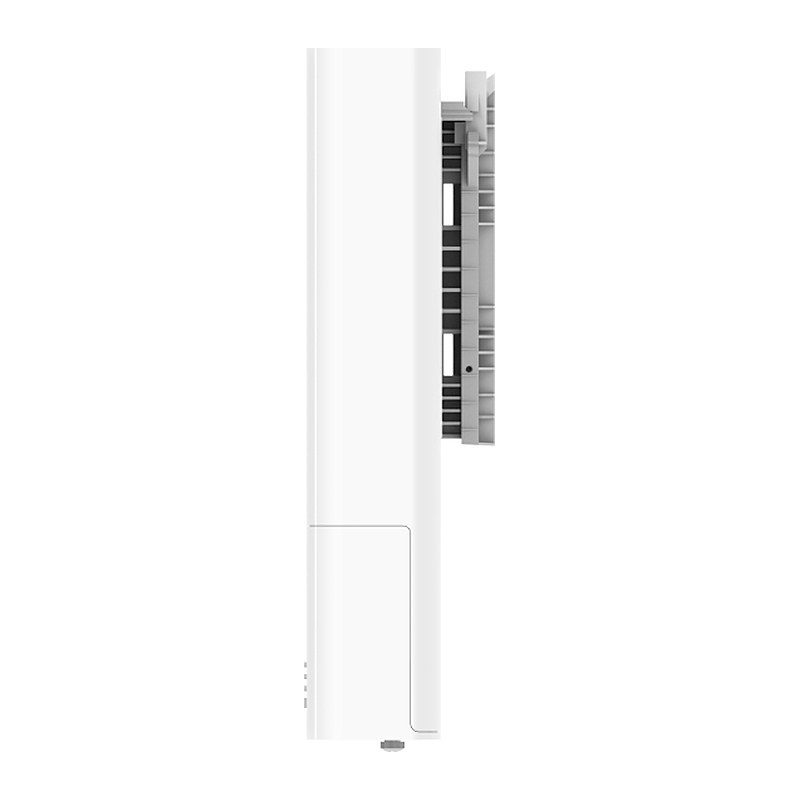
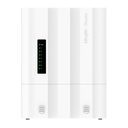
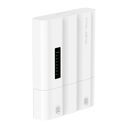
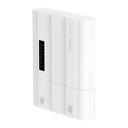
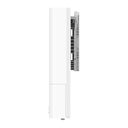
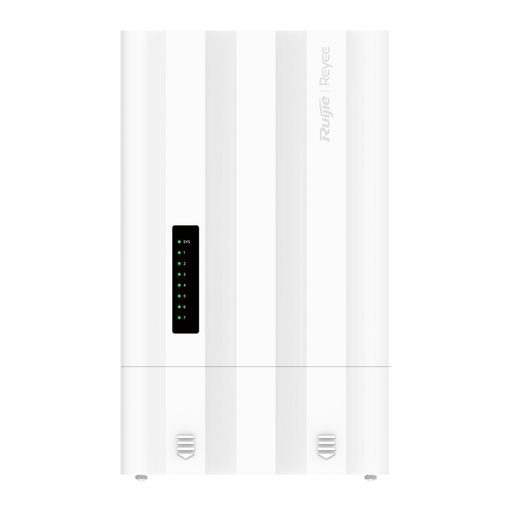
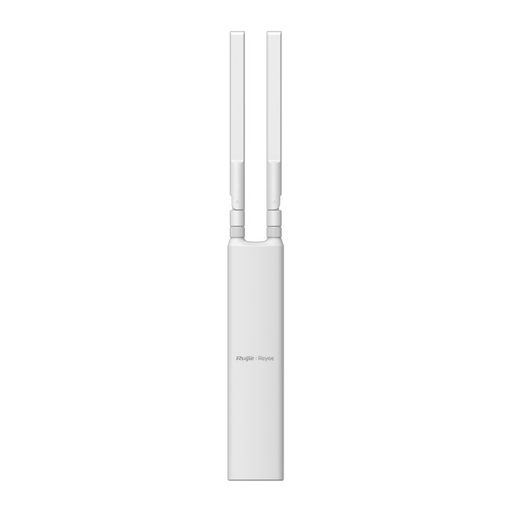
Overview of Reyee RG-ES207GS-PI-OD
The Reyee RG-ES207GS-PI-OD is a 7-port Gigabit cloud-managed outdoor switch that can be powered by PoE from an upstream switch or by a 12 V DC adapter, so no mains outlet is needed at the pole. It offers 4 PoE+ output ports, 1 Gigabit RJ45 port with PoE In (IEEE 802.3af/at/bt) and 2 SFP uplinks supporting ERPS. The available PoE output depends on the input: 60 W with 90 W PoE++ input, 40 W with 60 W PoE++, 19 W with PoE+, 6 W with PoE, and none on DC input. The IP65 all-in-one enclosure, ±8 kV surge protection on PoE ports and –30°C to +65°C operation suit parking lots, perimeters, compounds and construction sites, with lifetime Ruijie Cloud management.
Technical Specifications – Reyee RG-ES207GS-PI-OD
Product Information
| Product Category | Layer 2 |
|---|
| Warranty | 3 years |
|---|
Port Specifications
| Total number of RJ45 ports | 5 |
|---|
| Total number of optical ports | 2 |
|---|
| Number of 1GE SFP ports | 2 |
|---|
| Number of 10/100/1000BASE-T ports | 5 |
|---|
| Reset button | 1 |
|---|
Power Supply and Consumption
| PoE Out standard | PoE/PoE+ (IEEE 802.3af/at) |
|---|
| Number of PoE/PoE+ Out ports | 4 |
|---|
| PoE budget | PoE input (PoE++) at 90 W: 60 W; PoE input (PoE++) at 60 W: 40 W; PoE input (PoE+) at 30 W: 19 W; PoE input (PoE) at 15.4 W: 6 W; DC input: 0 W |
|---|
| PoE power pins | 1–2 (+), 3–6 (-) |
|---|
| Power input | DC input: Rated voltage range: 12 V DC; Rated current range: 0.5 A; PoE In: PoE/PoE+/PoE++ |
|---|
| Maximum power consumption | 6 W (with no PoE load); 66 W (with full PoE load) |
|---|
| Power supply | DC power adapter; PoE/PoE+/PoE++ IN |
|---|
| PoE In standard | IEEE 802.3af (PoE), IEEE 802.3at (PoE+), IEEE 802.3bt (PoE++) |
|---|
| Number of PoE In ports | 1 |
|---|
System Specifications
| Flash memory | 8 MB |
|---|
| Forwarding rate | 10.42 Mpps |
|---|
| Switching capacity | 14 Gbps |
|---|
Dimensions and Weight
| Casing | Plastic |
|---|
| Product dimensions (W x D x H) | 258 mm x 200 mm x 62.8 mm (10.16 in. x 7.87 in. x 2.47 in.) |
|---|
| Weight | 0.95 kg (2.09 lbs) (without packaging materials) |
|---|
| Shipping weight | 1.61 kg (3.55 lbs) |
|---|
Environment and Reliability
| Fan | Fanless design |
|---|
| Cooling | Natural cooling |
|---|
| Mounting options | Wall/Pole |
|---|
| Hot swapping of cables | Hot swapping supported by the service port and power connector |
|---|
| MTBF | 200,000 hours |
|---|
| Operating temperature | –30°C to +65°C (-22°F to 149°F) |
|---|
| Storage temperature | –40°C to +70°C (–40°F to +158°F) |
|---|
| Operating humidity | 10% RH to 90% RH (non-condensing) |
|---|
| Storage humidity | 5% RH to 95% RH (non-condensing) |
|---|
| Altitude | –500 m to +5,000 m (–1,640.42 ft. to +16,404.20 ft.) |
|---|
| ESD protection | Air discharge: 8 kV; Contact discharge: 6 kV |
|---|
| Surge protection | Service port: ±8 kV for common mode (ports 1–4), ±2 kV for common mode (port 5); Power connector: ±2 kV for common mode |
|---|
Certification and Regulatory Compliance
| EMC | EN 55032, EN IEC 61000-3-2, EN 61000-3-3, EN 55035, EN 300 386 |
|---|
| Safety compliance | EN 62368-1, IEC 62368-1 |
|---|
| Certification | CE, CB |
|---|
Basic Configurations
| PoE watchdog | Yes |
|---|
| Uninterruptible power supply upon warm start | Yes |
|---|
| Online upgrade | Yes |
|---|
Ethernet Switching
| Maximum number of VLANs | 32 |
|---|
| Maximum number of MAC address entries | 2000 |
|---|
| Interface flow control | Yes |
|---|
| IEEE 802.1Q VLAN | Yes |
|---|
| Static MAC address | Yes |
|---|
| Static aggregation | Yes |
|---|
| Inbound or outbound rate limiting based on interface traffic | Yes |
|---|
Interface
| Jumbo frame length (MTU) | 9216 bytes |
|---|
| EEE | Yes |
|---|
| Cable test | Yes |
|---|
IP Service
| IPv4 ping | Yes |
|---|
| DNS client | Yes |
|---|
| DHCP client | Yes |
|---|
Reliability
Network Management and Monitoring
| Mirroring | Yes |
|---|
| HTTP login | Yes |
|---|
| HTTPS login | Yes |
|---|
| SON | Yes |
|---|
| Camera detection | Yes |
|---|
| eWeb management | Yes |
|---|
| Ruijie Cloud management | Yes |
|---|
| Ruijie Reyee App management | Yes |
|---|
Security
| Port isolation | Yes |
|---|
| Broadcast storm control | Yes |
|---|
| Multicast storm control | Yes |
|---|
| Unknown unicast storm control | Yes |
|---|
| DHCP snooping | Yes |
|---|
| CPU Protection Policy | Yes |
|---|
System Performance Capacity
| Recommended camera limit | 200W H265: 40; 400W H265: 20 |
|---|
Source: Ruijie Reyee official website and datasheet. Specifications are subject to change by the manufacturer.