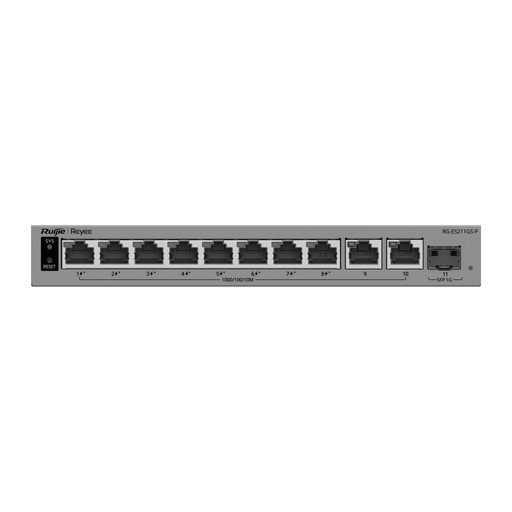
Overview of Reyee RG-ES207GS-HP
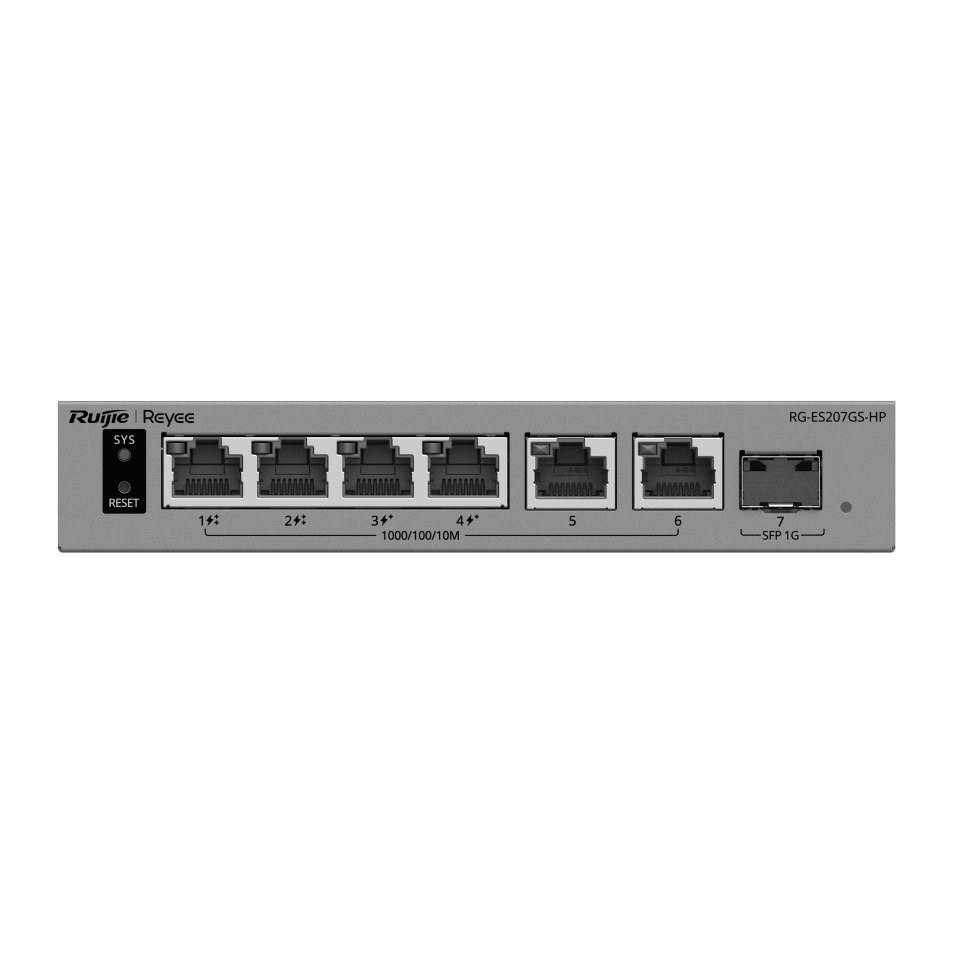
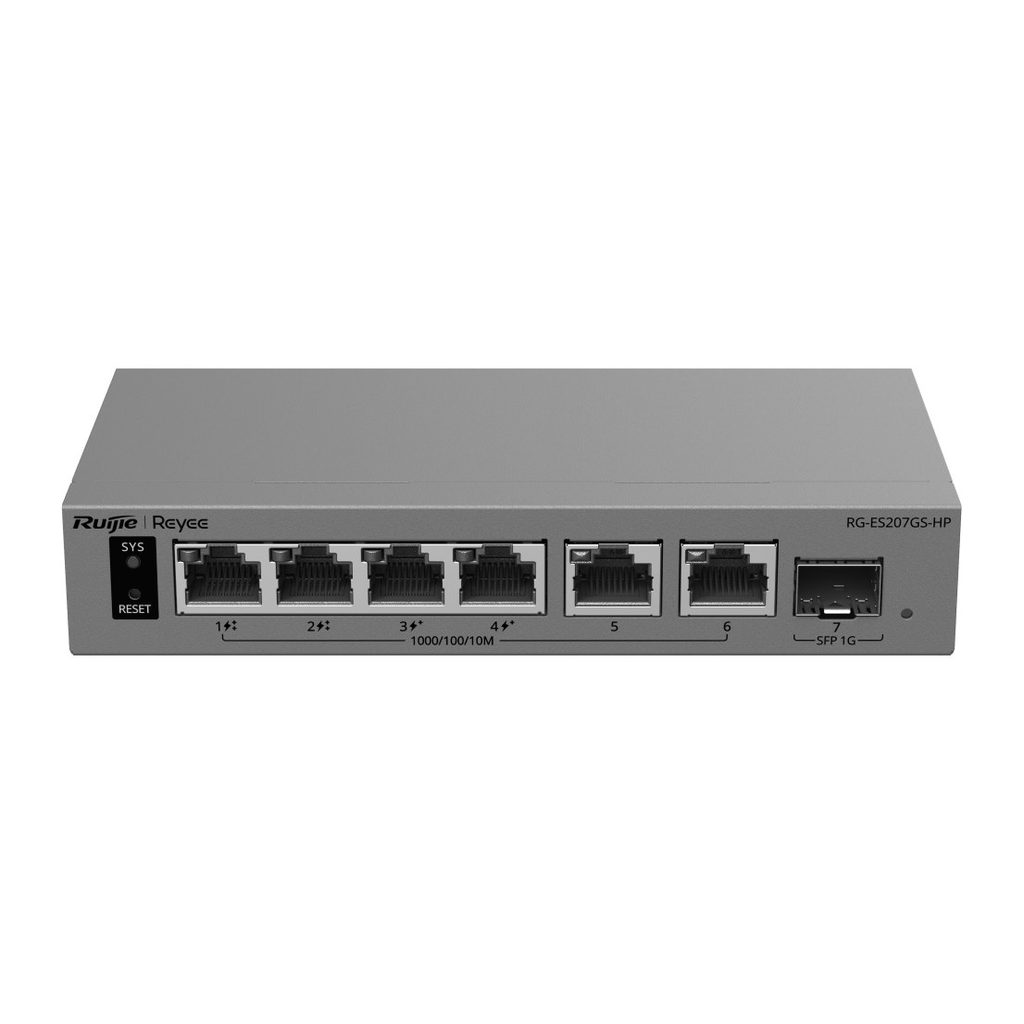
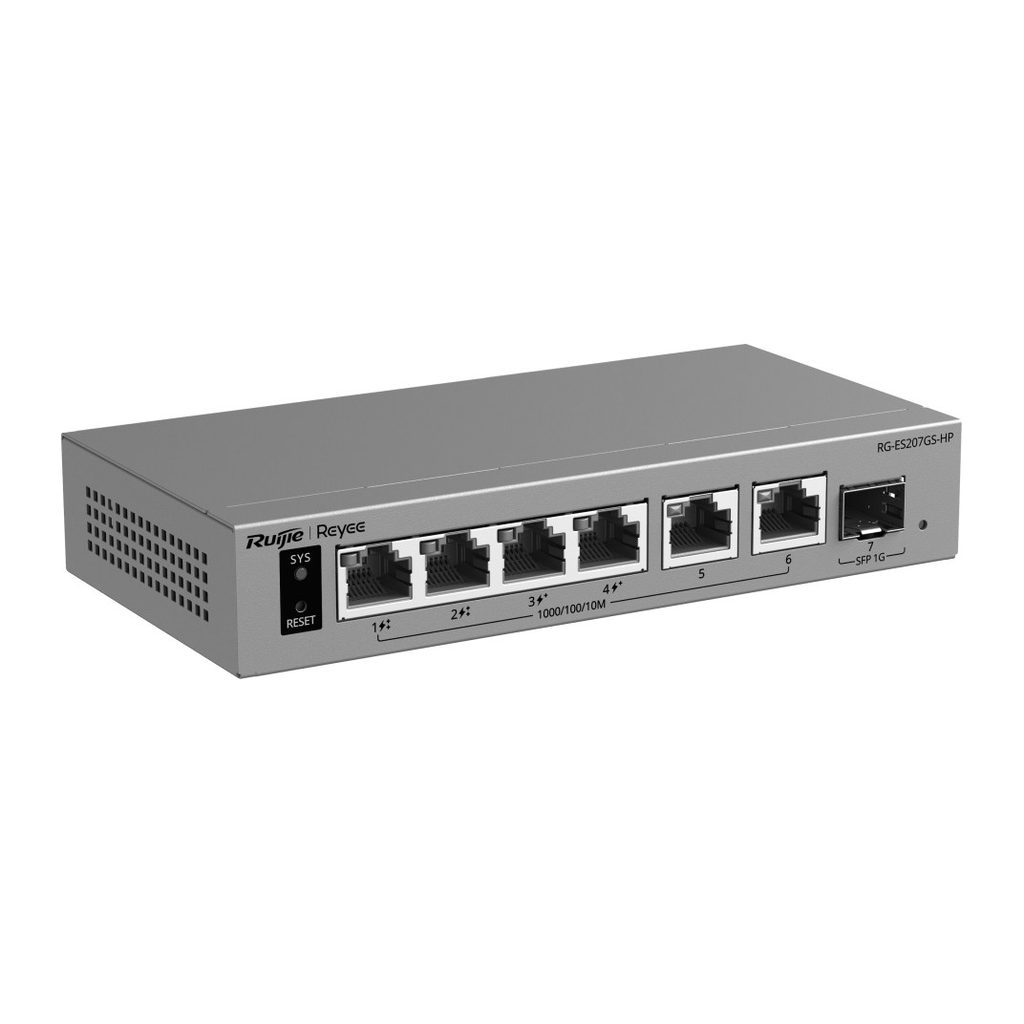
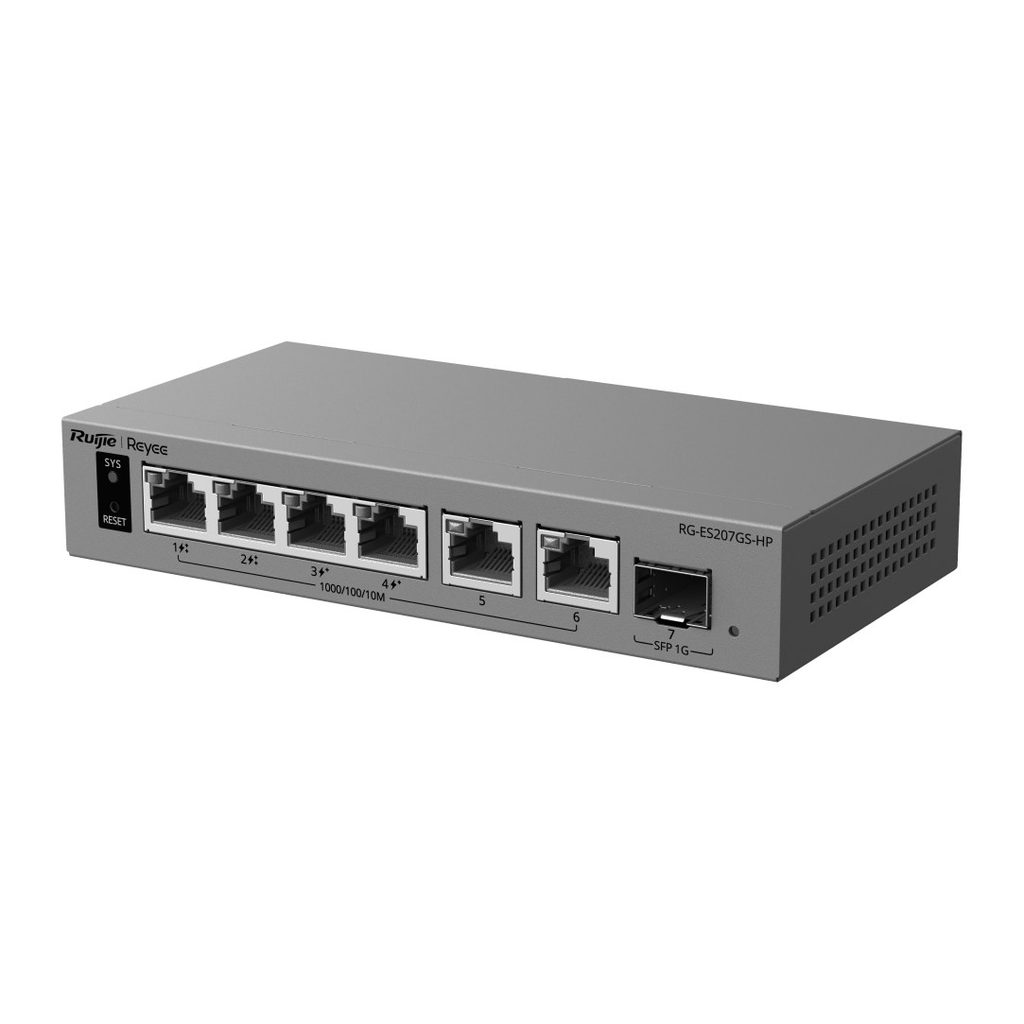
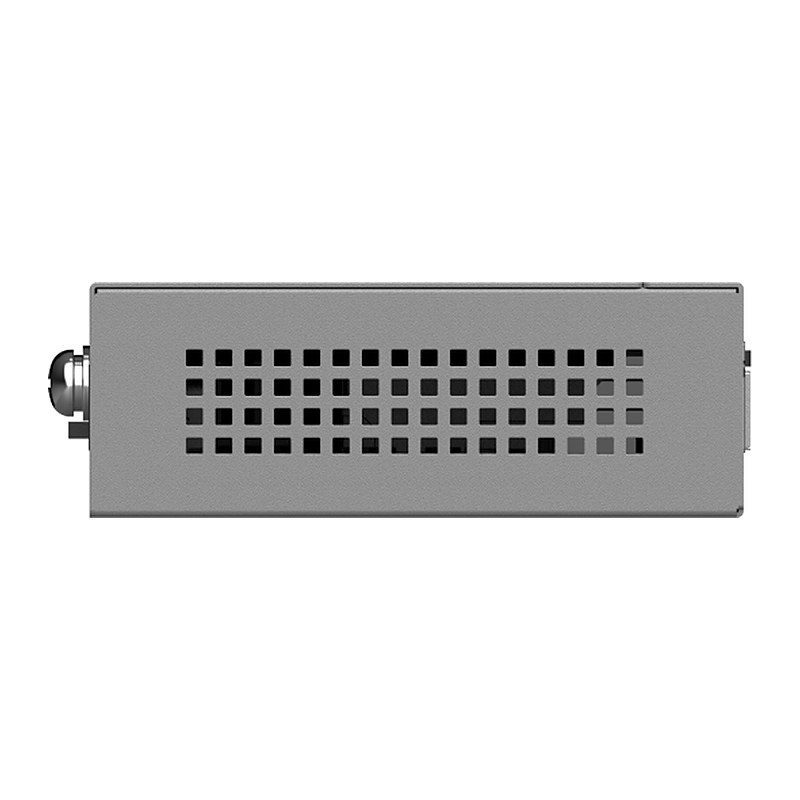
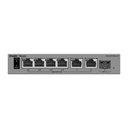
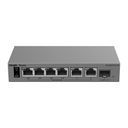
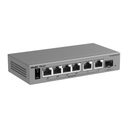
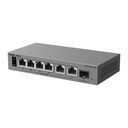
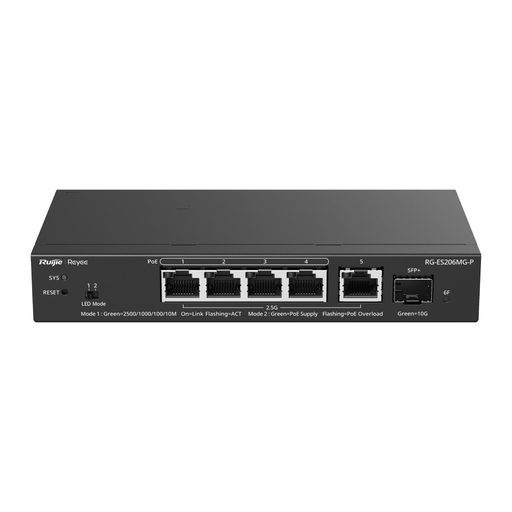
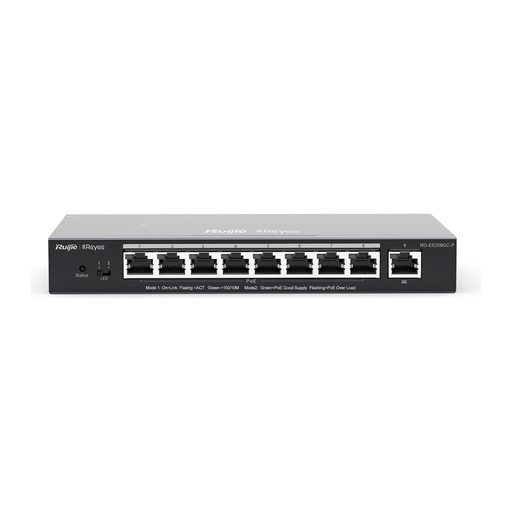
The Reyee RG-ES207GS-HP is a 7-port Gigabit smart cloud-managed switch with PoE++ output, combining 6 Gigabit RJ45 ports and 1 Gigabit SFP uplink. Ports 1-2 deliver IEEE 802.3bt PoE++ and ports 3-4 deliver PoE/PoE+, sharing a 120 W budget, so it can power PTZ cameras, Wi-Fi access points and other high-power devices in villas, shops, clinics and small offices. Perpetual PoE keeps devices powered during warm restarts, PoE watchdog revives frozen devices, and IPC recognition adds value to CCTV networks. It is managed for life on Ruijie Cloud, eWeb or the Ruijie Reyee App, and its fanless metal case mounts on a desk or wall.
Technical Specifications – Reyee RG-ES207GS-HP
Product Information
| Product Category | Layer 2 |
|---|
| Warranty | 3 years |
|---|
Port Specifications
| Total number of RJ45 ports | 6 |
|---|
| Total number of optical ports | 1 |
|---|
| Number of 1GE SFP ports | 1 |
|---|
| Number of 10/100/1000BASE-T ports | 6 |
|---|
| Reset button | 1 |
|---|
| DIP switch | LED mode switch toggled to left (Mode 1): The port LED status indicates the status of traffic transmission. Solid green means that the port is link up, while blinking green means that the port is transmitting and receiving data. LED mode switch toggled to right (Mode 2): The port LED status indicates the PoE status. Solid green means that the port is supplying power, while blinking green means that the port is in power overload state. |
|---|
Power Supply and Consumption
| PoE Out standard | Port 1-2: PoE/PoE+/PoE++ (IEEE 802.3af/at/bt); Port 3-4: PoE/PoE+ (IEEE 802.3af/at) |
|---|
| Number of PoE/PoE+ Out ports | 4 |
|---|
| Number of PoE/PoE+/PoE++ Out ports | 2 |
|---|
| PoE budget | 120 W |
|---|
| PoE power pins | Port 1-2: 1–2 (-), 3–6 (+), 4–5 (+), 7–8 (-); Ports 3-4: 1–2 (+), 3–6 (-) |
|---|
| Power input | DC adapter: Rated input voltage: 100 V AC to 240 V AC, 50 Hz to 60 Hz; Maximum input voltage: 90 V AC to 264 V AC, 47 Hz to 63 Hz; Rated input current: 2 A; Output: Rated output voltage: 54 V DC; Maximum output current: 2.5 A |
|---|
| Maximum power consumption | 5 W (with no PoE load); 125 W (with full PoE load) |
|---|
| Power supply | DC power adapter |
|---|
System Specifications
| Flash memory | 8 MB |
|---|
| Forwarding rate | 10.42 Mpps |
|---|
| Switching capacity | 14 Gbps |
|---|
Dimensions and Weight
| Casing | Metal |
|---|
| Product dimensions (W x D x H) | 155 mm x 78 mm x 28 mm (6.10 in. x 3.07 in. x 1.10 in.) |
|---|
| Weight | 0.29 kg (0.64 lbs) (without packaging materials) |
|---|
| Shipping weight | 1.06 kg (2.34 lbs) |
|---|
Environment and Reliability
| Fan | Fanless design |
|---|
| Cooling | Natural cooling |
|---|
| Mounting options | Wall/Desk |
|---|
| Hot swapping of cables | Hot swapping supported by the service port and power connector |
|---|
| MTBF | 200,000 hours |
|---|
| Operating temperature | 0°C to +40°C (32°F to 104°F) |
|---|
| Storage temperature | –40°C to +70°C (–40°F to +158°F) |
|---|
| Operating humidity | 10% RH to 90% RH (non-condensing) |
|---|
| Storage humidity | 5% RH to 95% RH (non-condensing) |
|---|
| Altitude | –500 m to +5,000 m (–1,640.42 ft. to +16,404.20 ft.) |
|---|
| ESD protection | Air discharge: 8 kV; Contact discharge: 6 kV |
|---|
| Surge protection | Service port: ±6 kV for common mode; Power connector: ±4 kV for common mode and ±2 kV for differential mode |
|---|
Certification and Regulatory Compliance
| EMC | EN 55032, EN IEC 61000-3-2, EN 61000-3-3, EN 55035, EN 300 386 |
|---|
| Safety compliance | EN 62368-1, IEC 62368-1 |
|---|
| Certification | CE, CB |
|---|
Basic Configurations
| PoE watchdog | Yes |
|---|
| Uninterruptible power supply upon warm start | Yes |
|---|
| Online upgrade | Yes |
|---|
Ethernet Switching
| Maximum number of VLANs | 32 |
|---|
| Maximum number of MAC address entries | 2000 |
|---|
| Interface flow control | Yes |
|---|
| IEEE 802.1Q VLAN | Yes |
|---|
| Static MAC address | Yes |
|---|
| Static aggregation | Yes |
|---|
| Inbound or outbound rate limiting based on interface traffic | Yes |
|---|
Interface
| Jumbo frame length (MTU) | 9216 bytes |
|---|
| EEE | Yes |
|---|
| Cable test | Yes |
|---|
IP Service
| IPv4 ping | Yes |
|---|
| DNS client | Yes |
|---|
| DHCP client | Yes |
|---|
Network Management and Monitoring
| Mirroring | Yes |
|---|
| HTTP login | Yes |
|---|
| HTTPS login | Yes |
|---|
| SON | Yes |
|---|
| Camera detection | Yes |
|---|
| eWeb management | Yes |
|---|
| Ruijie Cloud management | Yes |
|---|
| Ruijie Reyee App management | Yes |
|---|
Security
| Port isolation | Yes |
|---|
| Broadcast storm control | Yes |
|---|
| Multicast storm control | Yes |
|---|
| Unknown unicast storm control | Yes |
|---|
| DHCP snooping | Yes |
|---|
| CPU Protection Policy | Yes |
|---|
System Performance Capacity
| Recommended camera limit | 200W H265: 40; 400W H265: 20 |
|---|
Source: Ruijie Reyee official website and datasheet. Specifications are subject to change by the manufacturer.