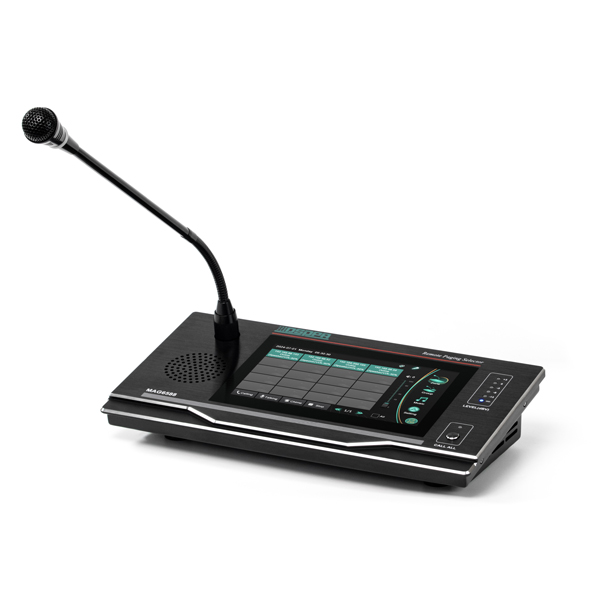
![[MAG6588] DSPPA MAG6588 IP Network Paging Station, 7" Touch Screen & Gooseneck Mic](/web/image/product.image/825/image_1024/%5BMAG6588%5D%20DSPPA%20MAG6588%20IP%20Network%20Paging%20Station%2C%207%22%20Touch%20Screen%20%26%20Gooseneck%20Mic?unique=e4aea37)
![[MAG6588] DSPPA MAG6588 IP Network Paging Station, 7" Touch Screen & Gooseneck Mic](/web/image/product.image/825/image_128/%5BMAG6588%5D%20DSPPA%20MAG6588%20IP%20Network%20Paging%20Station%2C%207%22%20Touch%20Screen%20%26%20Gooseneck%20Mic?unique=e4aea37)
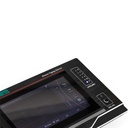
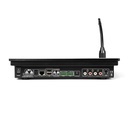
DSPPA MAG6588 IP Network Paging Station, 7" Touch Screen & Gooseneck Mic
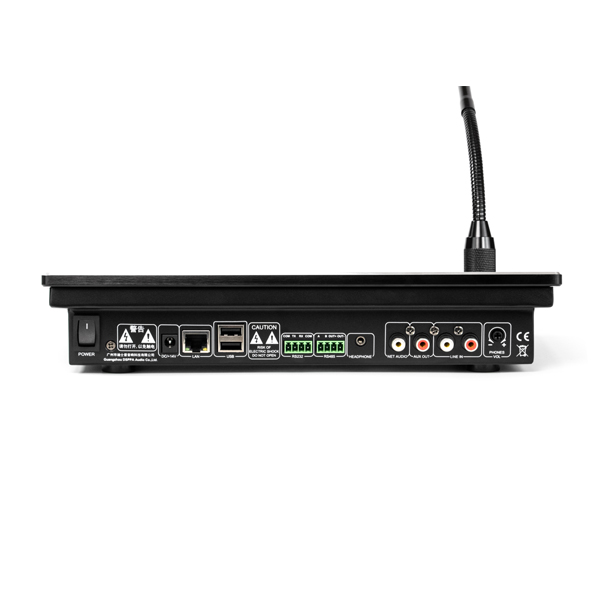
- 100/10Mbps self-adaption TCP/IP network transmission protocol
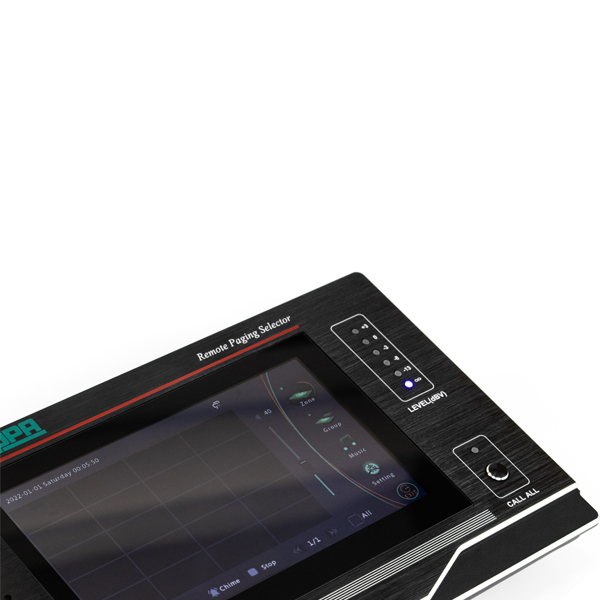
- 7ʺ true color LCD display, graphic interface and touch screen operation
- Desktop type
- High-fidelity condenser goose-neck microphone
- Multiple level indication function
- Quick paging with manual shortcut keys
- Built-in 3W monitoring loudspeaker for easy pre-listening program and intercom use
- With 1-channel line input (extendable external program source and wireless MIC input), 1-channel local line output (support offline local amplifier paging), 1-channel AUX line output (extendable monitoring power)
- Humanity design, more intuitive display
- Built-in high fidelity AGC processing circuit with large dynamic range
- Built-in DSP sound processing circuit with high performance
- Adopt embedded real-time system platform, ARM processor with high performance
- Support group editing of network playback terminals
- Built-in chime
- Support selection between paging and intercom functions for network playback terminals
- Support paging and intercom function between intelligent paging stations
- Support playback of songs in program list of network host
- With recording function to record and play recordings of paging
- With user password and access management
- With automatic power-off function for MIC, support power-off delay of paging for speakers
- Manual open and close MIC power supply
- With intelligent screensaver function, can set delay time for screen saver
- Can set network transmission communication mode
- Support USB disk song pushing function
Price
2,883.35
2,883.35
3,604.19
(Tax excluded)
- Delivery within 2–5 business days across Saudi Arabia
- Warranty according to the manufacturer
- Tax invoice with every order
- Technical support before and after purchase
Not sure this model fits your setup? Read the buying guide