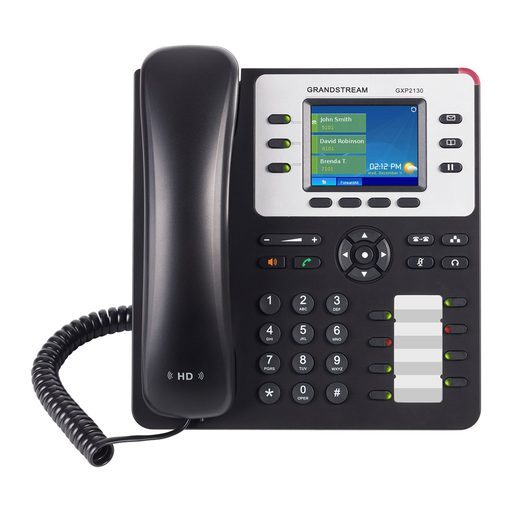
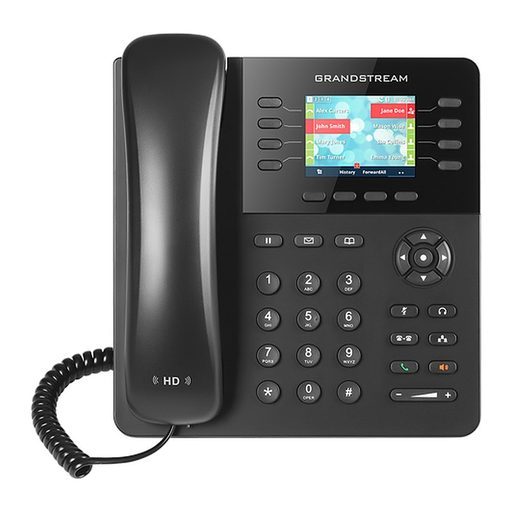
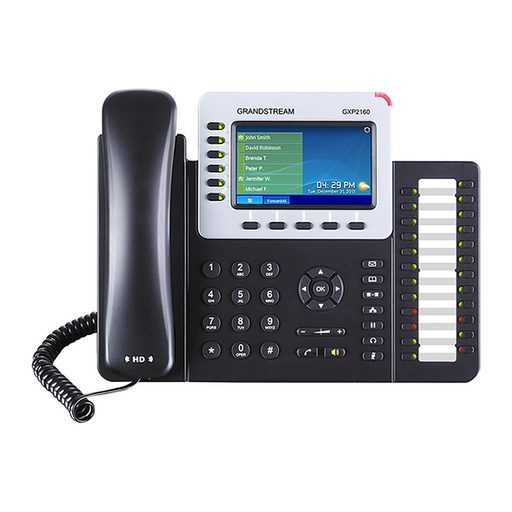
Overview of Grandstream GXP2140
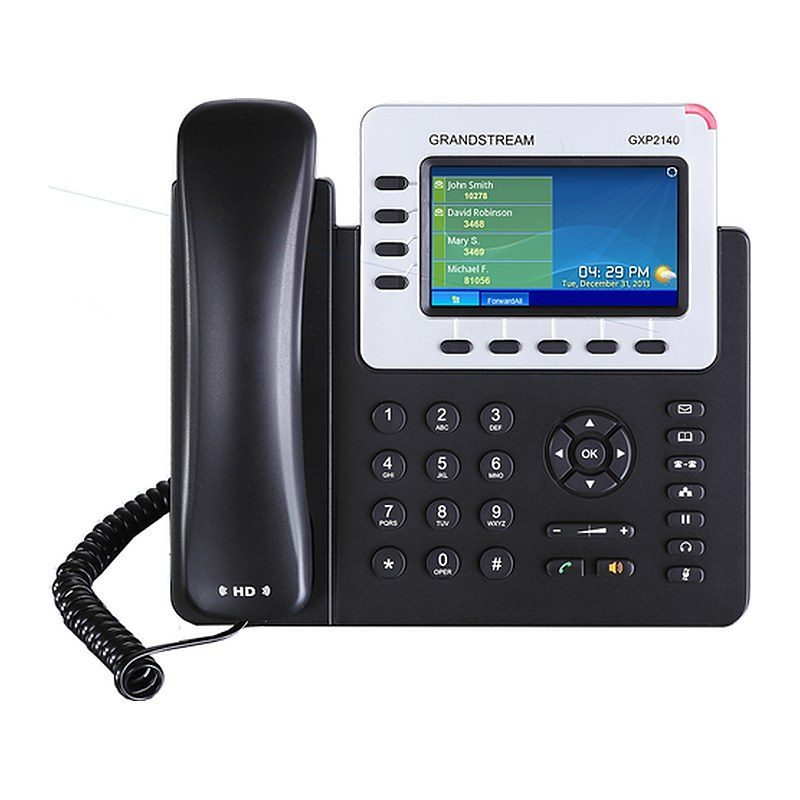
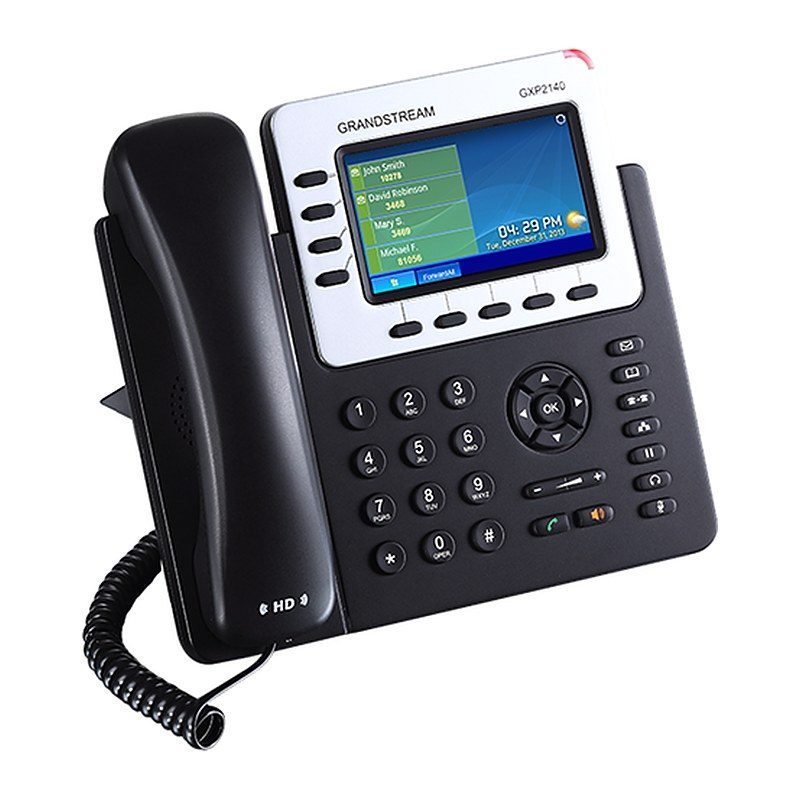
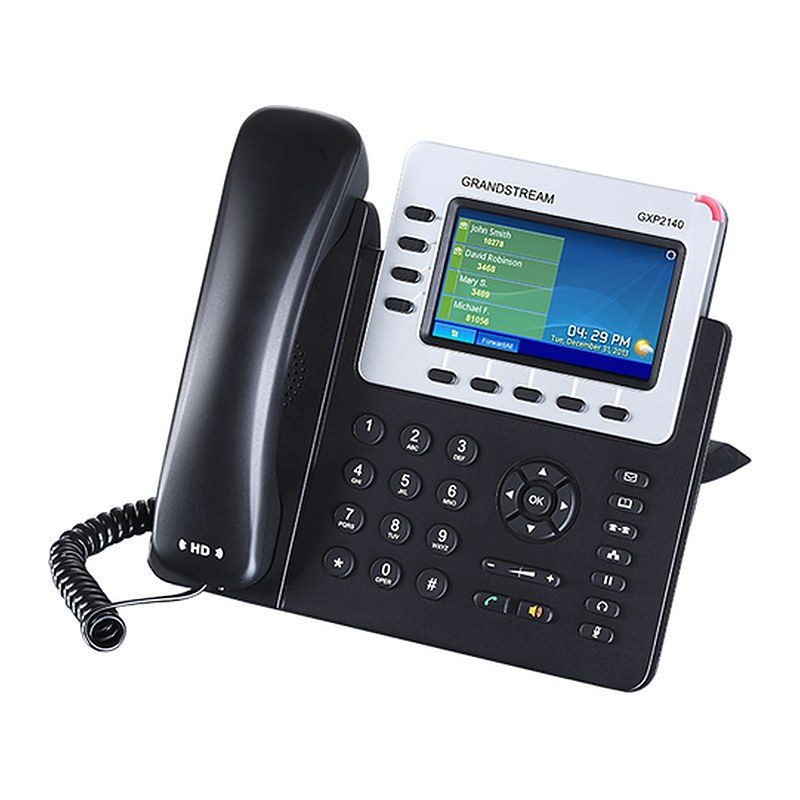
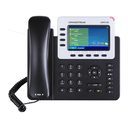
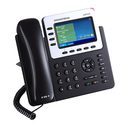
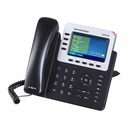
The Grandstream GXP2140 is a versatile, Linux-based enterprise IP phone that balances call control, sleek design and an enjoyable user experience for medium to high call volumes. It offers 4 lines/SIP accounts, 5 XML programmable soft keys, 5-way conferencing and a vibrant 4.3 inch (480x272) color LCD with HD audio. Bluetooth, USB and EHS add flexibility, dual Gigabit ports provide integrated PoE, and up to four GXP2200EXT modules can add 160 speed-dial/BLF contacts. Pre-loaded weather and currency apps, SRTP/TLS security and zero-config provisioning with Grandstream UCM IP PBXs make it a strong fit for managers and front desks in offices, hotels and clinics.
Technical Specifications – Grandstream GXP2140
Network
| Protocols/Standards | SIP RFC3261, TCP/IP/UDP, RTP/RTCP, HTTP/HTTPS, ARP, ICMP, DNS (A record, SRV, NAPTR), DHCP, PPPoE, SSH, TELNET, TFTP, NTP, STUN, SIMPLE, LLDP, LDAP, TR-069, 802.1x, TLS, SRTP, IPv6, CDP/SNMP/RTCP-XR |
|---|
| Network Interfaces | Dual switched auto-sensing 10/100/1000 Mbps Gigabit Ethernet ports with integrated PoE |
|---|
Display & Keys
| Graphic Display | 4.3 inch (480x272) TFT color LCD |
|---|
Network
| Bluetooth | Yes, Bluetooth V2.1 |
|---|
Display & Keys
| Lines / SIP Accounts | 4 lines, 4 SIP accounts |
|---|
| Feature Keys | 4 line keys with up to 4 SIP accounts, 5 programmable context sensitive softkeys, 5 navigation/menu keys, 11 dedicated function keys for: MESSAGE (with LED indicator), PHONEBOOK, TRANSFER, CONFERENCE, HOLD, HEADSET, MUTE, SEND/REDIAL, SPEAKERPHONE, VOL+, VOL- |
|---|
Audio
| Voice Codecs | Support for G.729A/B, G.711µ/a-law, G.726, G.722 (wide-band), G723.1, iLBC, Opus, in-band and out-of-band DTMF (in audio, RFC2833, SIP INFO), VAD, CNG, AEC, PLC, AJB, AGC |
|---|
| Auxiliary Ports | RJ9 headset jack (allowing EHS with Plantronics headsets), USB, extension module port |
|---|
Telephony Features
| Telephony Features | Hold, transfer, forward, 5-way conference, call park, call pickup, shared-call-appearance (SCA)/bridged-line-appearance (BLA), downloadable phonebook (XML, LDAP, up to 2000 items), call waiting, call log (up to 500 records), customization of screen, off-hook auto dial, auto answer, click-to-dial, flexible dial plan, hot desking, personalized music ringtones and music on hold, server redundancy and fail-over |
|---|
| Sample Applications | Weather, currency, news, XML |
|---|
Audio
| HD Audio | Yes, both on handset and speakerphone |
|---|
Display & Keys
| Extension Module | Yes, can power up to 4 GXP2200EXT modules which feature a 128x384 graphic LCD, 20 quick-dial/BLF keys with dual-color LED, 2 navigation keys, and less than 1.2W power consumption per unit |
|---|
Network
| QoS | Layer 2 (802.1Q, 802.1p) and Layer 3 (ToS, DiffServ, MPLS) QoS |
|---|
Security & Management
| Security | User and administrator level passwords, MD5 and MD5-sess based authentication, AES based secure configuration file, SRTP, TLS, 802.1x media access control |
|---|
| Multi-language | English, German, Italian, French, Spanish, Portuguese, Russian, Croatian, simplified and traditional Chinese, Korean, Japanese and more |
|---|
| Upgrade/Provisioning | Firmware upgrade via TFTP/HTTP/HTTPS, mass provisioning using TR-069 or encrypted XML configuration file, FTP/FTPS |
|---|
Power
| Power Adapter | Universal power adapter included: Input 100-240V; Output +12V, 1.0A |
|---|
| PoE | Integrated Power-over-Ethernet (802.3af) |
|---|
| Max Power Consumption | 6W (without GXP2200EXT), 10W (with 4 cascaded GXP2200EXTs) |
|---|
Physical
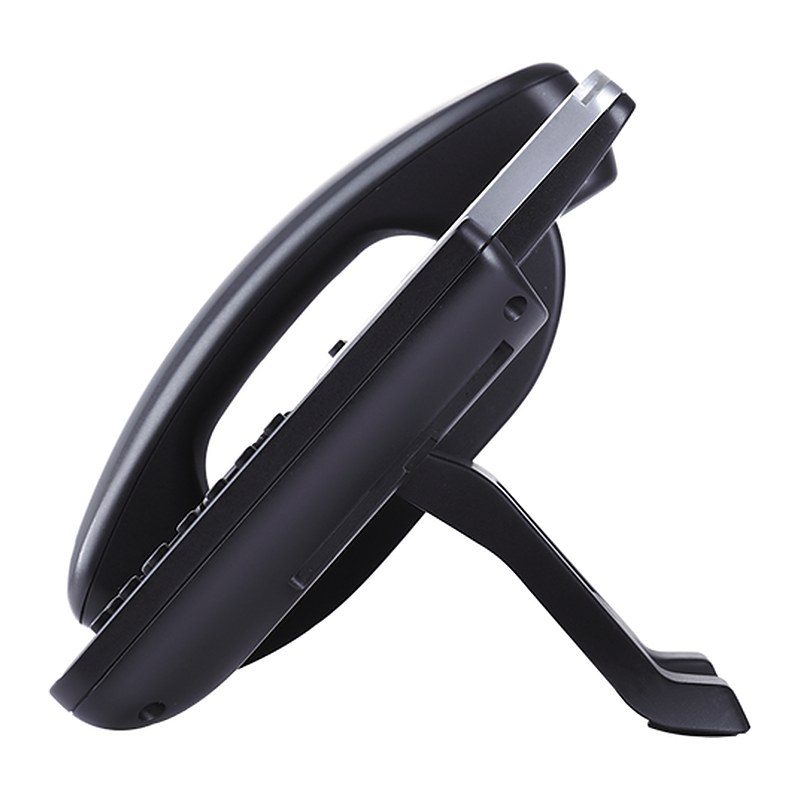
| Dimensions | 228mm (W) x 206mm (L) x 46.5mm (H) |
|---|
| Unit Weight | 0.98kg |
|---|
| Package Weight | 1.55kg |
|---|
Environment
| Temperature and Humidity | 0 ~ 40ºC (32 ~ 104ºF), 10 ~ 90% (non-condensing) |
|---|
Physical
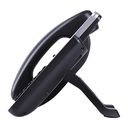
| Package Content | GXP2140 phone, handset with cord, base stand, universal power supply, network cable, Quick Start Guide |
|---|
Compliance
| Compliance | FCC Part 15 (CFR 47) Class B; EN55022 Class B, EN55024, EN61000-3-2, EN61000-3-3, EN 60950-1, EN62479; AS/NZS CISPR 22 Class B, AS/NZS CISPR 24, RoHS; UL 60950 (power adapter) |
|---|
Source: Grandstream official website and datasheet. Specifications are subject to change by the manufacturer.