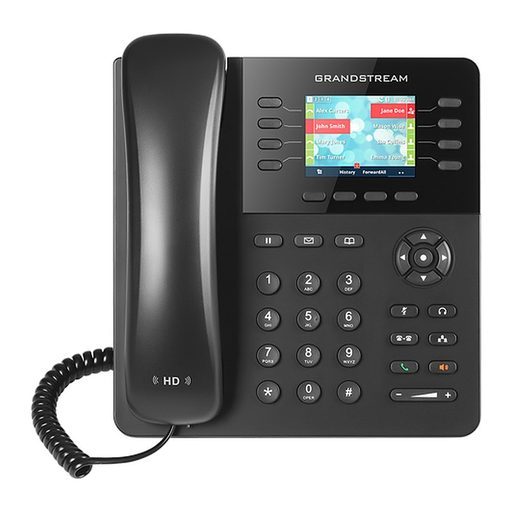
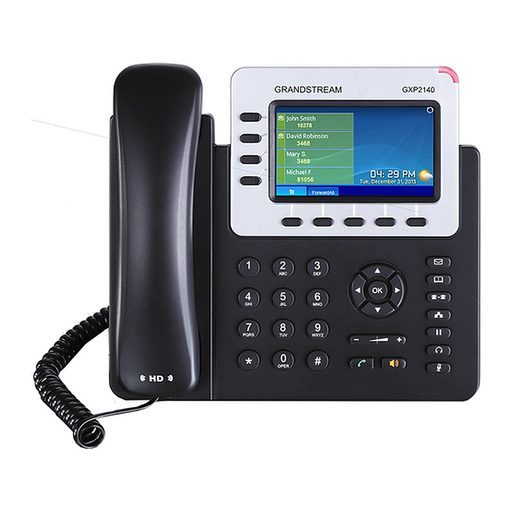
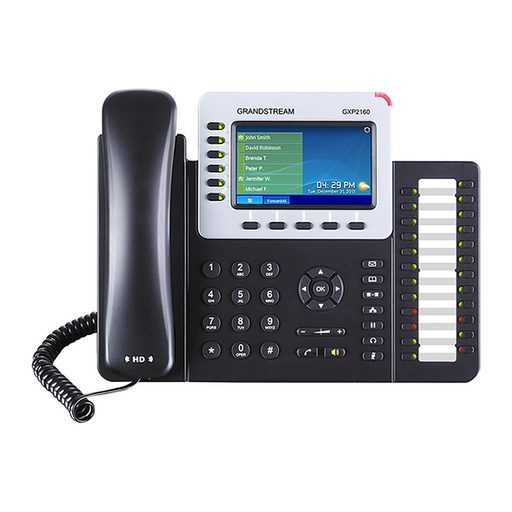
Overview of Grandstream GXP2130
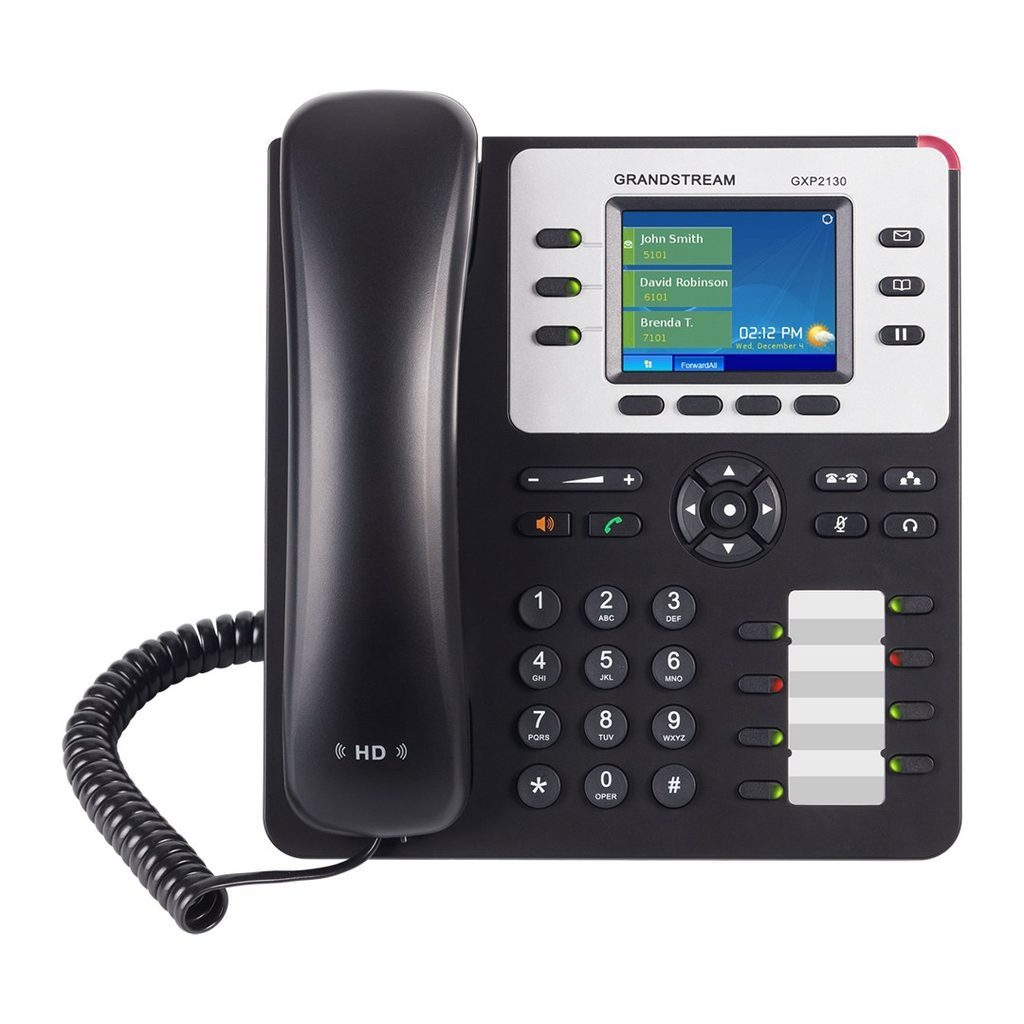
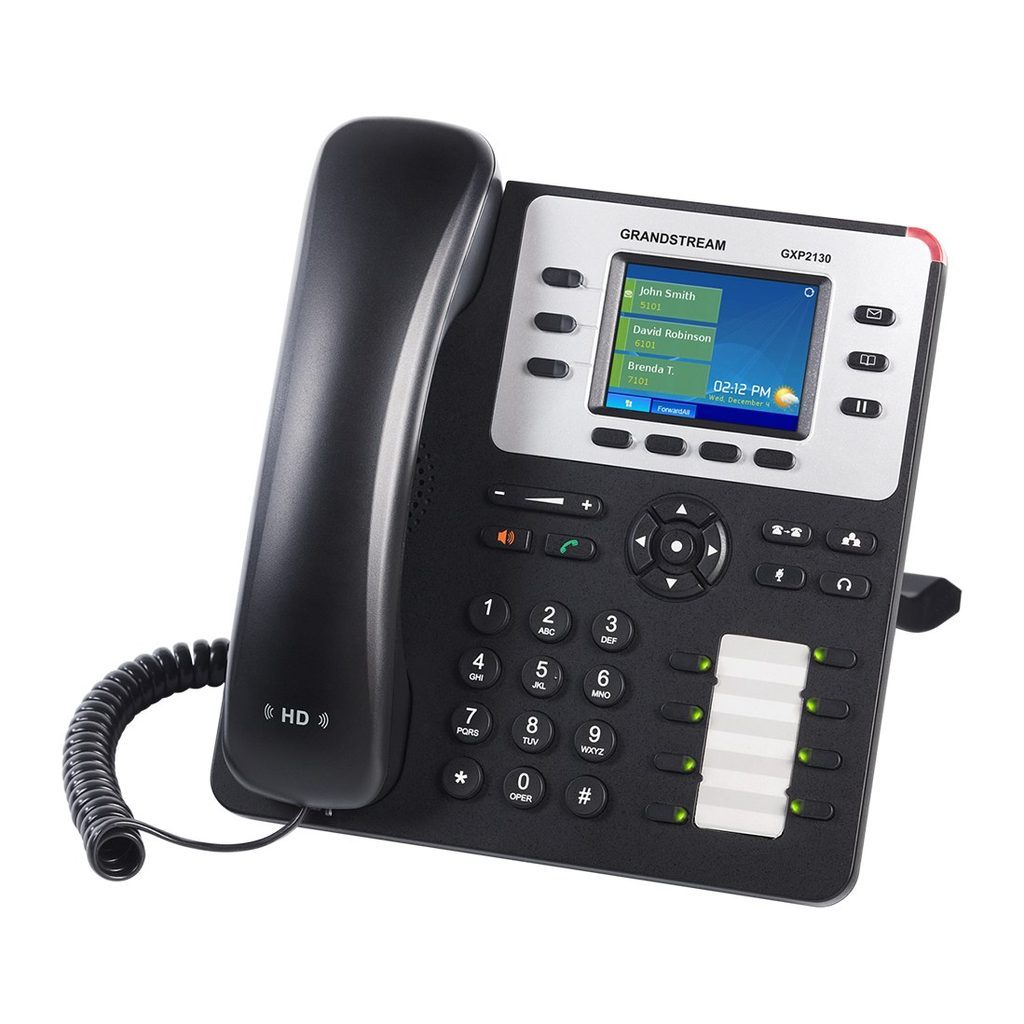
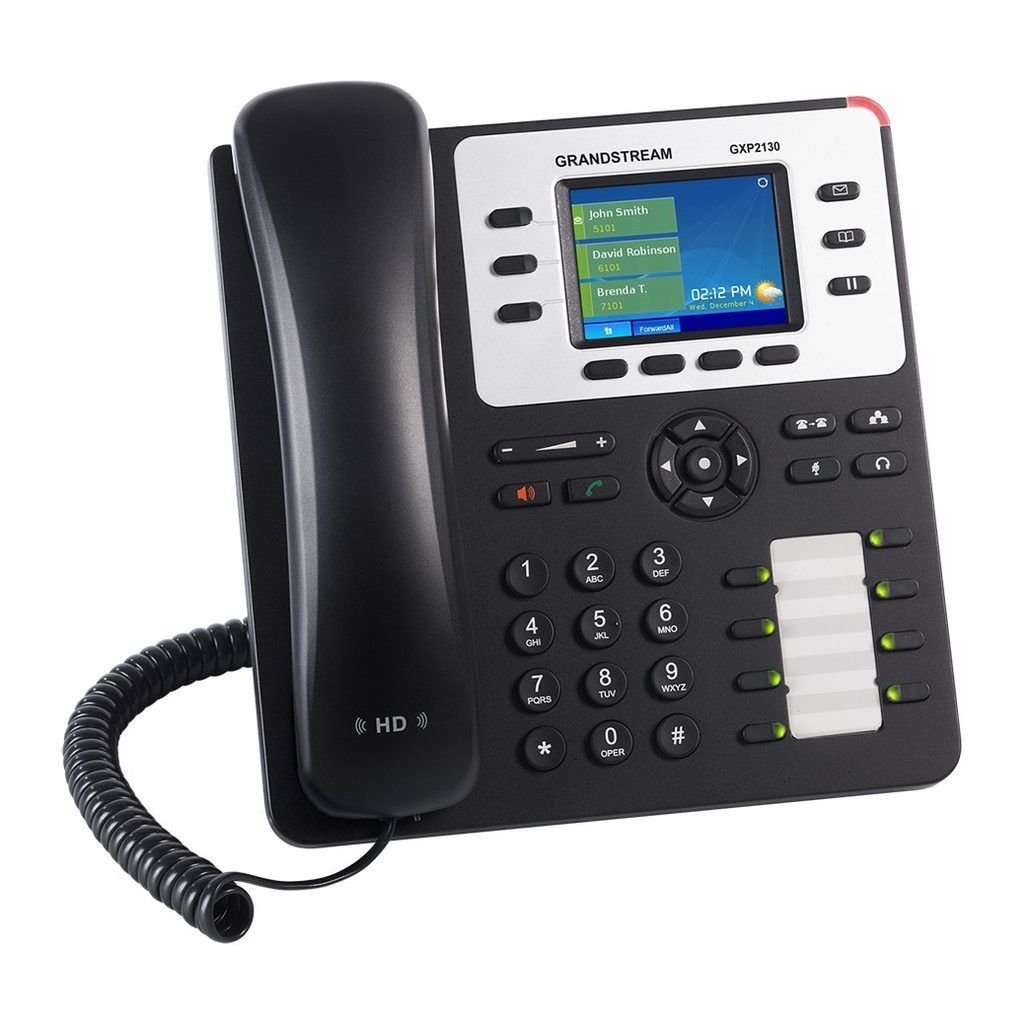
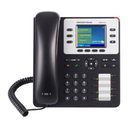
The Grandstream GXP2130 (v2 hardware) is a standard-but-powerful enterprise IP phone that gives users flexible call control for medium to high call volumes. It features 3 lines/SIP accounts, 8 programmable dual-color BLF/speed-dial keys, 4 XML programmable soft keys, a 2.8 inch color LCD and 4-way voice conferencing. Integrated Bluetooth, HD audio, EHS support for Plantronics headsets and dual Gigabit ports with PoE add flexibility, while SRTP/TLS encryption and zero-config provisioning with Grandstream UCM IP PBXs ease mass deployment. It is ideal for SMBs, enterprises and home offices, from front desks to clinics and showrooms.
Technical Specifications – Grandstream GXP2130
Network
| Protocols/Standards | SIP RFC3261, TCP/IP/UDP, RTP/RTCP, HTTP/HTTPS, ARP, ICMP, DNS (A record, SRV, NAPTR), DHCP, PPPoE, SSH, TELNET, TFTP, NTP, STUN, SIMPLE, LLDP, LDAP, TR-069, 802.1x, TLS, SRTP, IPv6, CDP/SNMP/RTCP-XR |
|---|
| Network Interfaces | Dual switched auto-sensing 10/100/1000 Mbps Gigabit Ethernet ports with integrated PoE |
|---|
Display & Keys
| Graphic Display | 2.8 inch (320x240) TFT color LCD |
|---|
Network
| Bluetooth | Yes, Bluetooth V2.1 |
|---|
Display & Keys
| Lines / SIP Accounts | 3 lines, 3 SIP accounts |
|---|
| Feature Keys | 3 line keys with up to 3 SIP accounts, 8 speed-dial/BLF extension keys with dual-color LED, 4 programmable context sensitive softkeys, 5 navigation/menu keys, 11 dedicated function keys for: MESSAGE (with LED indicator), PHONEBOOK, TRANSFER, CONFERENCE, HOLD, HEADSET, MUTE, SEND/REDIAL, SPEAKERPHONE, VOL+, VOL- |
|---|
Audio
| Voice Codecs | Support for G.729A/B, G.711µ/a-law, G.726, G.722 (wide-band), G723.1, iLBC, Opus, in-band and out-of-band DTMF (in audio, RFC2833, SIP INFO), VAD, CNG, AEC, PLC, AJB, AGC |
|---|
| Auxiliary Ports | RJ9 headset jack (allowing EHS with Plantronics headsets) |
|---|
Telephony Features
| Telephony Features | Hold, transfer, forward, 4-way conference, call park, call pickup, shared-call-appearance (SCA)/bridged-line-appearance (BLA), downloadable phonebook (XML, LDAP, up to 2000 items), call waiting, call log (up to 500 records), customization of screen, off-hook auto dial, auto answer, click-to-dial, flexible dial plan, hot desking, personalized music ringtones and music on hold, server redundancy and fail-over |
|---|
| Sample Applications | Weather, XML |
|---|
Audio
| HD Audio | Yes, both on handset and speakerphone |
|---|
Network
| QoS | Layer 2 (802.1Q, 802.1p) and Layer 3 (ToS, DiffServ, MPLS) QoS |
|---|
Security & Management
| Security | User and administrator level passwords, MD5 and MD5-sess based authentication, AES based secure configuration file, SRTP, TLS, 802.1x media access control |
|---|
| Multi-language | English, German, Italian, French, Spanish, Portuguese, Russian, Croatian, simplified and traditional Chinese, Korean, Japanese and more |
|---|
| Upgrade/Provisioning | Firmware upgrade via TFTP/HTTP/HTTPS, mass provisioning using TR-069 or encrypted XML configuration file, FTP/FTPS |
|---|
Power
| Power Adapter | Universal power adapter included: Input 100-240VAC; Output +12VDC, 0.5A (6W) |
|---|
| PoE | Integrated PoE (Power-over-Ethernet) 802.3af, Class 2 |
|---|
Physical
| Dimensions | 193mm (W) x 211mm (L) x 85mm (H) |
|---|
| Unit Weight | 0.81kg |
|---|
| Package Weight | 1.44kg |
|---|
Environment
| Temperature and Humidity | 0 ~ 40ºC (32 ~ 104ºF), 10 ~ 90% (non-condensing) |
|---|
Physical
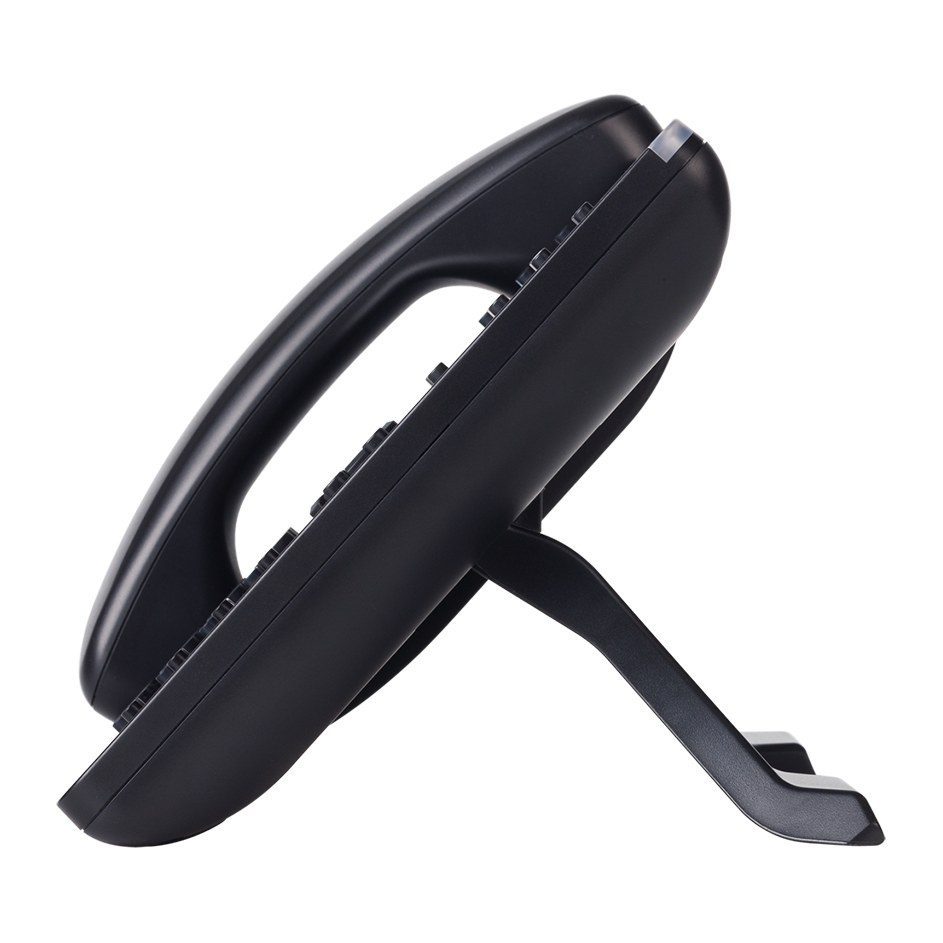
| Package Content | GXP2130 phone, handset with cord, base stand, universal power supply, network cable, Quick Start Guide |
|---|
Compliance
| Compliance | FCC Part 15 Class B, EN55022 Class B, EN61000-3-2, EN61000-3-3, EN55024, EN60950-1, EN62479 |
|---|
| RCM | AS/ACIF S004; AS/NZS CISPR22/24; AS/NZS 60950 |
|---|
Source: Grandstream official website and datasheet. Specifications are subject to change by the manufacturer.