| Wi-Fi Standards | IEEE 802.11 a/b/g/n/ac/ax/be |
|---|
| Antennas | 7 single-frequency antennas; 2.4 GHz: 2 × 3.5 dBi; 5 GHz: 2 × 5.5 dBi; 6 GHz: 2 × 5.5 dBi; BT: 1 × 3.5 dBi |
|---|
| Wi-Fi Data Rates | 2.4 GHz: IEEE 802.11be: Up to 688 Mbps; IEEE 802.11ax: 7.3 Mbps to 574 Mbps; IEEE 802.11n: 6.5 Mbps to 300 Mbps; IEEE 802.11b: 1, 2, 5.5, 11 Mbps; IEEE 802.11g: 6, 9, 12, 18, 24, 36, 48, 54 Mbps. 5 GHz: IEEE 802.11be: Up to 4,320 Mbps; IEEE 802.11ax: 7.3 Mbps to 2,402 Mbps; IEEE 802.11ac: 6.5 Mbps to 1,732 Mbps; IEEE 802.11n: 6.5 Mbps to 600 Mbps; IEEE 802.11a: 6, 9, 12, 18, 24, 36, 48, 54 Mbps. 6 GHz: IEEE 802.11be: Up to 5,765 Mbps; IEEE 802.11ax: 8 Mbps to 4,802 Mbps |
|---|
| Frequency Bands | 2.4 GHz Radio: 2,400–2,483.5 MHz; 5 GHz Radio: 5,150–5,850 MHz; 6 GHz Radio: 5,945–7,125 MHz |
|---|
| Channel Bandwidth | 2.4 GHz: 20 and 40 MHz; 5 GHz: 20, 40, 80, 160 and 240 MHz; 6 GHz: 20, 40, 80, 160 and 320 MHz |
|---|
| Wi-Fi and System Security | WEP, WPA/WPA2-PSK, WPA/WPA2 Enterprise (TKIP/AES), WPA3, anti-hacking secure boot and critical data/control lockdown via digital signatures, unique security certificate and random default password per device |
|---|
| MIMO | 2x2:2 2.4 GHz; 2x2:2 5 GHz; 2x2:2 6 GHz |
|---|
| Coverage Range | Up to 175 m (can vary based on environment) |
|---|
| Maximum TX Power | 2.4 GHz: 26 dBm; 5 GHz: 25 dBm; 6 GHz: 24 dBm |
|---|
| Receiver Sensitivity | 2.4 GHz: 802.11b: -96 dBm @1 Mbps, -88 dBm @11 Mbps; 802.11g: -93 dBm @6 Mbps, -75 dBm @54 Mbps; 802.11n 20 MHz: -73 dBm @MCS7; 802.11n 40 MHz: -70 dBm @MCS7; 802.11ax 20 MHz: -65 dBm @MCS11; 802.11ax 40 MHz: -62 dBm @MCS11; 802.11be 20 MHz: -65 dBm @MCS13; 802.11be 40 MHz: -62 dBm @MCS13. 5 GHz: 802.11a: -92 dBm @6 Mbps, -74 dBm @54 Mbps; 802.11n 20 MHz: -73 dBm @MCS7; 802.11n 40 MHz: -70 dBm @MCS7; 802.11ac 20 MHz: -70 dBm @MCS8; 802.11ac 40 MHz: -65 dBm @MCS9; 802.11ac 80 MHz: -62 dBm @MCS9; 802.11ac 160 MHz: -59 dBm @MCS9; 802.11ax 20 MHz: -64 dBm @MCS11; 802.11ax 40 MHz: -61 dBm @MCS11; 802.11ax 80 MHz: -59 dBm @MCS11; 802.11ax 160 MHz: -55 dBm @MCS11; 802.11be 20 MHz: -59 dBm @MCS13; 802.11be 40 MHz: -56 dBm @MCS13; 802.11be 80 MHz: -54 dBm @MCS13; 802.11be 160 MHz: -52 dBm @MCS13. 6 GHz: 802.11ax 20 MHz: -62 dBm @MCS11; 802.11ax 40 MHz: -59 dBm @MCS11; 802.11ax 80 MHz: -57 dBm @MCS11; 802.11ax 160 MHz: -53 dBm @MCS11; 802.11ax 320 MHz: -51 dBm @MCS11; 802.11be 20 MHz: -57 dBm @MCS13; 802.11be 40 MHz: -54 dBm @MCS13; 802.11be 80 MHz: -52 dBm @MCS13; 802.11be 160 MHz: -50 dBm @MCS13; 802.11be 320 MHz: -47 dBm @MCS13 |
|---|
| SSIDs | 48 SSIDs total, 16 per radio (2.4 GHz, 5 GHz, and 6 GHz) |
|---|
| Concurrent Clients | 384 |
|---|
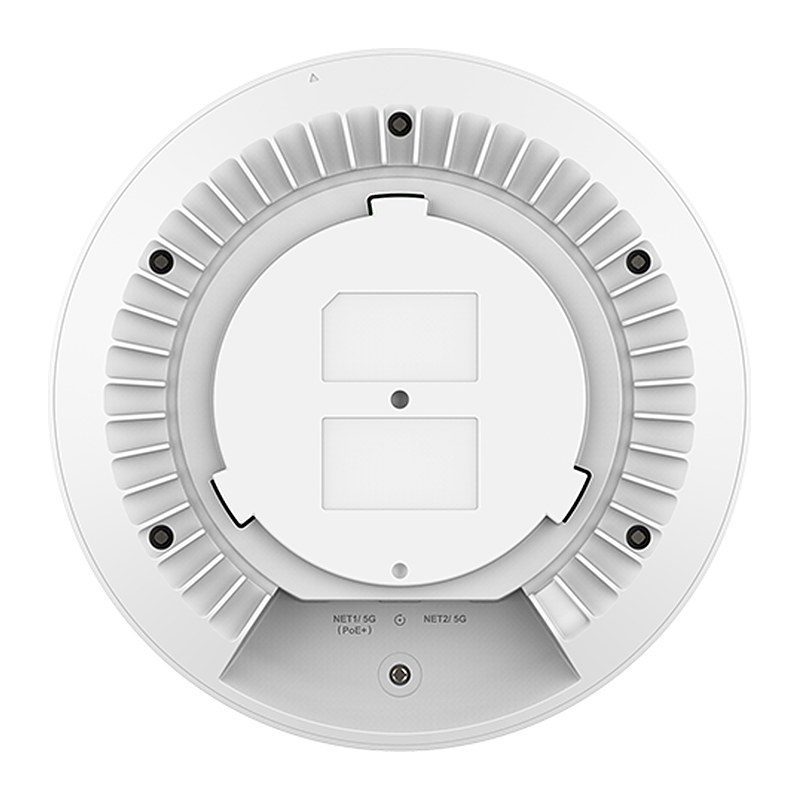
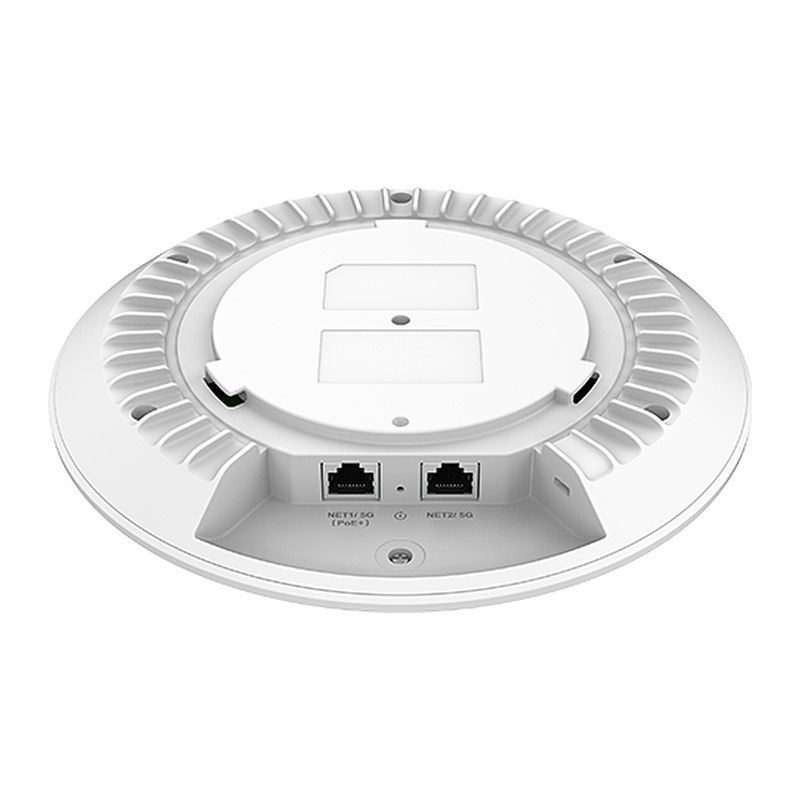
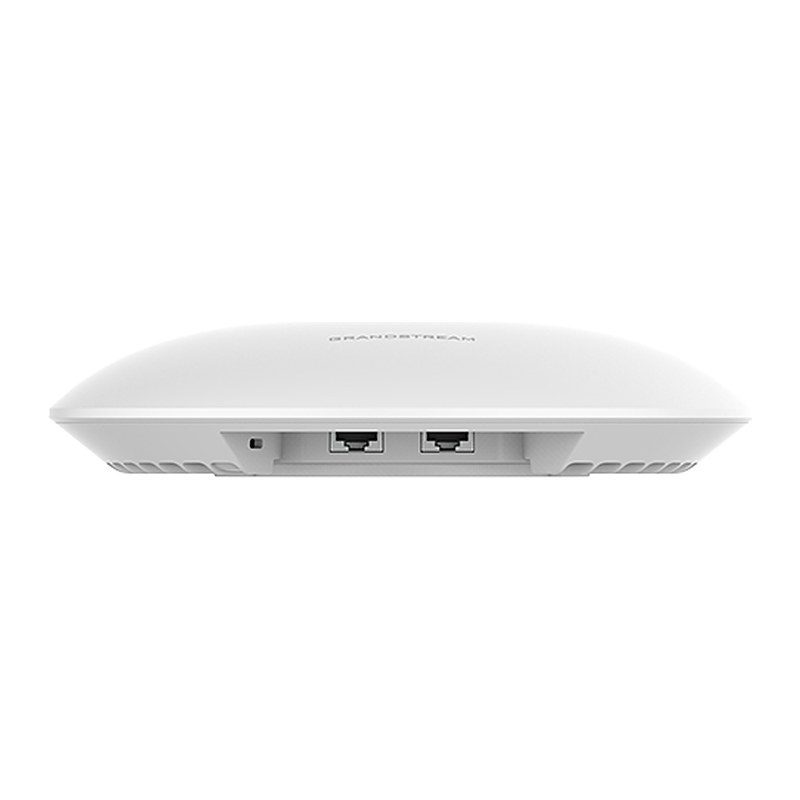
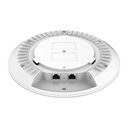
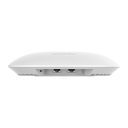
| Network Interfaces | 2 × 5 GbE RJ45 ports |
|---|
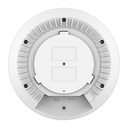
| Auxiliary Ports | 1 × Reset Pinhole, 1 × Kensington lock |
|---|
| Bluetooth | Bluetooth Low Energy 5.3 |
|---|
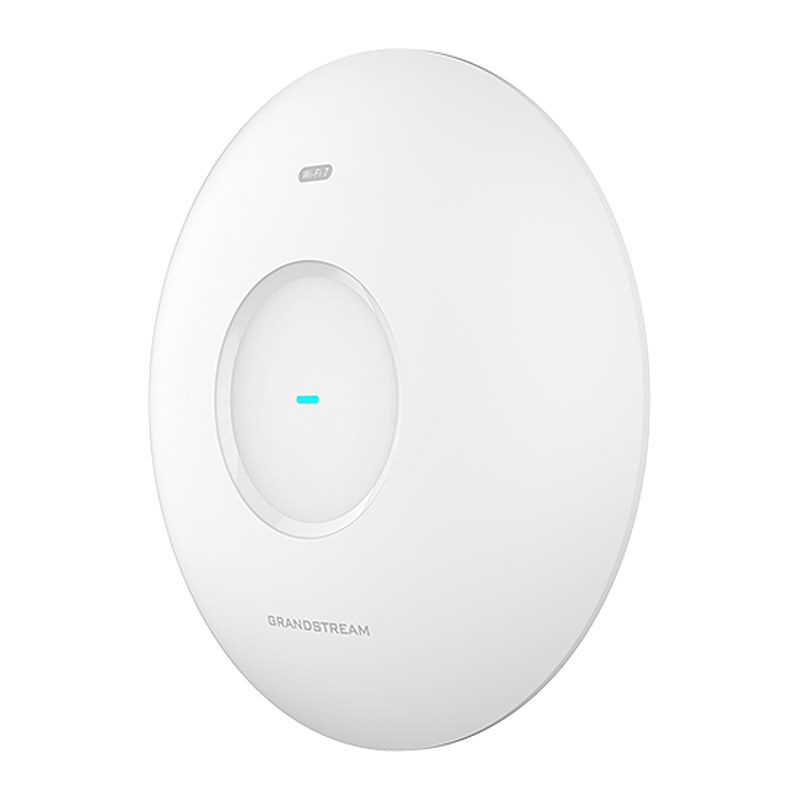
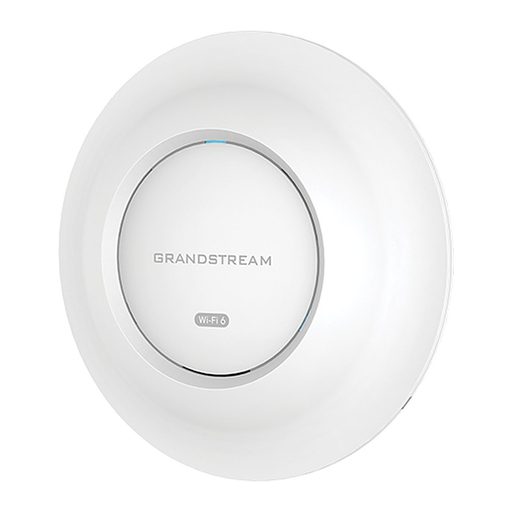
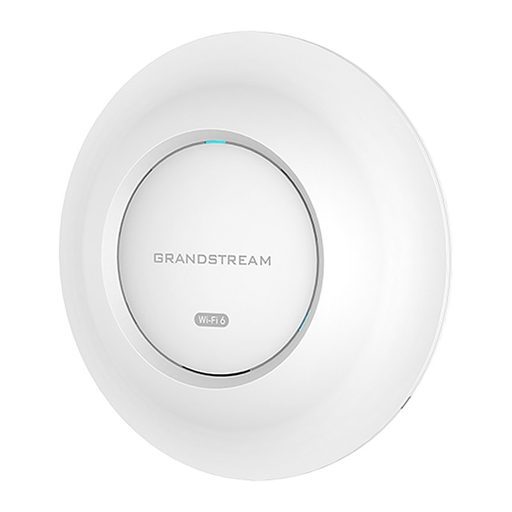
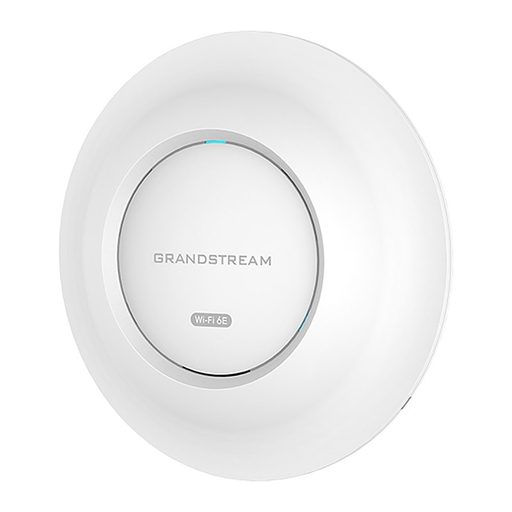
| Mounting | Indoor wall mount or ceiling mount, kits included |
|---|
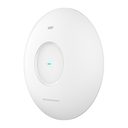
| LED | 1 tri-color LED for device tracking and status indication |
|---|
| Network Protocols | IPv4, IPv6, 802.1Q, 802.1p, 802.1x, 802.11e/WMM |
|---|
| QoS | 802.11e/WMM, VLAN, TOS |
|---|
| Network Management | Embedded controller can manage up to 50 local GWN APs; GDMS Networking offers a free cloud management platform for unlimited GWN APs; GWN Manager offers premise-based software controller for up to 3,000 GWN APs |
|---|
| Power and Green Energy Efficiency | PoE+ 802.3at; Maximum Power Consumption: 25 W |
|---|
| Environmental | Operation Temperature: 0 °C to 45 °C; Storage Temperature: -30 °C to 60 °C; Humidity: 10% to 90%, non-condensing |
|---|
| Physical | Unit Dimension: Ø220 mm × 54 mm; Unit Weight: 838.4 g; Package Dimension: 275 mm × 266 mm × 76 mm; Package Weight: 1,271.4 g |
|---|
| Package Content | GWN7672 Wi-Fi 7 Wireless AP, Mounting Kits, Quick Start Guide |
|---|
| Compliance | FCC, CE, RCM, IC |
|---|