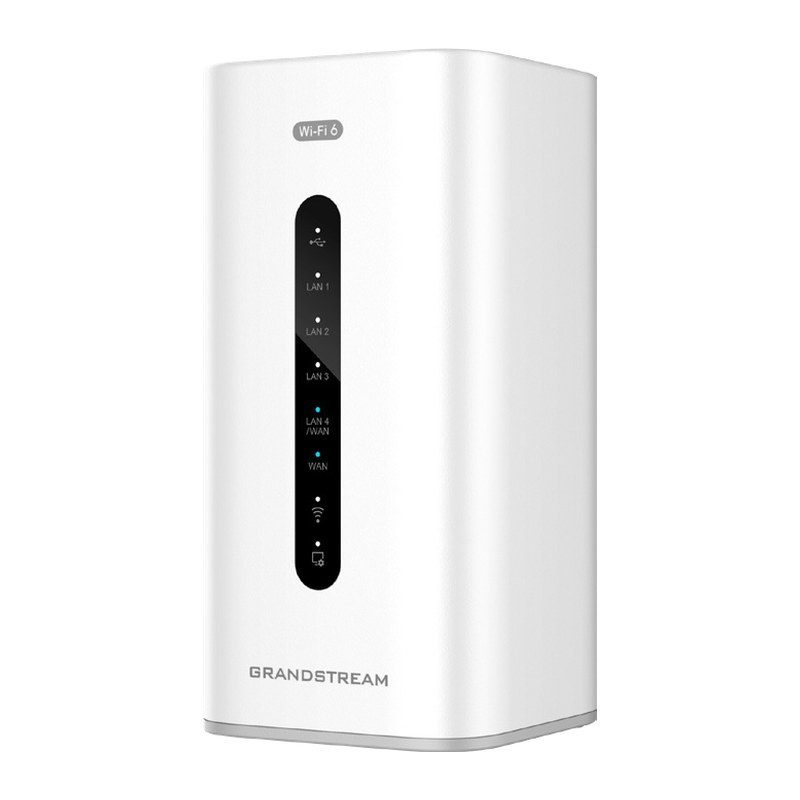
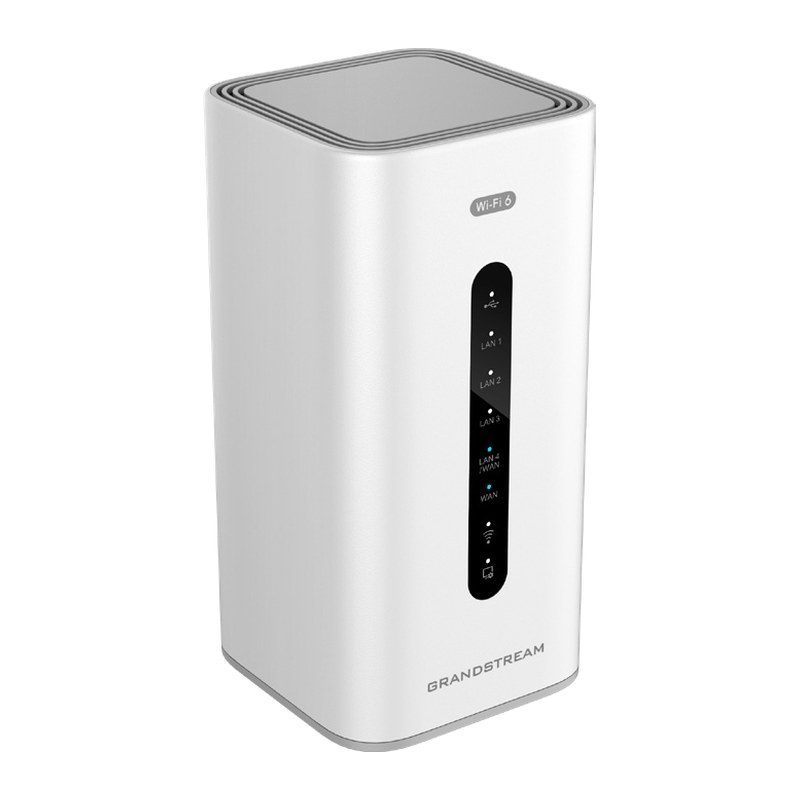
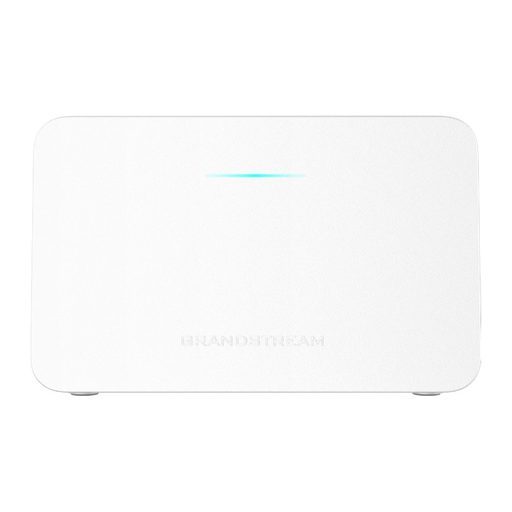
Overview of Grandstream GWN7062
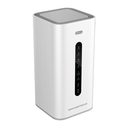
The Grandstream GWN7062 is a secure dual-band router powered by Wi-Fi 6 (802.11ax). Ideal for small offices, home offices and remote workers, it provides dual-band 2x2 MU-MIMO with DL/UL OFDMA and supports wireless Mesh and wired AP connections. A 64-bit 1.2GHz quad-core processor delivers Wi-Fi speeds up to 1.77 Gbps for up to 256 devices, powering 4K streaming, web meetings and video conferences. VPN lets remote employees connect securely, while unique security certificates, random default passwords and triple-play VLAN support add control. Its embedded controller manages up to 30 APs, a good fit for small offices, villas, shops and clinics.
Technical Specifications – Grandstream GWN7062
Hardware & Interfaces
| Processor | 64-bit 1.2GHz quad-core processor |
|---|
Wi-Fi / Radio
| Wi-Fi Standards | IEEE 802.11 a/b/g/n/ac/ax |
|---|
| Antennas | 4 individual internal antennas, 2 per band; 2.4GHz: maximum gain 4.5dBi; 5GHz: maximum gain 5dBi |
|---|
| Wi-Fi Data Rates | 5G: 802.11ax 7.3 to 1201 Mbps; 802.11ac 6.5 to 867 Mbps; 802.11n 6.5 to 300 Mbps; 802.11a 6-54 Mbps. 2.4G: 802.11ax 7.3 to 573.5 Mbps; 802.11n 6.5 to 300 Mbps; 802.11b 1-11 Mbps; 802.11g 6-54 Mbps |
|---|
| Frequency Bands | 2.4GHz radio: 2400 – 2483.5 MHz; 5GHz radio: 5150 - 5850 MHz (not all frequency bands can be used in all regions) |
|---|
| Channel Bandwidth | 2.4G: 20 and 40 MHz; 5G: 20, 40 and 80 MHz |
|---|
Security & VPN
| Wi-Fi and System Security | WPA/WPA2-PSK, WPA/WPA2 Enterprise (TKIP/AES); WPA3, anti-hacking secure boot and critical data/control lockdown via digital signatures, unique security certificate and random default password per device |
|---|
Wi-Fi / Radio
| MU-MIMO | 2×2:2 2.4GHz; 2×2:2 5GHz |
|---|
| Maximum TX Power | 5G: 26dBm; 2.4G: 27dBm (maximum power varies by country, frequency band and MCS rate) |
|---|
| Receiver Sensitivity | 2.4G: 802.11b -97dBm@1Mbps, -89dBm@11Mbps; 802.11g -93dBm@6Mbps, -75dBm@54Mbps; 802.11n 20MHz -73dBm@MCS7, 40MHz -70dBm@MCS7; 802.11ax 20MHz -64dBm@MCS11, 40MHz -63dBm@MCS11. 5G: 802.11a -93dBm@6Mbps, -75dBm@54Mbps; 802.11n 20MHz -73dBm@MCS7, 40MHz -70dBm@MCS7; 802.11ac 20MHz -70dBm@MCS8, 40MHz -66dBm@MCS9, 80MHz -62dBm@MCS9; 802.11ax 20MHz -64dBm@MCS11, 40MHz -61dBm@MCS11, 80MHz -58dBm@MCS11 |
|---|
Hardware & Interfaces
| Memory and NAT Sessions | 512MB RAM, 120K NAT sessions |
|---|
Networking
| NAT Routing & IPSec VPN Performance | 2 Gbps NAT routing and 850Mbps IPSec VPN performance |
|---|
Wi-Fi / Radio
| SSIDs | 32 SSIDs total, 16 per radio (2.4GHz & 5GHz) |
|---|
| Concurrent Wireless Clients | Up to 256 wireless clients |
|---|
Hardware & Interfaces
| Network Interfaces | 1x Gigabit Ethernet WAN port, 1x Gigabit Ethernet port (WAN/LAN configurable), and 3x Gigabit Ethernet LAN ports |
|---|
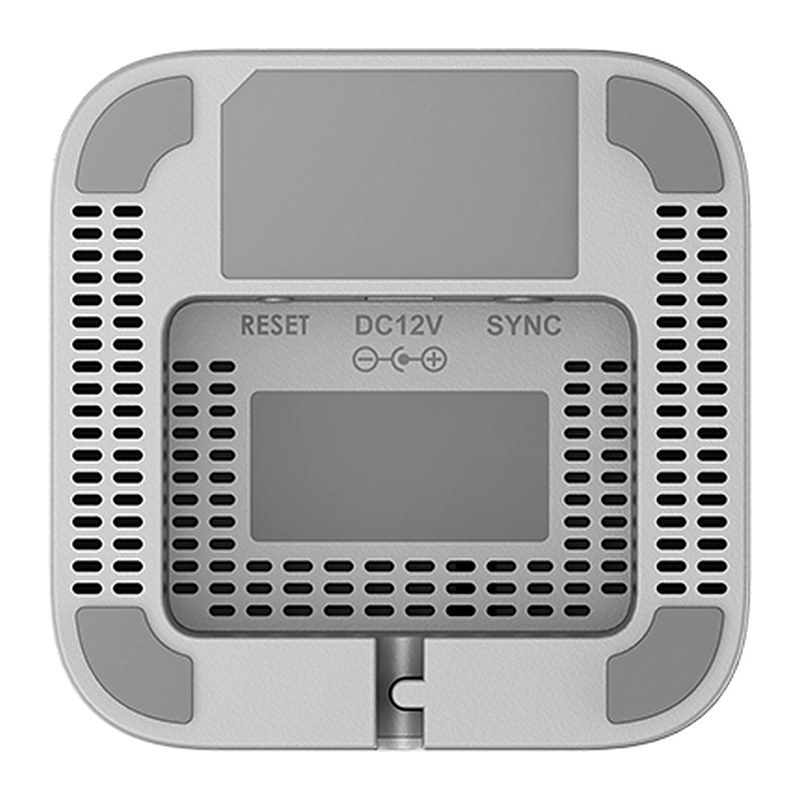
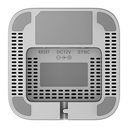
| Auxiliary Ports | 1x USB 3.0 port, 1x Reset button, 1x SYNC button |
|---|
| Mounting | Desktop |
|---|
| LEDs | 1 tri-color LED and 7 single-color LEDs for device tracking and status indication |
|---|
Networking
| Network Protocols | IPv4, IPv6, 802.1Q, 802.1p, 802.1x, 802.11e/WMM |
|---|
| QoS | 802.11e/WMM, VLAN, TOS |
|---|
Security & VPN
| Firewall | DDNS, Port Forwarding, DMZ, UPnP, Anti-DoS, traffic rules, NAT, ALG |
|---|
| VPN | IPsec VPN Client-to-Site / Site-to-Site; PPTP VPN Server / Client; L2TP Client-to-Site; OpenVPN Server / Client; WireGuard; IPSec Encryption: DES, 3DES, AES; IPSec Authentication: MD5, SHA-1, SHA2-256; IPSec Key Exchange: Main/Aggressive Mode, Pre-shared Key, DH Groups 1/2/5/14; IPSec Protocols: ESP; IPSec NAT Traversal; OpenVPN Encryption: AES, DES; OpenVPN Authentication: MD5, SHA-1, SHA2-256, SHA2-384, SHA2-512; OpenVPN Certificate: RSA; PPTP Encryption: MPPE 40-bit, 128-bit, IPSec; PPTP/L2TP Authentication: MS-CHAPv1/2 |
|---|
| Max Concurrent VPN Tunnels | Up to 100 tunnels |
|---|
Management
| Network Management | GWN7062 embedded controller can manage itself and up to 30 APs; free cloud management platform (GDMS Networking) for unlimited GWN7062 routers and GWN APs; SSH for CLI; TR-069; SNMP v1/v2c/v3 |
|---|
Power & Physical
| Power and Green Energy Efficiency | Universal power adaptor included: Input 100-240VAC 50-60Hz; Output: 12VDC 1.5A (18W) |
|---|
| Environmental | Operation: 0°C to 50°C; Storage: -30°C to 60°C; Humidity: 10% to 90% non-condensing |
|---|
| Physical | Unit Dimension: 95mm (L) x 95mm (W) x 193mm (H); Unit Weight: 690g; Entire Package Dimension: 286mm (L) x 126.5mm (W) x 105mm (H); Entire Package Weight: 960g |
|---|
| Package Content | GWN7062 Router, Universal Power Supply, Network Cable, Quick Installation Guide |
|---|
Compliance
| Compliance | FCC, CE, RCM, IC, UKCA |
|---|
Source: Grandstream official website and datasheet. Specifications are subject to change by the manufacturer.