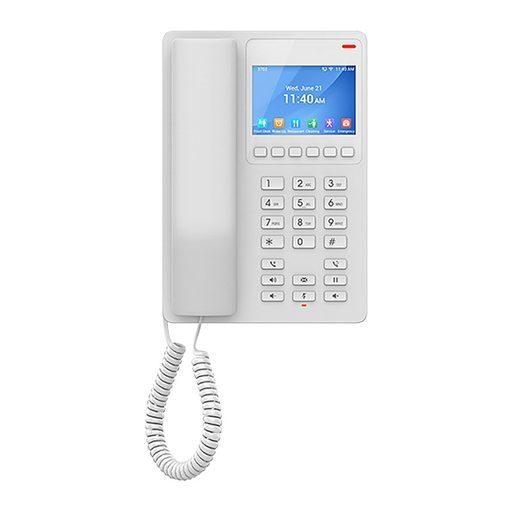
Overview of Grandstream GHP621W
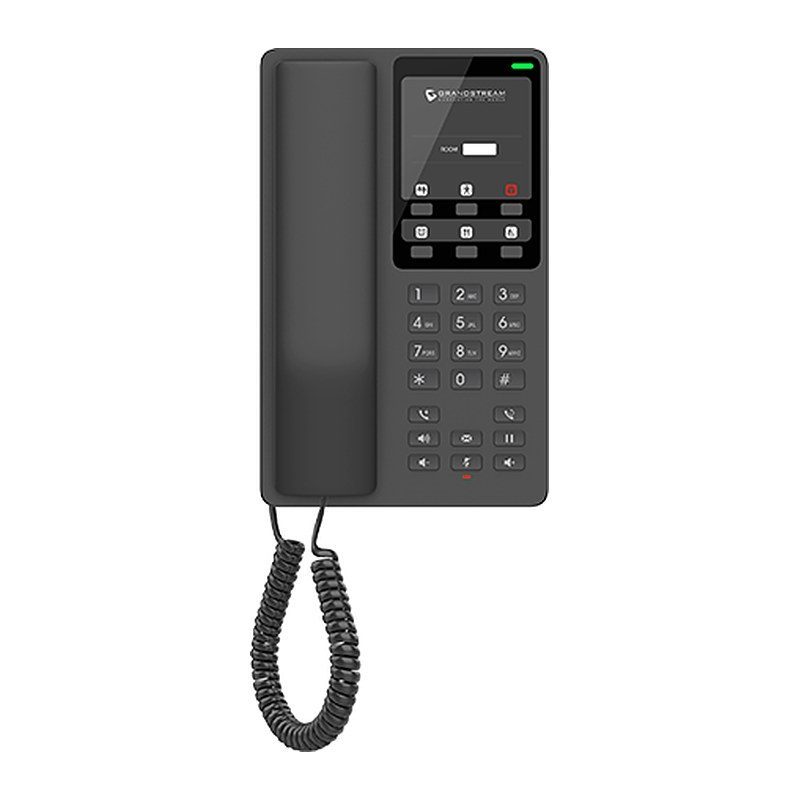
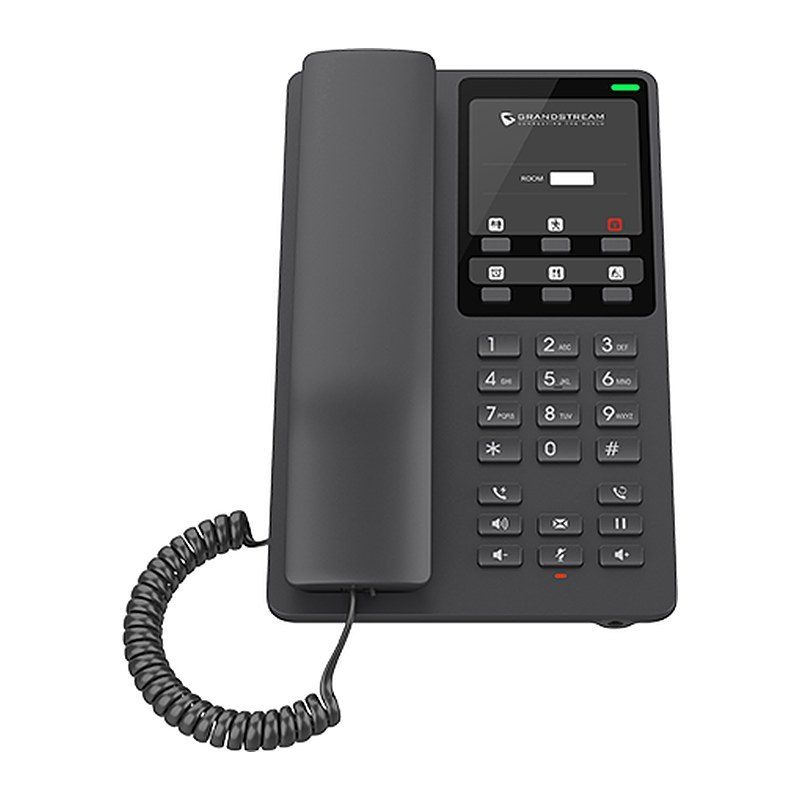
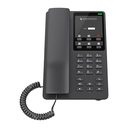
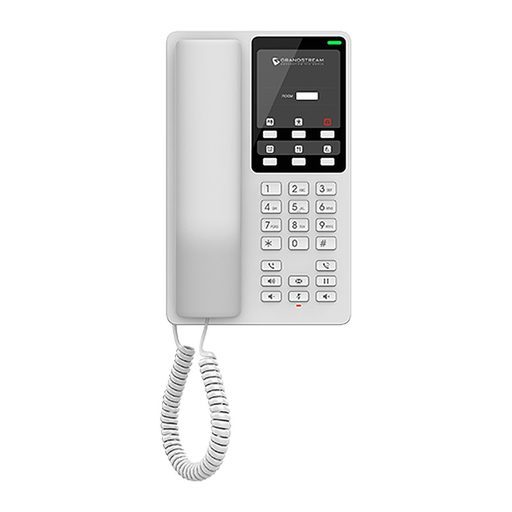
The Grandstream GHP621W is an easy-to-use black hotel IP phone that can be programmed and customized to the needs of hotels and their guests. It offers an HD speaker, 2 SIP accounts/lines, 6 programmable keys, 10 speed dial keys and 3-way conferencing, plus the full-band Opus codec and a jitter-resilience algorithm that tolerates up to 30% packet loss. It connects through integrated dual-band Wi-Fi 6 or its 10/100 Mbps Ethernet port and is powered by the included 12V adapter. A USB Type-C port charges guests' devices, and the swappable faceplate allows logo customization. Managed through GDMS, it fits hotel rooms, serviced apartments, dormitories, hospitals and retail.
Technical Specifications – Grandstream GHP621W
Protocols & Network
| SIP Protocols | SIP RFC3261, TCP/IP/UDP, RTP/RTCP, RTCP-XR, TLS, SRTP |
|---|
| Network Protocols | IPv4, IPv6, HTTP/HTTPS, ARP, ICMP, DNS (A record, SRV, NAPTR), DHCP, SSH, TFTP, NTP, STUN, LLDP, TR-069, 802.1X |
|---|
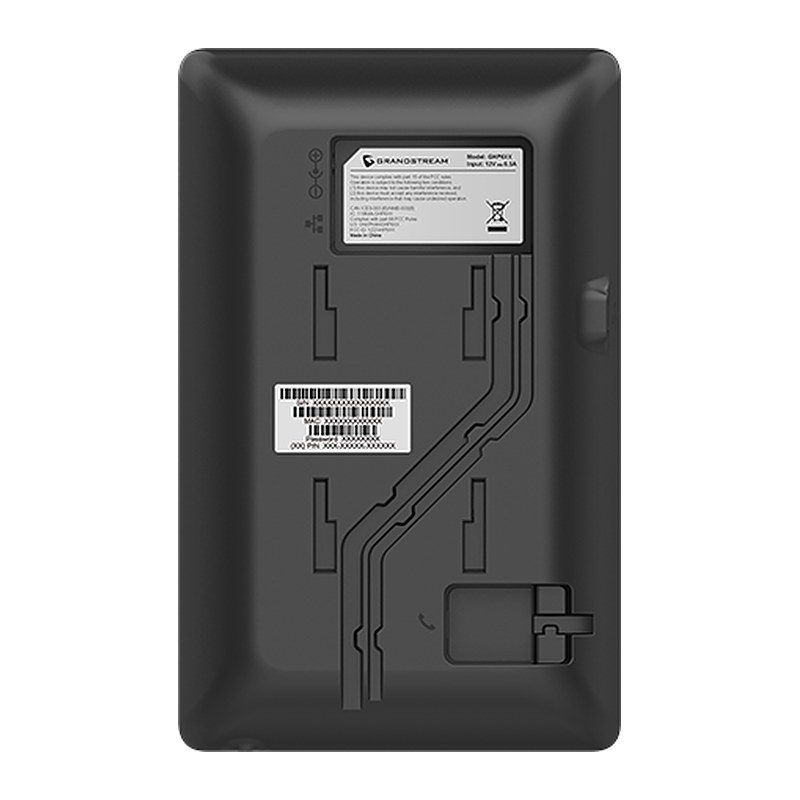
| Network Interfaces | One auto-negotiation 10/100 Mbps ethernet port |
|---|
| Wi-Fi | Integrated dual-band Wi-Fi 6 2.4GHz & 5GHz 802.11 a/b/g/n/ac/ax (hardware version 5.0 and above) |
|---|
| QoS | Layer 2 QoS (802.1Q, 802.1p) and Layer 3 (ToS, DiffServ, MPLS) QoS |
|---|
Hardware
| Feature Keys | 26 keys, including 6 programmable keys; 12 standard phone digit keys (0-9: speed dial keys configuration on web page, *, #); 5 function keys (Flash, Redial, Hands-free, Voice Mail, Hold); 3 volume control keys, Up/Down/Mute (with red color LED) |
|---|
| USB | USB Type-C port for charging external devices (500mA MAX) |
|---|
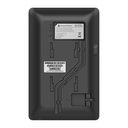
| Wall Installation | 1 Wall Mountable Base |
|---|
| Antimicrobial Casing | Antimicrobial casing according to ISO 22196:2011 testing |
|---|
Audio & Telephony
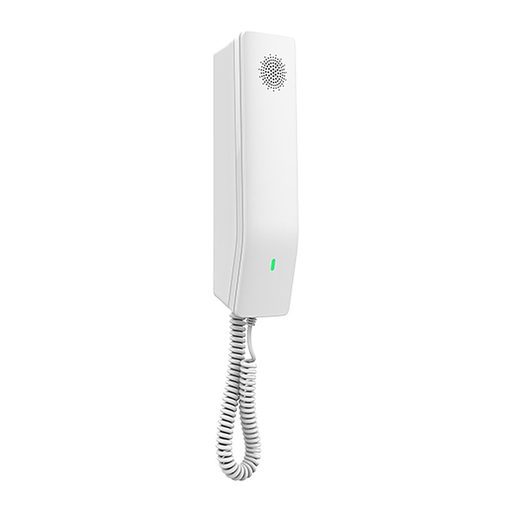
| HD Audio | One HD handset support for wide band audio |
|---|
| Voice Conferencing | 2 SIP accounts and lines, up to 3-way conference |
|---|
| Voice Codecs and Capabilities | Support for G.729A/B, G.711µ/a-law, G.726, G.722 (wide-band), G.723.1, iLBC, and full band Opus; in-band and out-of-band DTMF (in audio, RFC2833, SIP INFO), VAD, AEC, CNG, PLC, AGC, AJB |
|---|
| Telephony Features | Dial, Answer, Transfer, Conference, Redial, Flash, Hands-free, Voice Mail (with the server), Hold/Unhold, Mute/Unmute, flexible dial plan, Speed dial, server redundancy & fail-over, Call out |
|---|
| Advanced Features | Support for multicast paging and E911 service; advanced jitter-resilience algorithm; GDS door opening |
|---|
Security & Management
| Security | Secure boot, random default password, unique security certificate per device, administrator level passwords, 256-bit AES encrypted configuration file, SRTP, TLS, 802.1X media access control |
|---|
| Multi-language | English and Chinese |
|---|
| Upgrade/Provisioning | Firmware upgrade via FTP/TFTP/HTTP/HTTPS, fast boot in 15 seconds, mass provisioning using GDMS/TR-069 or AES encrypted XML configuration file |
|---|
| Device Management | Yes, GDMS |
|---|
Power & Environment
| Power | Universal power adapter: Input 100~240Vac 50~60Hz; Output 12V/0.5A (6W) |
|---|
| Operating Temperature | 0°C to 40°C |
|---|
| Storage Temperature | -10°C to 60°C |
|---|
| Humidity | 10% to 90% (Non-condensing) |
|---|
Physical
| Color | Black |
|---|
| Dimensions | 210mm (L) x 132mm (W) x 89.8mm (H) (with handset and base stand) |
|---|
| Unit Weight | 610g (US version), 620g (World version) |
|---|
| Package Weight | 910g (US version), 920g (World version) |
|---|
| Package Content | GHP621W phone, handset with cord, Base Stand, universal power supply, faceplate, Quick Installation Guide |
|---|
| Compliance | FCC: Part 15 Subpart B, Class B; Part 15 Subpart C, 15.247; Part 15 Subpart E, 15.407; Part 68. 316/317. CE: EN 55032; EN 55035; EN IEC 61000-3-2; EN 61000-3-3; EN IEC 62368-1; ETSI EN 301489-1/-17; ETSI EN 300 328; ETSI EN 301 893; EN IEC 62311. UKCA: BS EN 55032; BS EN 55035; BS EN IEC 61000-3-2; BS EN 61000-3-3; BS EN 62368-1; ETSI EN 301489-1/-17; ETSI EN 300 328; ETSI EN 301 893; BS EN IEC 62311. RCM: AS/NZS CISPR32; AS/NZS 4268; AS/NZS 2772.2; AS/NZS 62368.1; AS/CA S004. IC: RSS-247; RSS-Gen; RSS-102; ICES-003; CS-03 Part V. |
|---|
Source: Grandstream official website and datasheet. Specifications are subject to change by the manufacturer.