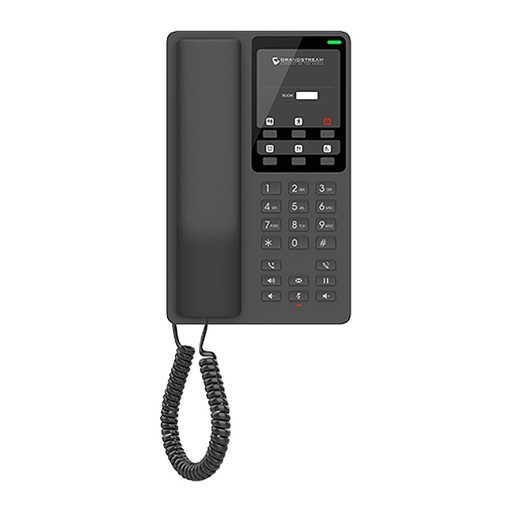
Overview of Grandstream GHP610W
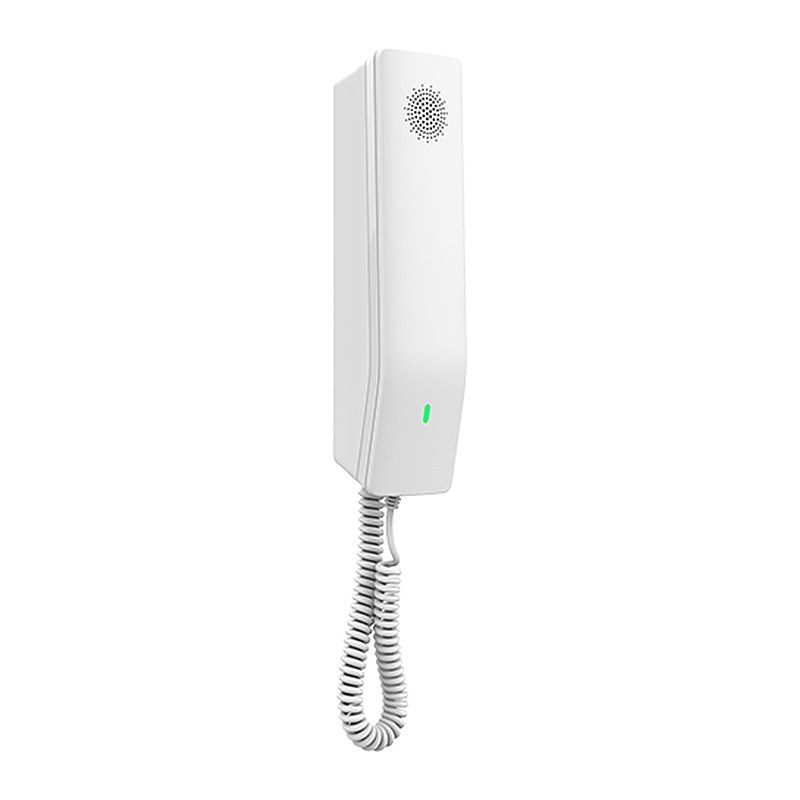
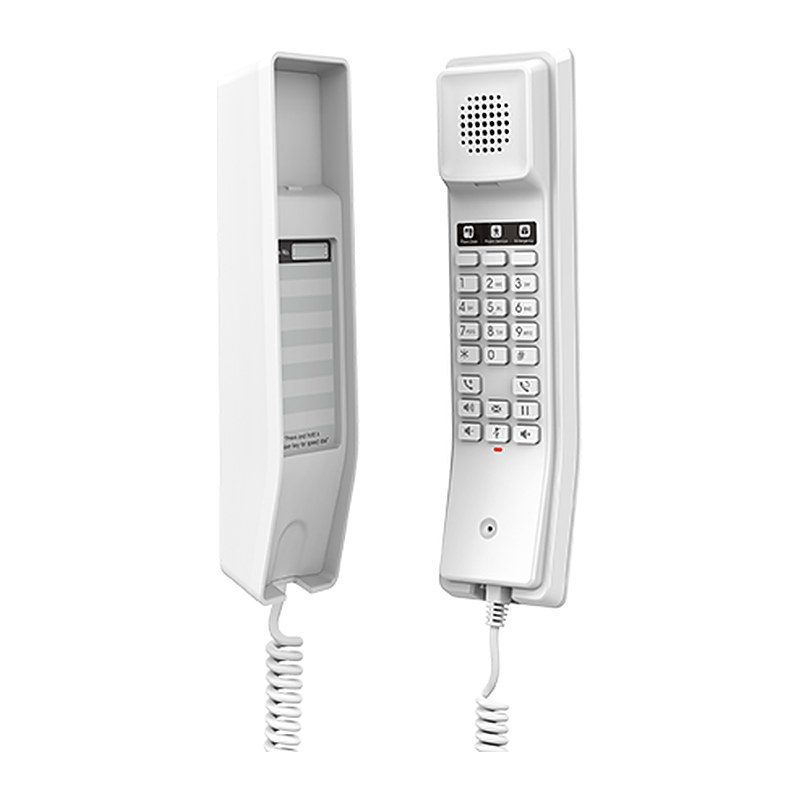
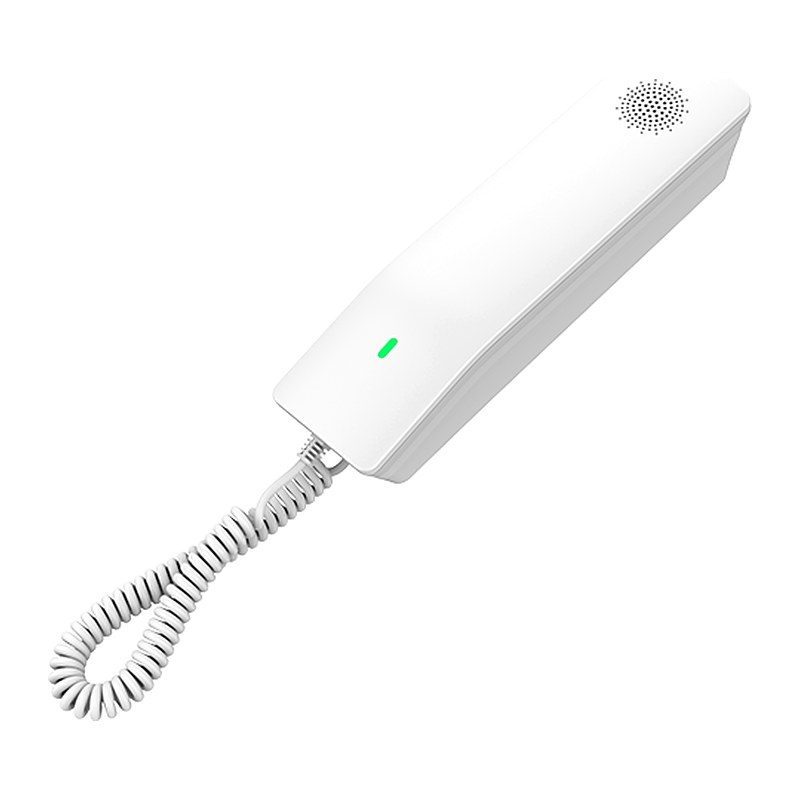
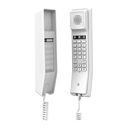
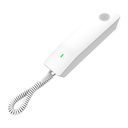
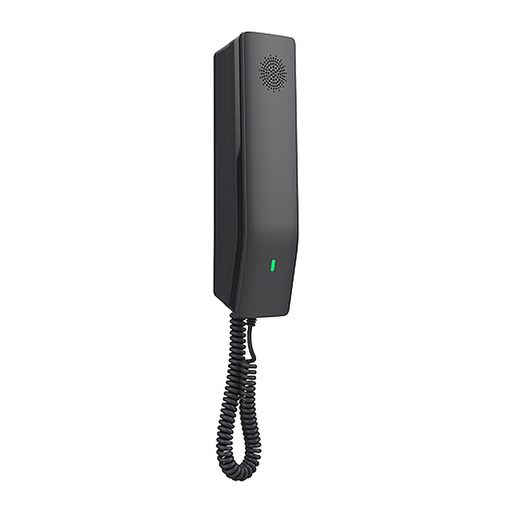
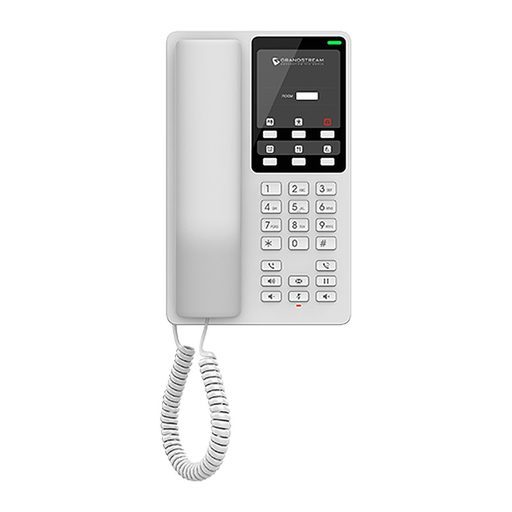
The Grandstream GHP610W is a compact white hotel IP phone with an HD speaker on the handset, 2 SIP accounts/lines, 10 speed dial keys and 3 programmable keys. It supports 3-way voice conferencing, the full-band Opus codec and an advanced jitter-resilience algorithm that tolerates up to 30% packet loss without impacting voice quality. It connects through integrated dual-band Wi-Fi (802.11 a/b/g/n/ac/ax) or its 10/100 Mbps Ethernet port and is powered by the included 12V adapter. It can sit on a desktop or be wall-mounted, and its speed dial label and swappable faceplate make hotel branding easy. Managed centrally through GDMS, it is ideal for hotel rooms as well as hospitals, apartments, dormitories and retail.
Technical Specifications – Grandstream GHP610W
Protocols & Network
| SIP Protocols | SIP RFC3261, TCP/IP/UDP, RTP/RTCP, RTCP-XR, TLS, SRTP |
|---|
| Network Protocols | IPv4, IPv6, HTTP/HTTPS, ARP, ICMP, DNS (A record, SRV, NAPTR), DHCP, SSH, TFTP, NTP, STUN, LLDP, TR-069, 802.1X |
|---|
| Network Interfaces | One auto-negotiation 10/100 Mbps ethernet port |
|---|
| Wi-Fi | Integrated dual-band 2.4GHz & 5GHz 802.11 a/b/g/n/ac/ax (hardware version 5.0 and above) |
|---|
| QoS | Layer 2 QoS (802.1Q, 802.1p) and Layer 3 (ToS, DiffServ, MPLS) QoS |
|---|
Hardware
| Feature Keys | 23 keys, including 3 programmable keys, 12 standard phone digit keys (0-9: speed dial keys configuration on web page, *, #), 5 function keys (Flash, Redial, Hands-free, Voice Mail, Hold), 3 volume control keys, Up/Down/Mute (with red color LED) |
|---|
| Wall Installation | 1 Wall Mountable Base |
|---|
| Antimicrobial Casing | Antimicrobial casing according to ISO 22196:2011 testing |
|---|
Audio & Telephony
| HD Audio | One HD handset support for wide band audio |
|---|
| Voice Conferencing | 2 SIP accounts and lines, up to 3-way conference |
|---|
| Voice Codecs and Capabilities | Support for G.729A/B, G.711µ/a-law, G.726, G.722 (wide-band), G.723.1, iLBC, and full band Opus; in-band and out-of-band DTMF (in audio, RFC2833, SIP INFO), VAD, AEC, CNG, PLC, AGC, AJB |
|---|
| Telephony Features | Dial, Answer, Transfer, Conference, Redial, Flash, Hands-free, Voice Mail (with the server), Hold/Unhold, Mute/Unmute, flexible dial plan, Speed dial, server redundancy & fail-over, Call out |
|---|
| Advanced Features | Support for multicast paging and E911 service; advanced jitter-resilience algorithm; GDS door opening |
|---|
Security & Management
| Security | Secure boot, random default password, unique security certificate per device, administrator level passwords, 256-bit AES encrypted configuration file, SRTP, TLS, 802.1X media access control |
|---|
| Multi-language | English and Chinese |
|---|
| Upgrade/Provisioning | Firmware upgrade via FTP/TFTP/HTTP/HTTPS, fast boot in 15 seconds, mass provisioning using GDMS/TR-069 or AES encrypted XML configuration file |
|---|
| Device Management | Yes, GDMS |
|---|
Power & Environment
| Power | Universal power adapter: Input 100~240Vac 50~60Hz; Output 12V/0.5A (6W) |
|---|
| Operating Temperature | 0°C to 40°C |
|---|
| Storage Temperature | -10°C to 60°C |
|---|
| Humidity | 10% to 90% (Non-condensing) |
|---|
Physical
| Color | White |
|---|
| Dimensions | 211mm (L) x 53mm (W) x 44mm (H) (with handset) |
|---|
| Unit Weight | 350g (US version), 360g (World version) |
|---|
| Package Weight | 515g (US version), 525g (World version) |
|---|
| Package Content | GHP610W phone, handset with cord, base, universal power supply, Quick Installation Guide |
|---|
| Compliance | FCC: Part 15 Subpart B, Class B; Part 15 Subpart C, 15.247; Part 15 Subpart E, 15.407; Part 68. 316/317. CE: EN 55032; EN 55035; EN IEC 61000-3-2; EN 61000-3-3; EN IEC 62368-1; ETSI EN 301489-1/-17; ETSI EN 300 328; ETSI EN 301 893; EN 50360; EN 50566; EN 50663; EN 62209-1; EN 62209-2; EN 62479; EN IEC 62311. UKCA: BS EN 55032; BS EN 55035; BS EN IEC 61000-3-2; BS EN 61000-3-3; BS EN 62368-1; ETSI EN 301489-1/-17; ETSI EN 300 328; ETSI EN 301 893; BS EN 50360; BS EN 50566; BS EN 50663; BS EN 62209-1; BS EN 62209-2; BS EN 62479; BS EN IEC 62311. RCM: AS/NZS CISPR32; AS/NZS 4268; AS/NZS 2772.2; AS/NZS 62368.1; AS/CA S004; AS/CA S040. IC: RSS-247; RSS-Gen; RSS-102; ICES-003; CS-03 Part V. |
|---|
Source: Grandstream official website and datasheet. Specifications are subject to change by the manufacturer.