Skip to Content
  • Delivery in 4–10 working days across Saudi Arabia
  • A tax invoice with every order
  • Technical support before and after you buy

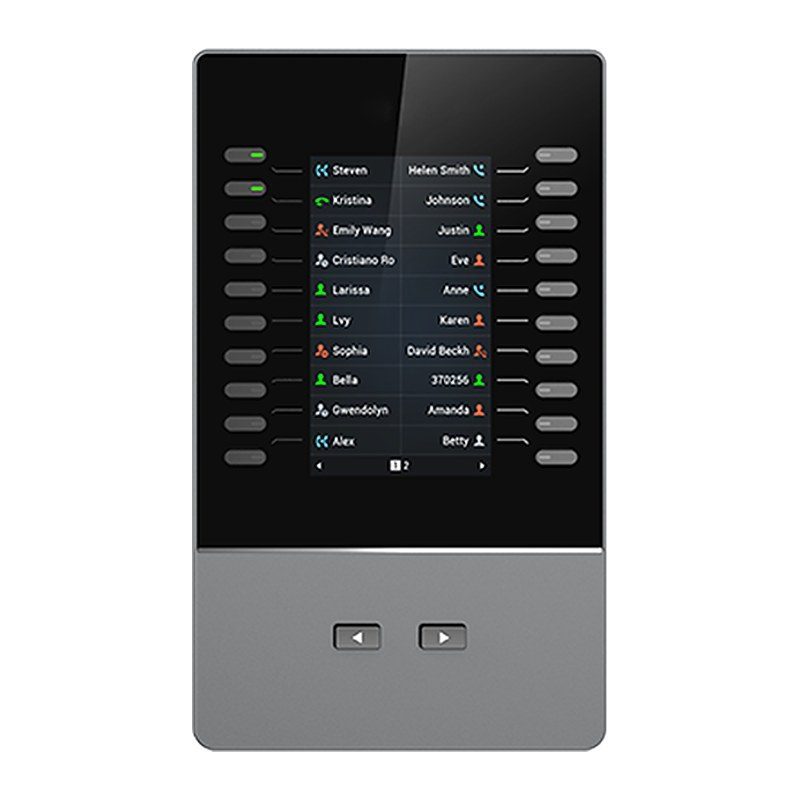
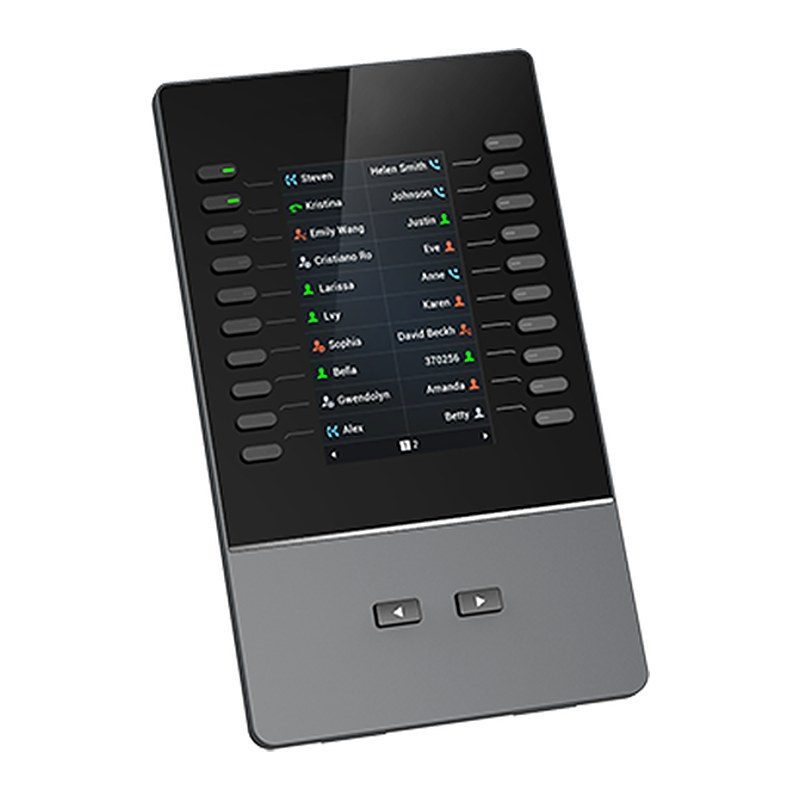
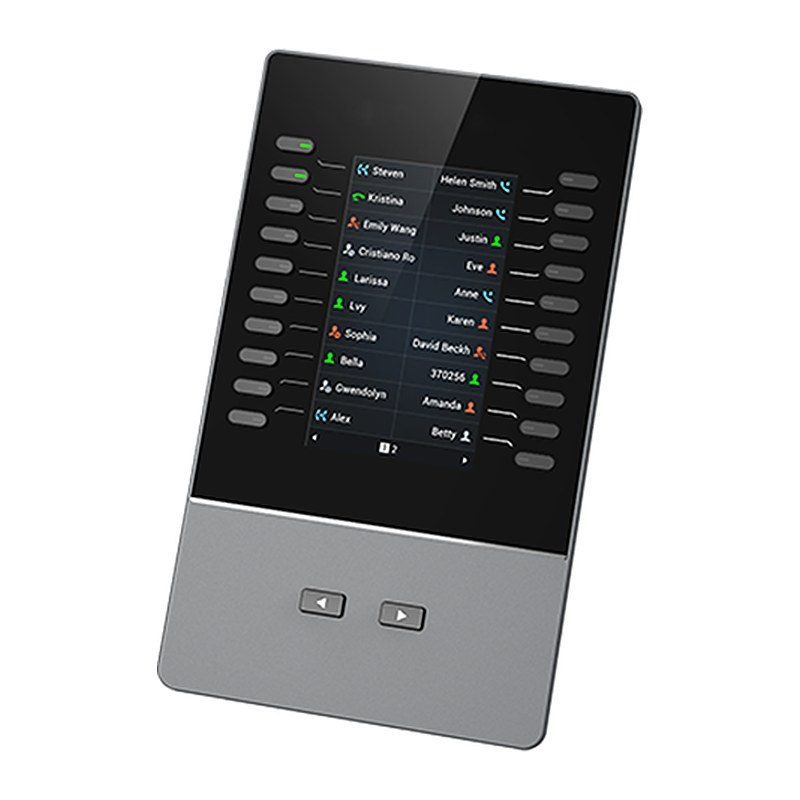
Grandstream GBX20 Extension Module, 4.3" Color LCD, 20 Dual-Color Keys, 40 Contacts

Part number GBX20
  • 4.3 inch (272x480) TFT color LCD
  • 20 dual-colored keys per page; 2 pages per module for up to 40 lines/contacts
  • Combine up to 4 daisy-chained modules for 160 contacts/extensions
  • BLF, call park/pick-up, speed-dial, presence, intercom, voice conferencing, transfer/forward and more
  • Supported by GRP2615, GRP2624, GRP2650, GRP2670 IP phones and GXV3350, GXV3450 IP video phones
  • Firmware upgraded through the host phone's network connection
Price
⃁ 555.47 ⃁ 555.47 ⃁ 723.26 Save 23%
⃁ 555.47 ⃁ 723.26
(Tax excluded)
  • Delivery within 4–10 business days across Saudi Arabia
  • Warranty according to the manufacturer
  • Tax invoice with every order
  • Technical support before and after purchase

Not sure this model fits your setup? Read the buying guide
Overview of Grandstream GBX20

The Grandstream GBX20 is an extension module that adds functionality, versatility and flexibility to the GRP2615, GRP2624, GRP2650 and GRP2670 carrier-grade IP phones as well as the GXV3350 and GXV3450 IP video phones. It features a 4.3-inch 272x480 color LCD and 20 dual-colored keys with 2 pages, offering up to 40 contacts per module and up to 160 contacts with 4 modules. It supports BLF, call park/pick-up, speed-dial, presence, intercom, voice conferencing and transfer/forward. It is ideal for receptionists and busy front desks in offices, hotels and clinics that manage high call volumes and need to monitor and dispatch incoming calls efficiently.

Technical Specifications – Grandstream GBX20

Interfaces

Lines20 per page (each module contains 2 pages, for up to 40 lines per module); up to 160 with 4 daisy-chained modules

Compatibility

Compatible Grandstream IP PhonesGRP2615, GRP2624, GRP2650, GRP2670, GXV3350 and GXV3450

Display

Graphic Display4.3 inch (480x272) TFT color LCD

Features

Feature SupportLocal GUI with animation driven from the host GRP2615 or GXV3350 phone; Multiple line/call appearances

Power

PowerA single GBX20 can be powered by host phone (GRP2615 or GXV3350); when 2 or more GBX20 is connected an included 12V PSU is needed

Management

Firmware UpgradesGBX20 firmware is upgraded by direct network download through host phone (GRP2615 or GXV3350)'s network connection and firmware upgrade setup

Physical

Dimensions210mm*124mm*33.5mm
Unit Weight360g
Package Weight700g

Environmental

Temperature and HumidityOperation: 0°C to 40°C; Storage: -10°C to 60°C; Humidity: 10% to 90% Non-condensing

Package

Package ContentGBX20 Extension Board, base stand, Extension Board Connector Plate, Screws, USB cable, Quick Installation Guide

Compliance

ComplianceFCC: Part 15 Class B; IC: ICES-003; CE: EN 55032; EN 55035; EN 61000-3-2; EN 61000-3-3; EN 62368-1; RCM: AS/NZS CISPR32; AS/NZS 62368.1

Source: Grandstream official website and datasheet. Specifications are subject to change by the manufacturer.

PRACTICAL ANSWERS

IP phone questions

How do I choose an IP phone for an employee?

Start with the person’s daily call workflow, required keys, headset use and desk connectivity. Check the exact model against the PBX and provisioning method rather than selecting only by screen size or appearance.

Does an IP phone need a separate power adapter?

Check the phone’s supported power options, what is included in the package and the capabilities of the connected switch. Confirm that the complete proposed arrangement can power every phone, not just a single test device.

Will my headset work with the new phone?

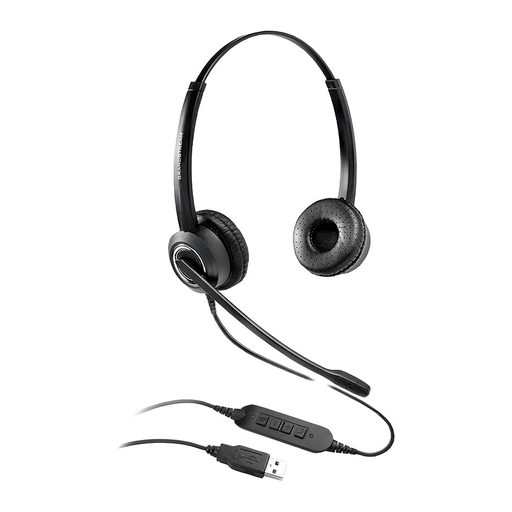
Compare the headset and phone model numbers, connector type and any required adapter or call-control support. Ask to test answering, ending and muting a call with the intended combination before equipping a team.

Can a phone be used by a remote employee?

Confirm the PBX’s supported remote deployment method and the employee’s network requirements. Plan secure provisioning and support responsibilities; do not expose administration interfaces or assume a phone can be moved without configuration.

How should I compare phone models for a reception desk?

List the extensions the receptionist handles, the required transfer workflow and any need for expansion keys or a headset. Evaluate the full workflow with the PBX, including the features actually licensed and supported.

What should I check before deploying many IP phones?

Test a small representative group first, then review network ports, power, provisioning, user labels and the rollback plan. Keep an inventory linking each physical device to its intended user or location.