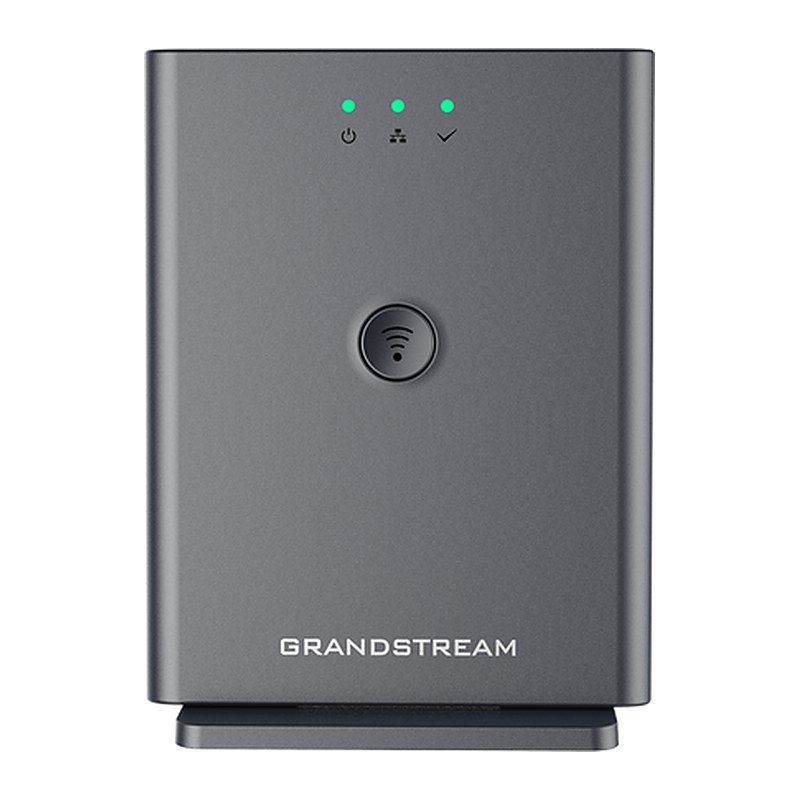
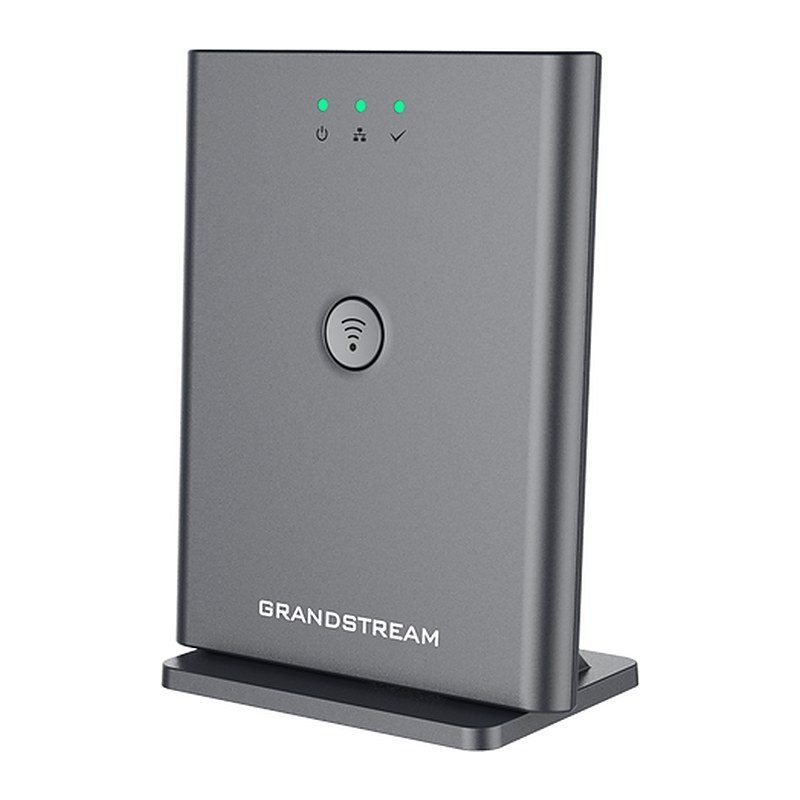
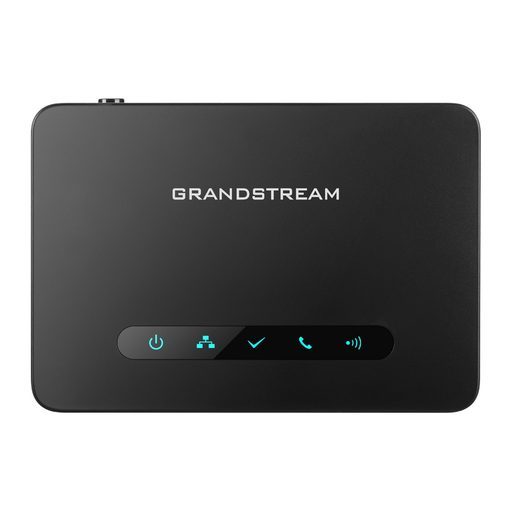
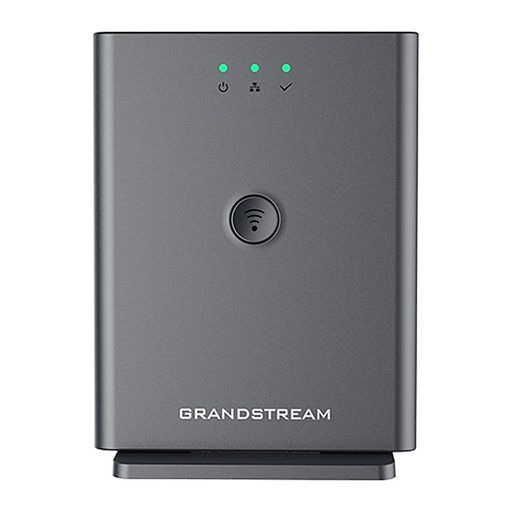
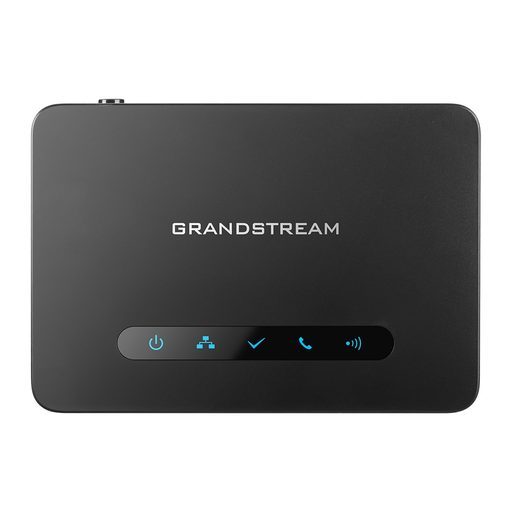
Overview of Grandstream DP752
The Grandstream DP752 is a long-range DECT VoIP base station that pairs with up to 5 Grandstream DP series handsets through a dedicated pairing button. It delivers up to 400 meters of outdoor range with the DP730, DP725 and DP735, up to 350 meters with the DP722 and DP720, and up to 50 meters indoors. The base supports 10 SIP accounts and 5 concurrent calls, 3-way conferencing, HD audio, integrated PoE, push-to-talk and sensor-based handset features. Shared SIP accounts with flexible ring groups let teams answer calls from anywhere, while TLS/SRTP/HTTPS security and TR-069/XML provisioning simplify deployment in offices, clinics, shops, warehouses and villas.
Technical Specifications – Grandstream DP752
Air Interface
| Telephony Standard | DECT |
|---|
| Frequency Bands | 1880–1900 MHz (Europe), 1920–1930 MHz (US), 1910–1920 MHz (Brazil), 1786–1792 MHz (Korea), 1893–1906 MHz (Japan), 1880–1895 MHz (Taiwan) |
|---|
| Number of Channels | 10 (Europe), 5 (US, Brazil or Japan), 3 (Korea), 8 (Taiwan) |
|---|
| Range | Outdoor: up to 400 meters (DP730/DP725/DP735) or up to 350 meters (DP722/DP720); Indoor: up to 50 meters |
|---|
| Energy Saving | ECO Mode |
|---|
| Supported Handsets | Up to 5 DP series DECT handsets |
|---|
Hardware
| LED Indicators | 3 LED indicators: Power, Network, DECT |
|---|
| Buttons | Pairing/Paging button |
|---|
| Network Interface | One 10/100 Mbps auto-sensing Ethernet port with integrated PoE |
|---|
Audio & Telephony
| Protocol/Standards | SIP RFC3261, TCP/IP/UDP, RTP/RTCP, HTTP/HTTPS, ARP/RARP, ICMP, DNS (A record, SRV, NAPTR), DHCP, PPPoE, SSH, TFTP, NTP, STUN, SIMPLE, LLDP-MED, LDAP, TR-069, 802.1x, TLS, SRTP |
|---|
| Voice Codecs | G.711μ/a-law, G.723.1, G.729A/B, G.726-32, iLBC, G.722, OPUS, in-band and out-of-band DTMF (in audio, RFC2833, SIP INFO), VAD, CNG, PLC, AJB |
|---|
| Telephony Features | Hold, transfer, forward, 3-way conference, downloadable phonebook (XML, LDAP, up to 3000 entries), call waiting, call log (up to 750 records), auto answer, flexible dial plan, server redundancy and fail-over |
|---|
| Multiple SIP Accounts | Up to ten (10) distinct SIP accounts per system; each handset may map to any SIP account(s); each SIP account may map to any handset(s) |
|---|
| Concurrent Calls | 5 concurrent calls |
|---|
| Ring Group | Circular Mode, Linear Mode, Parallel Mode, DID Call Group (flexible options when multiple handsets share the same SIP account) |
|---|
Security & Management
| QoS | Layer 2 QoS (802.1Q, 802.1P) and Layer 3 QoS (ToS, DiffServ, MPLS) |
|---|
| Security | User and administrator level access control, MD5 and MD5-sess based authentication, 256-bit AES encrypted configuration file, TLS, SRTP, HTTPS, 802.1x media access control, DECT authentication & encryption |
|---|
| Multi-language | English, Czech, German, Spanish, French, Hebrew, Italian, Dutch, Polish, Portuguese, Russian, Turkish, Arabic, Chinese Simple, Chinese Tradition, Japanese, Korean, Slovakian, Serbian |
|---|
| Upgrade/Provisioning | Firmware upgrade via TFTP/HTTP/HTTPS, mass provisioning using TR-069 or AES encrypted XML configuration file |
|---|
| Device Management | Yes, GDMS |
|---|
Power
| Power Supply | Universal Power Supply Input AC 100-240V 50/60Hz; Output 5VDC 1A; Micro-USB connection |
|---|
| PoE | IEEE802.3af Class 1, 0.44W–3.84W |
|---|
Physical
| Package Content | Base Unit, Universal Power Supply, Ethernet cable, Quick Start Guide, GPL statement |
|---|
| Dimensions (H x W x D) | 140.31 x 64.98 x 105mm |
|---|
| Weight | Base unit: 140g; Universal power supply: 50g; Package: 370g |
|---|
| Temperature and Humidity | Operation: -10 to 50ºC (14 to 122ºF); Storage: -20º to 60ºC (-4 to 140ºF); Humidity: 10% to 90% non-condensing |
|---|
| Compliance | FCC, CE, RCM, IC |
|---|
Source: Grandstream official website and datasheet. Specifications are subject to change by the manufacturer.