| Network standards | IEEE 802.3, IEEE 802.3u, IEEE 802.3ab, IEEE 802.3z, IEEE 802.3x, IEEE 802.1p, IEEE 802.1q, IEEE 802.1w, IEEE 802.1d, IEEE 802.1s |
|---|
| LED indicators | One Link/Act LED indicator for each port; One Power LED indicator; One SYS LED indicator |
|---|
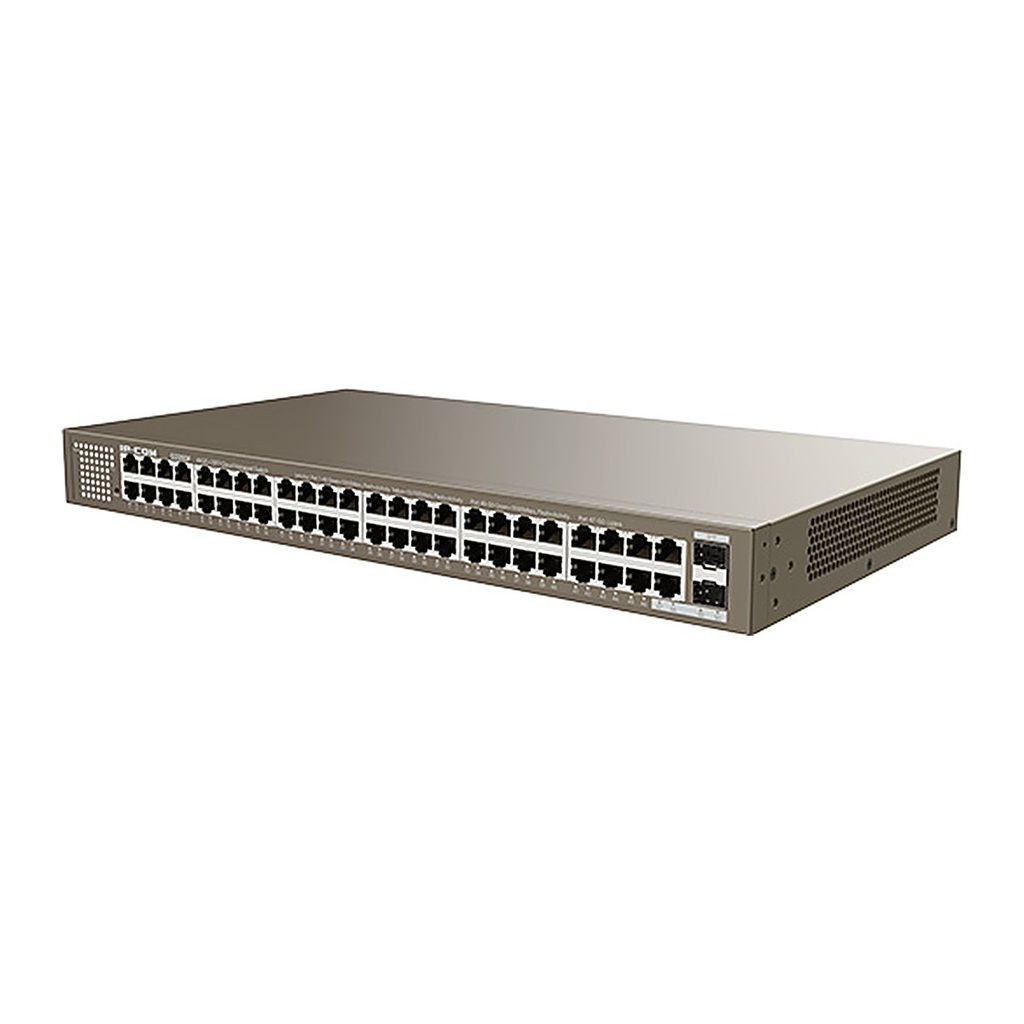
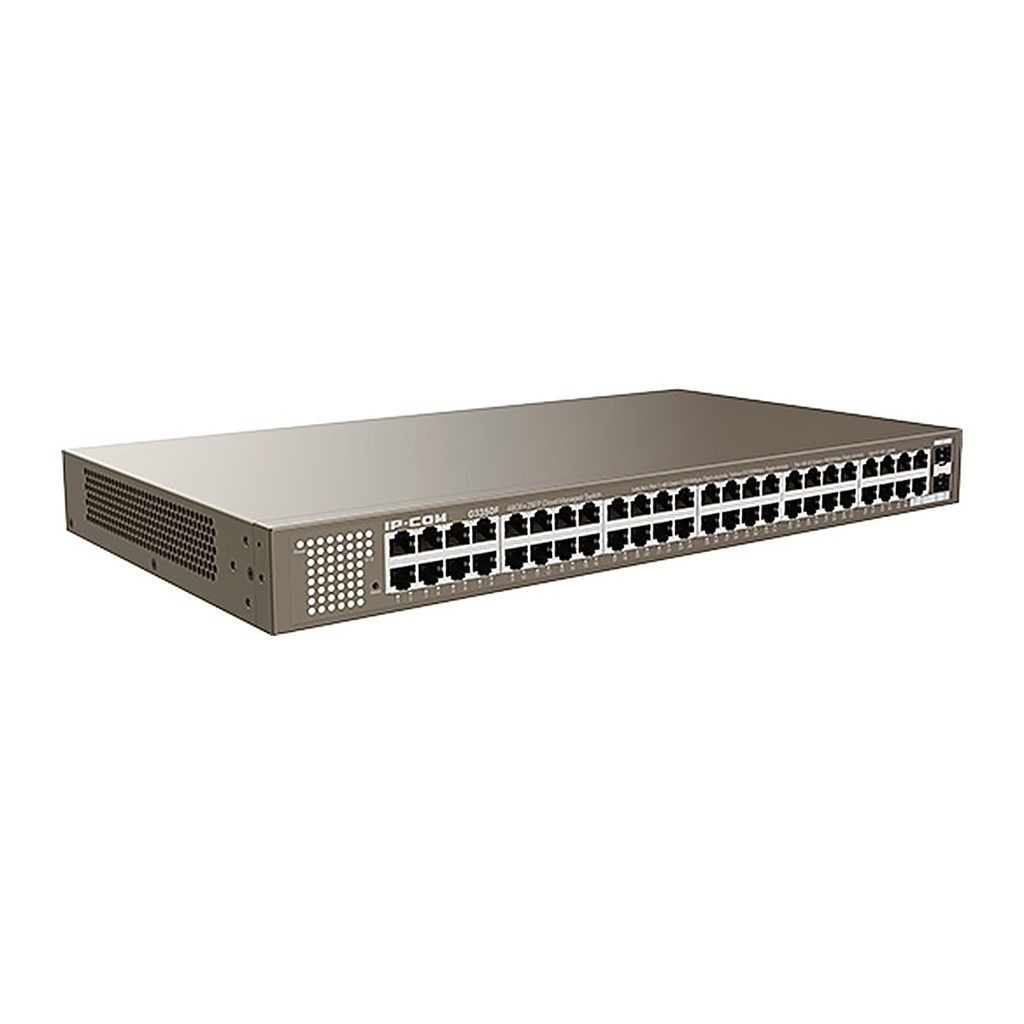
| Fixed ports | 48 x 10/100/1000Base-T Ethernet ports; 2 x 1000Base-X SFP slots |
|---|
| Lightning protection | Port: 6 kV; Power supply: 6 kV |
|---|
| Forwarding mode | Store-and-forward |
|---|
| Switching capacity | 100 Gbps |
|---|
| Packet forwarding rate | 74.4 Mpps |
|---|
| Switching buffer | 12 Mbit |
|---|
| MAC address table | 16K |
|---|
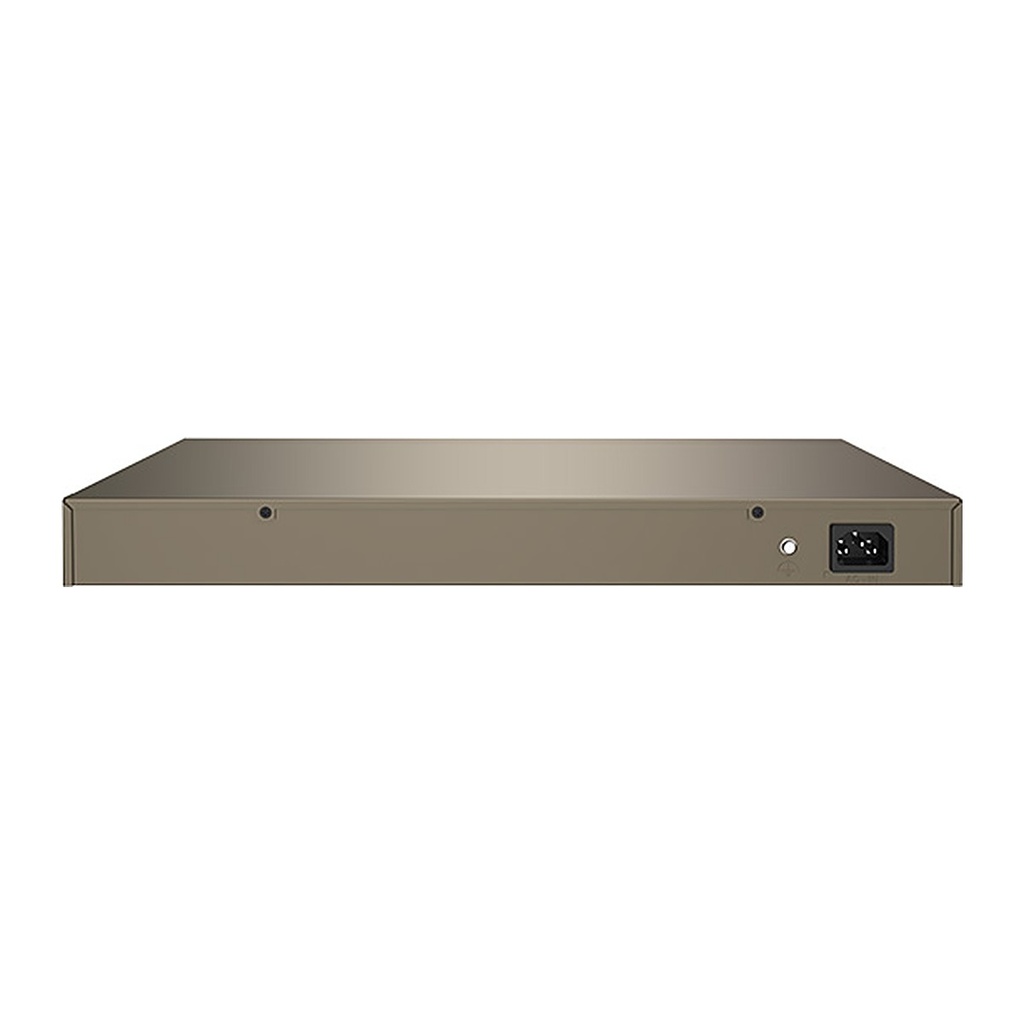
| Input voltage | 100–240V AC, 50/60Hz |
|---|
| Dimensions (L x W x H) | 440 x 240 x 44 mm |
|---|
| Environment | Operating temperature: 0°C to 45°C; Storage temperature: -40°C to 70°C; Operating humidity: 10%–90% RH, non-condensing; Storage humidity: 5%–90% RH, non-condensing |
|---|
| Certifications | CCC, FCC, CE, RoHS |
|---|
| Security features | ARP receiving limit; Unknown MAC discarding; DoS attack defense; 802.1x security authentication; RADIUS authentication |
|---|
| VLAN | 4K VLAN table; IEEE 802.1q VLAN; Three port modes: Access, Trunk and Hybrid |
|---|
| DHCP | DHCP Snooping; Option 82 policy configuration |
|---|
| Port aggregation | Static aggregation; Dynamic aggregation |
|---|
| STP | IEEE 802.1d STP; IEEE 802.1w RSTP; IEEE 802.1s MSTP; Edge ports; BPDU statistics |
|---|
| IGMP | IGMP Snooping V1/V2/V3; Port fast leave |
|---|
| Port mirroring | N:1 port mirroring supported |
|---|
| QoS | SP (Strict Priority); SWRR (Simple Weighted Round Robin); WRR (Weighted Round Robin); 802.1p port trust mode; DSCP port trust mode; Up to 8-queue QoS mapping |
|---|
| ACL | MAC-based ACL supported; IPv4-based ACL supported |
|---|
| Cloud management | Configuration delivery from ProFi management platform; ProFi App management; Log reporting and fault detection; Remote maintenance: reboot, backup, upgrade |
|---|
| Local visualization | LLDP-based discovery of routers, switches, APs and other network devices; ONVIF-based IP camera discovery; Automatic topology generation; Local view and main view; Online/offline device detection; Remote IP camera reboot; Loop alert; Custom device types and device names |
|---|
| Loading and upgrade | HTTP upgrade supported; Configuration import/export supported |
|---|
| Management and maintenance | Telnet configuration; SNMP V1/V2/V3; Web management and maintenance; System log; Log classification; NTP; Ping and Tracert tests; Memory and CPU monitoring |
|---|
![[G3350F] IP-COM G3350F 50-Port Gigabit L2 Cloud Managed Switch, 48 GE + 2 SFP, ProFi Cloud](/web/image/product.image/1288/image_1024/%5BG3350F%5D%20IP-COM%20G3350F%2050-Port%20Gigabit%20L2%20Cloud%20Managed%20Switch%2C%2048%20GE%20%2B%202%20SFP%2C%20ProFi%20Cloud?unique=ec69f22)
![[G3350F] IP-COM G3350F 50-Port Gigabit L2 Cloud Managed Switch, 48 GE + 2 SFP, ProFi Cloud](/web/image/product.image/1288/image_128/%5BG3350F%5D%20IP-COM%20G3350F%2050-Port%20Gigabit%20L2%20Cloud%20Managed%20Switch%2C%2048%20GE%20%2B%202%20SFP%2C%20ProFi%20Cloud?unique=ec69f22)