| Standards | IEEE 802.3, IEEE 802.3u, IEEE 802.3ab, IEEE 802.3z, IEEE 802.3x, IEEE 802.1p, IEEE 802.1q, IEEE 802.1w, IEEE 802.1d, IEEE 802.1s |
|---|
| LED indicators | 1 Link/Act LED per port; 1 Power LED per device; 1 SYS LED per device |
|---|
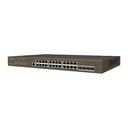
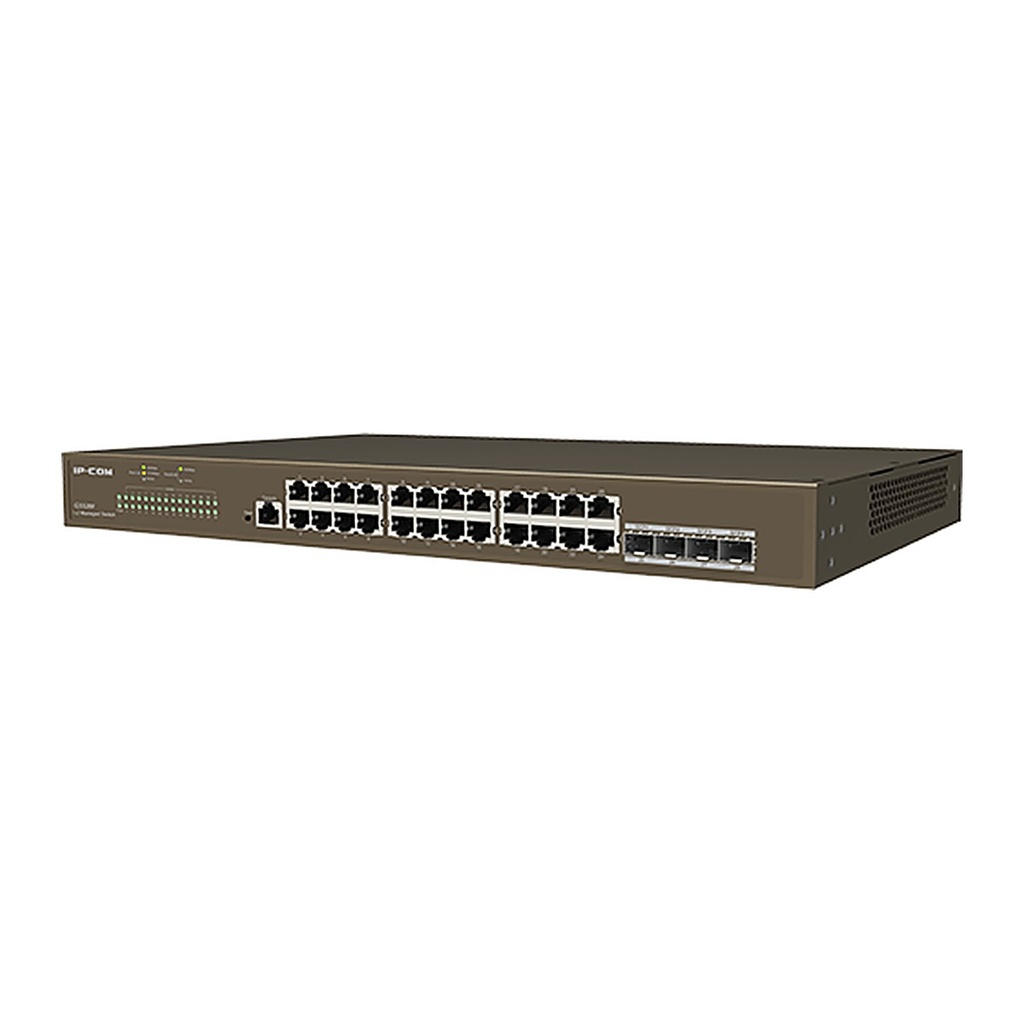
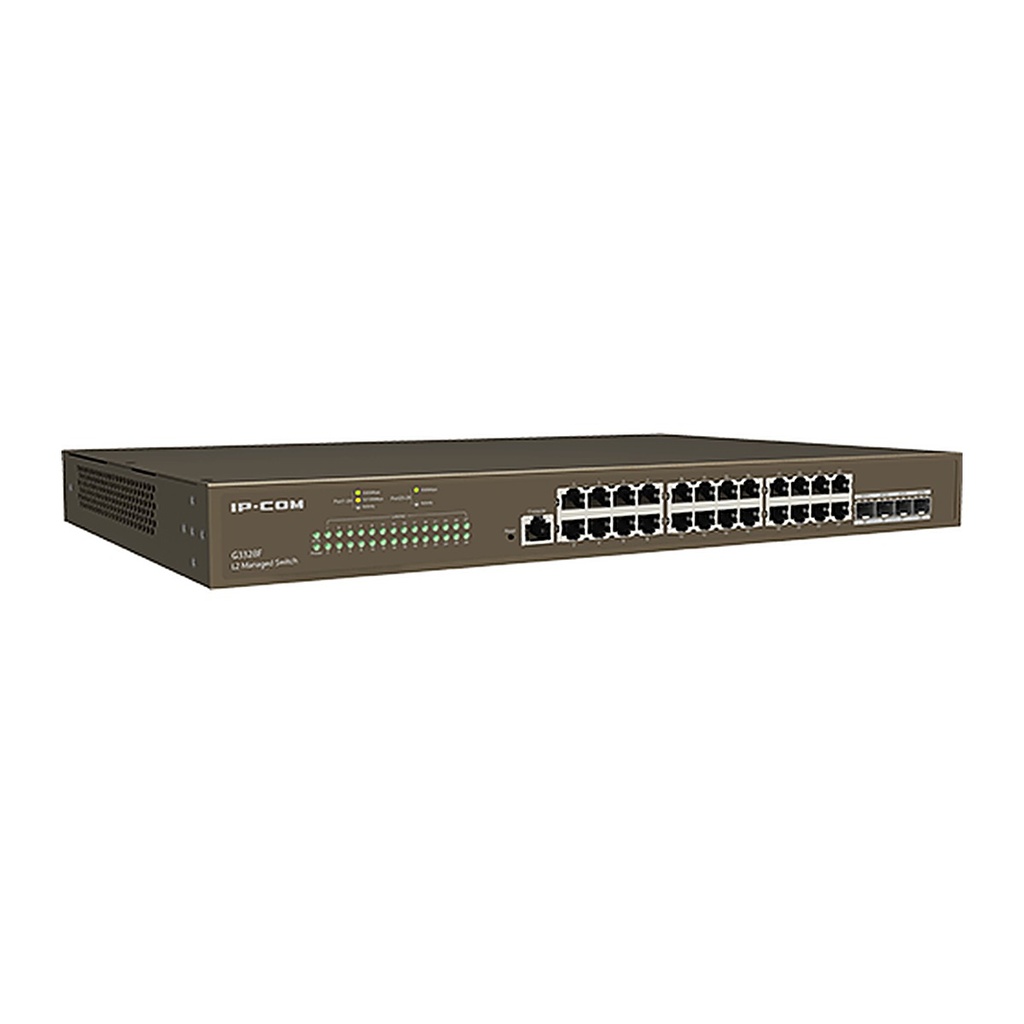
| Interfaces | 24 x 10/100/1000Base-T Ethernet ports; 4 x 1000Base-X SFP ports; 1 x Console port |
|---|
| Lightning protection | Port: 6kV; Power: 6kV |
|---|
| Forwarding mode | Store-and-forward |
|---|
| Switching capacity | 56Gbps |
|---|
| Packet forwarding rate | 41.7Mpps |
|---|
| Buffer | 12Mbit |
|---|
| MAC address table | 16K |
|---|
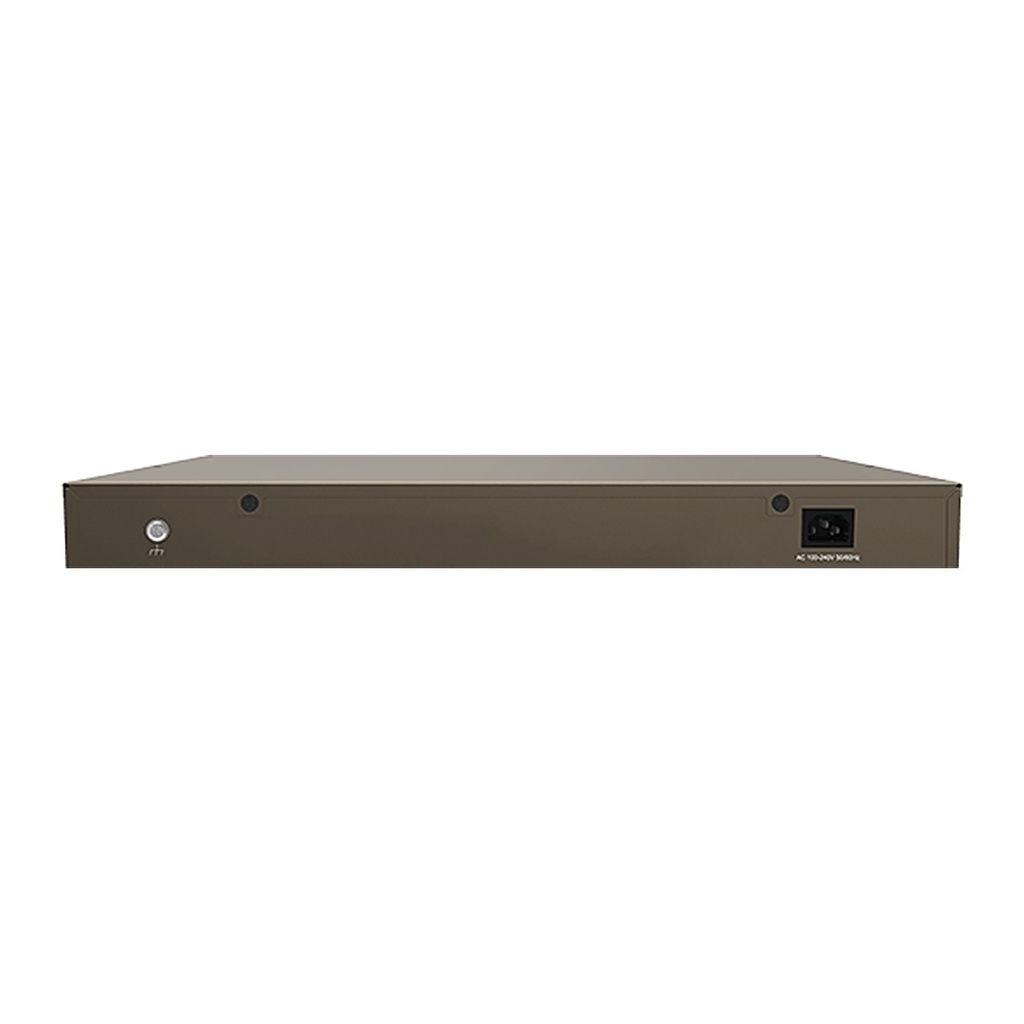
| Input voltage | 100-240V AC, 50/60Hz |
|---|
| Dimensions (L x W x H) | 440 mm x 179.6 mm x 44 mm |
|---|
| Operating environment | Operating temperature: 0°C to 45°C; Storage temperature: -40°C to 70°C; Operating humidity: 10% to 90%RH, non-condensing; Storage humidity: 5% to 90%RH, non-condensing |
|---|
| Certificates | CCC, FCC, CE, RoHS |
|---|
| Security features | Supports ARP receiving limit; Supports unknown MAC address discard; Supports DoS attack defense; Supports 802.1x security authentication; Supports RADIUS authentication |
|---|
| VLAN | Supports 4K VLAN table; Supports IEEE 802.1Q VLAN; Supports three port link types: Access, Trunk and Hybrid |
|---|
| DHCP | Supports DHCP Snooping; Supports Option 82 policy configuration |
|---|
| Port aggregation | Supports static aggregation; Supports LACP dynamic aggregation; Supports up to 32 aggregation groups with up to 8 member ports each |
|---|
| Spanning tree | Supports IEEE 802.1d STP; Supports IEEE 802.1w RSTP; Supports IEEE 802.1s MSTP; Supports edge ports; Supports BPDU statistics; Supports BPDU Guard, BPDU Filter; Supports Root Guard, Loop Guard; Supports loopback detection |
|---|
| Multicast | Supports IGMP Snooping V1/V2/V3; Supports port fast leave |
|---|
| Port mirroring | Supports N:1 port mirroring |
|---|
| QoS | Supports SP (Strict Priority); Supports SWRR (Simple Weighted Round Robin); Supports WRR (Weighted Round Robin); Supports 802.1p port trust mode; Supports DSCP port trust mode; Supports up to 8-queue QoS mapping; Supports Tail Drop; Supports storm suppression; Supports port speed limit |
|---|
| ACL | Supports MAC ACL; Supports IPv4 ACL |
|---|
| Loading and upgrade | Supports FTP/TFTP/HTTP upgrade; Supports configuration import and export |
|---|
| Cloud management | Supports remote configuration delivery through ProFi Cloud web UI platform; Supports ProFi App management; Supports log reporting and fault detection; Supports remote maintenance: restart, backup and upgrade |
|---|
| Local visualization management | Supports router, switch, AP and IP camera discovery; Supports automatic topology generation; Supports online/offline status detection for devices; Supports remotely rebooting IP cameras |
|---|
| Management and maintenance | Supports Telnet configuration; Supports Console port configuration; Supports SNMP V1/V2/V3; Supports web management and maintenance; Supports Ping/Tracert detection |
|---|
![[G3328F] IP-COM G3328F 28-Port Gigabit L2 Cloud Managed Switch, 24 GE + 4 SFP, Console Port](/web/image/product.image/1231/image_1024/%5BG3328F%5D%20IP-COM%20G3328F%2028-Port%20Gigabit%20L2%20Cloud%20Managed%20Switch%2C%2024%20GE%20%2B%204%20SFP%2C%20Console%20Port?unique=ebf53e6)
![[G3328F] IP-COM G3328F 28-Port Gigabit L2 Cloud Managed Switch, 24 GE + 4 SFP, Console Port](/web/image/product.image/1231/image_128/%5BG3328F%5D%20IP-COM%20G3328F%2028-Port%20Gigabit%20L2%20Cloud%20Managed%20Switch%2C%2024%20GE%20%2B%204%20SFP%2C%20Console%20Port?unique=ebf53e6)