Skip to Content

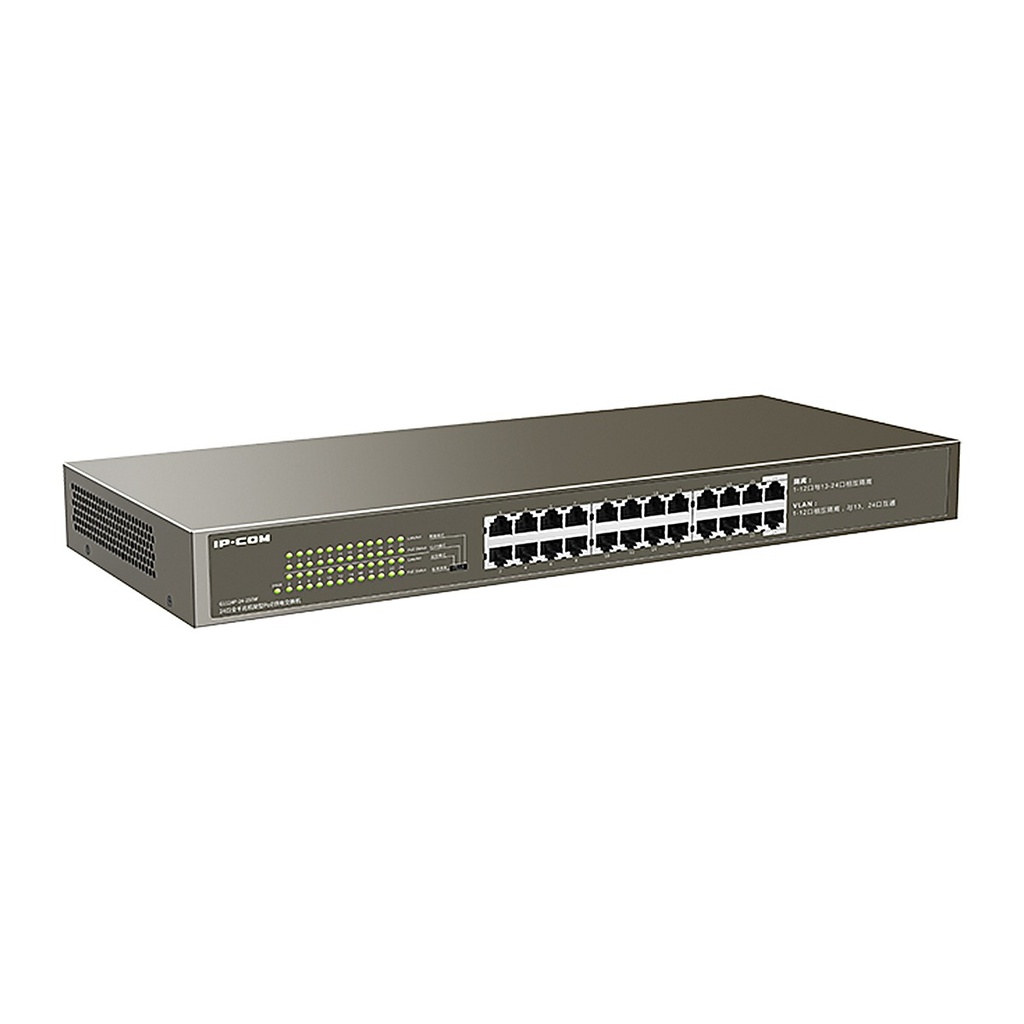
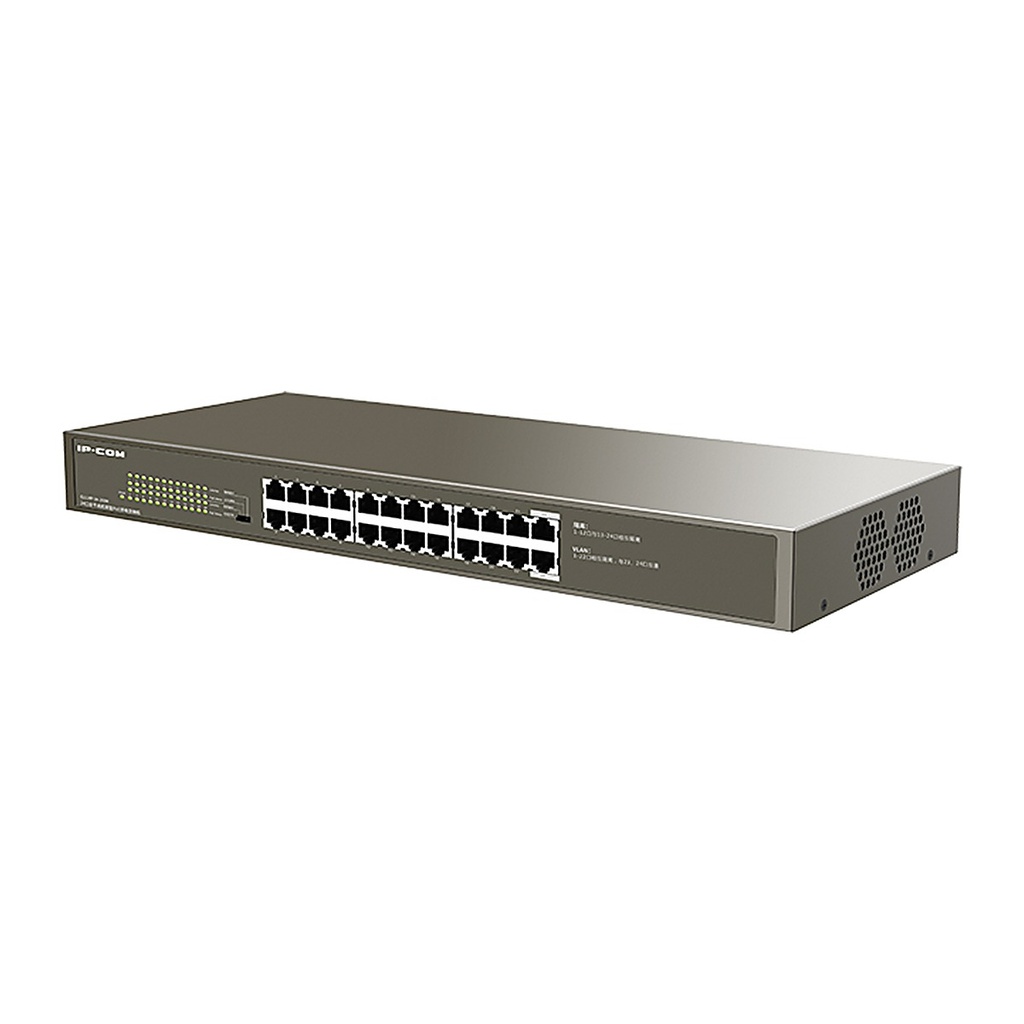
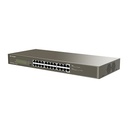
IP-COM G1124P-24-250W 24-Port Gigabit PoE Rackmount Switch, 225W PoE, Surveillance Mode

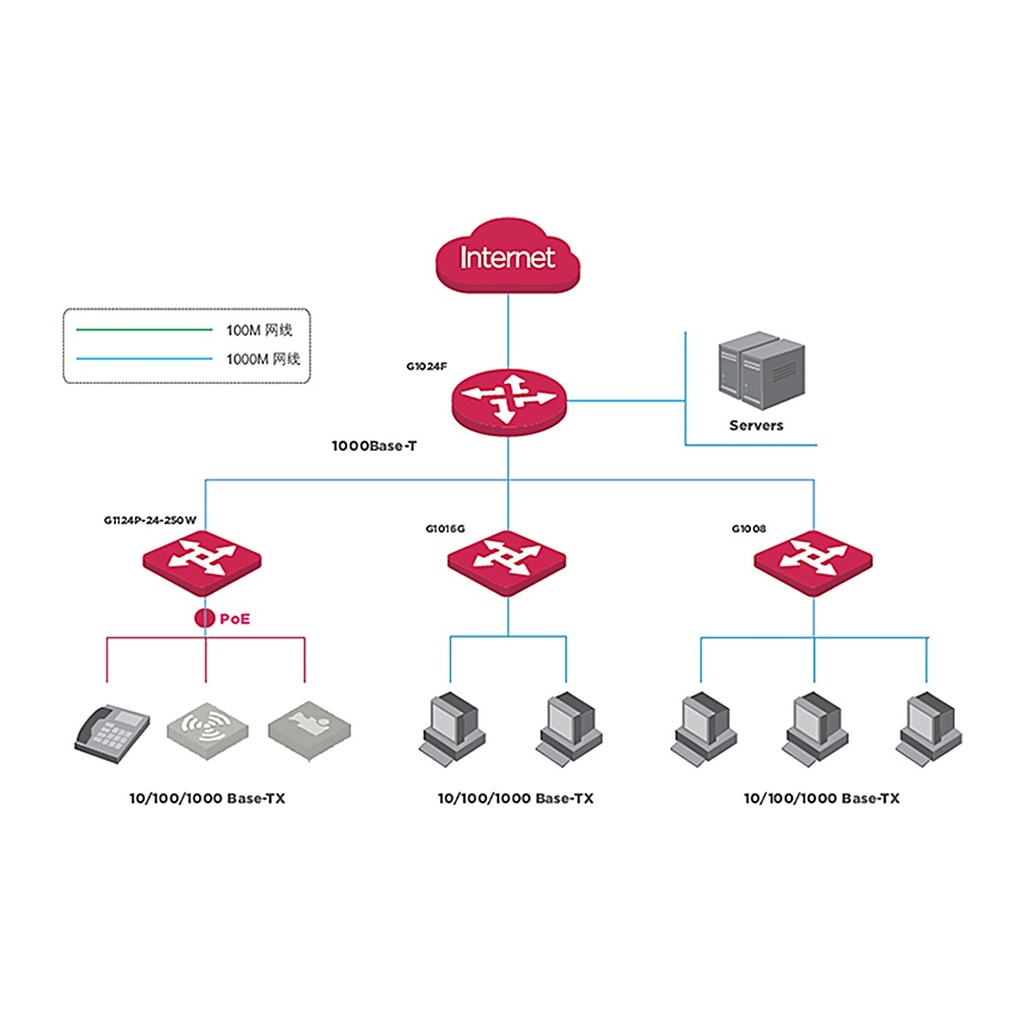
  • 24 x Gigabit PoE ports, up to 30W per port
  • <225W total PoE power
  • 48 Gbps switching capacity
  • PoE priority and over-temperature protection
  • 4 modes: standard, surveillance, VLAN isolation, isolation
  • 6KV port and power lightning protection
  • 19-inch rackmount design
Price
⃁ 842.67 ⃁ 842.67 ⃁ 1,053.34
(Tax excluded)
  • Delivery within 2–5 business days across Saudi Arabia
  • Warranty according to the manufacturer
  • Tax invoice with every order
  • Technical support before and after purchase

Not sure this model fits your setup? Read the buying guide

Technical Specifications – G1124P-24-250W

StandardsIEEE 802.3, IEEE 802.3u, IEEE 802.3ab, IEEE 802.3x, IEEE 802.3af, IEEE 802.3at
MTBF≥100,000 hours
Fixed ports24 x 10/100/1000Base-T Ethernet ports; 24 PoE ports, max 30W per port
LED indicators1 Link/Ack LED per Gigabit port; 1 PoE status LED per Gigabit port; 1 Power LED per device
PerformanceStore-and-forward: Supported; Switching capacity: 48Gbps; MAC address table: 8K
Lightning protectionPort: 6KV; Power: 6KV
PoE power supplySupports per-port PoE settings and power priority settings; Supports PoE over-temperature protection; Supports intelligent graphical management and detection of PD devices (priority, port status, power allocation, PD status), intelligently managing PD power
Power consumptionTotal power consumption: 250W; PoE power: <225W
Power input100-240VAC, 50/60Hz
Dimensions440mm x 178.8mm x 44mm
Operating environmentTemperature: 0°C to 40°C; Humidity: 10% to 90%RH, non-condensing
Storage environmentTemperature: -40°C to 70°C; Humidity: 5% to 90%RH, non-condensing
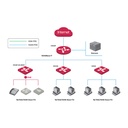
Port featuresFour modes: M1 Standard sharing: works as a normal unmanaged switch and can be used as a central switch. M2 Surveillance mode: optimizes uplink port buffer to resolve uplink bandwidth bottlenecks. M3 VLAN isolation: ports 1-22 are isolated from each other but all communicate with ports 23 and 24, isolating DHCP broadcasts and reducing broadcast storms. M4 Isolation mode: ports 1-12 and ports 13-24 are in two different VLANs, separating the surveillance network from the wireless network without interference.
CertificationsFCC, CE, RoHS, CCC

Source: IP-COM official website. Specifications are subject to change by the manufacturer.

PRACTICAL ANSWERS

Network planning questions

Should I choose a router, a switch or an access point?

Start with the task: connecting networks, adding wired device ports, or providing wireless coverage. A single installation may need more than one device type. Share a site diagram and device list so the proposed roles and connections are clear.

Why is wireless coverage weak in some rooms?

Check the access point location, building layout, obstacles and the number of active devices. Measure coverage where people actually work before choosing extra equipment; changing the internet package alone may not address a coverage problem.

How do I select a switch for powered network devices?

List the devices to be connected and check each device’s power requirements against the switch’s per-port capability and total documented power budget. Also review uplink capacity and reserve ports for the expansion you actually expect.

Can the guest network be separated from business devices?

Define which devices and services guests should be able to reach, then check whether the router, switch and access points support the required separation. Test the resulting access rules; a different wireless network name alone is not the acceptance test.

What information helps plan a network upgrade?

Provide floor plans, current equipment models, internet connections, cabling details and peak device counts. Describe the applications that matter most and the observed problem, such as disconnections or slow local file access.

How should network performance be checked after installation?

Agree on the locations and representative workloads to test, then record wired and wireless results separately. Check connectivity, coverage and access rules during normal use, and retain a diagram and configuration backup for support.