Overview of Hikvision DS-QAZ1506G1-BE(O-STD)
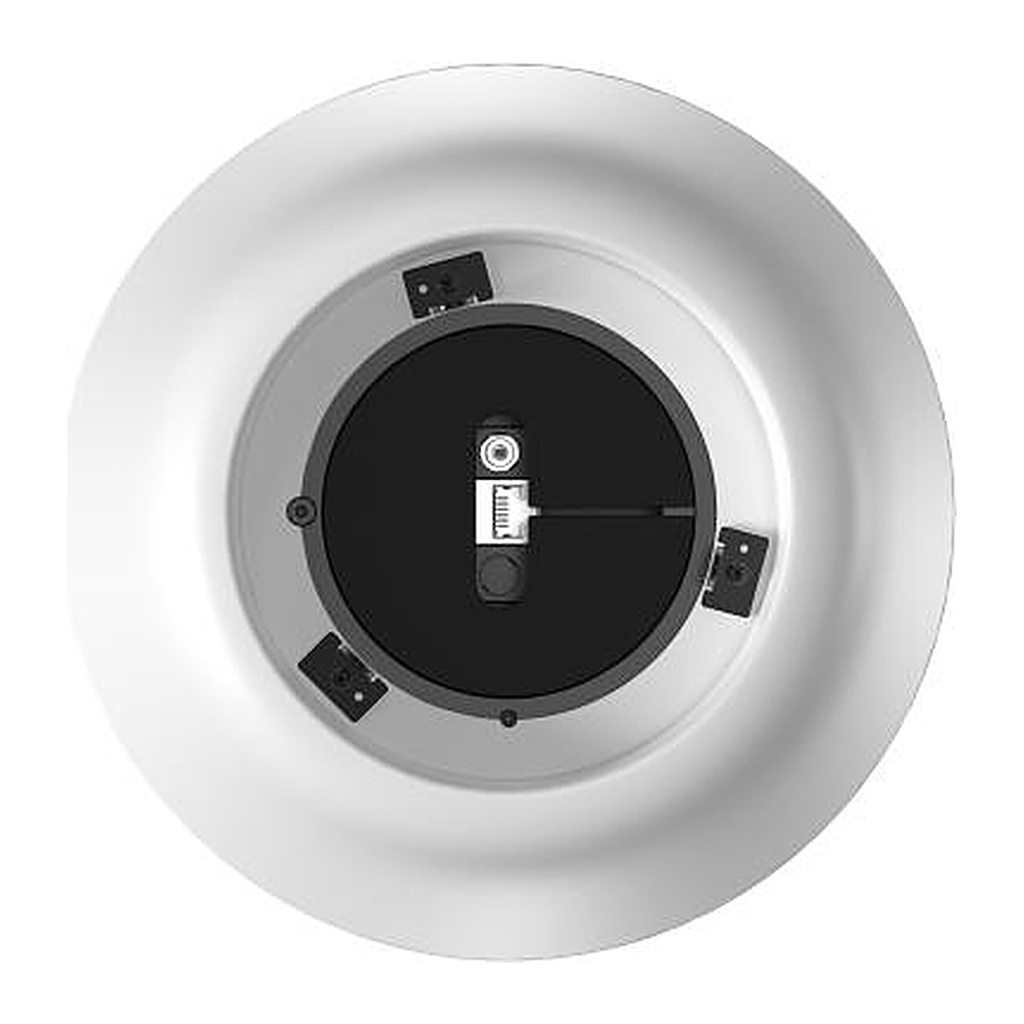
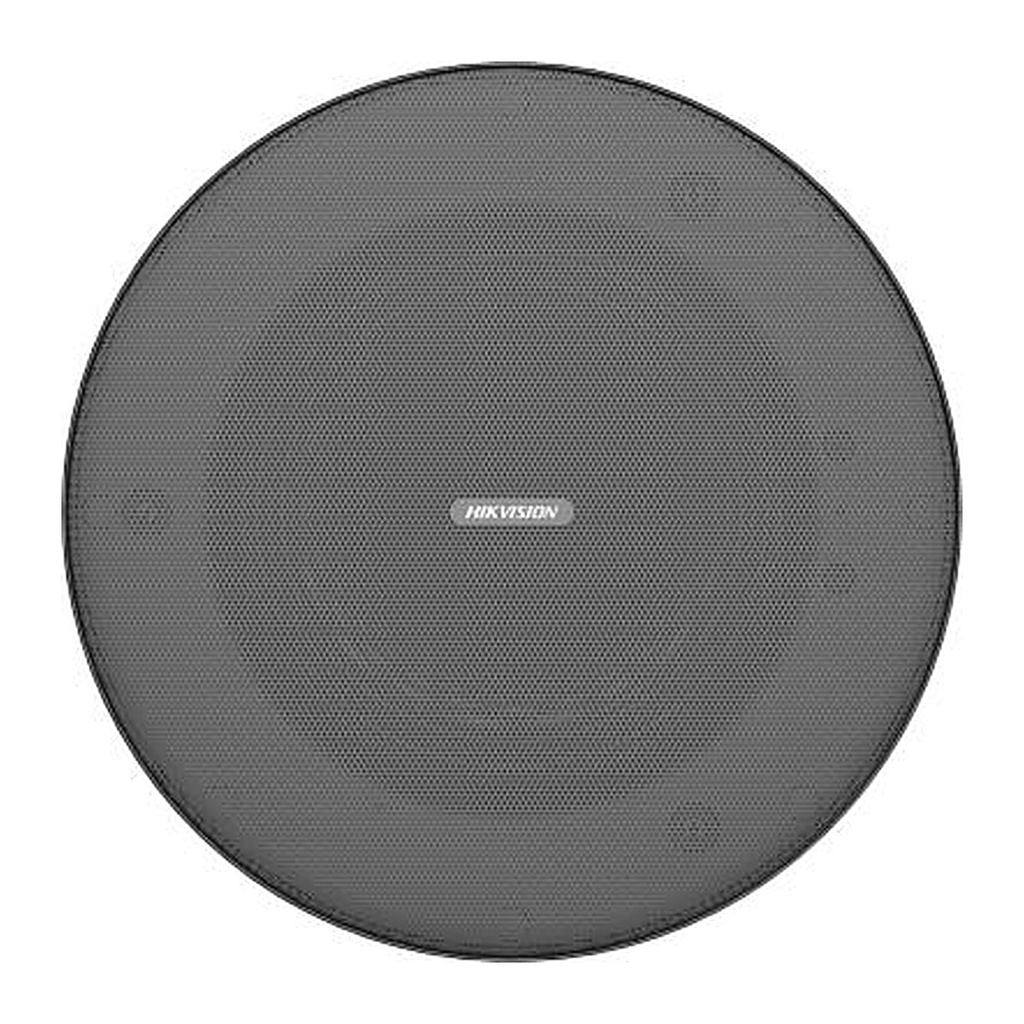
The Hikvision DS-QAZ1506G1-BE is a 6 W IP network pendant speaker designed to hang from high or open ceilings. It is powered by Hi PoE (802.3bt), standard PoE (802.3af/at) or 24 VDC, and its 6.5-inch full-range driver delivers clear audio with 88° conical coverage. Two MEMS microphones with AEC, AGC and noise suppression enable two-way audio, while scheduled, live and emergency broadcasts, alarm linkage and TTS are supported with 64 GB onboard storage and Bluetooth 5.0. Ideal for showrooms, malls, large halls, warehouses, cafes and hotel lobbies.
Technical Specifications – Hikvision DS-QAZ1506G1-BE(O-STD)
Protocol
| Network Protocol | IPv4, HTTP, HTTPS , SIP, SSL/TLS , DNS, NTP, TCP, UDP, IGMP, ICMP, DHCP, ARP |
|---|
Microphone
| Type | MEMS |
|---|
| Amount | 2 |
|---|
| Frequency Response | 100 Hz to 10 kHz |
|---|
| Sensitivity | -38dBV/Pa |
|---|
Speaker
| Impedance | 8Ω |
|---|
| Rated Power | 6W |
|---|
| Total Harmonic Distortion (THD) | ≤1% |
|---|
| Sensitivity(1 M, 1 W) | 88dB |
|---|
| Max. Acoustic Pressure | 94dB |
|---|
| Frequency Response | 140Hz~15kHz(-10dB) |
|---|
| Speaker Unit | Full frequency: 6.5" × 1 |
|---|
| Coverage Angle | Conical Coverage: 88° |
|---|
Function
| Audio Algorithm | AEC、AGC、ANS、DRC |
|---|
| Audio Bit Rate | G.711ulaw(64 Kbps)/G.711alaw(64 Kbps)/MP3(128 Kbps) Sampling bit width: 16 bits |
|---|
| Speech Synthesis | Language Type: English, Russian, Spanish, Japanese, Thai, Portuguese (Brazil), Korean, French |
|---|
Network
| Client | Hik-Connect, ivms/4200, HikCentral Professional, Hik-Partner Pro, NVR, MileStone |
|---|
Interface
| Alarm | Alarm in |
|---|
| Network Interface | RJ45 10 M/100 M Adaptive Ethernet port × 1 |
|---|
| Local Storage | Built-in 64 GB EMMC (Audio file storage is 55 GB.) |
|---|
| Audio In | 3.5 mm audio interface × 1 |
|---|
| LED Indicator | Solid green: normal working Flashing green: intercom in progress Solid red: start or network disconnection Flashing red: upgrading |
|---|
| Reset | Support |
|---|
General
| Power | DC 24 V, 5 A, max. 60 W; IEEE 802.3 bt(Hi PoE);IEEE 802.3 af(PoE);IEEE 802.3 at(PoE) |
|---|
| Material | Main body: PC Base: ABS |
|---|
| Dimension | φ242.78mm X 192.7mm |
|---|
| Weight | Approx. 2.7 kg (5.95 lb.) |
|---|
| Package Dimension | 305mm×305mm×315mm |
|---|
| With Package Weight | Approx. 2.9 kg (6.49 lb.) |
|---|
| Packing List | Device × 1 Regulatory Compliance and Safety Information × 1 2-pin phoenix connector × 1 4-pin phoenix connector ×1 hanging rope 2080mm ×1 |
|---|
| Bluetooth | Bluetooth 5.0, 10 m |
|---|
| Operating Temperature | -10 °C to 45 °C |
|---|
| Operating Humidity | <90% (No condensation) |
|---|
Source: Hikvision official website. Specifications are subject to change by the manufacturer.
![[DS-QAZ1506G1-BE(O-STD)] Hikvision DS-QAZ1506G1-BE Network Pendant Speaker 6W, Hi PoE, Two-Way Audio](/web/image/product.image/2142/image_1024/%5BDS-QAZ1506G1-BE%28O-STD%29%5D%20Hikvision%20DS-QAZ1506G1-BE%20Network%20Pendant%20Speaker%206W%2C%20Hi%20PoE%2C%20Two-Way%20Audio?unique=5cbf232)
![[DS-QAZ1506G1-BE(O-STD)] Hikvision DS-QAZ1506G1-BE Network Pendant Speaker 6W, Hi PoE, Two-Way Audio](/web/image/product.image/2142/image_128/%5BDS-QAZ1506G1-BE%28O-STD%29%5D%20Hikvision%20DS-QAZ1506G1-BE%20Network%20Pendant%20Speaker%206W%2C%20Hi%20PoE%2C%20Two-Way%20Audio?unique=5cbf232)