Overview of Hikvision DS-QAZ1120G1-B(O-STD)/EU
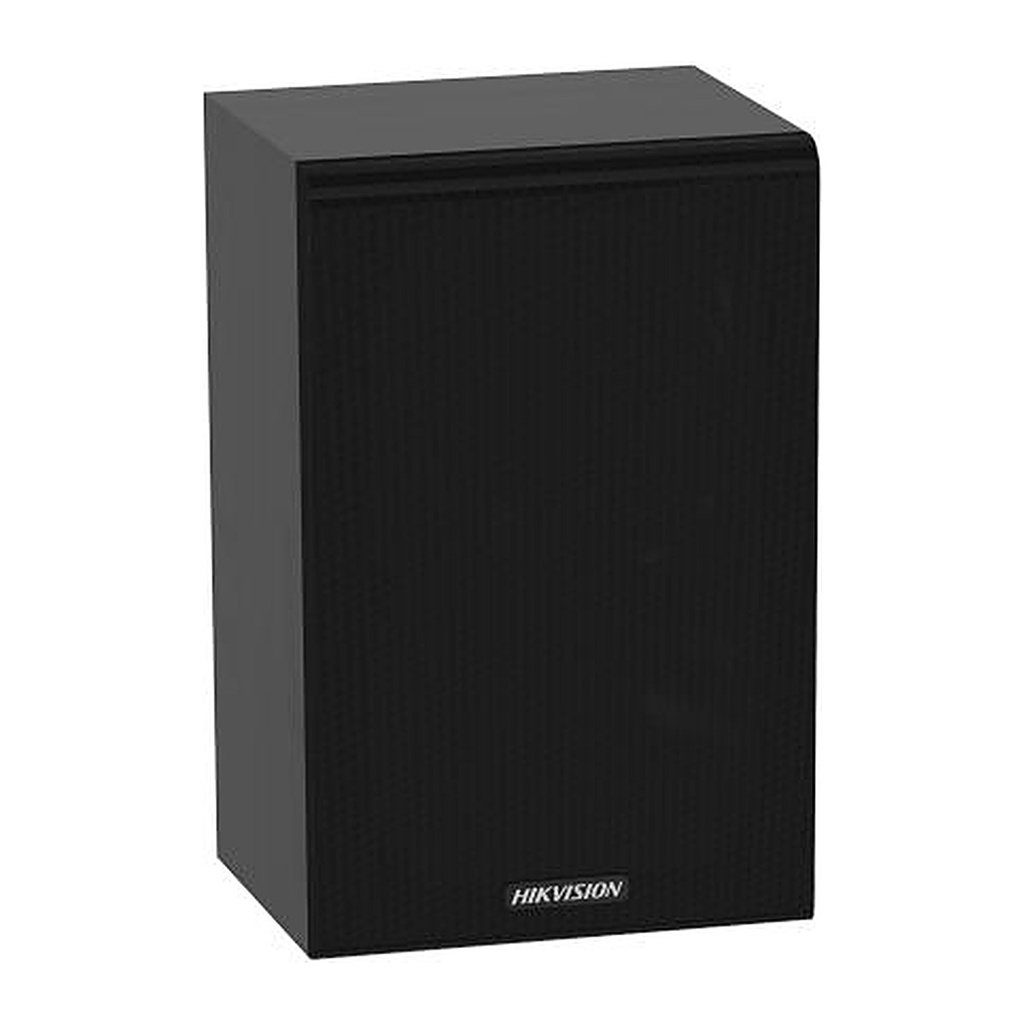
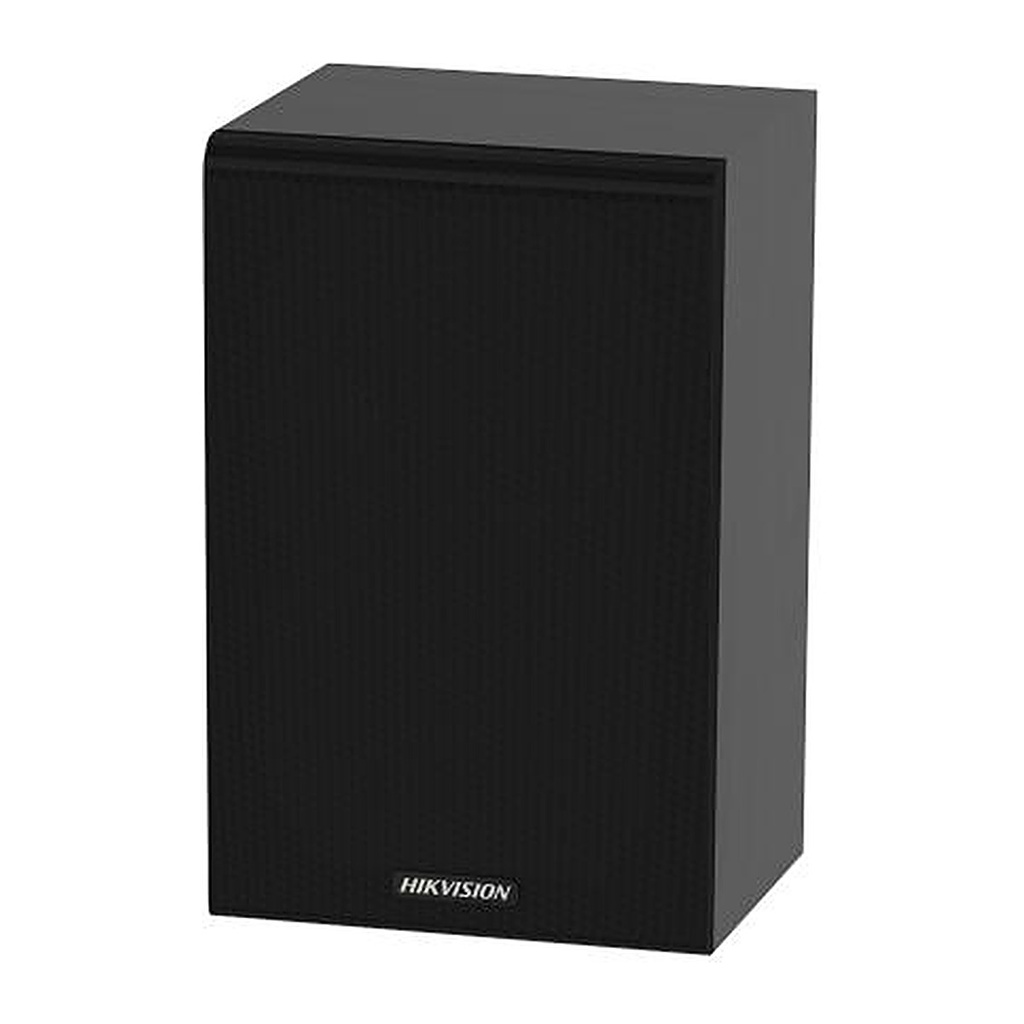
The Hikvision DS-QAZ1120G1-B is a 20 W IP network cabinet speaker in a black wooden enclosure for modern public address systems. It connects over Ethernet and works with Hik-Connect, iVMS-4200, HikCentral Professional, Hik-Partner Pro and NVRs, with SIP and ONVIF support. Two built-in MEMS microphones with AEC, AGC and noise suppression enable two-way audio, while scheduled, live and emergency broadcasts, alarm linkage and TTS are supported, plus 4 GB onboard storage. Ideal for offices, schools, shops, clinics and hotels across KSA.
Technical Specifications – Hikvision DS-QAZ1120G1-B(O-STD)/EU
Microphone
| Type | MEMS |
|---|
| Amount | 2 |
|---|
| Frequency Response | 100 Hz to 20 kHz |
|---|
| Sensitivity | -42 dBV/Pa |
|---|
| Sampling Rate | 48 kHz |
|---|
| Quantization Bits | 16 bit |
|---|
Speaker
| Rated Power | 20 W |
|---|
| Impedance | 8 Ω |
|---|
| Max. Acoustic Pressure | 101 dBSPL |
|---|
| Sensitivity(1 M, 1 W) | 90 dB |
|---|
| Direction | All directions |
|---|
| Frequency Response | 100 Hz to 20 kHz |
|---|
| SNR | 83 dB |
|---|
| Speaker Unit | Full frequency 5.25′′ × 1 |
|---|
| Coverage Angle | Horizontal: 105° Vertical: 103° |
|---|
Function
| Audio Algorithm | AEC、AGC、ANS、DRC |
|---|
| Audio Bit Rate | G.711ulaw(64 Kbps)/G.711alaw(64 Kbps)/MP3(128 Kbps) Sampling bit width: 16 bits |
|---|
| Audio File Format | MP3, WAV |
|---|
| NTP Timing | Support |
|---|
| Broadcast | Regular broadcast, live broadcast, emergency broadcast |
|---|
| Two-Way Audio | Support |
|---|
| Speech Synthesis | Language Type: English, Russian, Spanish, Japanese, Thai, Portuguese (Brazil), Korean, French |
|---|
Network
| Network Protocol | IPv4, HTTP, HTTPS , SIP, SSL/TLS , DNS, NTP, TCP, UDP, IGMP, ICMP, DHCP, ARP, SSH |
|---|
| Interface Protocol (API) | ISAPI, ISUP, SIP, RTP,ONVIF |
|---|
| Client | Hik-Connect, ivms/4200, HikCentral Professional, Hik-Partner Pro, NVR, MileStone |
|---|
Communication
| Communication Method | Support wired network and bluetoothcommunication |
|---|
Interface
| Ethernet Interface | RJ45 10 M/100 M Adaptive Ethernet port × 1 |
|---|
| Local Storage | Built-in 4 GB EMMC (Audio file storage is 1 GB.) |
|---|
| API | ISAPI, ISUP, SIP,ONVIF |
|---|
| Audio In | 3.5 mm audio interface × 1 Voltage Input × 1,COM 100 V |
|---|
| LED Indicator | Green light on: normal Green light flash: intercom in progress Red light on: start or network disconnection Red light flash: upgrading |
|---|
| Reset | Support |
|---|
| Volume Knob | Support |
|---|
General
| Power | 24 VDC/1.5 A |
|---|
| Material | Wooden |
|---|
| Operating Temperature | -10 °C to 50 °C(14 °F to 122 °F) |
|---|
| Operating Humidity | <90% (No condensation) |
|---|
| Dimension | 180.6 mm × 156 mm × 280 mm(7.11" × 6.14" × 11.02") |
|---|
| Package Dimension | 355 mm × 265 mm × 240 mm(13.98" × 10.43" × 9.45") |
|---|
| Weight | Approx. 2.5 kg (5.51 lb.) |
|---|
| Color | Black |
|---|
| With Package Weight | Approx. 3.64 kg (8.02 lb.) |
|---|
| Packing List | Device × 1 Adapter × 1 Screw pack × 1 Installation sticker × 1 Regulatory Compliance and Safety Information × 1 |
|---|
| Bluetooth | Bluetooth 5.0, 10 m |
|---|
Approval
| RF | CE-RED: EN 301489-1 V2.2.3 (BT or 2.4G), EN 301489-17 V3.2.4 (BT or 2.4G), EN 300 328 V2.2.2 (BT or 2.4G), EN62311 2020(BT or 2.4G) RCM: EN 300 328 V2.2.2 (BT or 2.4G), AS/NZS 2772.2:2016+A1:2018, ARPANSA RPS S-1 Radiation Protection Series S-1 (Rev.1), ARPANSA RPS S01 Advisory Note IC ID: RSS-247(BT or 2.4G) ANATEL: Resolution No. 680/2017,Act No. 14448/2017,Act No. 950/2018,Act No. 1120/2018 |
|---|
| EMC | CE-EMC: EN 55032:2015+A11:2020+A1:2020, EN IEC 61000-3-2:2019, EN 61000-3-3:2013+A1:2019+A2:2021, EN 55035:2017+A11:2020 RCM: AS/NZS CISPR 32: 2015 IC: ICES-003: Issue 7 |
|---|
| Safety | CB: IEC 62368-1:2014 CE-LVD: EN 62368-1:2014/A11:2017 |
|---|
| Environment | CE-RoHS: 2011/65/EU WEEE: 2012/19/EU Reach: Regulation (EC) No 1907/2006 |
|---|
Source: Hikvision official website. Specifications are subject to change by the manufacturer.
![[DS-QAZ1120G1-B(O-STD)/EU] Hikvision DS-QAZ1120G1-B Network Cabinet Speaker 20W, Two-Way Audio, TTS, Black](/web/image/product.image/2135/image_1024/%5BDS-QAZ1120G1-B%28O-STD%29-EU%5D%20Hikvision%20DS-QAZ1120G1-B%20Network%20Cabinet%20Speaker%2020W%2C%20Two-Way%20Audio%2C%20TTS%2C%20Black?unique=c172501)
![[DS-QAZ1120G1-B(O-STD)/EU] Hikvision DS-QAZ1120G1-B Network Cabinet Speaker 20W, Two-Way Audio, TTS, Black](/web/image/product.image/2135/image_128/%5BDS-QAZ1120G1-B%28O-STD%29-EU%5D%20Hikvision%20DS-QAZ1120G1-B%20Network%20Cabinet%20Speaker%2020W%2C%20Two-Way%20Audio%2C%20TTS%2C%20Black?unique=c172501)