Skip to Content

EZVIZ H8c Pro 4K Outdoor Pan & Tilt Wi-Fi Camera, Auto-Tracking, Color Night Vision (CS-H8C-R200-8H8WKFL-B40)

  • Ultra-sharp 4K resolution (3840 × 2160) to capture faces and fine details
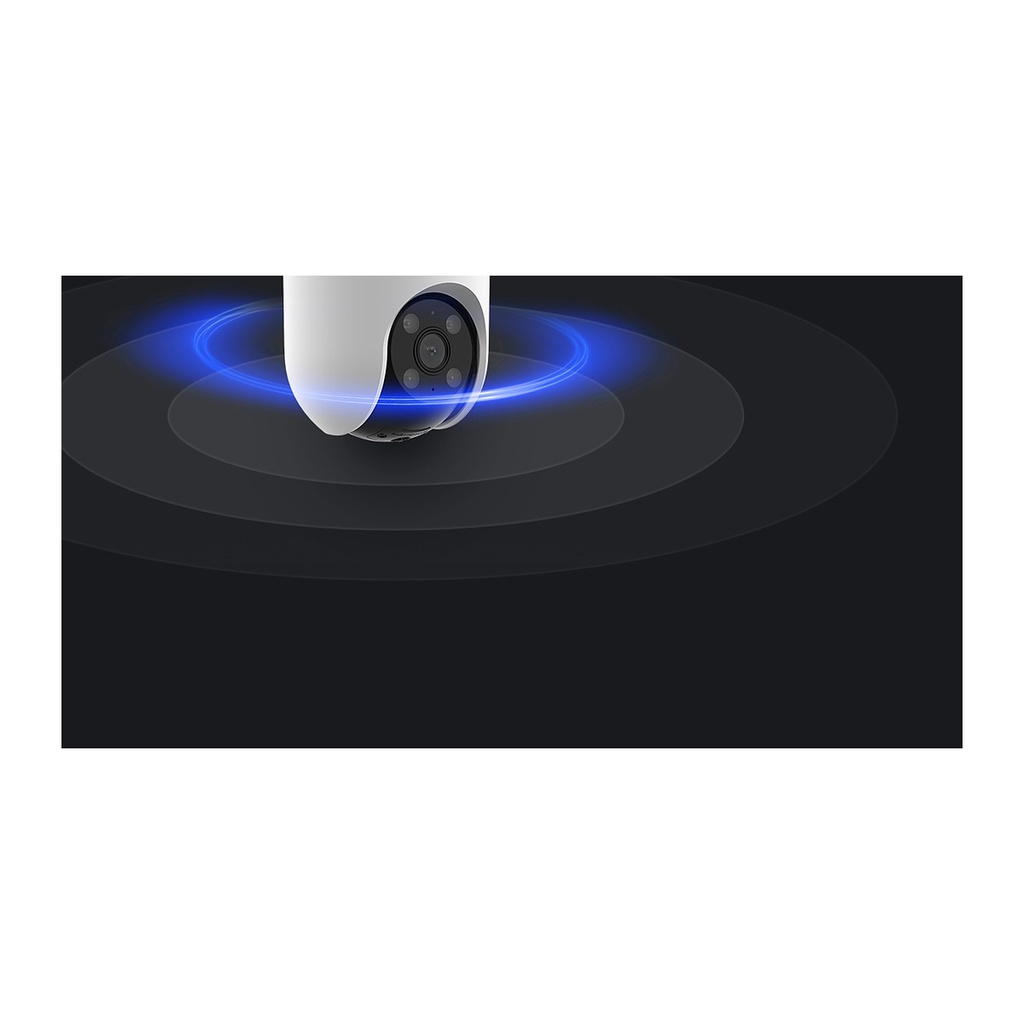
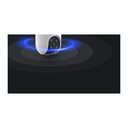
  • Pan & tilt coverage (Pan 350°, Tilt 80°) with automatic tracking of moving targets
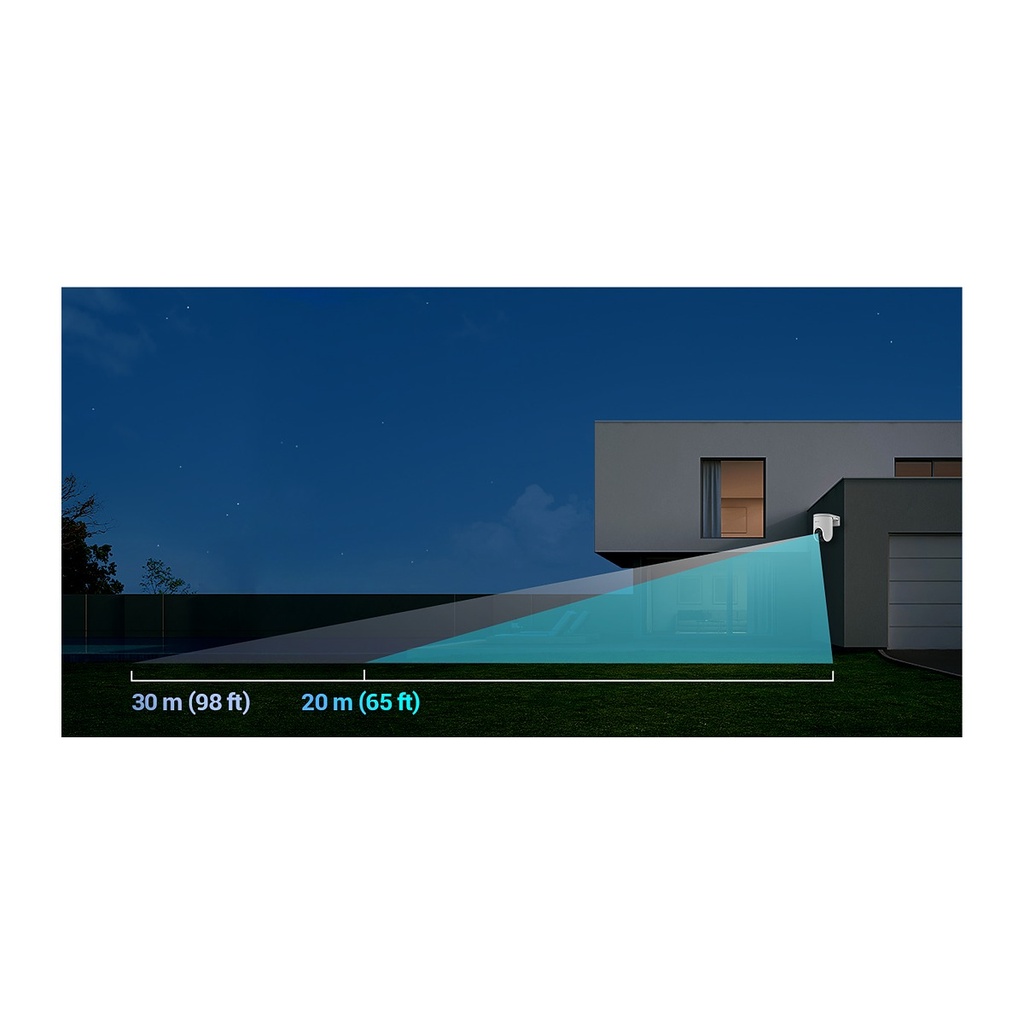
  • Full-color night vision plus black-and-white night vision up to 30 m
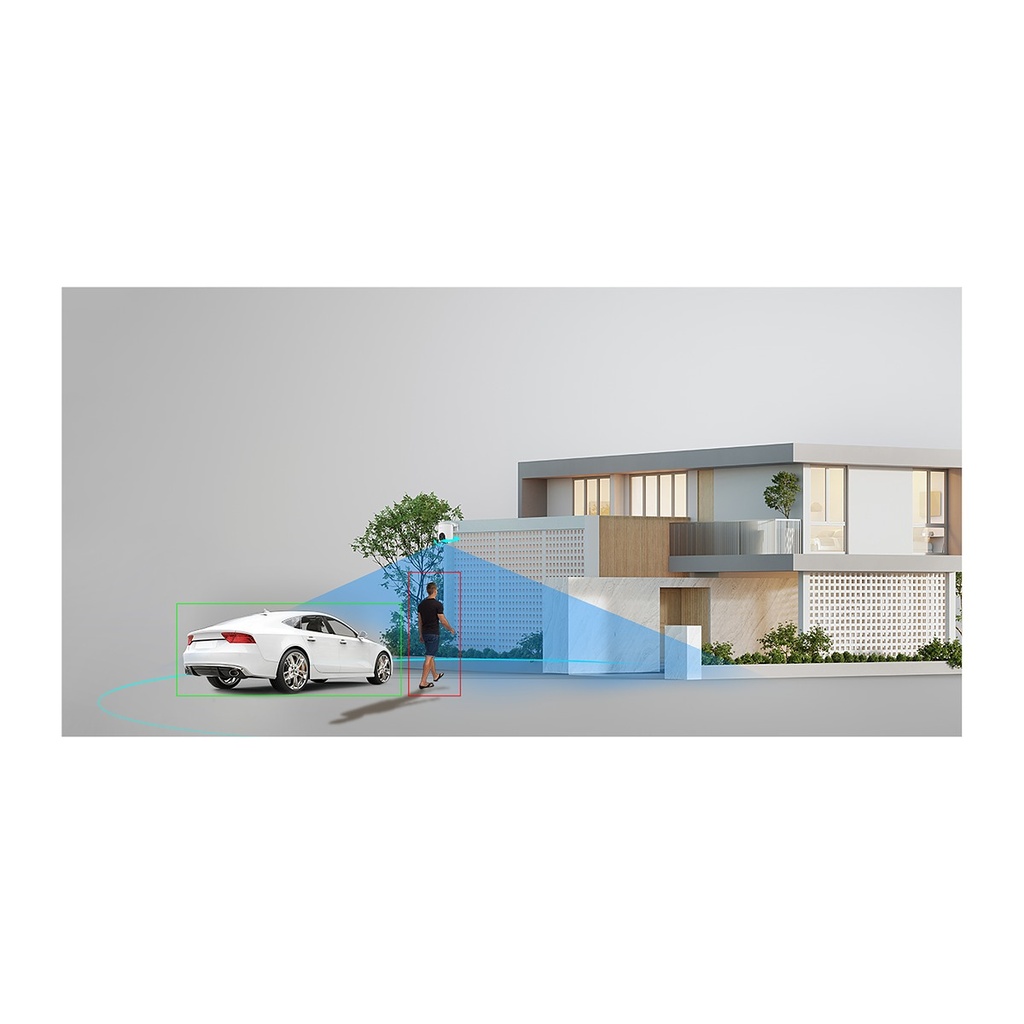
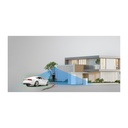
  • AI-powered human and vehicle shape detection for accurate alerts
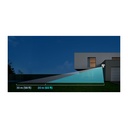
  • Active defense with a loud siren and four dazzling spotlights
  • Two-way talk and auto-play voice messages when motion is detected
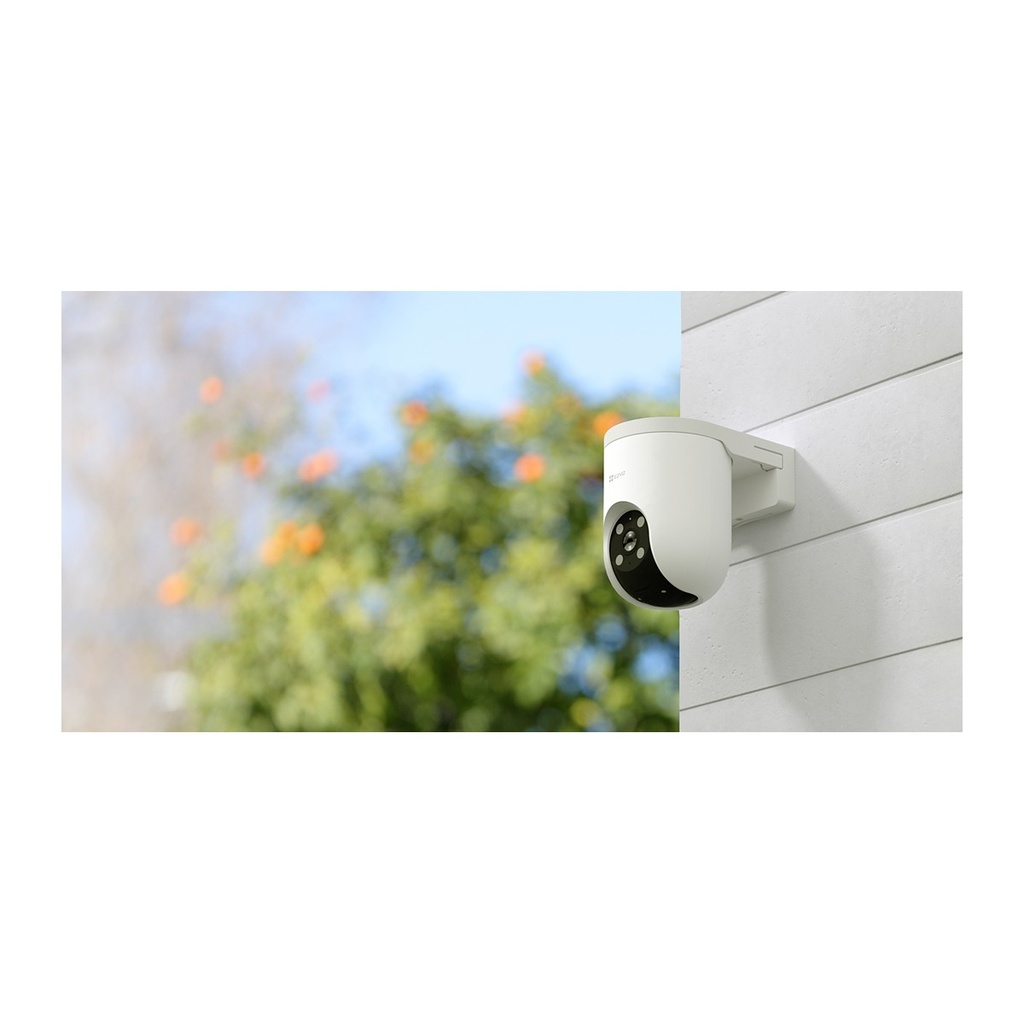
  • Weatherproof design with easy snap-in, detachable mounting base
  • MicroSD up to 512 GB, EZVIZ CloudPlay, H.265 and Alexa / Google Assistant support

Price
⃁ 253.33 ⃁ 253.33 ⃁ 316.66
(Tax excluded)
  • Delivery within 2–5 business days across Saudi Arabia
  • Warranty according to the manufacturer
  • Tax invoice with every order
  • Technical support before and after purchase

Not sure this model fits your setup? Read the buying guide

Overview of EZVIZ H8c Pro 4K Outdoor Pan & Tilt Wi-Fi Camera

The EZVIZ H8c Pro 4K is a premium outdoor pan & tilt Wi-Fi camera that combines ultra-clear 4K video with 360° coverage. It rotates to follow people and vehicles automatically, so a single camera can protect a whole villa, yard, parking area or commercial site. Full-color night vision keeps details vivid after dark, while AI human and vehicle detection reduces false alerts. When intruders appear, the siren and four spotlights react instantly, and two-way talk lets you respond from your phone. With weatherproof construction, snap-in installation and microSD storage up to 512 GB, it is an ideal outdoor security camera for homes and businesses.

Technical Specifications

Image Sensor1/2.7" Progressive Scan CMOS
Shutter SpeedSelf-adaptive shutter
Lens4mm@ F1.6, viewing angle: 48° (Vertical), 91° (Horizontal), 108° (Diagonal) 6mm@ F1.6, viewing angle: 30° (Vertical), 56° (Horizontal), 66° (Diagonal)
PT AnglePan: 350°, Tilt: 80°
Minimum Illumination0.5 Lux @(F1.6, AGC ON), 0 Lux with IR (*data is obtained from EZVIZ laboratories)
Lens MountM12
DNR3D DNR
WDRDigital WDR
Black & White Night30m / 98ft
Max Resolution3840 × 2160
Frame RateSelf-Adaptive during network transmission
Video CompressionH.265 / H.264
H.265 TypeMain Profile
Video Bit RateUltra-HD; Hi-Def; Standard. Adaptive bit rate.
Audio Bit RateSelf-Adaptive
Wi-Fi StandardIEEE802.11b, 802.11g, 802.11n
Frequency Range2.4 GHz ~ 2.4835 GHz
Channel BandwidthSupports 20MHz
SecurityWPA-PSK/WPA2-PSK
Transmission Rate11b 11 Mbps, 11g 54 Mbps, 11n: 72 Mbps
Wi-Fi PairingAP paring
ProtocolEZVIZ Cloud Proprietary Protocol
Interface ProtocolEZVIZ Cloud Proprietary Protocol
Wired NetworkRJ45 × 1 (10M / 100M Adaptive Ethernet Port)
Smart AlarmAI-Powered Human / Vehicle Shape Detection
Auto TrackingSupports
Customized Alert AreaSupports
Two-way TalkSupports
General FunctionAnti-Flicker, Dual-Stream, Heart Beat, Password Protection, Watermark
Local StorageSupports microSD Card (Up to 512 GB)
Cloud StorageSupports EZVIZ CloudPlay storage (Subscription required)
Operating Conditions-30°C to 50°C ( -22 °F to 122 °F ) Humidity 95% or less (non-condensing)
IP GradeWeatherproof Design
Power SupplyDC 12V/1A
Power ConsumptionMAX. 12W
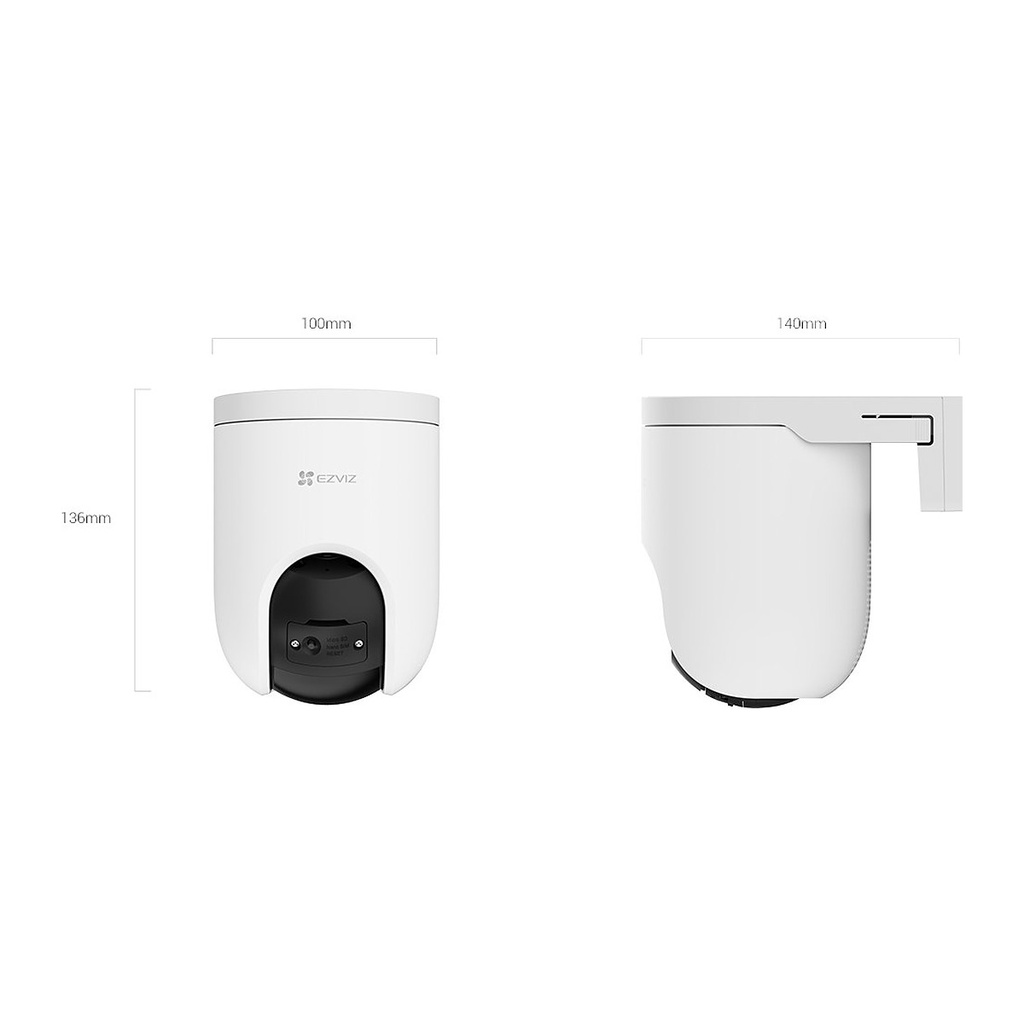
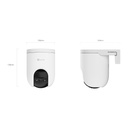
Dimensions100 × 136 × 140mm (3.94 × 5.35 × 5.51 inch)
Packaging Dimensions140 × 140 × 192mm (5.51 × 5.51 × 7.56 inch)
In the box- H8c Pro 4K Camera; Drill Template; Screw Kit; Waterproof Kit; Power Adapter; Regulatory Information; Quick Start Guide
CertificationsCE / UL / RoHS / WEEE / REACH

Source: EZVIZ official website. Specifications are subject to change by the manufacturer.

PRACTICAL ANSWERS

Camera and recording questions

How do I choose a camera for an entrance?

Describe the entrance width, mounting height, distance to the subject and available lighting. Decide whether you need an overview or identifiable detail, then compare the exact lens and image specifications of the proposed model.

Will a new camera work with my existing recorder?

Check the camera and recorder model numbers, connection type, supported video formats and recording limits together. Do not rely on brand names alone; ask for confirmation against both devices’ documentation before ordering.

How much recording storage will I need?

Prepare the number of cameras, desired retention period, recording schedule and proposed image settings. Ask for a storage estimate based on these inputs and an allowance for variation; a disk capacity alone does not guarantee a fixed number of days.

What should I check for outdoor camera installation?

Review the model’s documented environmental rating and operating conditions, then plan sheltered connections, suitable cable routes and a serviceable mounting point. Installation details should be confirmed for the actual location, not inferred from the camera’s appearance.

Can I view the cameras from a phone?

Check which app and remote-access method the model supports, whether an account or subscription is required, and the internet requirements at the site. Plan individual user access and secure account settings rather than sharing an administrator password.

What should be tested when a camera system is handed over?

Review the intended views, playback and export, date and time, user permissions and any agreed remote access. Request the equipment list and configuration handover, and record outstanding issues before accepting the installation.