Skip to Content

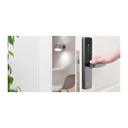
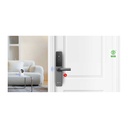
EZVIZ DL05 Smart Fingerprint Door Lock, Card, Passcode & App Unlock, Wi-Fi/Bluetooth, Grey (CS-DL05-R100-WBCP-GR)

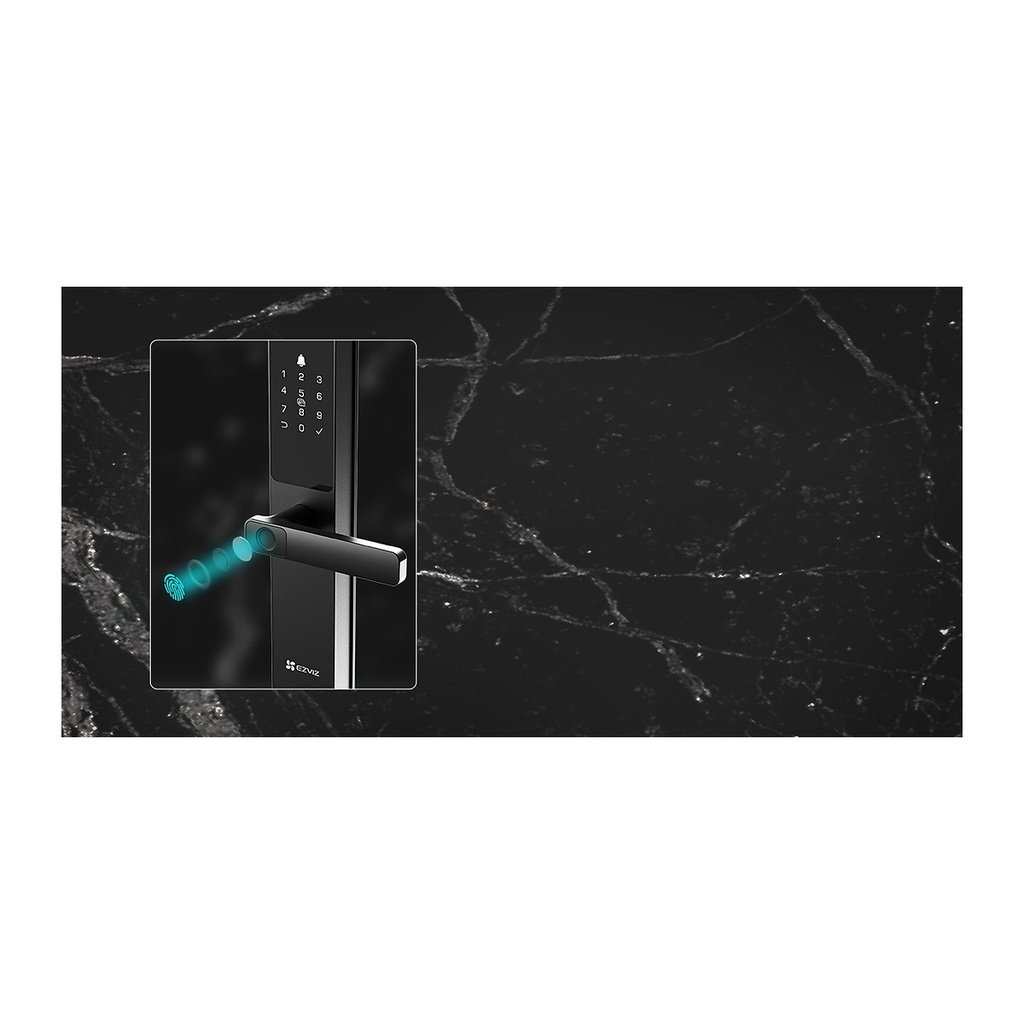
  • 7 unlocking methods: fingerprint, passcode, proximity card, mechanical key, Bluetooth key, temporary codes and remote unlocking
  • Stores up to 50 users, 50 fingerprints, 50 passcodes and 50 cards for the whole family
  • Wi-Fi and Bluetooth connectivity with real-time notifications and remote control via the EZVIZ app
  • Advanced protection: anti-peeping code (up to 20 digits), wrong-attempt lockout and anti-tamper alarm
  • Privacy mode and child safety lock for extra peace of mind
  • Weather-resistant IP65 front panel in metallic grey aluminum alloy with a 5085 lock body
  • Runs on 8 AA batteries with low-battery warning and Type-C emergency charging
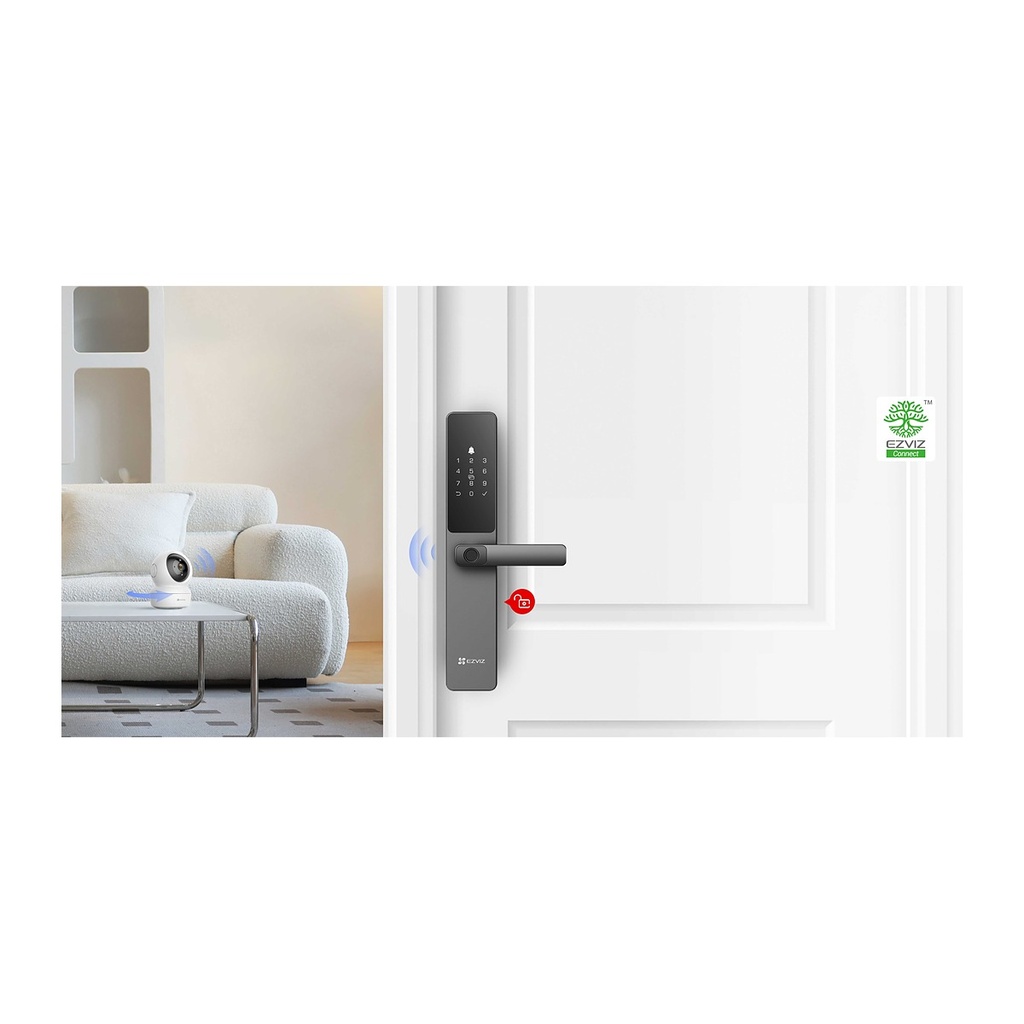
  • Fits doors 30–110 mm thick and can link with compatible EZVIZ cameras to capture visitors

Price
⃁ 486.67 ⃁ 486.67 ⃁ 608.34
(Tax excluded)
  • Delivery within 2–5 business days across Saudi Arabia
  • Warranty according to the manufacturer
  • Tax invoice with every order
  • Technical support before and after purchase

Not sure this model fits your setup? Read the buying guide

Overview of EZVIZ DL05 Smart Fingerprint Door Lock

The EZVIZ DL05 in metallic grey is a smart fingerprint door lock that gives your home, villa or office keyless, secure access. Unlock in seven ways, from fingerprint, passcode and proximity card to Bluetooth, temporary codes for guests and remote unlocking through the EZVIZ app. With Wi-Fi and Bluetooth, you receive real-time notifications and manage up to 50 users easily. Anti-peeping codes, wrong-attempt lockout, an anti-tamper alarm, privacy mode and a child safety lock add strong protection, while the IP65 front panel and Type-C emergency charging ensure reliable daily use as part of your EZVIZ smart home.

Technical Specifications

Panel MaterialAluminum Alloy
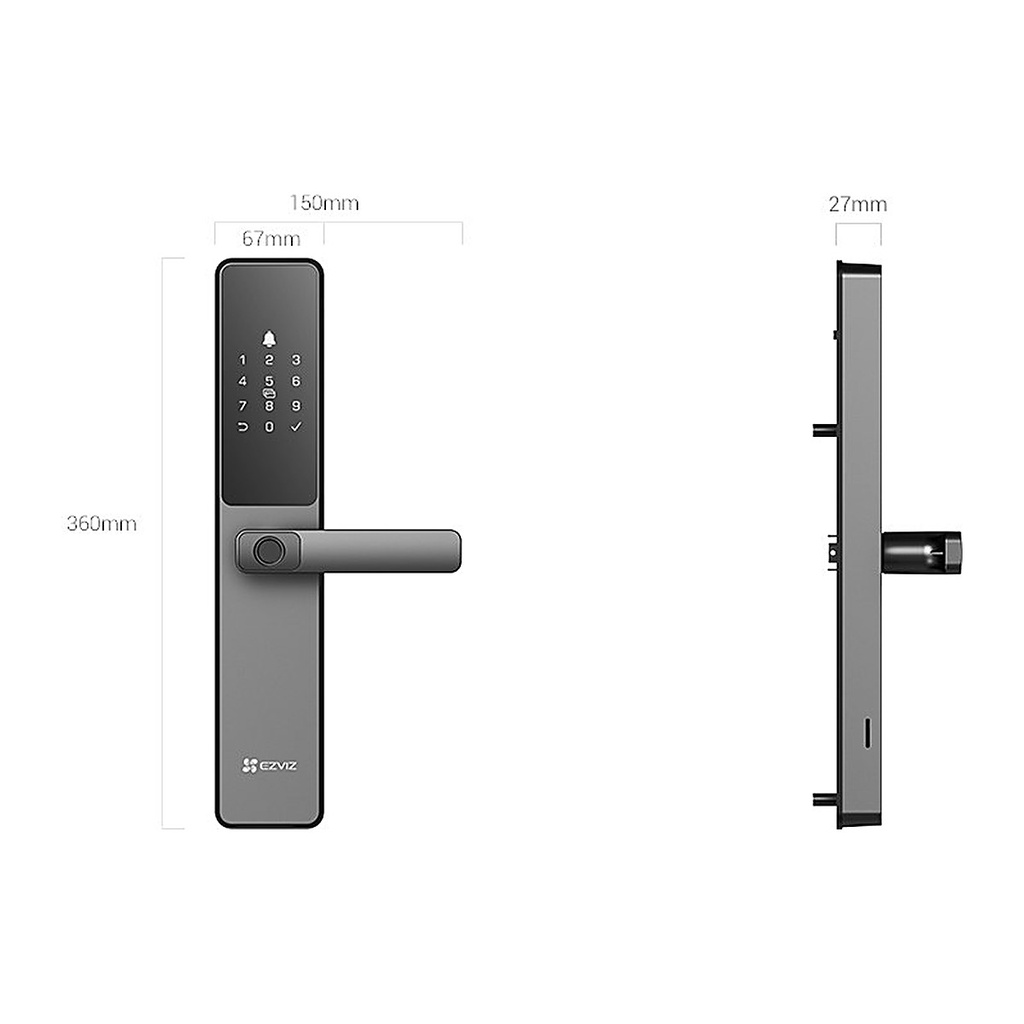
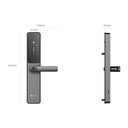
Panel Size360 x 67 x 27 mm
ColorMetallic Grey
Unlocking DirectionPress the handle down to unlock; lift the handle up to lock.
Lock Body5085
WeatherproofIP65 (Front Panel)
Emergency ChargingType-C
Working Power1.5V AA alkaline batteries x 8
Unlocking MethodsFingerprint, Passcode, Proximity Card, Mechanical Key, Bluetooth Key via the EZVIZ App, Temporary Codes, Remote Unlocking
User Capacity50 pcs
Fingerprint Capacity50 pcs
Passcode Capacity50 pcs
Card Capacity50 pcs
Communication Methods2.4 GHz Wi-Fi, Bluetooth
Temporary Access CodesSupports
Anti-Peeping CodeSupports, Max. 20 digits
Low-Battery WarningSupports
Privacy ModeSupports
User ManagementSupports
Real-Time NotificationSupports
Wrong-Attempt ProtectionSupports, Five failed attempts in five minutes trigger a three-minute lockout
Anti-Tamper AlarmSupports
Remote ControlSupports
Child Safety LockSupports
Supported Door Thickness30-110 mm
Working Temperature-25°C ~ 70°C
Operating Humidity10% ~ 95%
In the box- DL05 Smart Fingerprint Lock (Front Panel + Rear Panel + Hole Template); Lock Body; Standard Screw Bag; Lock Body Screw Bag (2); Locating Screw Bag; Reserving Screw (2); AA-Sized Battery (8); Mechanical Key (2); Square Rod; Proximity Card (2); Silicon Plug (For Rear Panel); Regulatory Information;
CertificationsCE (EMC / LVD / RED / ROHS) / REACH SVHC / WEEE

Source: EZVIZ official website. Specifications are subject to change by the manufacturer.

PRACTICAL ANSWERS

Access and attendance questions

Are attendance recording and door access the same requirement?

Describe them separately: recording attendance events and authorizing passage through a door can involve different devices and workflows. Confirm which functions are included in the proposed model and software, and how each will be tested.

What details are needed to select a door access system?

Provide the door types, number of users, access schedules and identification methods you need. Ask a qualified installer to check compatible locking and exit arrangements for the site, including the required emergency behavior.

Can attendance data be linked to another business system?

Check whether the exact device and software provide a supported export or integration interface. Define employee identifiers, event formats and the synchronization schedule, then test a sample before agreeing that an integration is complete.

How should user permissions be managed?

Define who can add users, change schedules, review records and administer the system. Use separate authorized accounts and document the process for employee changes and access removal rather than relying on a shared administrator account.

What happens when power or the network is interrupted?

The behavior depends on the devices, locking arrangement and configuration. Ask for the documented behavior of the proposed setup and an agreed interruption test, including record recovery and any backup-power requirement.

What should I review before collecting attendance or access records?

Define the purpose, authorized users and appropriate retention process for your organization. Review the applicable requirements with your responsible team, and do not assume that a device’s available features authorize every possible use.