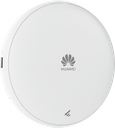
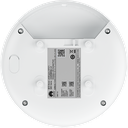
Technical Specifications – AP371
| Wi-Fi standard | 2.4 GHz: 802.11b/g/n/ax/be 5 GHz:802.11a/n/ac/ac Wave 2/ax/be |
|---|
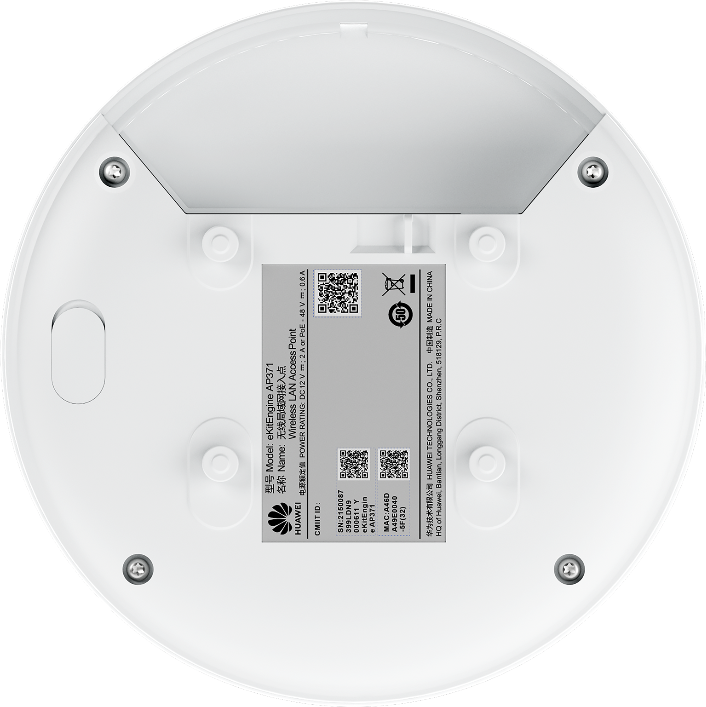
| Installation Type | Wall,Ceiling (Solid Wall/Gypsum Board/Spring Tee/Flat-Edge T-Rail/Channel Rail/Beam/Threaded Rod) |
|---|
| Optimal Signal Distance (m) | 18 |
|---|
| Max Number of Access Users | 256 |
|---|
| Recommended Number of Access Users | 150 |
|---|
| Device Rate | 3.57 Gbps |
|---|
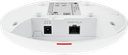
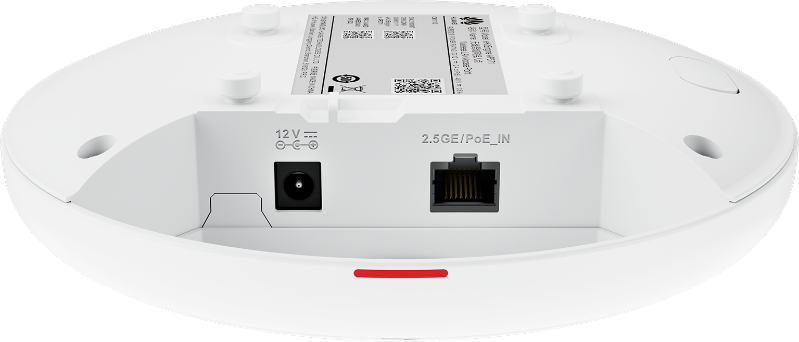
| Maximum number of physical ports on the entire device | 2.5GE (RJ45) x 1, 100M/1000M/2500 Mbit/s auto-sensing |
|---|
| Radio number | 2 |
|---|
| Maximum channel bandwidth [MHz] | Radio 0 (2.4 GHz): 40 MHz Radio 1 (5 GHz): 160 MHz |
|---|
| Maximum transmit power | 2.4 GHz: 20 dBm/chain 23 dBm (combined power) 5 GHz: 20 dBm/chain 23 dBm (combined power) |
|---|
| MIMO spatial streams | Radio 0 (2.4 GHz): 2x2 Radio 1 (5 GHz): 2x2 |
|---|
| Maximum power consumption [W] | 13.3 (excluding USB) |
|---|
| Input voltage range [V] | DC: 12 V ± 10% PoE: 802.3at/af |
|---|
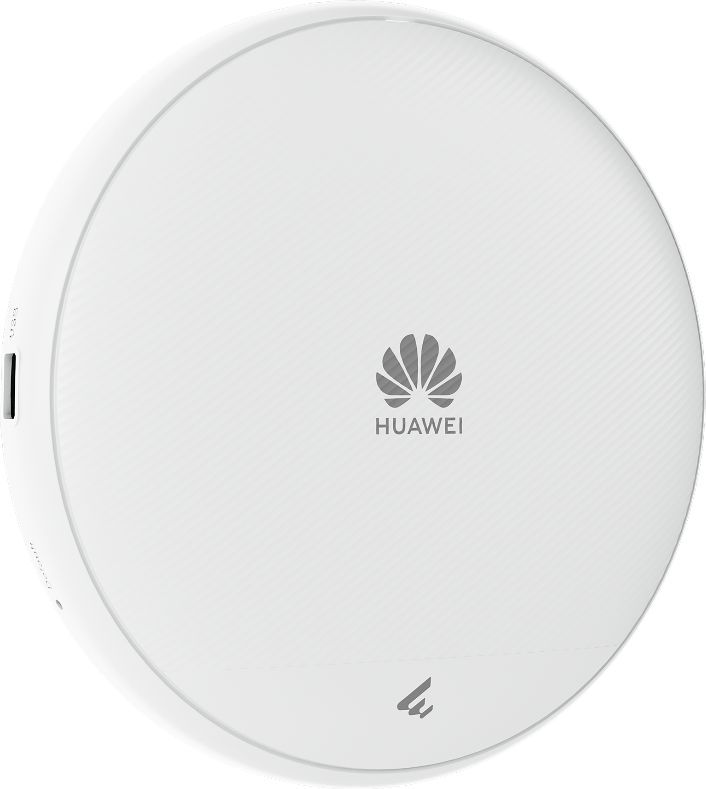
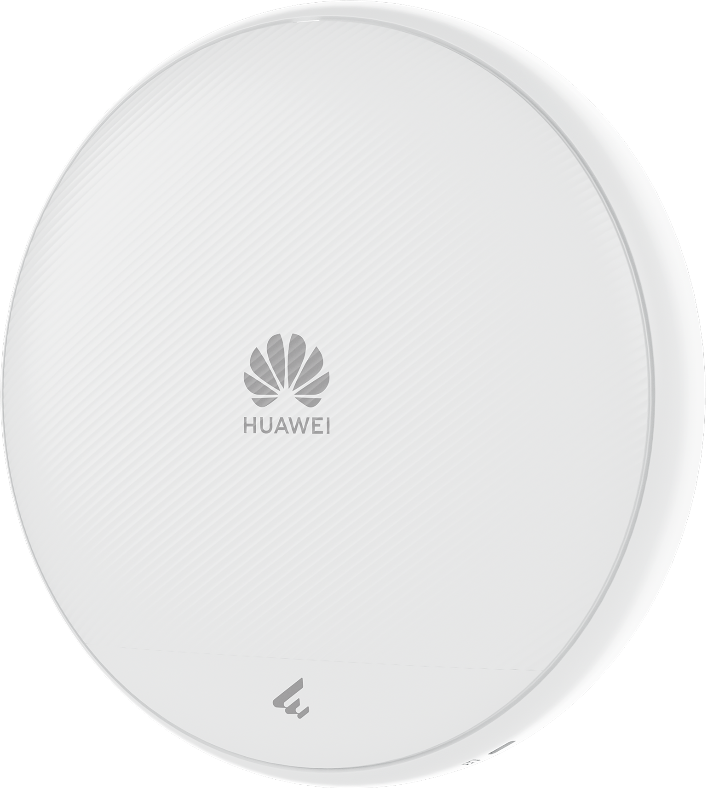
| Dimensions without packaging (H x W x D) [mm(in.)] | Diameter x depth: 180 mm x 35 mm (7.09 in. x 1.38 in.) |
|---|
| Dimensions with packaging (H x W x D) [mm(in.)] | 61 mm x 231 mm x 203 mm (2.40 in. x 9.09 in. x 7.99 in.) |
|---|
| Weight without packaging [kg(lb)] | 0.47 kg (1.04 lb) |
|---|
| Weight with packaging [kg(lb)] | 0.69 kg (1.52 lb) |
|---|
| Long-term operating temperature [°C(°F)] | –10°C to +50°C (14°F to 122°F) (From 1800 m to 5000 m [5905.51 ft. to 16404.20 ft.], the maximum temperature of the device decreases by 1°C [1.8°F] for every 300 m [984.25 ft.] increase in altitude.) |
|---|
| Long-term operating relative humidity [RH] | 5% RH to 95% RH (non-condensing) |
|---|
| Radio interface | Built-in smart antennas |
|---|
| Antenna gain | 2.4 GHz: 4 dBi/chain (peak gain) 1 dBi (combined gain) 5 GHz: 5 dBi/chain (peak gain) 3 dBi (combined gain) |
|---|
| Operating frequency band | 2.4GHz,5GHz |
|---|
Source: Huawei eKit official website. Specifications are subject to change by the manufacturer.
![[AP371] Huawei eKit AP371 Wi-Fi 7 Indoor Ceiling Access Point, 3.57 Gbps, 256 Users](/web/image/product.image/937/image_1024/%5BAP371%5D%20Huawei%20eKit%20AP371%20Wi-Fi%207%20Indoor%20Ceiling%20Access%20Point%2C%203.57%20Gbps%2C%20256%20Users?unique=370ac5a)
![[AP371] Huawei eKit AP371 Wi-Fi 7 Indoor Ceiling Access Point, 3.57 Gbps, 256 Users](/web/image/product.image/937/image_128/%5BAP371%5D%20Huawei%20eKit%20AP371%20Wi-Fi%207%20Indoor%20Ceiling%20Access%20Point%2C%203.57%20Gbps%2C%20256%20Users?unique=370ac5a)