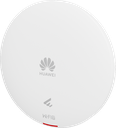
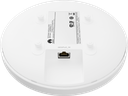
Technical Specifications – AP361
| Wi-Fi standard | 2.4G: 802.11b/g/n/ax 5G: 802.11a/n/ac/ac Wave 2/ax |
|---|
| Installation Type | Wall,Ceiling (Solid Wall/Gypsum Board/Spring Tee/Flat-Edge T-Rail/Channel Rail/Beam/Threaded Rod) |
|---|
| Optimal Signal Distance (m) | 20 |
|---|
| Device Rate | 1.775 Gbps |
|---|
| Maximum number of physical ports on the entire device | GE (RJ45) x 1, 10M/100M/1000M auto-sensing |
|---|
| Radio number | 2 |
|---|
| Maximum channel bandwidth [MHz] | Radio 0 (2.4 GHz): 40 MHz Radio 1 (5 GHz): 80 MHz |
|---|
| Maximum transmit power | 2.4 GHz: 20 dBm/chain 23 dBm (combined power) 5 GHz: 20 dBm/chain 23 dBm (combined power) Note: In V200R024C10 and later versions, the combined power is increased to 23 dBm by default. In versions earlier than V200R024C10, the combined power is only 20 dBm. To increase the transmit power for the AP running an earlier version, install the corresponding patch by referring to the announcement on the official website. |
|---|
| MIMO spatial streams | Radio 0 (2.4 GHz): 2x2 Radio 1 (5 GHz): 2x2 |
|---|
| Maximum power consumption [W] | 9.4 |
|---|
| Input voltage range [V] | PoE: 802.3af |
|---|
| Dimensions without packaging (H x W x D) [mm(in.)] | Diameter x depth: 180 mm x 35 mm (7.09 in. x 1.38 in.) |
|---|
| Dimensions with packaging (H x W x D) [mm(in.)] | 200 mm x 231 mm x 61 mm (7.87 in. x 9.09 in. x 2.40 in.) |
|---|
| Weight without packaging [kg(lb)] | 0.45 kg (0.99 lb) |
|---|
| Weight with packaging [kg(lb)] | 0.75 kg (1.65 lb) |
|---|
| Long-term operating temperature [°C(°F)] | 0°C to 40°C (32°F to 104°F) (From 1800 m to 5000 m [5905.51 ft. to 16404.20 ft.], the maximum temperature of the device decreases by 1°C [1.8°F] for every 300 m [984.25 ft.] increase in altitude.) |
|---|
| Long-term operating relative humidity [RH] | 5% RH to 95% RH, non-condensing |
|---|
| Radio interface | Built-in smart antennas |
|---|
| Antenna gain | 2.4G: 4 dBi/chain (peak) 2 dBi (combined gain) 5G: 5 dBi/chain (peak value) 3 dBi (combined gain) |
|---|
| Operating frequency band | 2.4GHz,5GHz |
|---|
Source: Huawei eKit official website. Specifications are subject to change by the manufacturer.
![[AP361] Huawei eKit AP361 Wi-Fi 6 Indoor Ceiling Access Point, 1.775 Gbps, 128 Users](/web/image/product.image/927/image_1024/%5BAP361%5D%20Huawei%20eKit%20AP361%20Wi-Fi%206%20Indoor%20Ceiling%20Access%20Point%2C%201.775%20Gbps%2C%20128%20Users?unique=09ca90f)
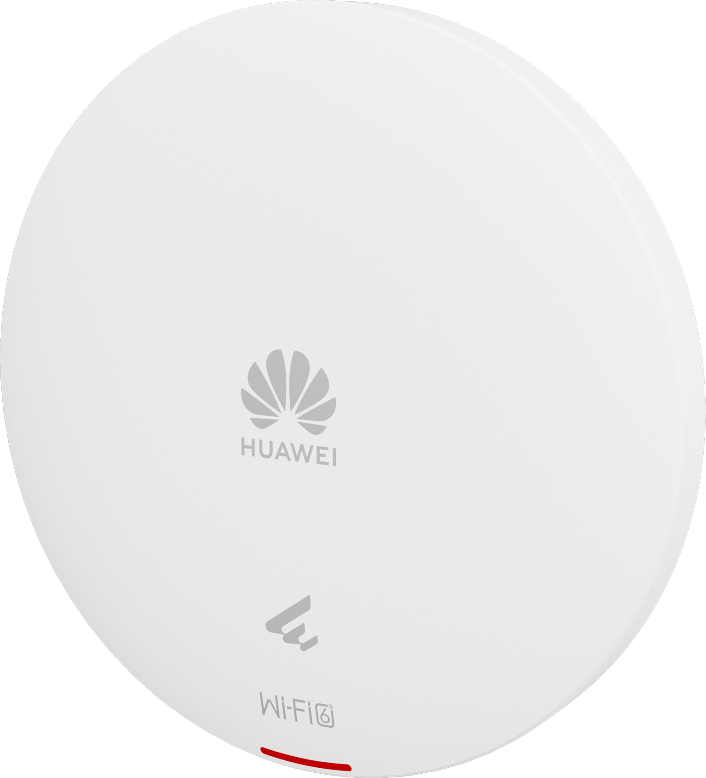
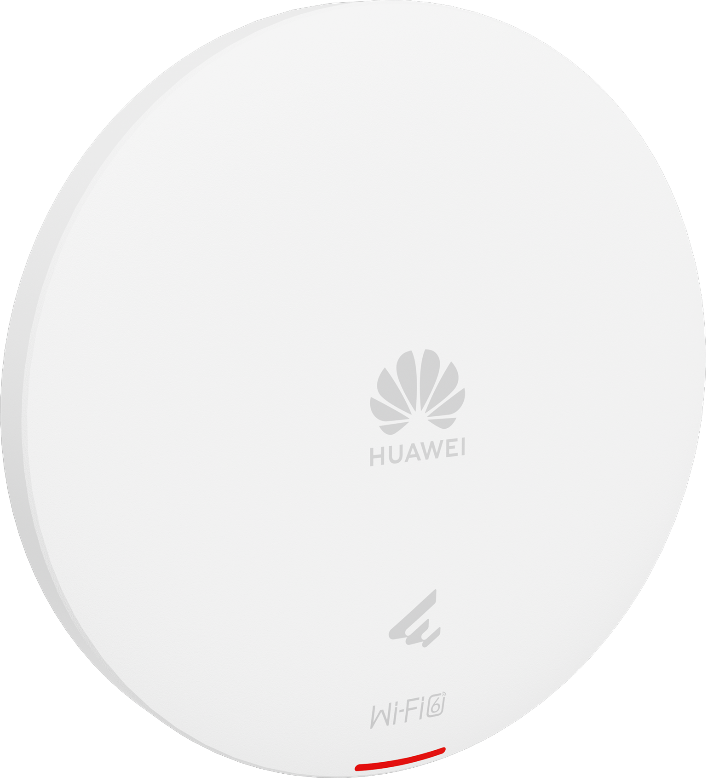
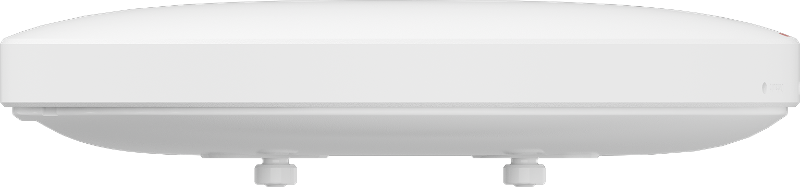
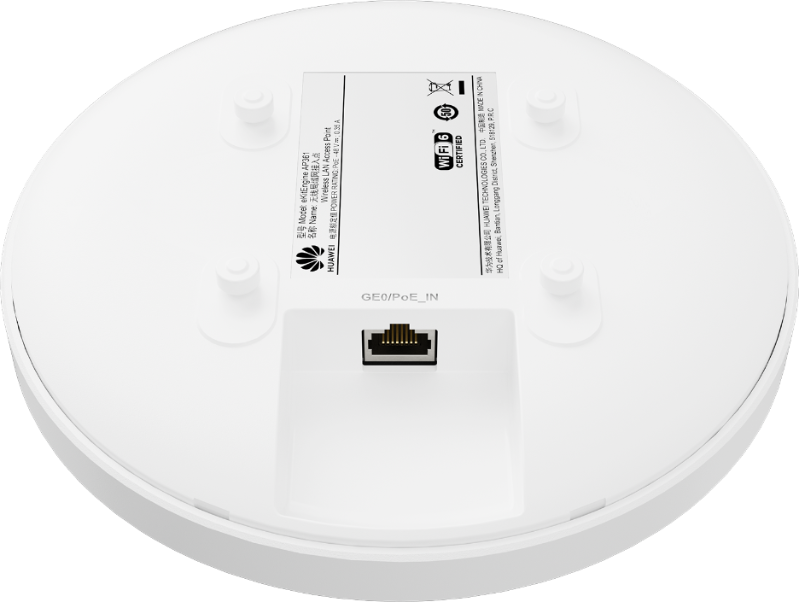
![[AP361] Huawei eKit AP361 Wi-Fi 6 Indoor Ceiling Access Point, 1.775 Gbps, 128 Users](/web/image/product.image/927/image_128/%5BAP361%5D%20Huawei%20eKit%20AP361%20Wi-Fi%206%20Indoor%20Ceiling%20Access%20Point%2C%201.775%20Gbps%2C%20128%20Users?unique=09ca90f)