Skip to Content
  • Delivery in 4–10 working days across Saudi Arabia
  • A tax invoice with every order
  • Technical support before and after you buy

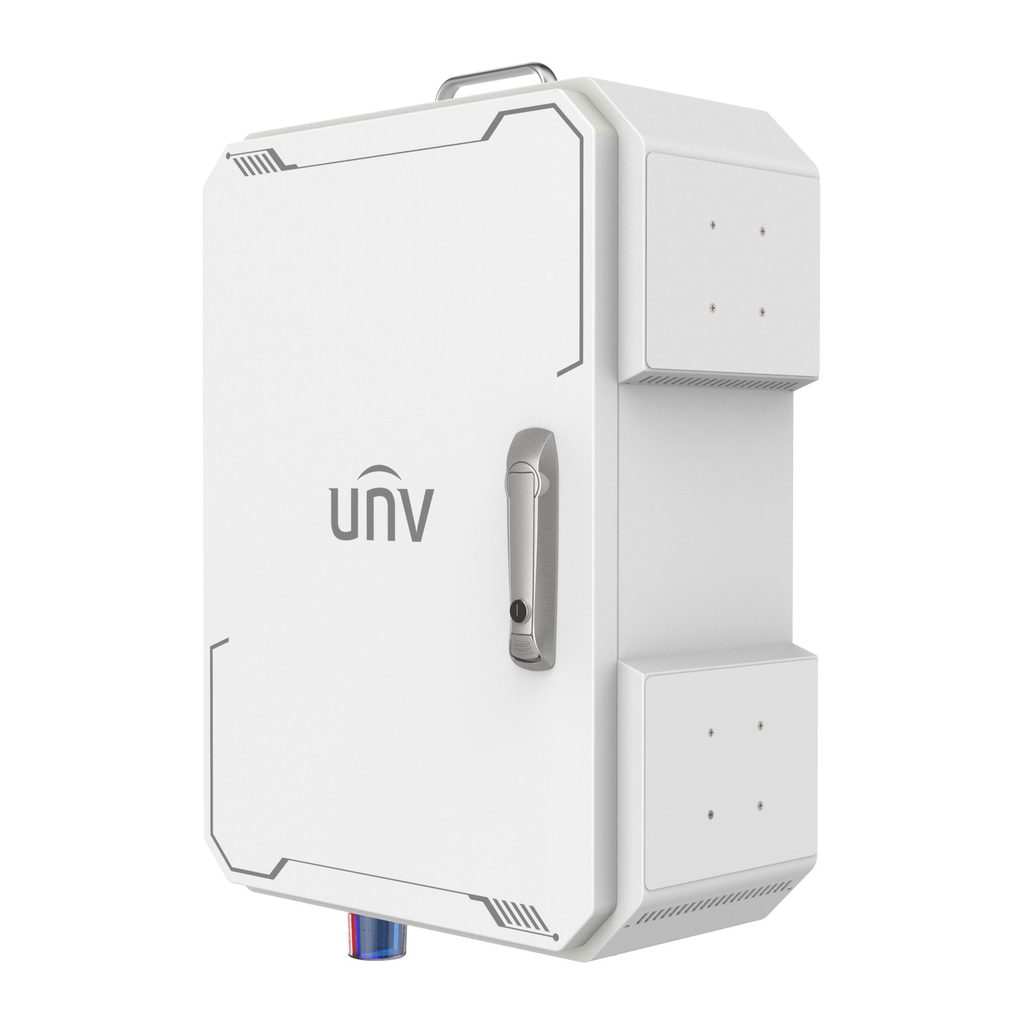
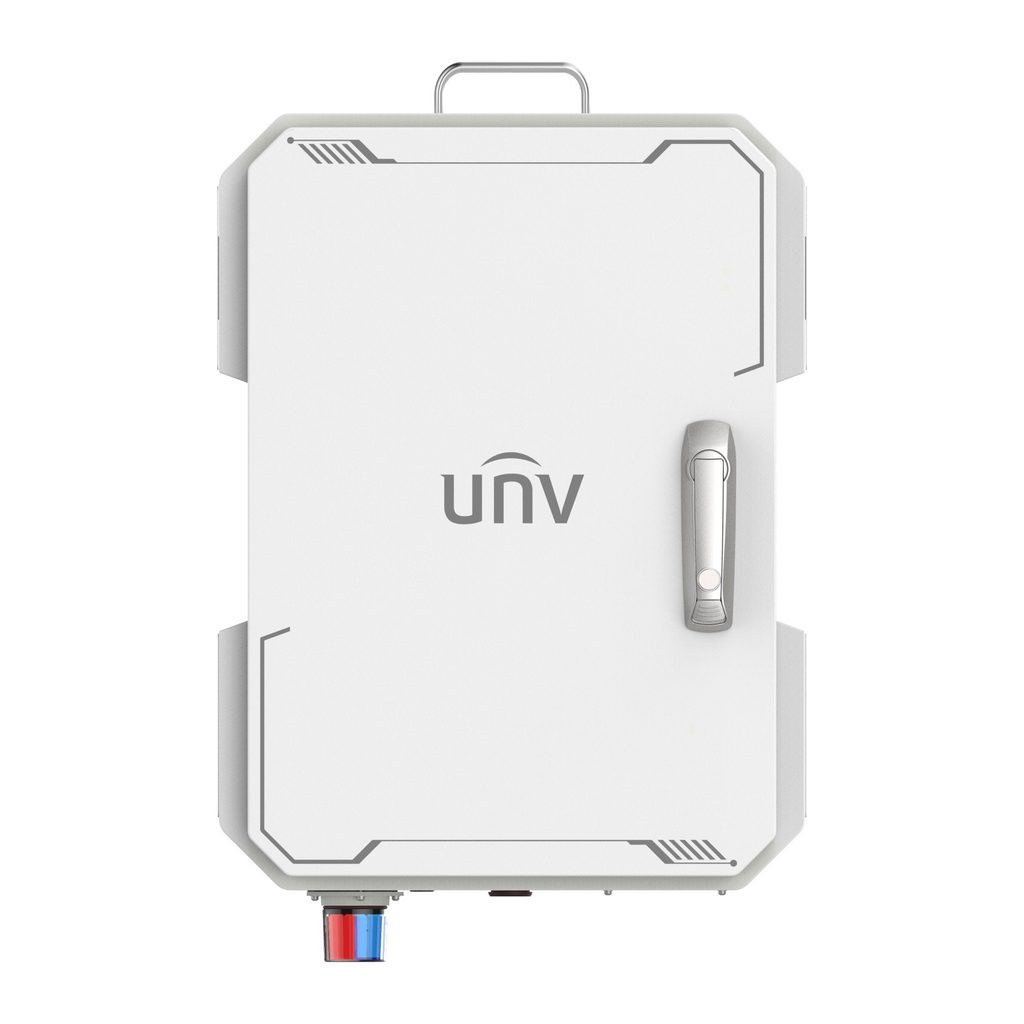
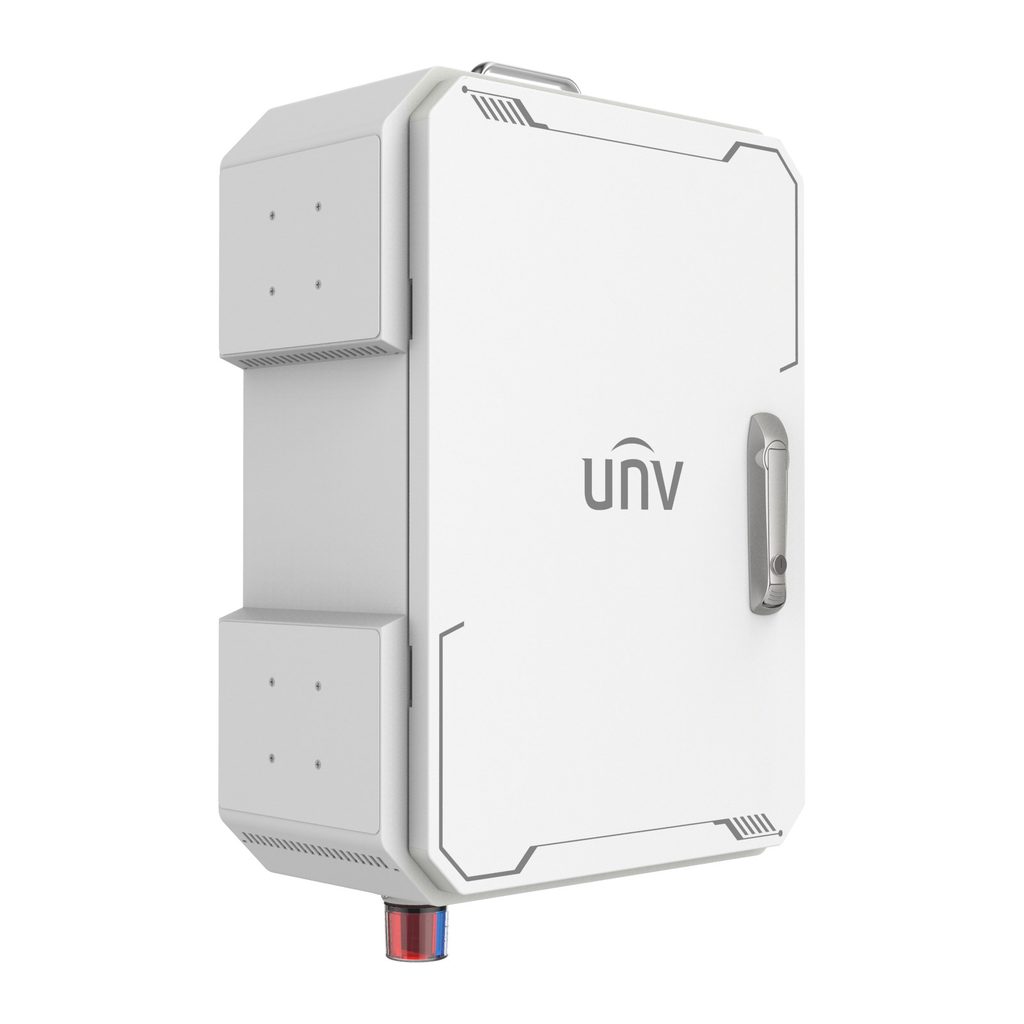
Uniview SMBOX02-R Overseas Intelligent Operation&Maintenance Box

Part number SMBOX02-R
  • PoE Power: Max 30 W for single port, Max 75 W in total
  • Input Type: DC 10.8 V to DC 14.4 V, 12A
Price
⃁ 4,449.06 ⃁ 4,449.06
⃁ 4,449.06
(Tax excluded)
  • Delivery within 4–10 business days across Saudi Arabia
  • Warranty according to the manufacturer
  • Tax invoice with every order
  • Technical support before and after purchase

Not sure this model fits your setup? Read the buying guide
Technical specifications – SMBOX02-R

Specifications

Input TypeDC 10.8 V to DC 14.4 V, 12A
PoE8 RJ45 10M/100M self adaptive Ethernet Interface
PoE PowerMax 30 W for single port, Max 75 W in total
PoE StandardIEEE 802.3at, IEEE 802.3af
System Functional DescriptionPower Information Collection,Power Switch Detection,Power Switch Control,Thermostatic Fan,Automatic Network Restart,Door Open Detection,Warning Light,Fault Reporting and Analysis
Decoding FormatUltra 265, H.265, H.264
Decoding CapabilitySmart Off: 2 x 16MP@30, 2 x 12MP@30, 4 x 4K@30, 8 x 4MP@30 Smart On: 2 x 12MP@30, 2 x 4K@30, 6 x 4MP@30, 8 x 3MP@30
Audio CompressionG.711A, G.711U
ProtocolsTCP/IP, P2P, NTP, DHCP, PPPoE, HTTP, HTTPS, DNS, DDNS, SNMP, SMTP, RTSP, IPv6, IPv4
IP Video Input8-ch
Recording Resolution16 MP/12 MP/8 MP/6 MP/5 MP/4 MP/3 MP/1080P/960P/720P/D1/2CIF/CIF
Network Interface1 RJ45 10 M/100 M/1000 M self-adaptive Ethernet Interface
USB1 × USB2.0, 1 × USB3.0
Alarm In4-ch
Alarm Out2-ch
Hard Disk1 x SATA interface, up to 16TB HDD (2.5" or 3.5"), or up to 4TB SSD (2.5")
Surge Protection6 kV
Working TemperatureWhen using HDDs: -40 ℃ to 60 ℃ (-40 ℉ to 140 ℉); When using SSDs: -40 ℃ to 70 ℃ (-40 ℉ to 158 ℉)
Working Humidity≤ 90% RH (non condensing)
Dimensions650 (H) × 424 (W) × 230 (D) mm
RatingIP56, Custom stainless-steel enclosures available to meet NEMA 4X requirements.

Source: Uniview official website (uniview.com). Specifications are subject to change by the manufacturer.

PRACTICAL ANSWERS

Camera and recording questions

How do I choose a camera for an entrance?

Describe the entrance width, mounting height, distance to the subject and available lighting. Decide whether you need an overview or identifiable detail, then compare the exact lens and image specifications of the proposed model.

Will a new camera work with my existing recorder?

Check the camera and recorder model numbers, connection type, supported video formats and recording limits together. Do not rely on brand names alone; ask for confirmation against both devices’ documentation before ordering.

How much recording storage will I need?

Prepare the number of cameras, desired retention period, recording schedule and proposed image settings. Ask for a storage estimate based on these inputs and an allowance for variation; a disk capacity alone does not guarantee a fixed number of days.

What should I check for outdoor camera installation?

Review the model’s documented environmental rating and operating conditions, then plan sheltered connections, suitable cable routes and a serviceable mounting point. Installation details should be confirmed for the actual location, not inferred from the camera’s appearance.

Can I view the cameras from a phone?

Check which app and remote-access method the model supports, whether an account or subscription is required, and the internet requirements at the site. Plan individual user access and secure account settings rather than sharing an administrator password.

What should be tested when a camera system is handed over?

Review the intended views, playback and export, date and time, user permissions and any agreed remote access. Request the equipment list and configuration handover, and record outstanding issues before accepting the installation.