


Skip to Content
  • Delivery in 4–10 working days across Saudi Arabia
  • A tax invoice with every order
  • Technical support before and after you buy

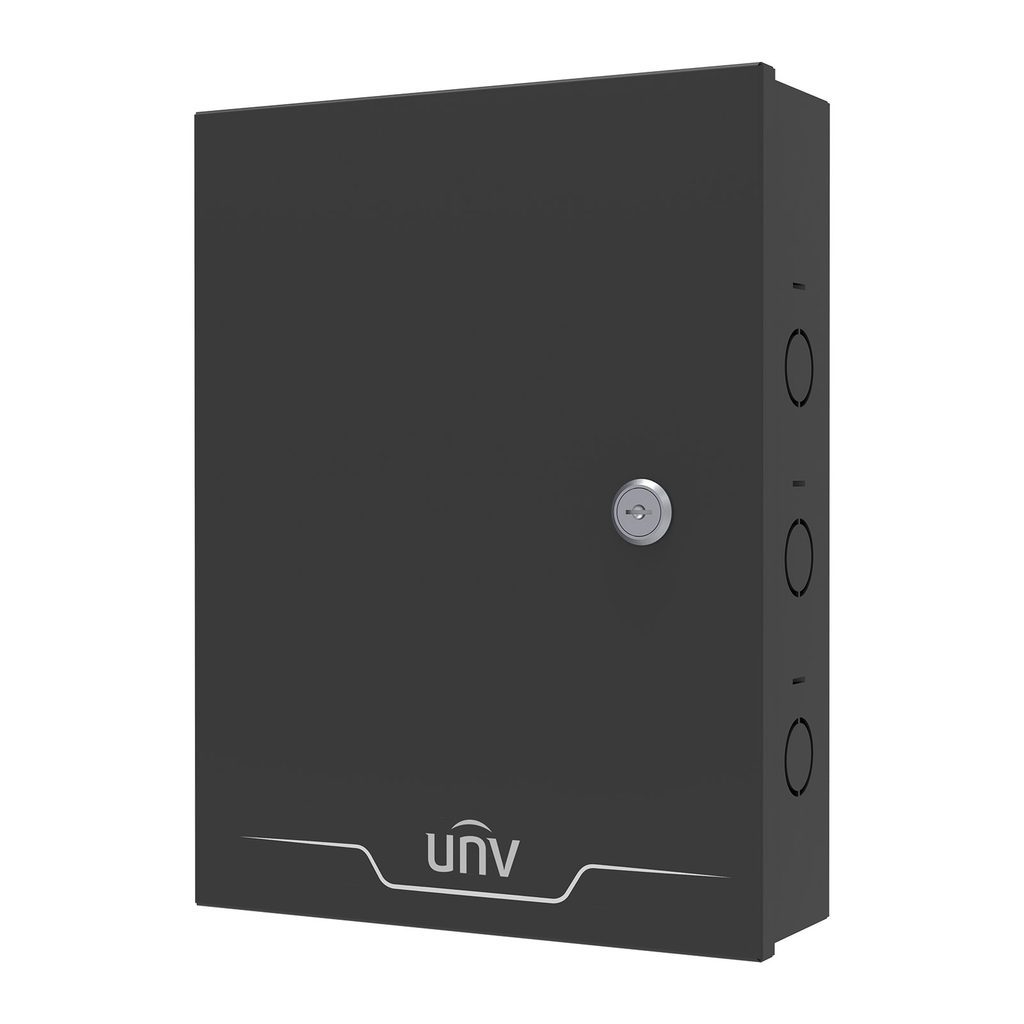
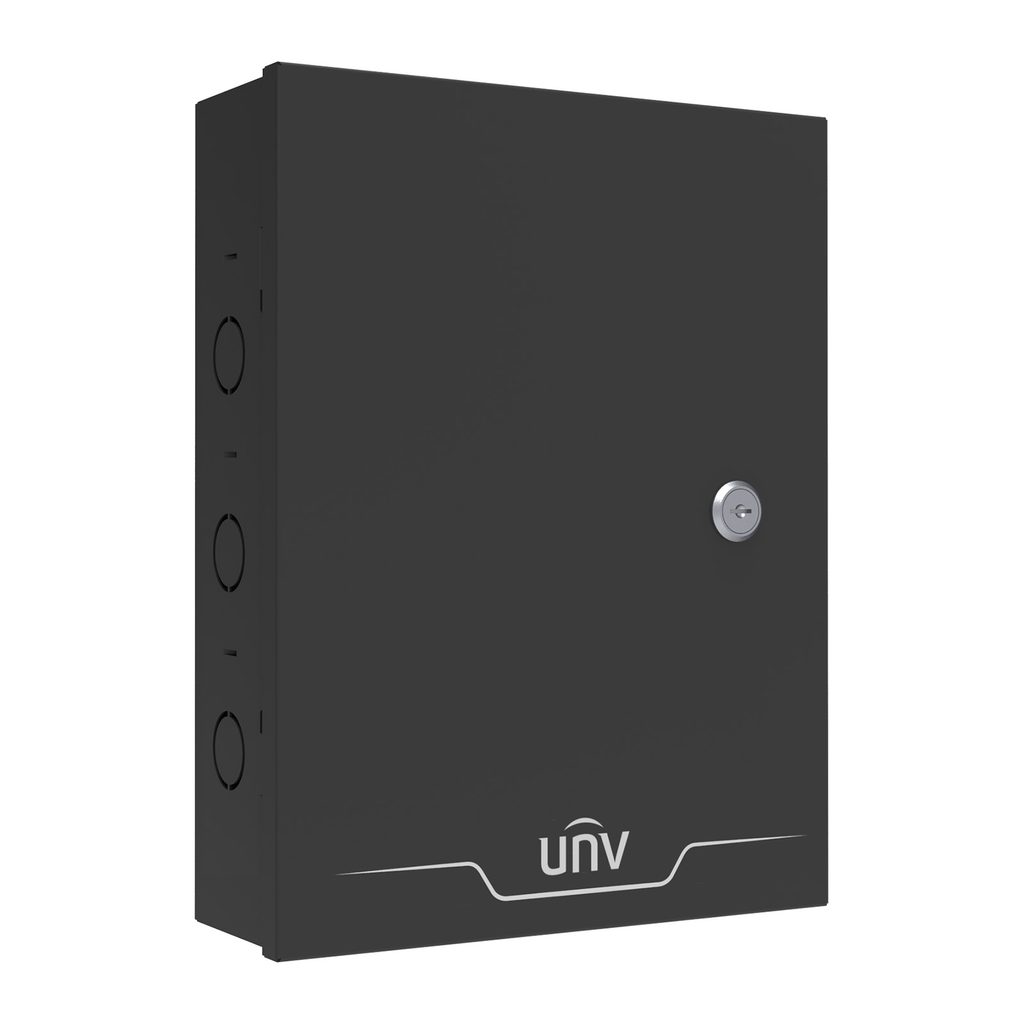
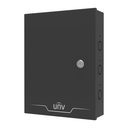
Uniview OER-SR22 Two-Door Access Controller

Part number OER-SR22
  • Door Control: 2 doors
  • Card Reader: 4
  • Card Capacity: 42000
  • Event Capacity: 200000
  • Communication Mode: TCP/IP
  • Power Supply: AC 100V to 240V(50Hz or 60Hz)
Price
⃁ 416.35 ⃁ 416.35
⃁ 416.35
(Tax excluded)
  • Delivery within 4–10 business days across Saudi Arabia
  • Warranty according to the manufacturer
  • Tax invoice with every order
  • Technical support before and after purchase

Not sure this model fits your setup? Read the buying guide
Technical specifications – OER-SR22

Specifications

Dimensions (L x W x H)235mm x 305mm x 76mm
Weight2.2KG
Door Control2 doors
Card Reader4
Wiegand Input Interface (Max DC14V Withstand Voltage)4
Wiegand FormatWG18/26/34/66
Relay Output2 sets (7A)
Door Magnetic Port2
Fire Module Expansion Port1
Operating EnvironmentIndoor (-10°C to +65°C)
Power SupplyAC 100V to 240V(50Hz or 60Hz)
MountWall mount
Communication ModeTCP/IP
Card Capacity42000
Event Capacity200000

Source: Uniview official product page (uniview.com). Specifications are subject to change by the manufacturer.

PRACTICAL ANSWERS

Access and attendance questions

Are attendance recording and door access the same requirement?

Describe them separately: recording attendance events and authorizing passage through a door can involve different devices and workflows. Confirm which functions are included in the proposed model and software, and how each will be tested.

What details are needed to select a door access system?

Provide the door types, number of users, access schedules and identification methods you need. Ask a qualified installer to check compatible locking and exit arrangements for the site, including the required emergency behavior.

Can attendance data be linked to another business system?

Check whether the exact device and software provide a supported export or integration interface. Define employee identifiers, event formats and the synchronization schedule, then test a sample before agreeing that an integration is complete.

How should user permissions be managed?

Define who can add users, change schedules, review records and administer the system. Use separate authorized accounts and document the process for employee changes and access removal rather than relying on a shared administrator account.

What happens when power or the network is interrupted?

The behavior depends on the devices, locking arrangement and configuration. Ask for the documented behavior of the proposed setup and an agreed interruption test, including record recovery and any backup-power requirement.

What should I review before collecting attendance or access records?

Define the purpose, authorized users and appropriate retention process for your organization. Review the applicable requirements with your responsible team, and do not assume that a device’s available features authorize every possible use.