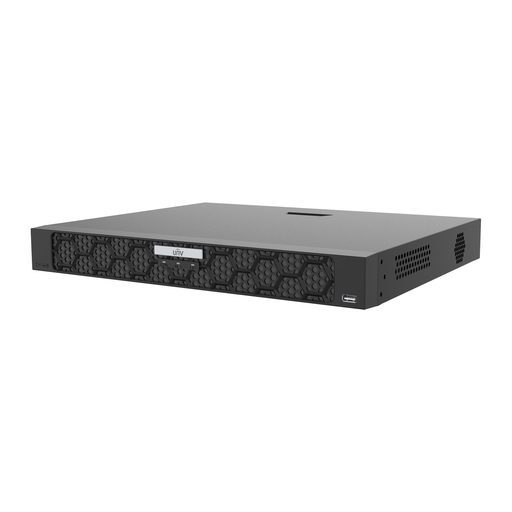
| Decoding Format | Ultra 265, H.265, H.264 |
|---|
| Decoding Capability | Smart Off: 2 x 16MP@30, 2 x 12MP@30, 4 x 4K@30, 8 x 4MP@30, 10 x 3MP@30, 16 x 1080P@30, 32 x 720P@30 Smart On: 2 x 12MP@30, 2 x 4K@30, 6 x 4MP@30, 8 x 3MP@30, 12 x 1080P@30, 24 x 720P@30, 32 x D1 |
|---|
| Audio Compression | G.711A, G.711U |
|---|
| Incoming Bandwidth | Smart Off: 320Mbps Smart On: 160Mbps |
|---|
| Outgoing Bandwidth | 160 Mbps |
|---|
| Max Remote Users | 128 |
|---|
| Protocols | TCP/IP, P2P, NTP, DHCP, PPPoE, HTTP, HTTPS, DNS, DDNS, SNMP, SMTP, NFS, RTSP, 802.1x, IPv6, IPv4 |
|---|
| IP Video Input | 32-ch |
|---|
| RCA Audio Input | 1-ch |
|---|
| HDMI Output | 4K (3840 × 2160)/30 Hz, 1920 × 1080/60 Hz, 1920 × 1080/50 Hz, 1600 × 1200/60 Hz, 1280 × 1024/60 Hz, 1280 × 720/60 Hz, 1024 × 768/60 Hz |
|---|
| VGA Output | 1920 × 1080/60 Hz, 1920 × 1080/50 Hz, 1600 × 1200/60 Hz, 1280 × 1024/60 Hz, 1280 × 720/60 Hz, 1024 × 768/60 Hz |
|---|
| RCA Audio Output | 1-ch |
|---|
| Liveview Display | 1/4/6/8/9/16/25/32 |
|---|
| Corridor Mode Screen | 3/4/5/7/9/10/12/16/32 |
|---|
| Two-way Audio | 1-ch, RCA (Using the audio input and output) |
|---|
| Recording Resolution | 16 MP/12 MP/8 MP/6 MP/5 MP/4 MP/3 MP/1080P/960P/720P/D1/2CIF/CIF |
|---|
| Synchronous Playback in Local | 16-ch |
|---|
| Smart by IPC | All channels (up to 8 images/s in total) Face Detection, Face detection, Vehicle Detection (LPR), Temperature Detection, SIP, UMD, Video Metadata, Traffic Monitoring, People Counting |
|---|
| Smart by NVR | Face Detection, Face detection, Smart Intrusion Prevention (SIP), Ultra Motion Detection (UMD) |
|---|
| VCA Search | AcuSearch, AcuTrack, , Face detection Search, Motor Vehicle Search, Non-Motor Vehicle Search, Human Body Search, General Search, People Counting Report, Heat Map |
|---|
| Search by Image | Support |
|---|
| SATA | 4 SATA Interfaces |
|---|
| Capacity | Up to 24 TB for each HDD (The maximum HDD capacity varies with environment temperature and hard disk size, The environment temperature for use should not exceed 40°C) |
|---|
| Disk Group | Support |
|---|
| Redundant Storage | Support |
|---|
| Disk Array Type | RAID 1, 5 |
|---|
| Network Interface | 1 RJ45 10 M/100 M/1000 M self-adaptive Ethernet Interface |
|---|
| USB | Front panel: 1 × USB2.0, Rear panel: 1 × USB3.0 |
|---|
| RS485 | 1 |
|---|
| Alarm In | 16-ch |
|---|
| Alarm Out | 4-ch |
|---|
| Power Supply | AC 100~240V |
|---|
| PoE Interface | 16 RJ45 10 M/100 M self-adaptive Ethernet Interface |
|---|
| Max Power | Max 30 W for single port, Max 150 W in total |
|---|
| Supported Standard | IEEE 802.3at, IEEE 802.3af |
|---|
| Working Temperature | -10 °C to 50 °C (14 ℉ to 122 ℉) |
|---|
| Working Humidity | ≤ 90% RH (non-condensing) |
|---|
| Power Consumption (without HDD) | ≤ 12W |
|---|
| Weight (without HDD) | ≤ 4Kg (8.8lb) |
|---|
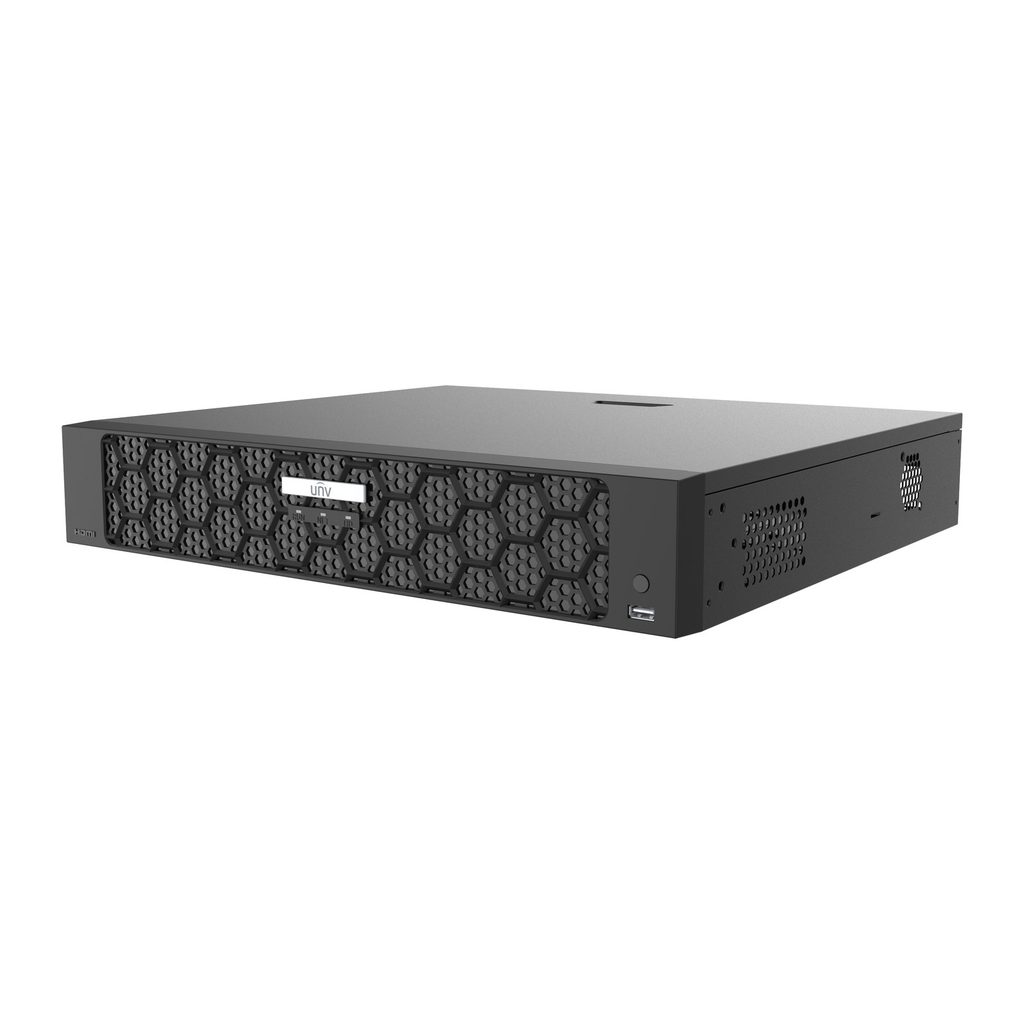
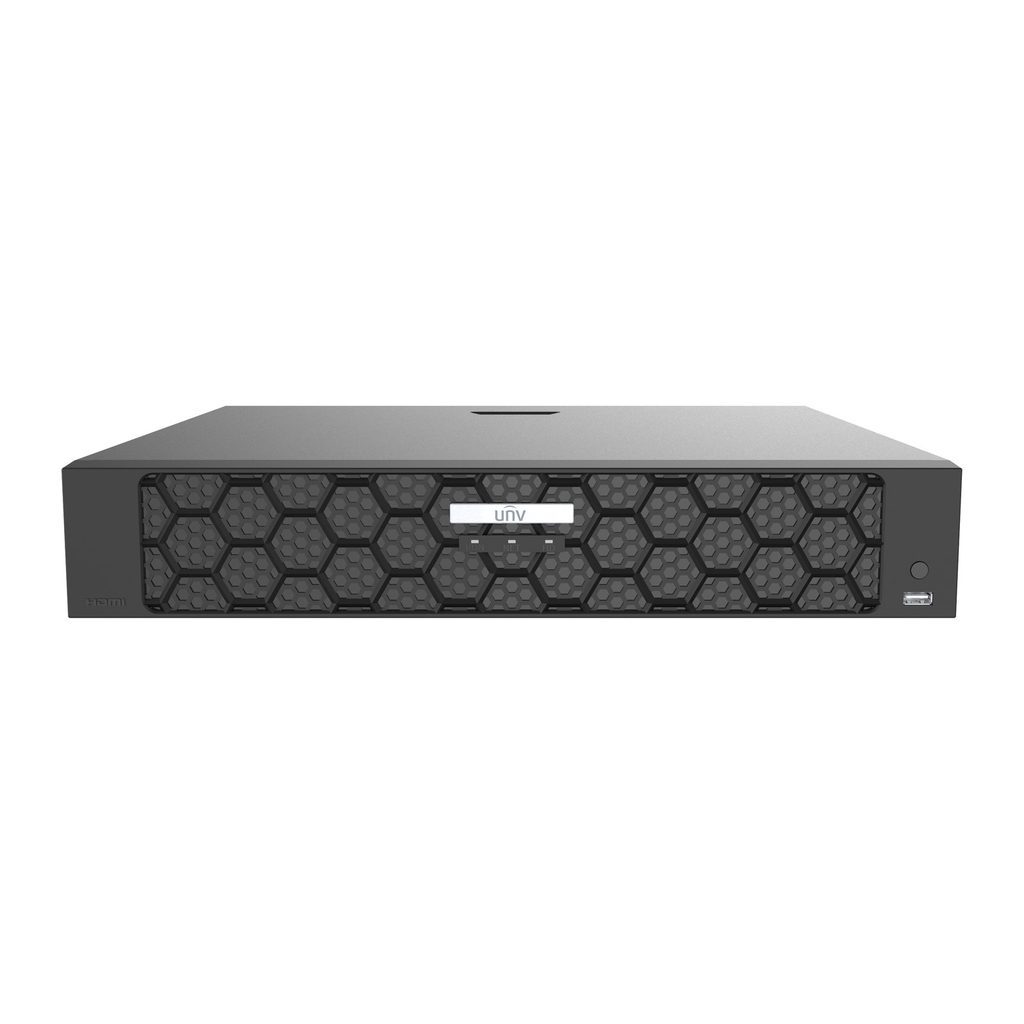
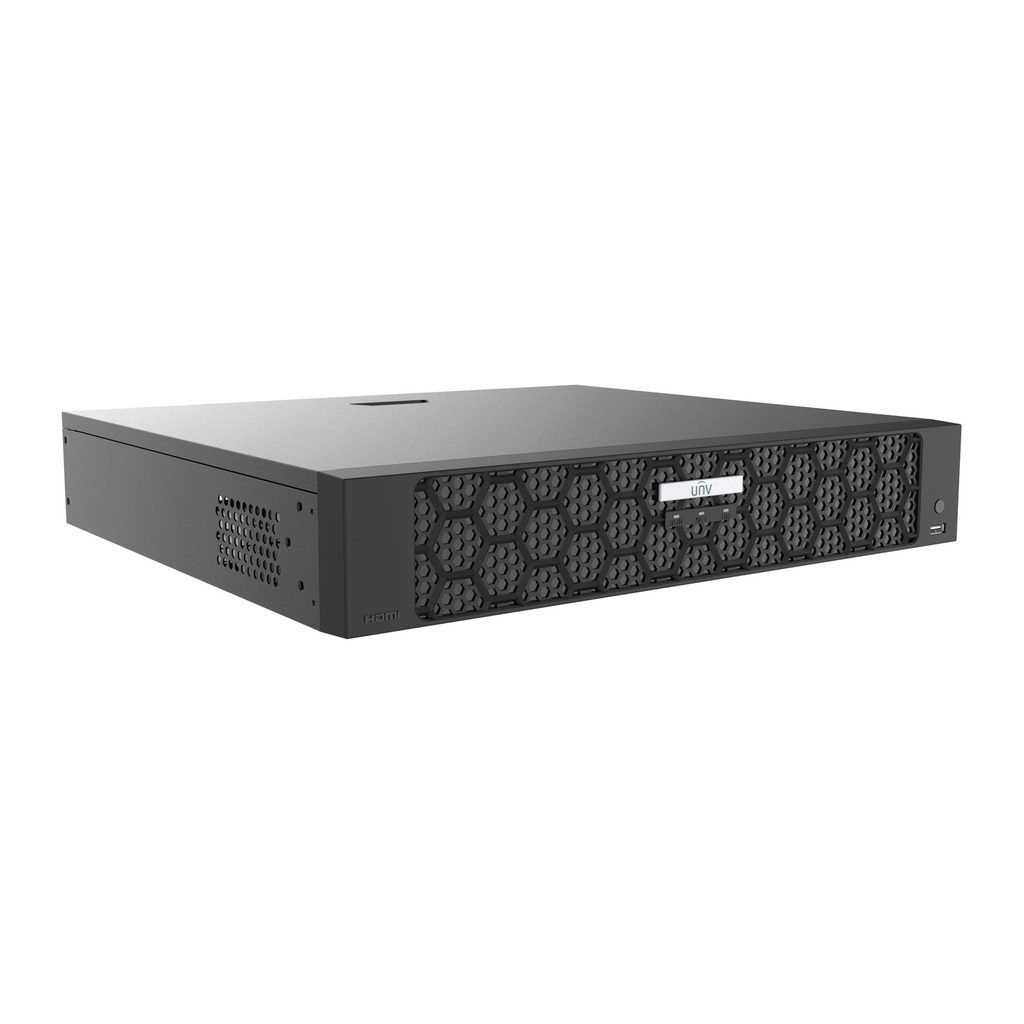
| Height | 1.5U |
|---|
| Dimensions | 400mm × 368mm × 74mm (15.7"×14.5"×2.9") |
|---|
| Certification | CE; FCC; UL; RoHS; WEEE |
|---|