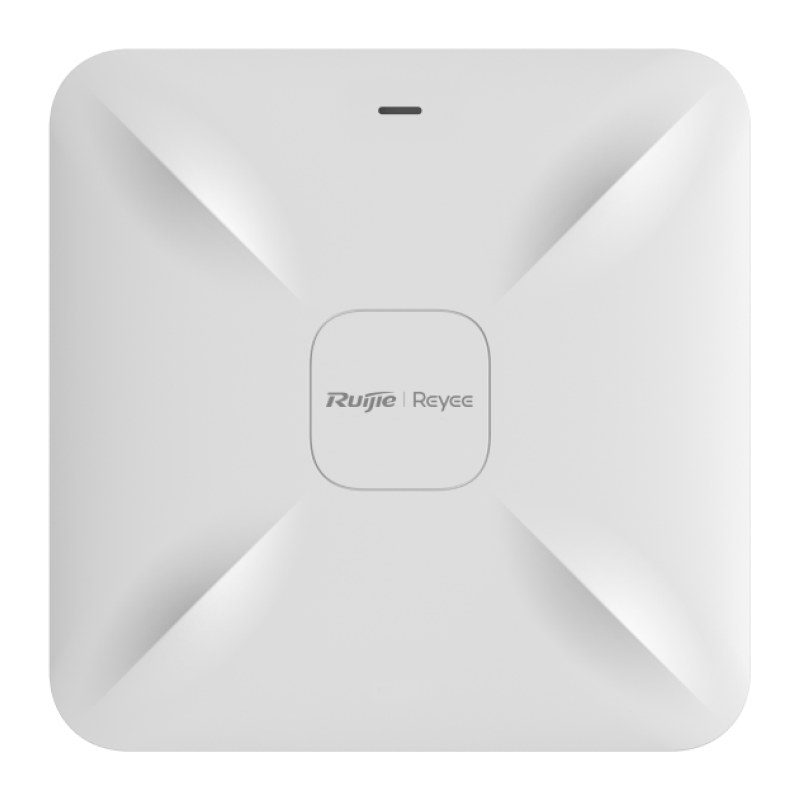
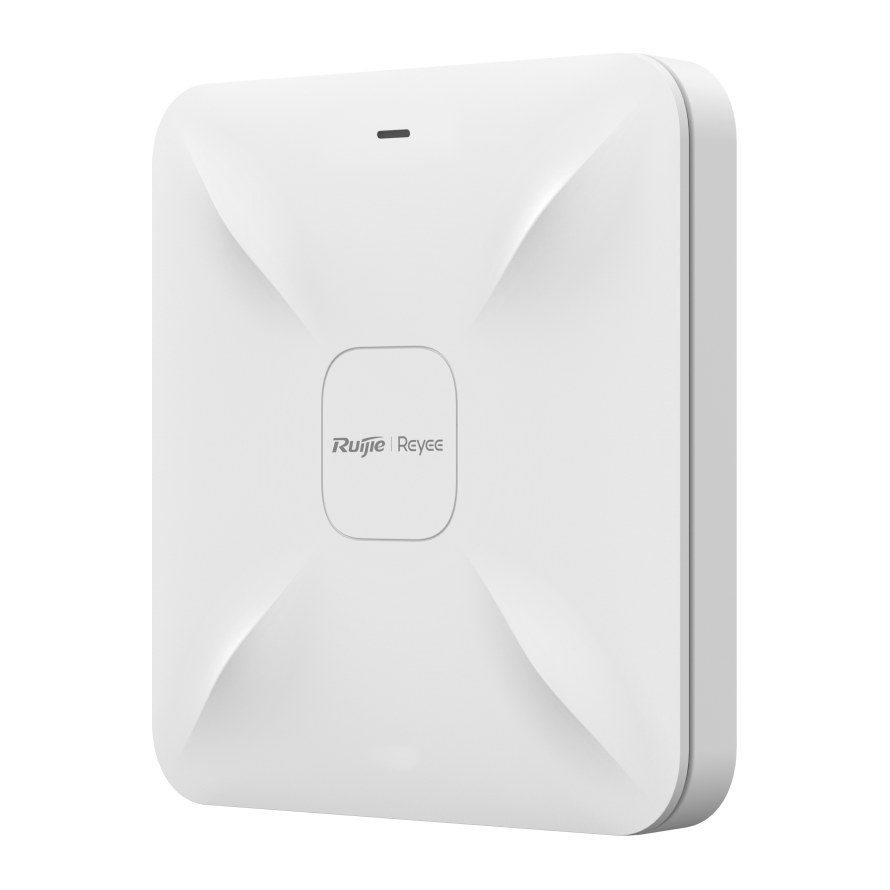
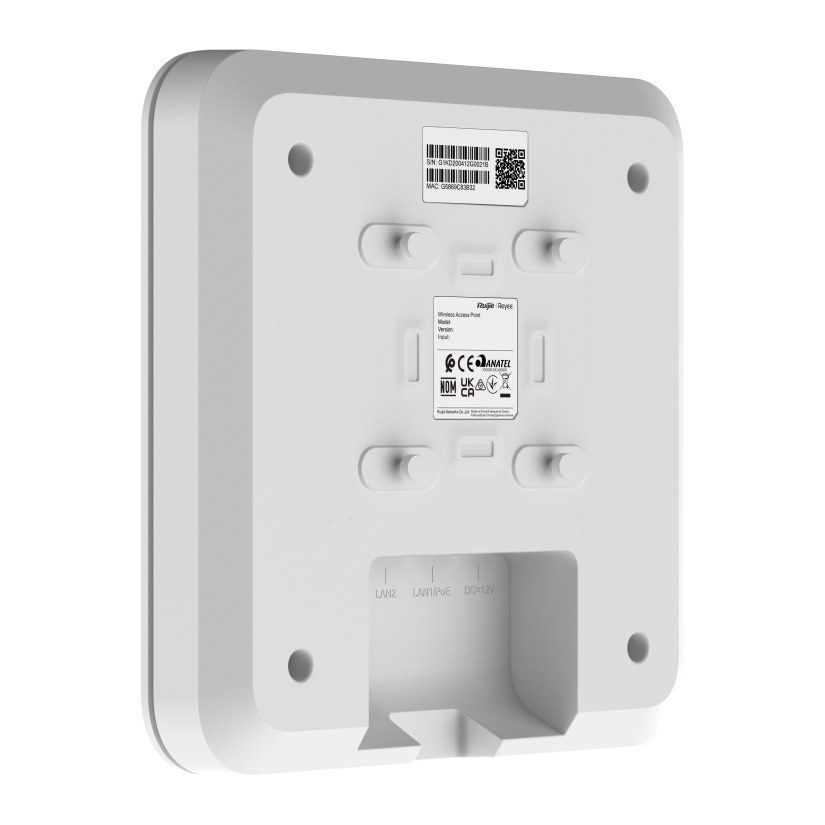
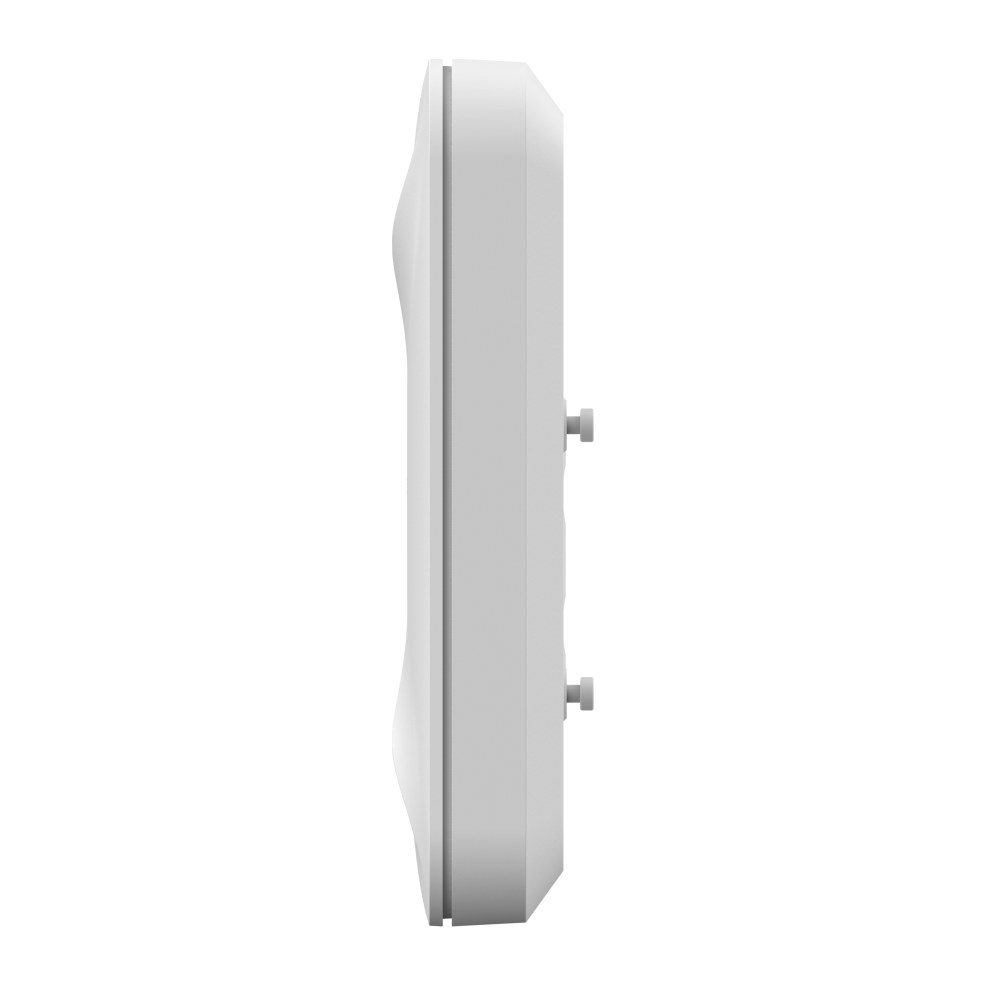
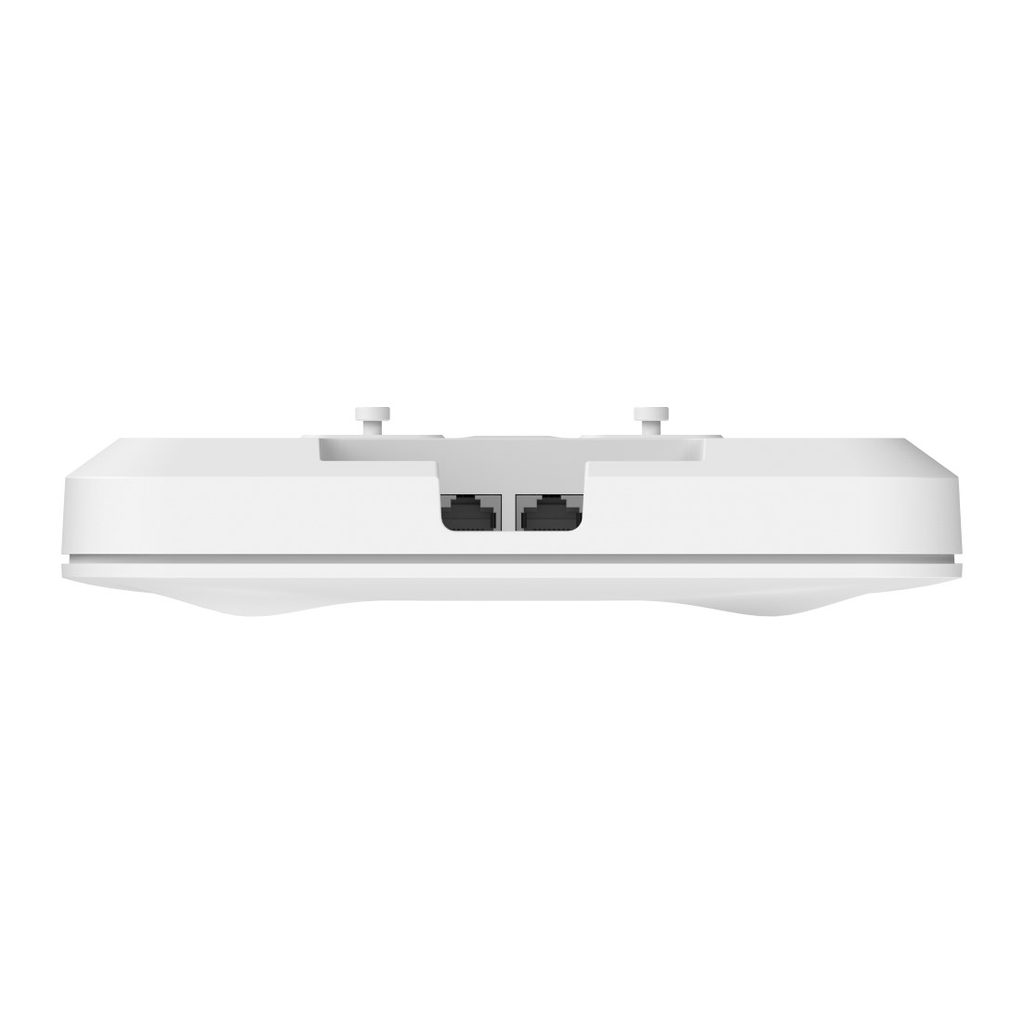
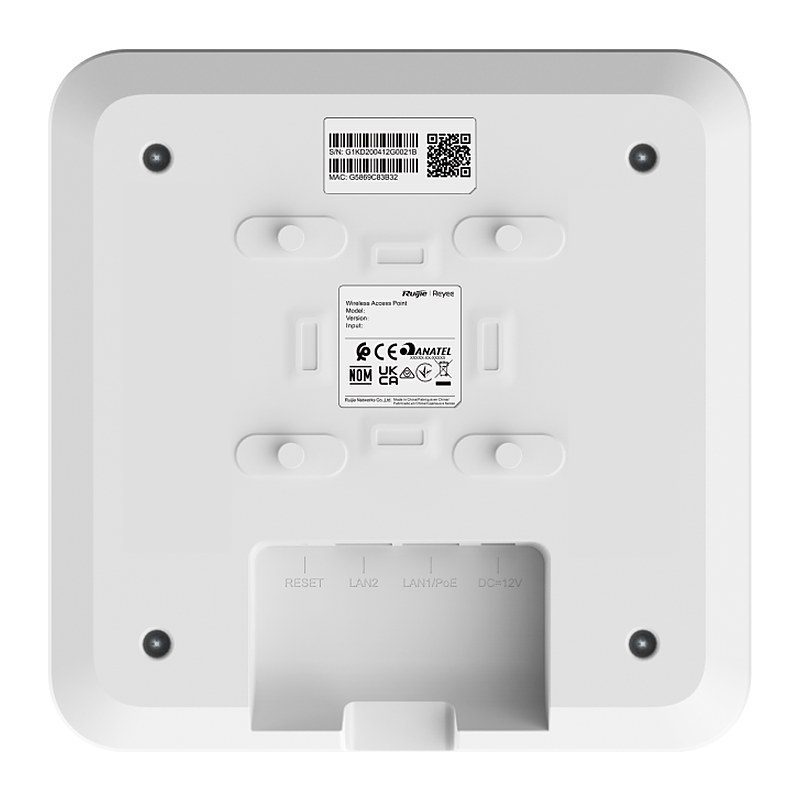
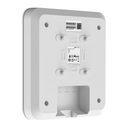
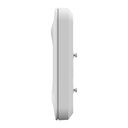
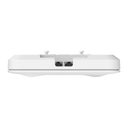
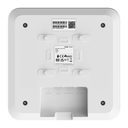
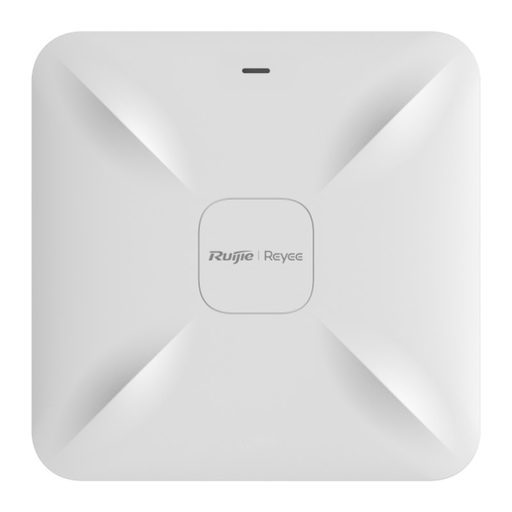
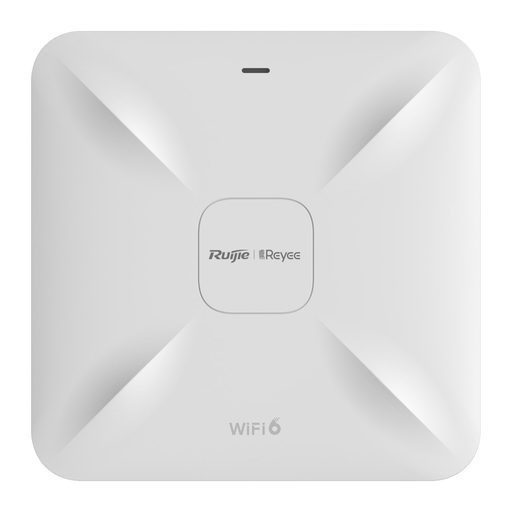
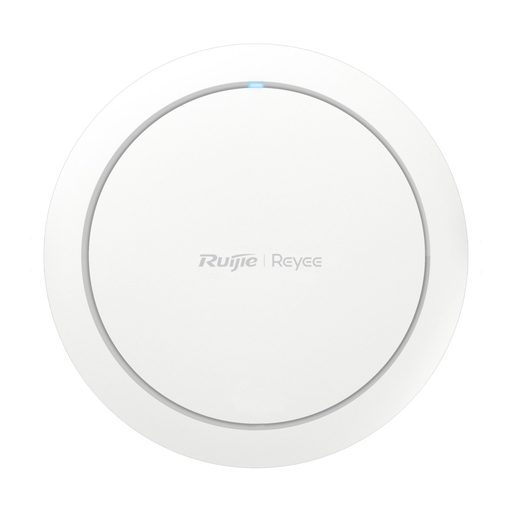
Overview of Reyee RG-RAP2200(F)
The Reyee RG-RAP2200(F) is a dual-band Wi-Fi 5 ceiling access point for hospitality, enterprise, education and retail sites such as hotels, offices, schools, clinics and shops. Its 2x2 MU-MIMO 802.11ac Wave2 radios deliver up to 1266 Mbps combined, with up to 110 associated clients (48 recommended) and coverage of about 115 m² in ideal conditions. It has two 10/100BASE-T ports and is powered by IEEE 802.3af/at PoE or a 12 V DC adapter. It works in AP or routing mode, supports Layer 2 and Layer 3 roaming, up to 8 SSIDs and 802.1Q VLANs, and can be managed through the Ruijie Reyee App, eWeb or Ruijie Cloud with network-wide configuration.
Technical Specifications – Reyee RG-RAP2200(F)
Product Information
Port Specifications
| Number of 10/100BASE-T ports | 2 |
|---|
| Reset button | 1 |
|---|
| LEDs | 1 x system status LED |
|---|
Wi-Fi Radio
| 5 GHz Wi-Fi | Wi-Fi 4 (IEEE 802.11a/n), Wi-Fi 5 (IEEE 802.11ac) |
|---|
| 2.4 GHz Wi-Fi | Wi-Fi 4 (IEEE 802.11b/g/n) |
|---|
| Operating band | IEEE 802.11b/g/n: 2.400–2.4835 GHz; IEEE 802.11a/n/ac: 5.150–5.350 GHz, 5.470–5.725 GHz, 5.725–5.850 GHz (varies by country/region) |
|---|
| Radio design | Dual-radio, 4 spatial streams; 2.4 GHz: 2 x 2, MIMO; 5 GHz: 2 x 2, MIMO |
|---|
| FEM | 2.4 GHz: 2 x eFEM; 5 GHz: 2 x eFEM |
|---|
| 5 GHz channel width | Auto/20/40/80 MHz |
|---|
| 2.4 GHz channel width | Auto/20/40 MHz |
|---|
| Maximum wireless data rate | 1266 Mbps (5 GHz: 866 Mbps; 2.4 GHz: 400 Mbps) |
|---|
| Maximum transmit power (5 GHz) | Combined power: 26 dBm (single-stream power: 23 dBm) |
|---|
| Maximum transmit power (2.4 GHz) | Combined power: 25 dBm (single-stream power: 22 dBm) |
|---|
| Coverage range | 115 m² (1237.85 square ft.) (ideal environment without obstruction) |
|---|
| Modulation | OFDM: BPSK, QPSK, 16-QAM, 64-QAM; DSSS: DBPSK, DQPSK, CCK; MIMO-OFDM: BPSK, QPSK, 16-QAM, 64-QAM, 256-QAM |
|---|
Antenna
| Antenna | 2.4 GHz: 2 built-in omnidirectional antennas; 5 GHz: 2 built-in omnidirectional antennas |
|---|
| Antenna gain (2.4 GHz / 5 GHz) | 2.00 dBi / 2.00 dBi |
|---|
Dimensions and Weight
| Product dimensions (W x D x H) | 194 mm x 194 mm x 35 mm (7.64 in. x 7.64 in. x 1.38 in.) (excluding the mounting bracket) |
|---|
| Color | White |
|---|
| Weight | ≤ 0.45 kg (0.99 lbs.) (without packaging materials) |
|---|
| Shipping weight | ≤ 0.76 kg (1.68 lbs.) |
|---|
Power Supply and Consumption
| Power supply | DC power adapter; PoE/PoE+ (DC power adapter is preferred if both are available) |
|---|
| Local power supply | Yes, one DC power connector (12 V, 1.5 A) |
|---|
| PoE In standard | IEEE 802.3af (PoE), IEEE 802.3at (PoE+) |
|---|
| Maximum power consumption | 12.95 W |
|---|
System Specifications
| Flash memory / RAM | 8 MB / 64 MB CPU built-in DDR2 |
|---|
Certification and Regulatory Compliance
| Safety compliance / EMC / RF | EN 62368-1; EN 55032, EN 55035, EN 61000-3-3, EN 61000-3-2, EN 301489-1/-3/-17; EN 300 328, EN 301 893, EN 300 440 |
|---|
| Certification | CE, CB, RoHS |
|---|
Environment and Reliability
| Operating temperature | 0°C to 40°C (32°F to 104°F) |
|---|
| Storage temperature | –40°C to +70°C (–40°F to +158°F) |
|---|
| Operating humidity | 5% RH to 95% RH (non-condensing) |
|---|
| Mounting options | Ceiling/Wall |
|---|
| Surge protection | Ethernet port: ±2 kV for common mode |
|---|
| MTBF | 400,000 hours |
|---|
IP Service
| IP services | ARP binding, IPv4 ping, traceroute, static/dynamic NAT, DHCP server |
|---|
| IPv6 | No |
|---|
Basic Configurations
| Operating modes | AP mode, routing mode |
|---|
| Internet access mode | Static IP address, dynamic IP address, PPPoE |
|---|
Network Management and Monitoring
| Management | Ruijie Reyee App, eWeb, Ruijie Cloud, network-wide configuration and management |
|---|
| SNMP | No |
|---|
WLAN
| Maximum number of associated wireless clients | 64 (2.4 GHz); 110 (5 GHz); 110 (dual-band) |
|---|
| Recommended number of associated wireless clients | 16 (2.4 GHz); 32 (5 GHz); 48 (dual-band) |
|---|
| Maximum number of SSIDs | 8 |
|---|
| WMM / DFS / Beamforming | Yes |
|---|
| Layer 2 / Layer 3 roaming | Yes |
|---|
| Encryption | WPA-PSK, WPA2-PSK, WPA/WPA2-PSK; WPA3-SAE: No |
|---|
| MAC blocklists/allowlists | 30 per SSID; 256 global |
|---|
| Mesh management / AP Mesh | No |
|---|
| Maximum number of devices that can be managed | 150 |
|---|
| 802.1X authentication | No |
|---|
Ethernet Switching
| IEEE 802.1Q VLAN | Yes |
|---|
| Interface rate | 10/100 Mbps auto-negotiation |
|---|
| PPPoE clients | Yes |
|---|
Package Contents
| Power adapter | No (not included) |
|---|
| Package contents | 1 x AP, 1 x mounting bracket, 2 x cross pan head screws (ST4.2 x 20 mm), 2 x plastic expansion anchors, 1 x user manual, 1 x warranty card |
|---|
Source: Ruijie Reyee official website and datasheet. Specifications are subject to change by the manufacturer.