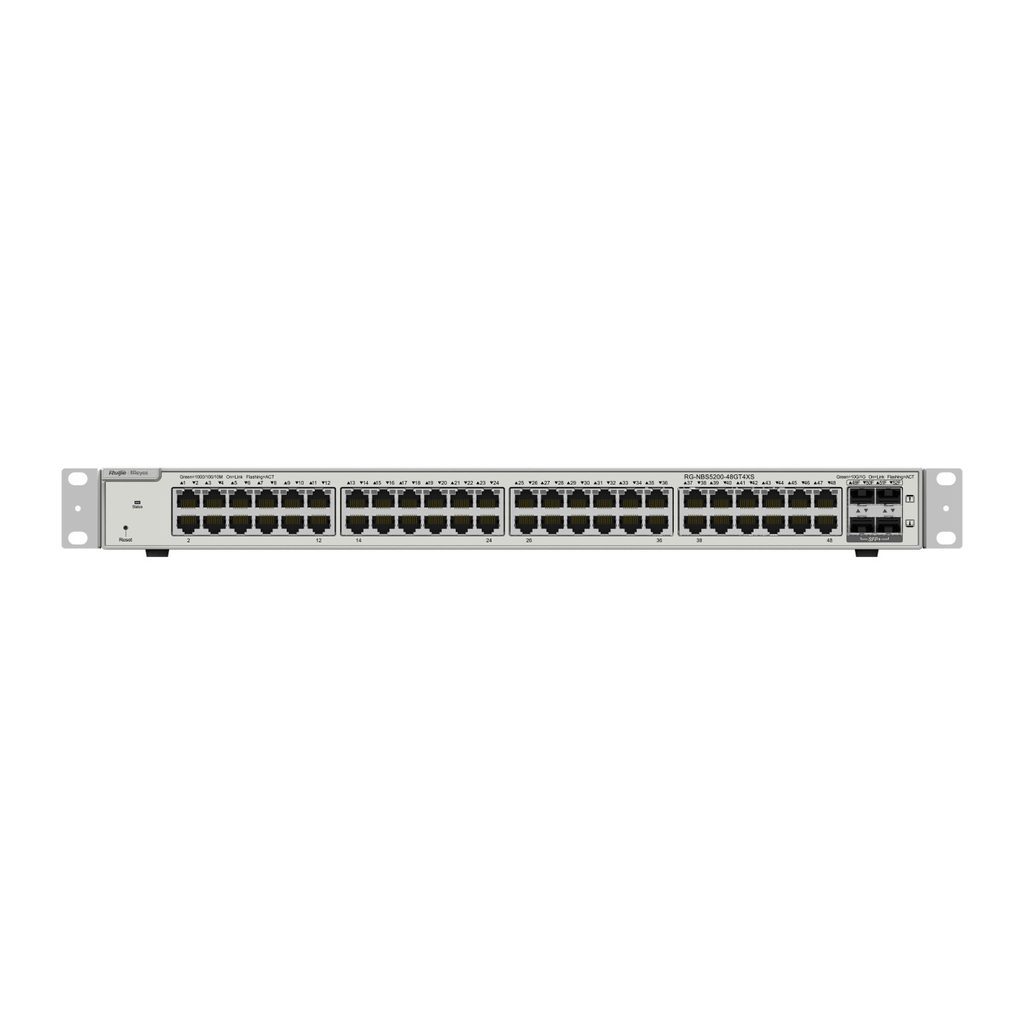
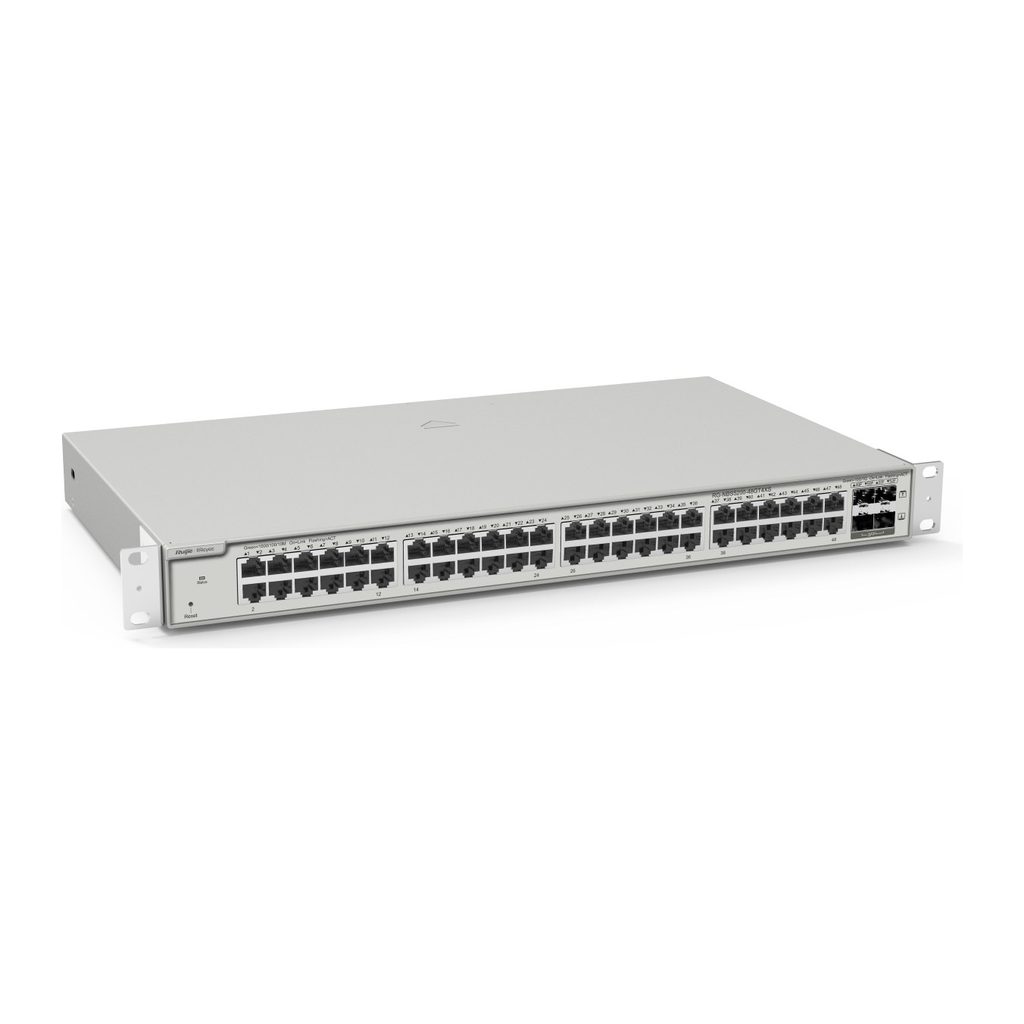
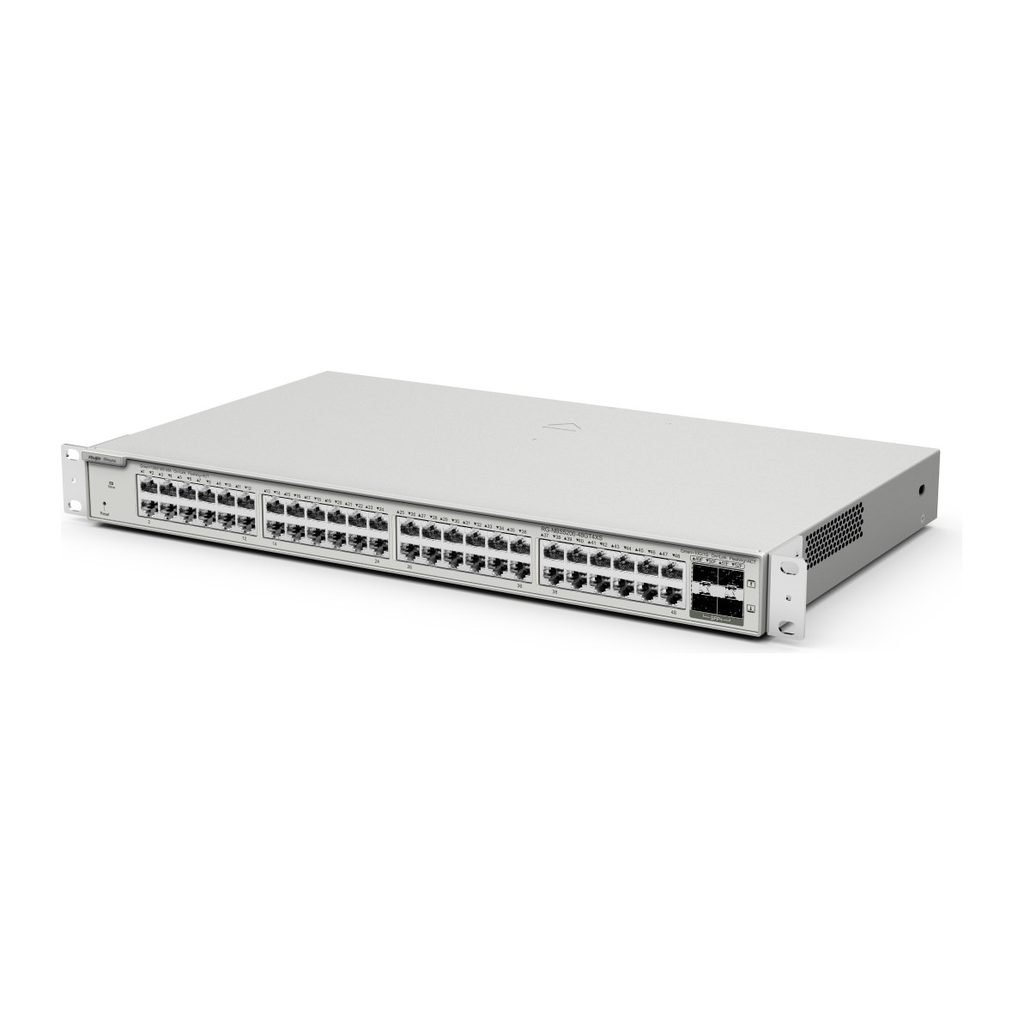
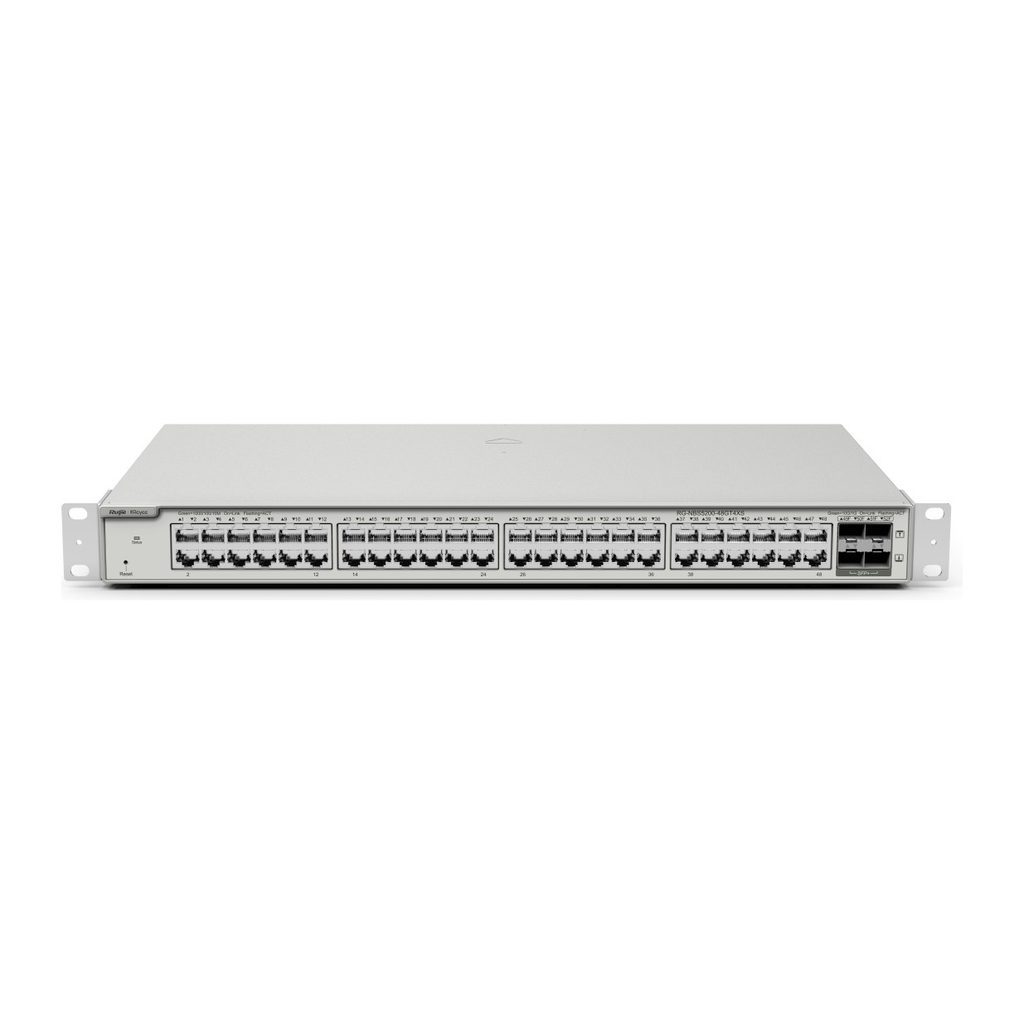
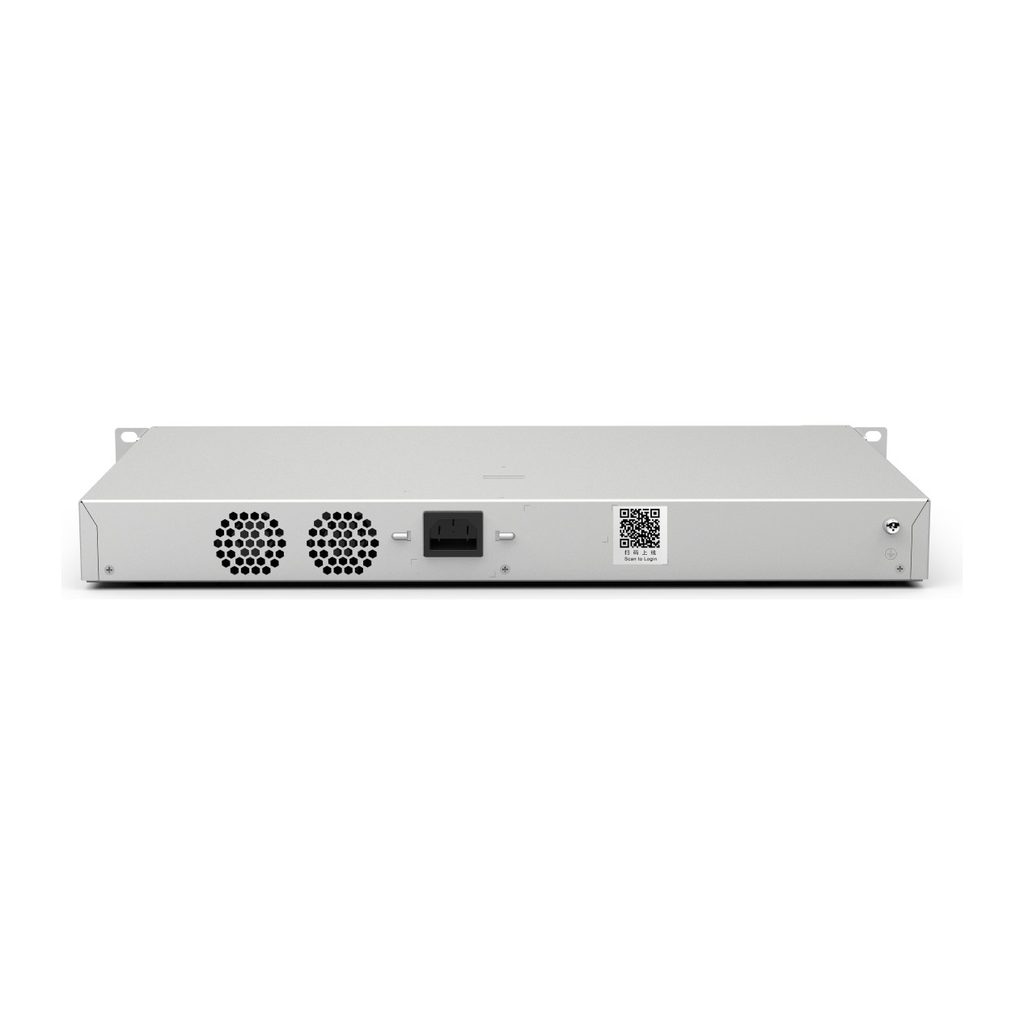
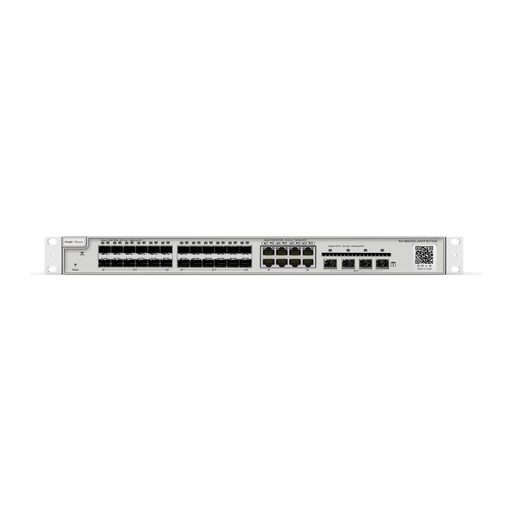
Overview of Reyee RG-NBS5200-48GT4XS
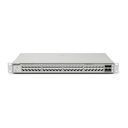
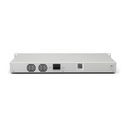
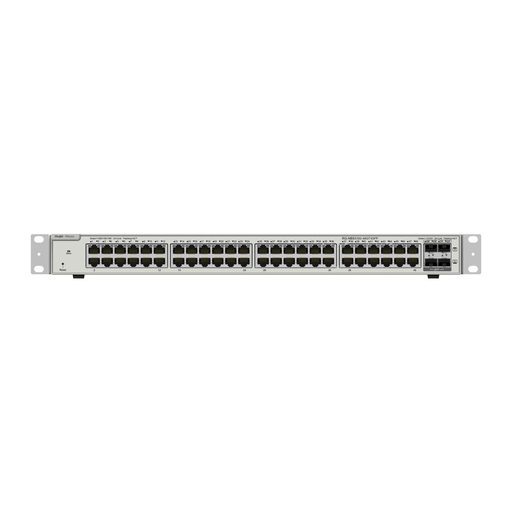
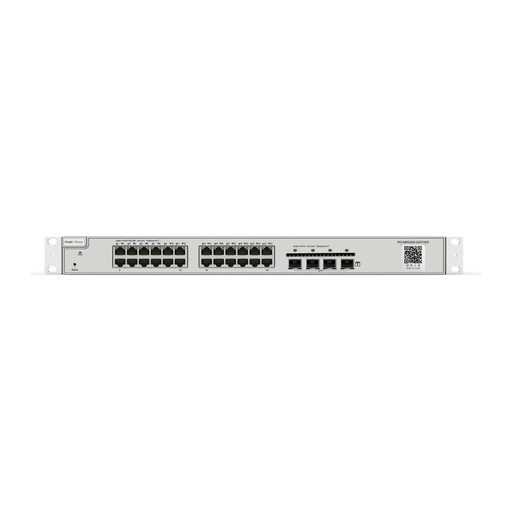
The Reyee RG-NBS5200-48GT4XS is a 48-port Gigabit Layer 3 cloud managed switch without PoE, featuring 4 x 10G SFP+ uplinks for high-speed connections to the core network or servers. It delivers 176 Gbps switching capacity and 132 Mpps forwarding rate, and supports OSPF and static routing, DHCP server, VCS stacking, ERPS and a complete set of security policies. This makes it a strong choice for high-density access or aggregation in offices, hotels, schools, hospitals and warehouses. Lifetime Ruijie Cloud management, the Ruijie Reyee App and eWeb simplify deployment and maintenance, while 6 kV surge protection helps protect the ports.
Technical Specifications – Reyee RG-NBS5200-48GT4XS
Product Information
| Product Category | Layer 3 |
|---|
| Warranty | 5 years |
|---|
Port Specifications
| Total number of RJ45 ports | 48 |
|---|
| Total number of optical ports | 4 |
|---|
| Number of 1GE combo ports | No |
|---|
| Number of 1GE SFP ports | No |
|---|
| Number of 10GE SFP+ ports | 4 |
|---|
| Number of 10/100/1000BASE-T ports | 48 |
|---|
| Reset button | 1 |
|---|
Power Supply and Consumption
| Power input | 220 V AC power supply: rated input voltage 100 V AC to 240 V AC, 50/60 Hz; maximum input voltage 90 V AC to 264 V AC, 47 Hz to 63 Hz; maximum input current 2 A |
|---|
| Maximum power consumption | 46.4 W |
|---|
| Power supply | Fixed power supply |
|---|
System Specifications
| RAM | 1 GB |
|---|
| Flash memory | 256 MB |
|---|
| Forwarding rate | 132 Mpps |
|---|
| Switching capacity | 176 Gbps(bit/s) |
|---|
Dimensions and Weight
| Casing | Metal |
|---|
| Product dimensions (W x D x H) | 440 mm x 267.5 mm x 43.6 mm (17.32 in. x 10.53 in. x 1.72 in.) |
|---|
| Weight | 3.6 kg (7.94 lbs) (without packaging materials) |
|---|
| Shipping weight | 5.14 kg (11.33 lbs) |
|---|
Environment and Reliability
| Fan | 2 x fixed fans |
|---|
| Cooling | Air cooling, side-to-rear airflow |
|---|
| Acoustic noise | 25°C (77°F): 45 dB |
|---|
| Mounting options | Rack |
|---|
| MTBF | 400,000 hours |
|---|
| Operating temperature | 0°C to +50°C (32°F to 122°F) |
|---|
| Storage temperature | –40°C to +70°C (–40°F to +158°F) |
|---|
| Operating humidity | 10% RH to 90% RH (non-condensing) |
|---|
| Altitude | Operating altitude: –500 m to +5,000 m; Storage altitude: –500 m to +5,000 m (–1,640.42 ft. to +16,404.20 ft.) |
|---|
| ESD protection | Contact discharge: 6 kV; Air discharge: 8 kV |
|---|
| Surge protection | Service port: ±6 kV for common mode; Power connector: ±6 kV for both common mode and differential mode |
|---|
Certification and Regulatory Compliance
| EMC | EN 55032, EN 61000-3-2, EN 61000-3-3, EN 55035, EN 300 386 |
|---|
| Safety compliance | IEC 62368-1 |
|---|
| Certification | CE, FCC |
|---|
Authentication
| 802.1X authentication | Yes (port-based and MAC address-based) |
|---|
| RADIUS | Yes |
|---|
| Guest VLAN | Yes |
|---|
Basic Configurations
Ethernet Switching
| Maximum number of VLANs | 4094 |
|---|
| Maximum number of MAC address entries | 16000 |
|---|
| Voice VLAN | Yes |
|---|
| STP/RSTP/MSTP | Yes |
|---|
| LLDP/LLDP-MED | Yes |
|---|
| Static aggregation / LACP | Yes |
|---|
Gateway Features
| QoS (802.1p/DSCP, SP, WRR, SP+WRR) | Yes |
|---|
Interface
| Jumbo frame length (MTU) | 9216 bytes (interface configuration mode) |
|---|
| EEE | Yes |
|---|
| Cable test | Yes |
|---|
IP Routing
| Maximum number of IPv4 static routes | 500 |
|---|
| IPv6 routing table size (network route) | 500 |
|---|
| Maximum number of IPv6 static routes | 500 |
|---|
| OSPFv2/OSPFv3 | Yes |
|---|
IP Service
| Maximum number of ARP entries | 2000 |
|---|
| IPv4 routing table size (host route) | 12000 |
|---|
| DHCP server | Yes |
|---|
| DHCP relay | Yes |
|---|
Multicast
| IGMP snooping (v1/v2/v3) | Yes |
|---|
Network Management and Monitoring
| Port mirroring | Yes |
|---|
| Camera detection | Yes |
|---|
| Loop alarm | Yes |
|---|
| eWeb management | Yes |
|---|
| Ruijie Cloud management | Yes |
|---|
| Ruijie Reyee App management | Yes |
|---|
| SNMPv1, v2c, and v3 | Yes |
|---|
| SSH | No |
|---|
Reliability
| Number of VCS members | 2 |
|---|
| System dual backup | Yes (only on devices with factory-installed ReyeeOS 2.320 or later) |
|---|
| ERPS | Yes: Stand-alone; No: Hot standby |
|---|
Security
| Maximum number of ACEs | Inbound: 1900 ACEs per interface; Outbound: 0 |
|---|
| Port isolation | Yes |
|---|
| Storm control (broadcast/multicast/unknown unicast) | Yes |
|---|
| DHCP snooping | Yes |
|---|
| ACL (standard, extended MAC, extended IP, IPv6) | Yes |
|---|
| IP-MAC-port binding | Yes |
|---|
| ARP anti-spoofing | Yes |
|---|
| IP source guard | Yes |
|---|
| CPU Protection Policy | Yes |
|---|
System Performance Capacity
| Recommended camera limit | 200 W H265: 400; 400 W H265: 200 |
|---|
Package Contents
| Rack-mount bracket | 2 |
|---|
| Grounding cable | 1 x 1 m (3.28 ft.) |
|---|
| Power cord | 1 x 1.5 m (4.92 ft.) |
|---|
Source: Ruijie Reyee official website and datasheet. Specifications are subject to change by the manufacturer.