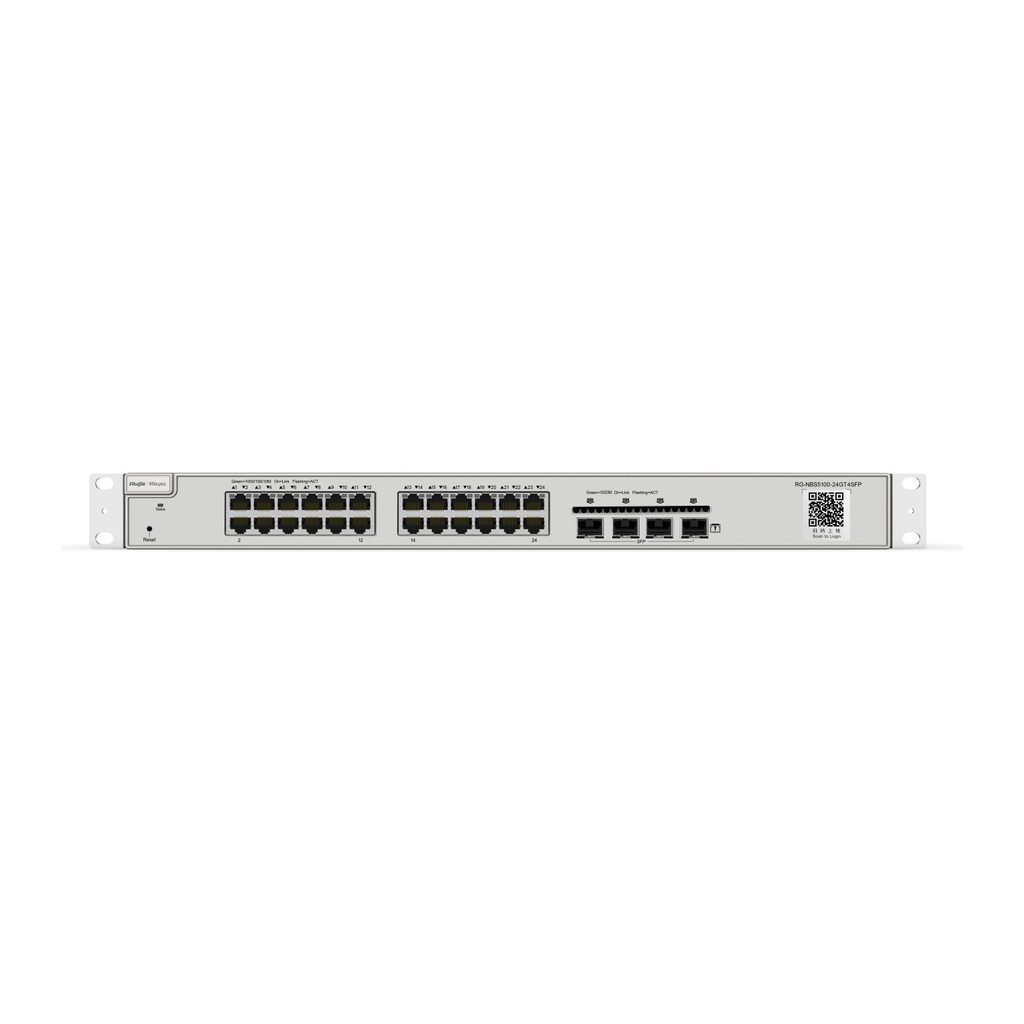
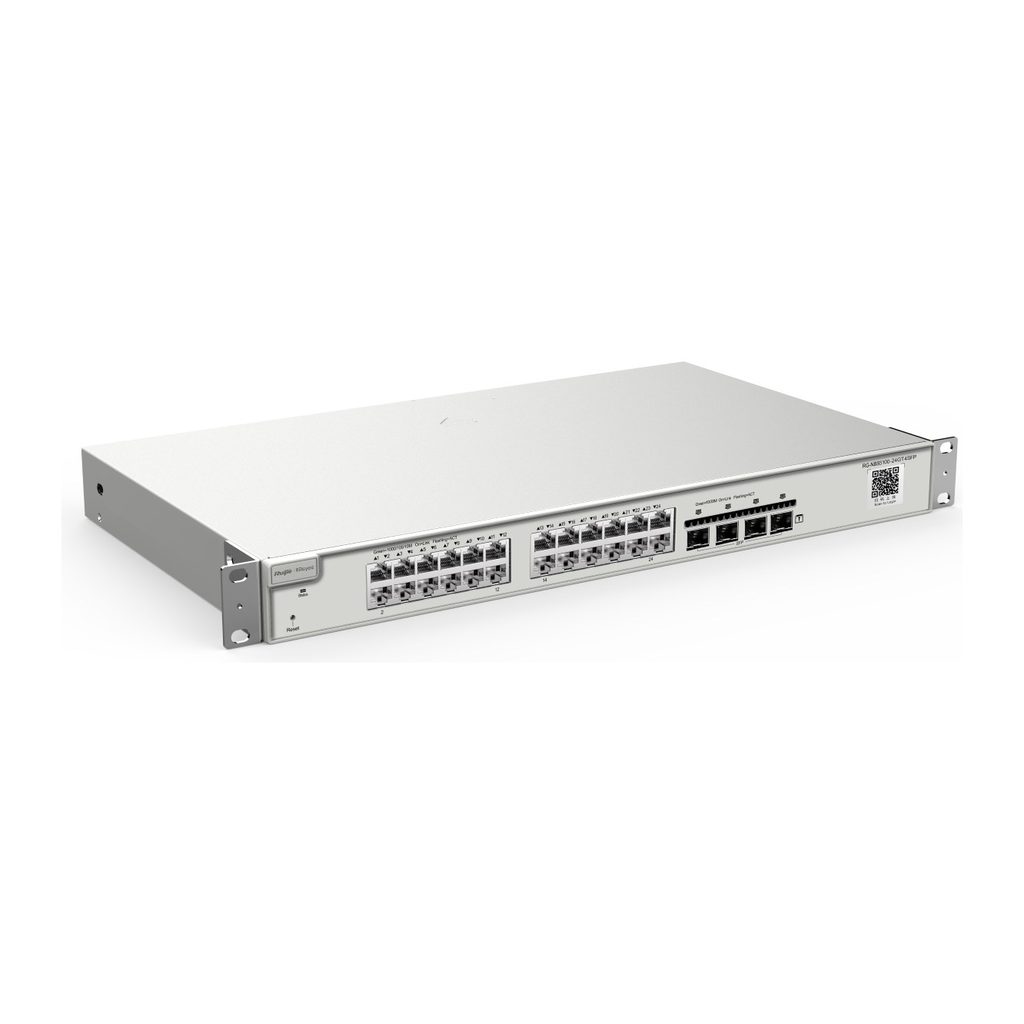
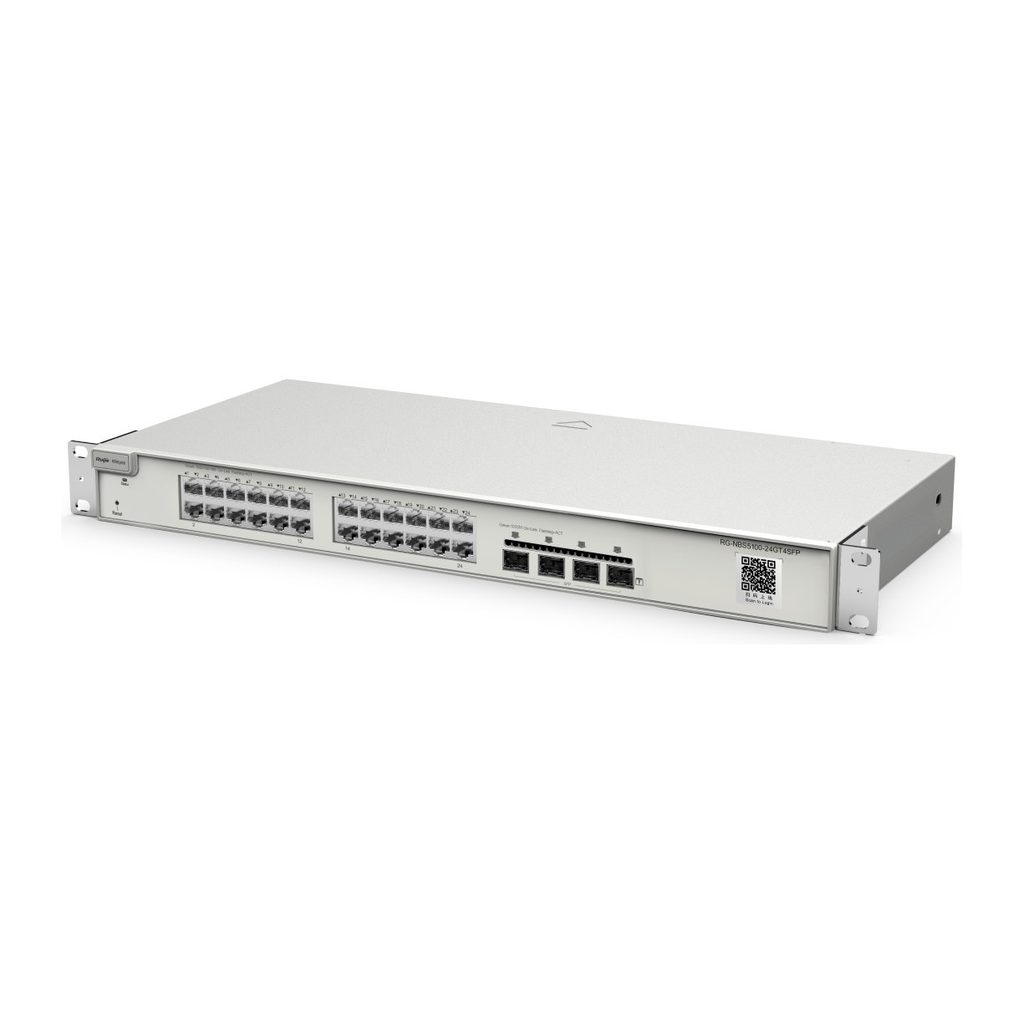
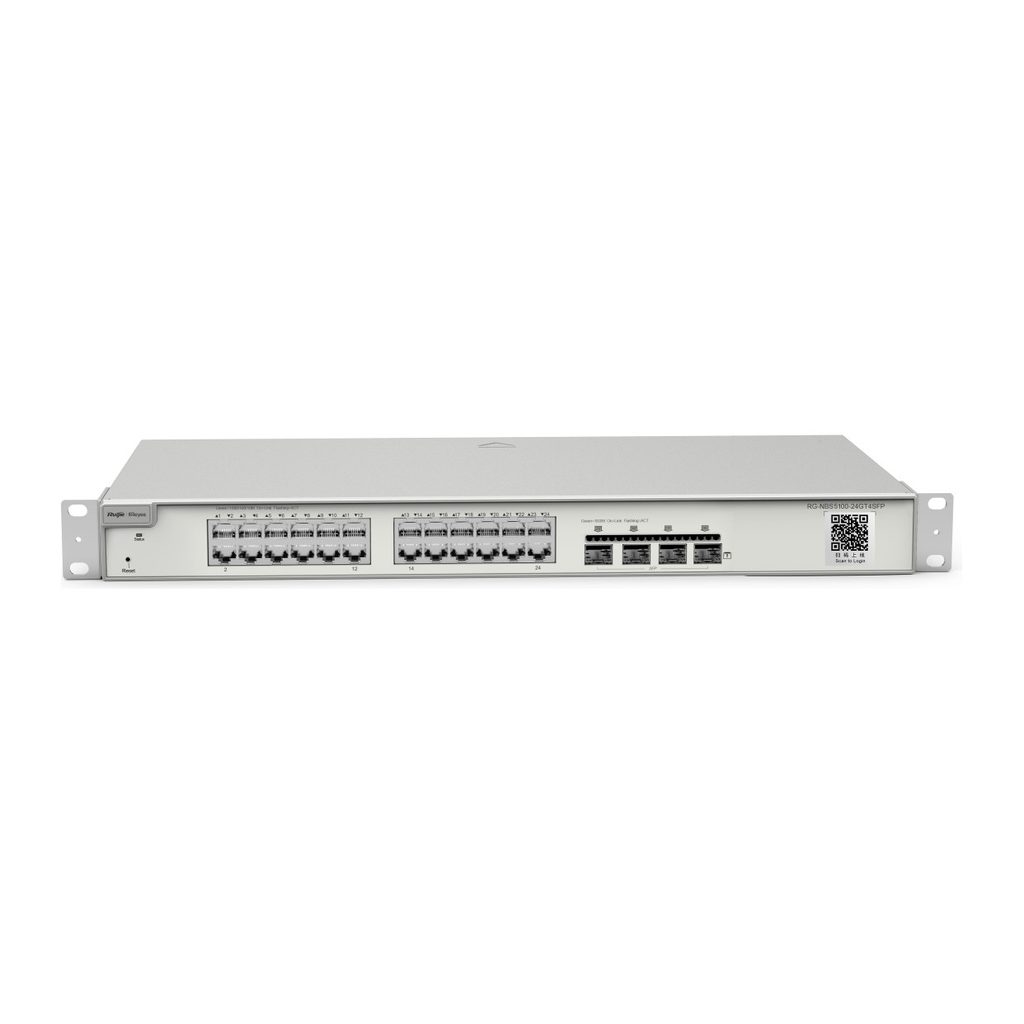
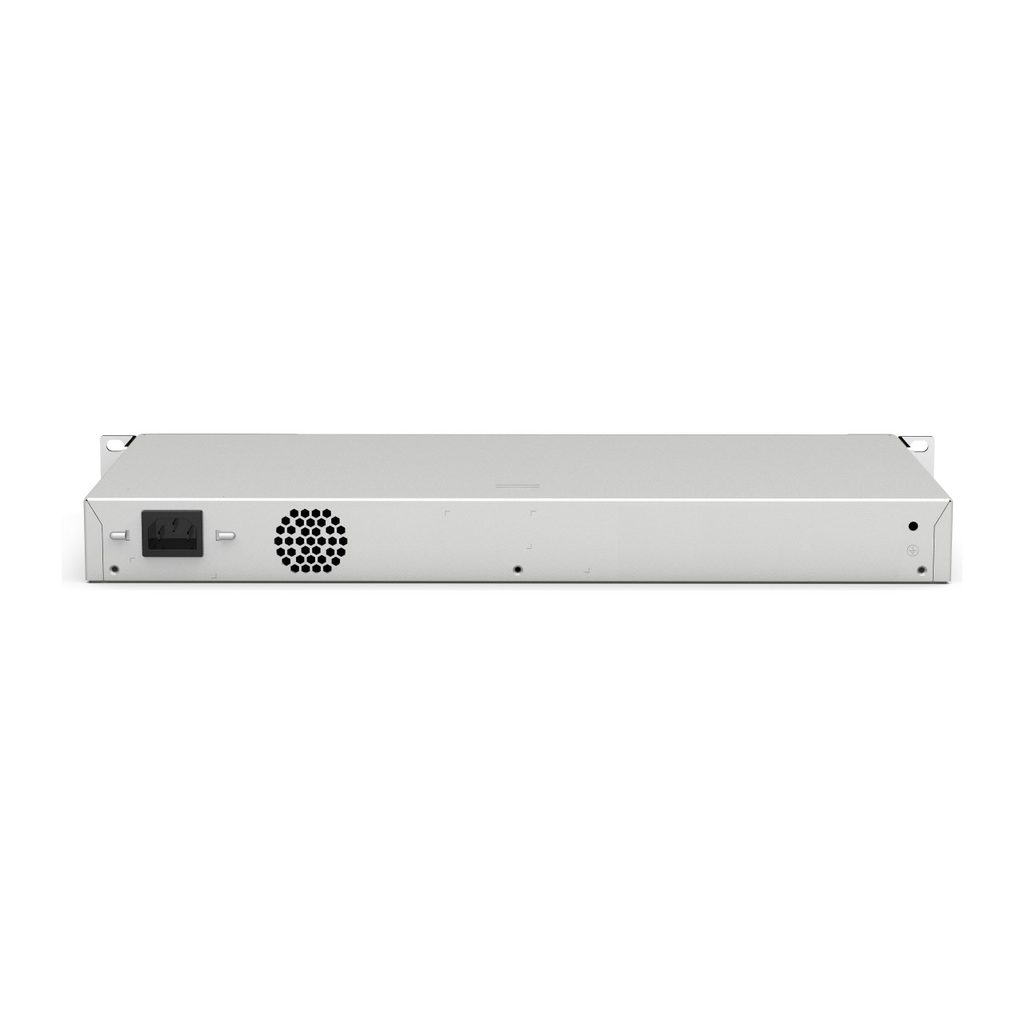
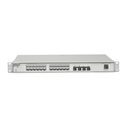
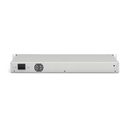
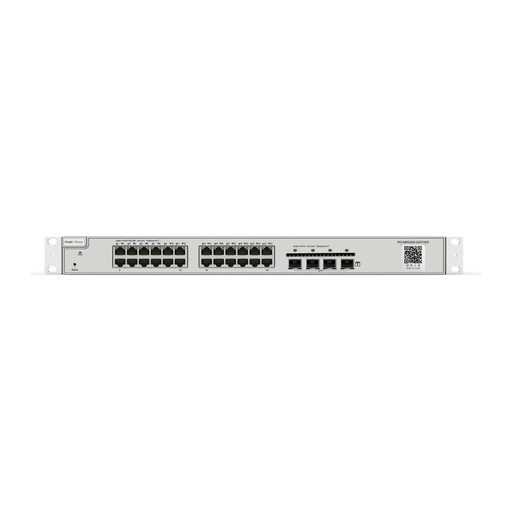
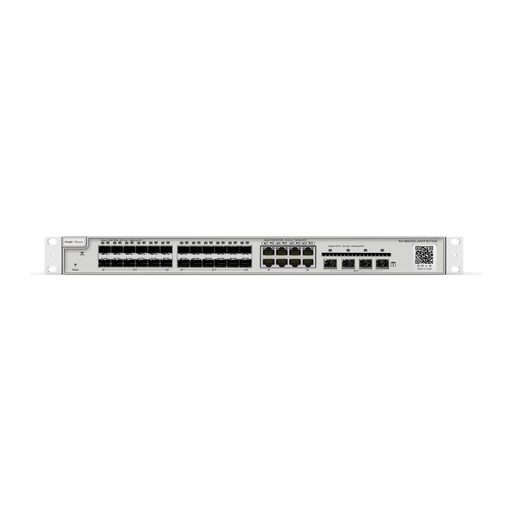
Overview of Reyee RG-NBS5100-24GT4SFP
The Ruijie Reyee RG-NBS5100-24GT4SFP is a 28-port Gigabit Layer 3 cloud-managed non-PoE switch with 24 Gigabit RJ45 ports and four 1GE SFP uplinks. It is designed as a core or aggregation switch for enterprises, hotels, factories, schools and retail networks that need routing between VLANs. It supports up to 500 IPv4 static routes, OSPFv2/OSPFv3, DHCP server and relay, along with LACP, IGMP snooping, MSTP and ERPS. ACL, 802.1X, DHCP snooping, ARP anti-spoofing and IP source guard protect the network, and 6 kV surge protection reduces port damage. SON zero-touch provisioning, lifetime Ruijie Cloud management and a 5-year warranty simplify operation.
Technical Specifications – Reyee RG-NBS5100-24GT4SFP
Product Information
| Product Category | Layer 3 |
|---|
| Warranty | 5 years |
|---|
Port Specifications
| Total number of RJ45 ports | 24 |
|---|
| Total number of optical ports | 4 |
|---|
| Number of 1GE SFP ports | 4 |
|---|
| Number of 10/100/1000BASE-T ports | 24 |
|---|
Power Supply and Consumption
| Power input | 220 V AC power supply: Rated input voltage: 100 V AC to 240 V AC, 50/60 Hz; Maximum input voltage: 90 V AC to 264 V AC, 47 Hz to 63 Hz; Maximum input current: 1.5 A |
|---|
| Maximum power consumption | 28.028 W |
|---|
| Power supply | Fixed power supply |
|---|
System Specifications
| RAM | 512 MB |
|---|
| Flash memory | 256 MB |
|---|
| Forwarding rate | 41.66 Mpps |
|---|
| Switching capacity | 56 Gbps |
|---|
Dimensions and Weight
| Product dimensions (W x D x H) | 440 mm x 207.5 mm x 43.6 mm (17.32 in. x 8.17 in. x 1.72 in.) |
|---|
| Weight | 2.9 kg (6.39 lbs) (without packaging materials) |
|---|
Environment and Reliability
| Fan | 1 x fixed fan |
|---|
| Cooling | Air cooling, left-to-rear airflow |
|---|
| Mounting options | Rack |
|---|
| MTBF | 400,000 hours |
|---|
| Operating temperature | 0°C to +50°C (32°F to 122°F) |
|---|
| Storage temperature | –40°C to +70°C (–40°F to +158°F) |
|---|
| Operating humidity | 10% RH to 90% RH (non-condensing) |
|---|
| Surge protection | Service port: ±6 kV for common mode; Power connector: ±6 kV for both common mode and differential mode |
|---|
Certification and Regulatory Compliance
| Certification | CE, FCC |
|---|
| Safety compliance | IEC 62368-1 |
|---|
Authentication
| 802.1X authentication | Yes |
|---|
| RADIUS | Yes |
|---|
Ethernet Switching
| Maximum number of VLANs | 4094 |
|---|
| Maximum number of MAC address entries | 16000 |
|---|
| Voice VLAN | Yes |
|---|
| MSTP (IEEE 802.1s) | Yes |
|---|
| LACP | Yes |
|---|
Interface
| Jumbo frame length (MTU) | 9216 bytes (interface configuration mode) |
|---|
IP Routing
| IPv4 static route | Yes |
|---|
| Maximum number of IPv4 static routes | 500 |
|---|
| IPv6 static route | Yes |
|---|
| Maximum number of IPv6 static routes | 128 |
|---|
| OSPFv2 | Yes |
|---|
| OSPFv3 | Yes |
|---|
IP Service
| DHCP relay | Yes |
|---|
| DHCP server | Yes |
|---|
Multicast
Network Management and Monitoring
| Camera detection | Yes |
|---|
| Ruijie Cloud management | Yes |
|---|
| SNMPv1, v2c, and v3 | Yes |
|---|
Reliability
| ERPS | Yes |
|---|
| System dual backup | Yes (Only supported on devices with a factory-installed software version of ReyeeOS 2.320 or later) |
|---|
Security
| Maximum number of ACEs | Number of ACEs in the inbound direction of an interface: 1900; Number of ACEs in the outbound direction of an interface: 0 |
|---|
| DHCP snooping | Yes |
|---|
| ARP anti-spoofing | Yes |
|---|
| IP source guard | Yes |
|---|
System Performance Capacity
| Recommended camera limit | 200 W H265: 350; 400 W H265: 170 |
|---|
Source: Ruijie Reyee official website and datasheet. Specifications are subject to change by the manufacturer.