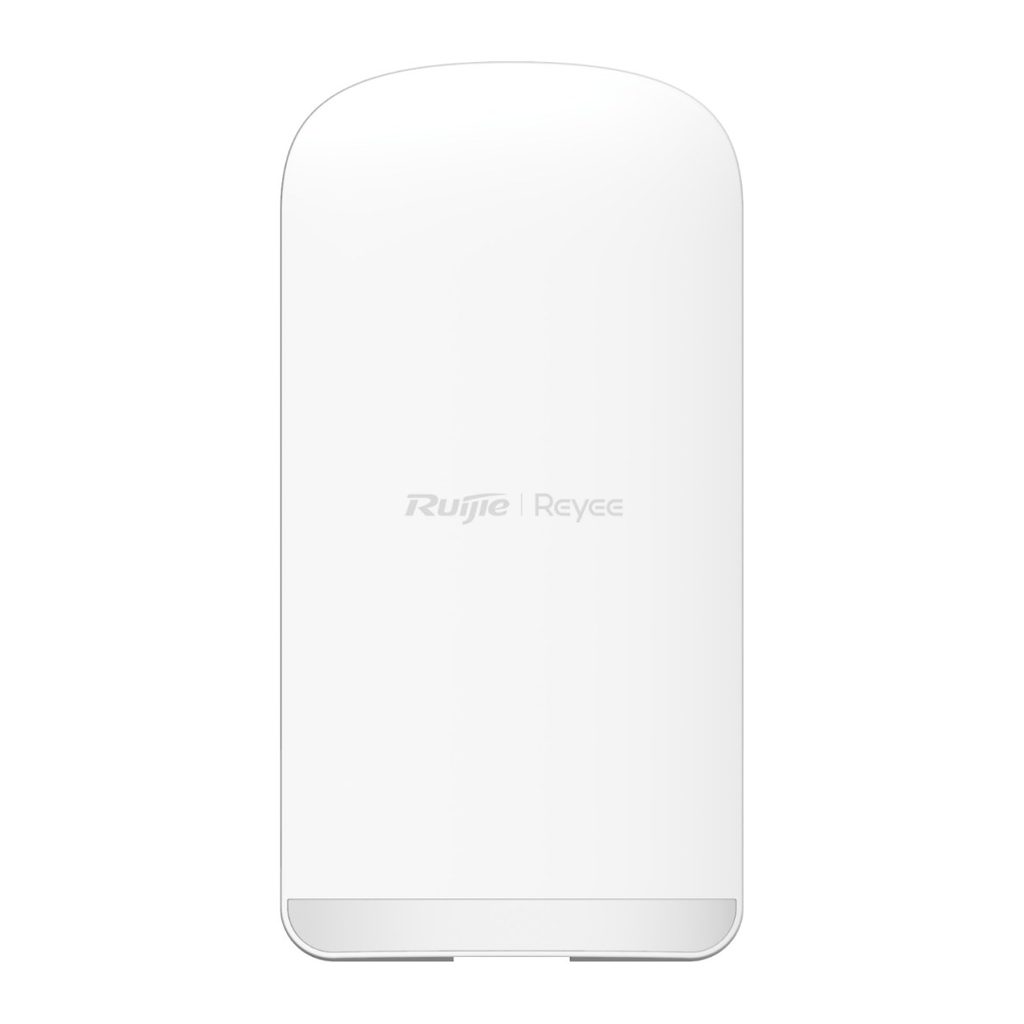
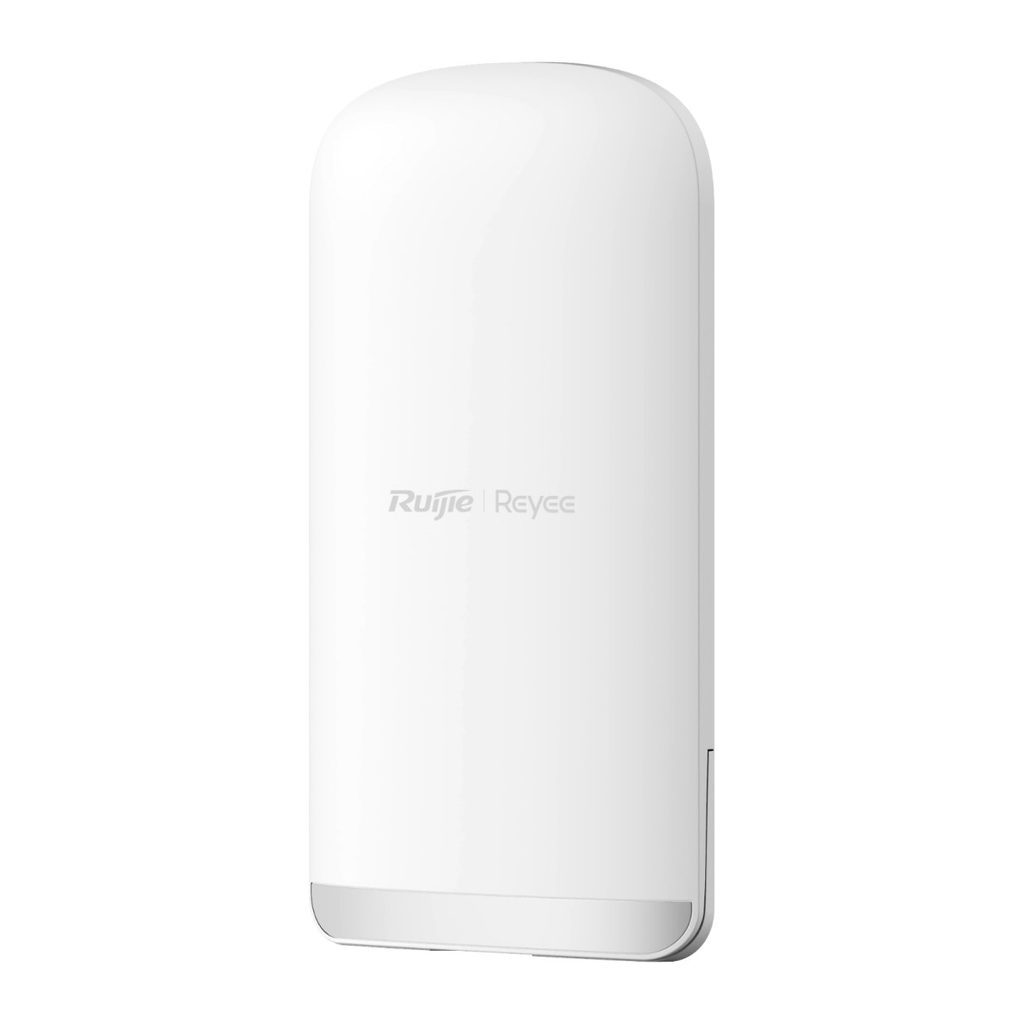
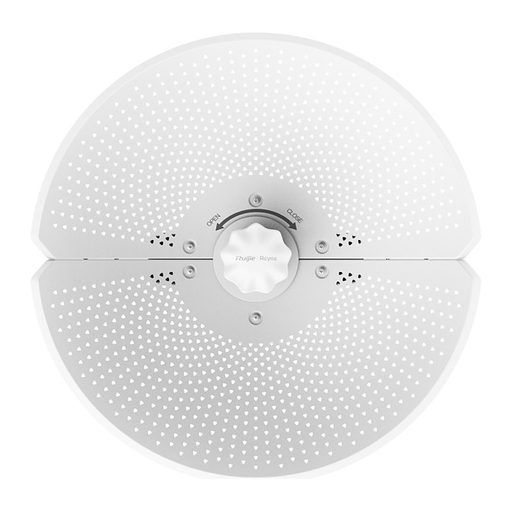
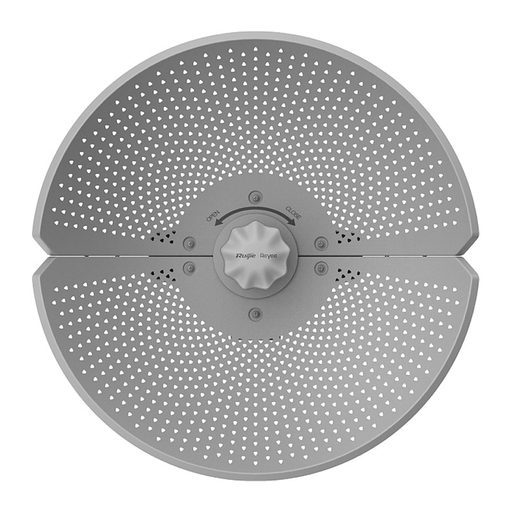
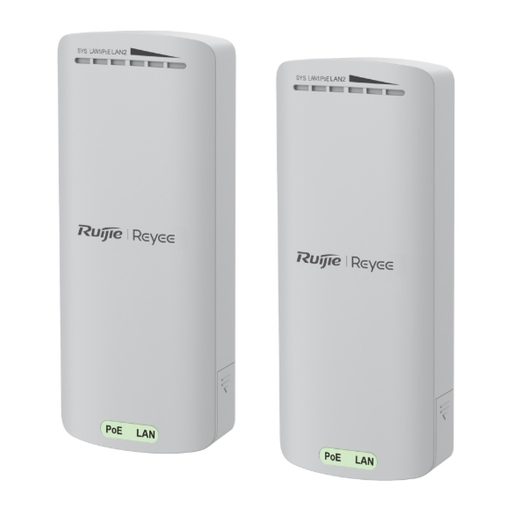
Overview of Reyee RG-EST330F-P
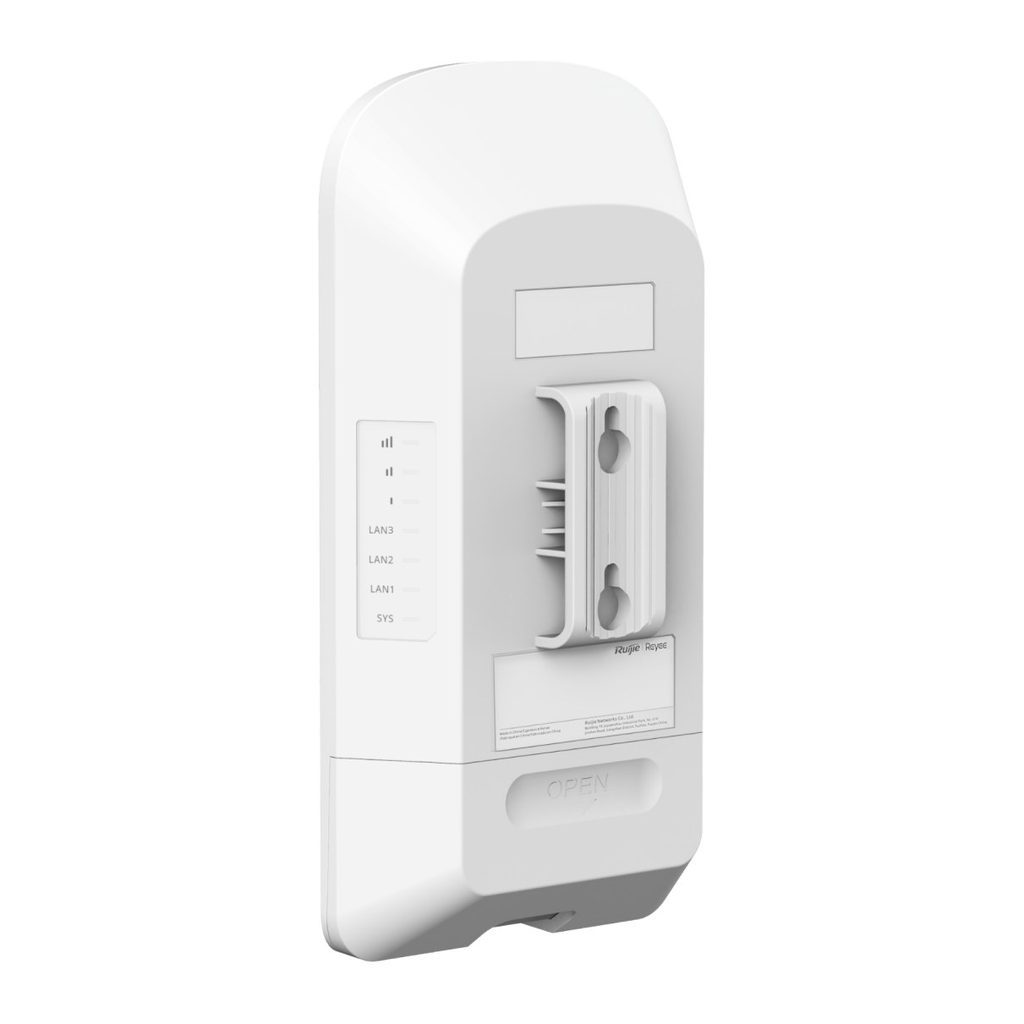
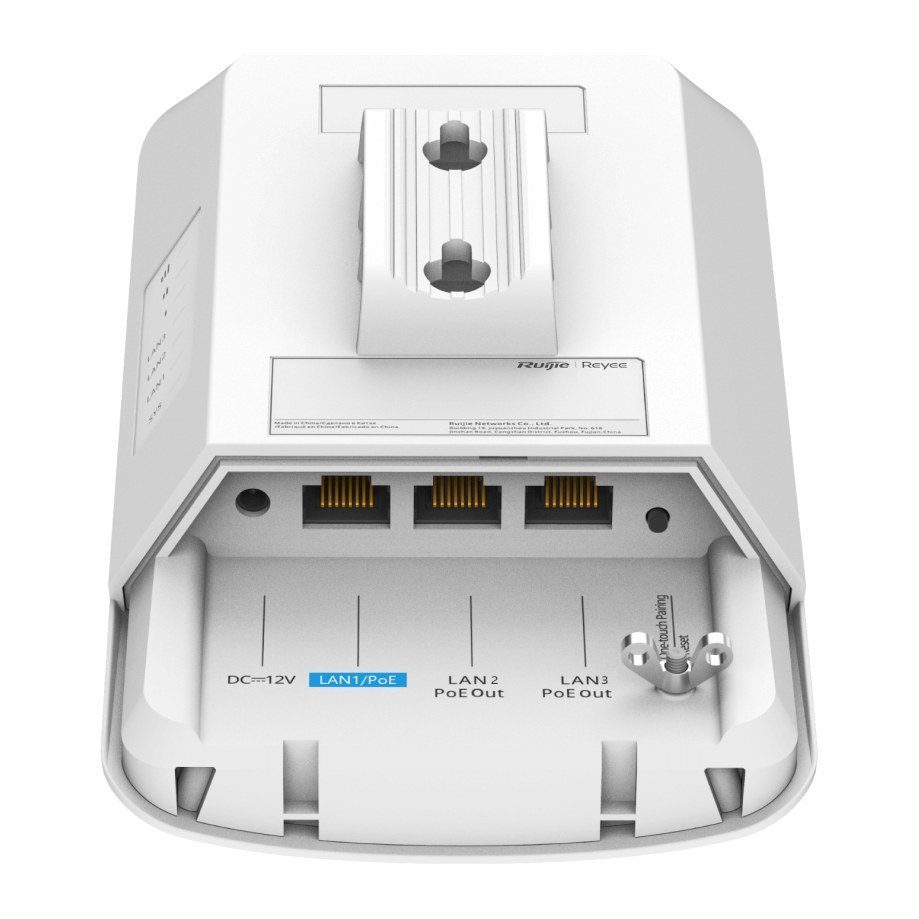
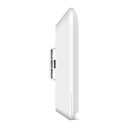
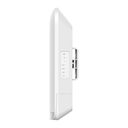
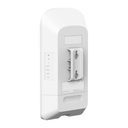
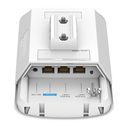
The Reyee RG-EST330F-P is a 3 km, 13 dBi outdoor wireless bridge sold individually, built for CCTV backhaul on streets, buildings, campuses, farms and factories. It combines a 2x2 5 GHz Wi-Fi 5 radio with a built-in 30° directional antenna and a 2.4 GHz radio for management. Three Fast Ethernet ports include two PoE Out ports that can power downstream cameras directly when the unit is fed by 24 V passive PoE or 802.3at. It supports BaseStation/CPE mode switching, TDMA for point-to-multipoint links (5 recommended connections), SON and Ruijie Cloud management, making it practical for warehouses, farms and site perimeters across the Kingdom. It is IP55 rated and supplied with a 24 V adapter and PoE injector.
Technical Specifications – Reyee RG-EST330F-P
Product Information
| Product type | Wireless bridge |
|---|
| Applicable scenarios | CCTV |
|---|
Wi-Fi Radio
| Radio design | Dual-radio, 3 spatial streams; Radio 1: 2.4 GHz, 1 spatial stream: 1 x 1, SISO; Radio 2: 5 GHz, 2 spatial streams: 2 x 2, MIMO |
|---|
| Operating band | IEEE 802.11b/g/n: 2.400 GHz to 2.483 GHz; IEEE 802.11a/n/ac: 5.150–5.350 GHz, 5.470–5.725 GHz, 5.725–5.850 GHz (available bands vary by country/region) |
|---|
| Wi-Fi standard | Wi-Fi 5 (IEEE 802.11ac), compatible with IEEE 802.11a/b/g/n |
|---|
| 2.4 GHz channel width | Auto/20/40 MHz |
|---|
| 5 GHz channel width | Auto/20/40/80 MHz |
|---|
| Transmission rate | Maximum wireless data rate: 1166 Mbps (2.4 GHz: 300 Mbps; 5 GHz: 866 Mbps) |
|---|
| Maximum transmit power (2.4 GHz) | Combined power: 20 dBm (single stream power: 20 dBm) |
|---|
| Maximum transmit power (5 GHz) | Combined power: 29 dBm (single stream power: 26 dBm) |
|---|
| Modulation | 802.11b: BPSK, QPSK, CCK; 802.11a/g/n: BPSK, QPSK, 16-QAM, 64-QAM; 802.11ac: BPSK, QPSK, 16-QAM, 64-QAM, 256-QAM |
|---|
| Highest QAM order | 256 |
|---|
Antenna
| Antenna | 2.4 GHz: 1 x 1 built-in omnidirectional antenna; 5 GHz: 2 x 2 built-in directional antenna, horizontal: 30°, vertical: 30° |
|---|
| Antenna gain (2.4 GHz) | 2 dBi |
|---|
| Antenna gain (5 GHz) | 13 dBi |
|---|
Port Specifications
| Number of fixed LAN ports | 3 |
|---|
| Number of 10/100BASE-T ports | 3 |
|---|
| Reset button | 1 |
|---|
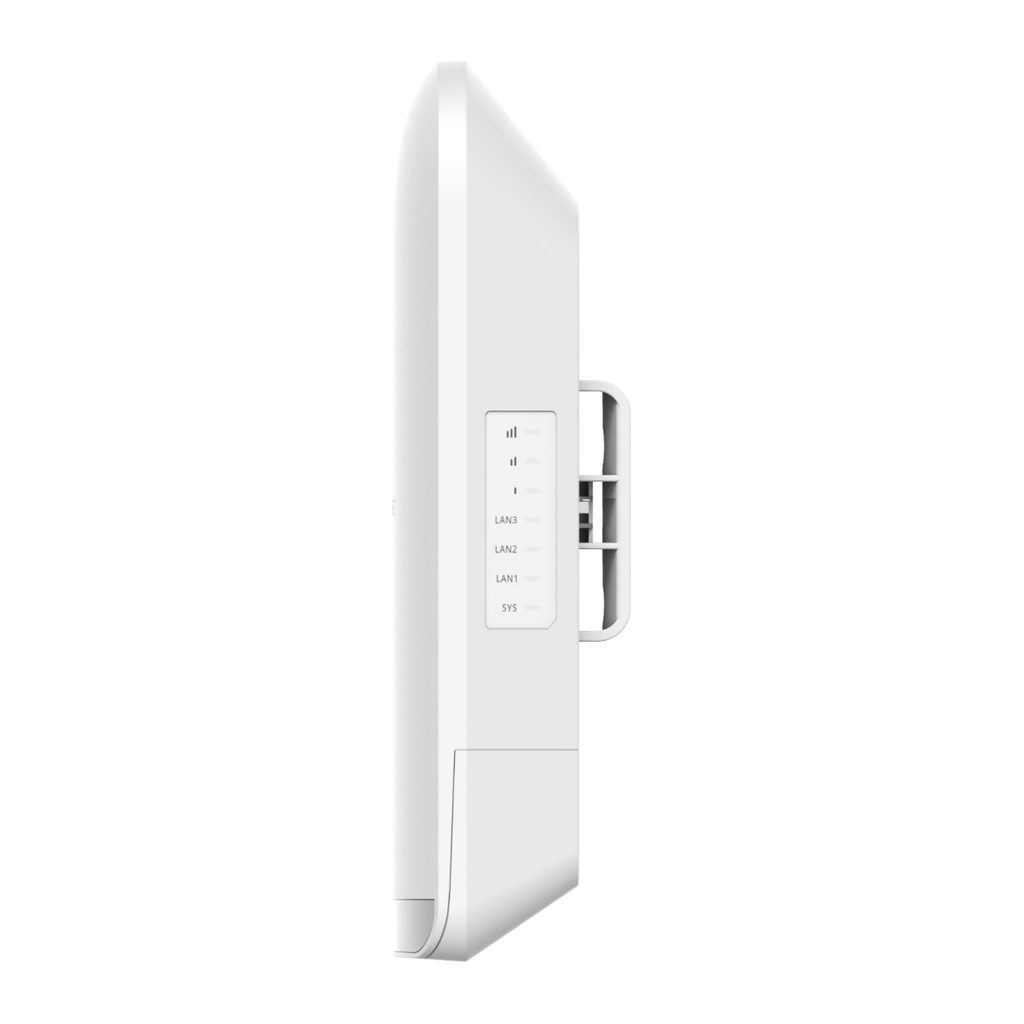
| LEDs | 1 x system status LED, 3 x Ethernet port LEDs, 3 x signal status LEDs |
|---|
System Specifications
| CPU | Single-core processor, 575/580 MHz clock frequency |
|---|
| Flash memory | 16 MB |
|---|
| RAM | 64 MB DDR2 |
|---|
Power Supply and Consumption
| Power supply | DC power adapter; passive PoE injector; IEEE 802.3af/at (PoE/PoE+) (DC adapter takes priority) |
|---|
| Number of PoE/PoE+ In ports | 1 |
|---|
| PoE power pins | 1-2 (+), 3-6 (-); 4-5 (+), 7-8 (-) |
|---|
| Local power supply | Yes, one DC power connector (12 V, 1.5 A) |
|---|
| Power supply to external devices | Yes, when powered by 24 V passive PoE or 802.3at (not when powered by 12 V DC or 802.3af) |
|---|
| Number of PoE Out ports | 2 |
|---|
| PoE Out standard | IEEE 802.3af (PoE) |
|---|
| PoE budget | 15.4 W (for two ports); 15.4 W per port |
|---|
| Maximum power consumption | 9 W (without PoE Out); 24.4 W (with PoE Out) |
|---|
Environment and Reliability
| Operating temperature | –30°C to +55°C (–22ºF to +131ºF) |
|---|
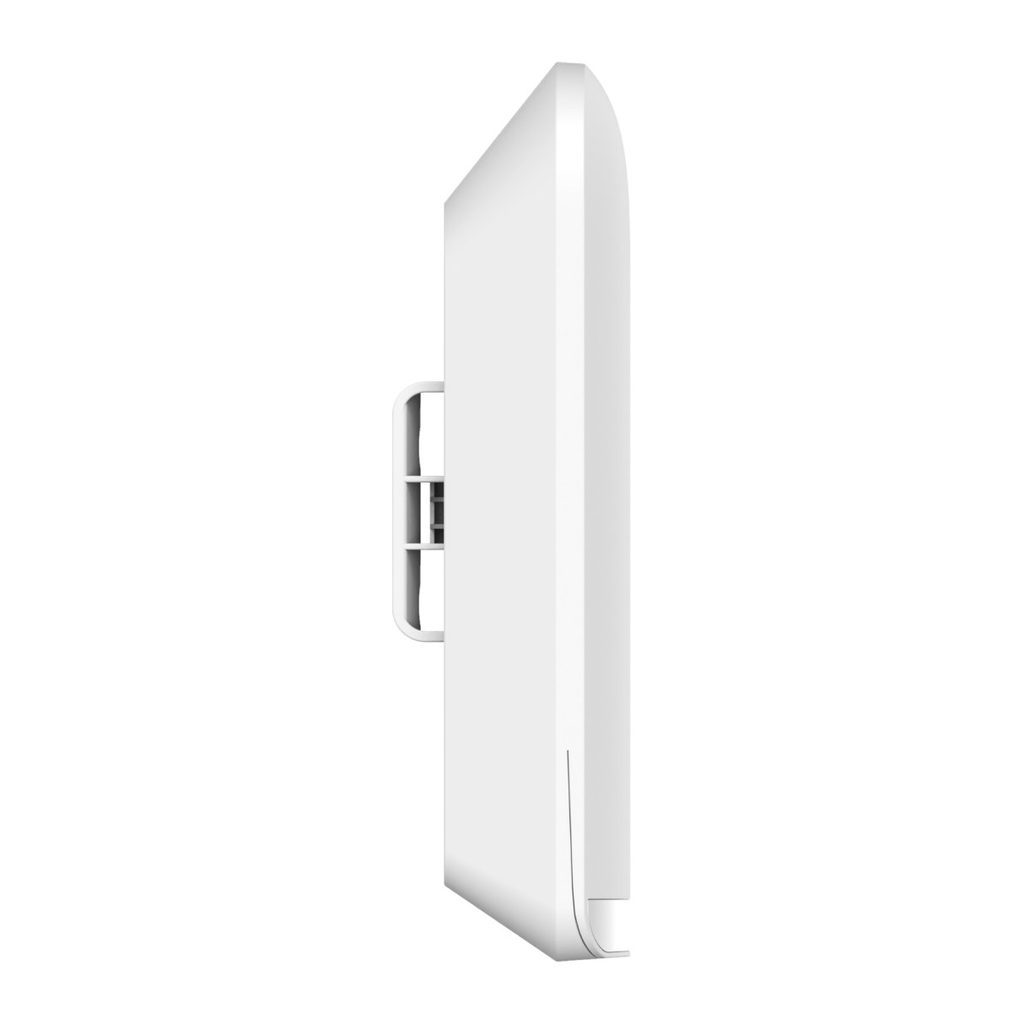
| Mounting options | Wall/Pole |
|---|
| Storage temperature | –40°C to +85°C (–40°F to +185°F) |
|---|
| Operating humidity | 5% RH to 95% RH (non-condensing) |
|---|
| Altitude | Operating/storage altitude: -500 m to +5,000 m (-1,640.42 ft. to +16,404.20 ft.) |
|---|
| MTBF | 400,000 hours (about 45 years) |
|---|
| Cooling | Natural cooling |
|---|
| IP rating | IP55 |
|---|
| ESD protection | Contact discharge 8 kV, air discharge 15 kV, Class B |
|---|
| Surge protection | Service port: ±4 kV common mode; Power connector: ±4 kV common mode and ±2 kV differential mode |
|---|
Certification and Regulatory Compliance
| Safety compliance | EN62368-1 |
|---|
| EMC | EN 55032, EN 55035, EN 61000-3-3, EN 61000-3-2, EN 301489-1, EN 301489-3, EN 301489-17 |
|---|
| Certification | CE, CB |
|---|
Dimensions and Weight
| Weight | 0.37 kg (0.82 lbs) (without packaging materials) |
|---|
| Shipping weight | 0.91 kg (2.01 lbs) |
|---|
| Product dimensions (W x D x H) | 103 mm x 53.4 mm x 199 mm (4.06 in. x 2.1 in. x 7.83 in.) (excluding mounting bracket) |
|---|
| Package dimensions (W x D x H) | 276 mm x 165 mm x 107 mm (10.87 in. x 6.50 in. x 4.21 in.) |
|---|
| Color | Elegant white |
|---|
WLAN
| BaseStation/CPE mode switching | Yes |
|---|
| Enhanced one-to-many transmission (TDMA) | Yes |
|---|
| Bridge SSID hiding | Yes |
|---|
| WPA2-PSK encryption | Yes |
|---|
| Recommended channel / 5 MHz offset | Yes / Yes |
|---|
| Bridge speed test | Yes |
|---|
| Security key configuration (network-wide / bridge group / single bridge) | Yes |
|---|
| WMM | Yes |
|---|
| Recommended PTMP connections | 5 |
|---|
| Maximum bridge distance | 3 km (1.86 miles) |
|---|
| One-touch pairing | Yes |
|---|
| Maximum effective distance of one-touch pairing | 20 m (65.62 ft.) |
|---|
| Active/Standby channel, restoring to the active channel | Yes |
|---|
| Maximum number of devices on the SON | 200 |
|---|
Basic Configurations
| eWeb login, local upgrade, configuration backup | Yes |
|---|
| System language | Chinese (Simplified), English |
|---|
IP Service
| IPv4 ping / traceroute, DHCP server / client | Yes |
|---|
Security
| Broadcast storm control | Yes |
|---|
Network Management and Monitoring
| SON | Yes |
|---|
| AI heatmap | Yes |
|---|
| Camera detection | No |
|---|
| Ruijie Cloud management | Yes |
|---|
| Restarting devices through Ruijie Reyee App | Yes |
|---|
| SNMPv1, v2c, and v3 | No |
|---|
| Fault diagnosis | Yes (ping, traceroute, nslookup, fault alarms and fault collection) |
|---|
| Restart cause prompt | Yes |
|---|
| Disconnection cause prompt | No |
|---|
| Cloud alarms on DFS signal detection | No |
|---|
WLAN
| Bridge performance | 90 Mbps/0.5 km; 80 Mbps/1 km; 60 Mbps/2 km; 40 Mbps/3 km (HT40) |
|---|
| RSSI | -53 dBm/0.5 km; -59 dBm/1 km; -65 dBm/2 km; -70 dBm/3 km |
|---|
| Recommended number of connected cameras (3 Mbps) | 18/0.5 km; 16/1 km; 12/2 km; 8/3 km |
|---|
| Recommended number of connected cameras (4–5 Mbps) | 12/0.5 km; 10/1 km; 8/2 km; 5/3 km |
|---|
| Recommended number of connected cameras (6–7 Mbps) | 8/0.5 km; 7/1 km; 5/2 km; 3/3 km |
|---|
| Recommended number of connected cameras (7–8 Mbps) | 5/0.5 km; 5/1 km; 2/2 km; 1/3 km |
|---|
Ethernet Switching
| Interface rate | 10/100 Mbps auto-negotiation |
|---|
| VLAN | Yes |
|---|
Package Contents
| Device | 1 |
|---|
| Accessories | 2 x cable ties, 1 x 24 V/1.5 A DC power adapter, 1 x PoE injector, 1 x mounting template, 4 x wall anchors, 4 x Phillips pan head screws |
|---|
| Manual | 1 x user manual, 1 x warranty card |
|---|
Source: Ruijie Reyee official website and datasheet. Specifications are subject to change by the manufacturer.