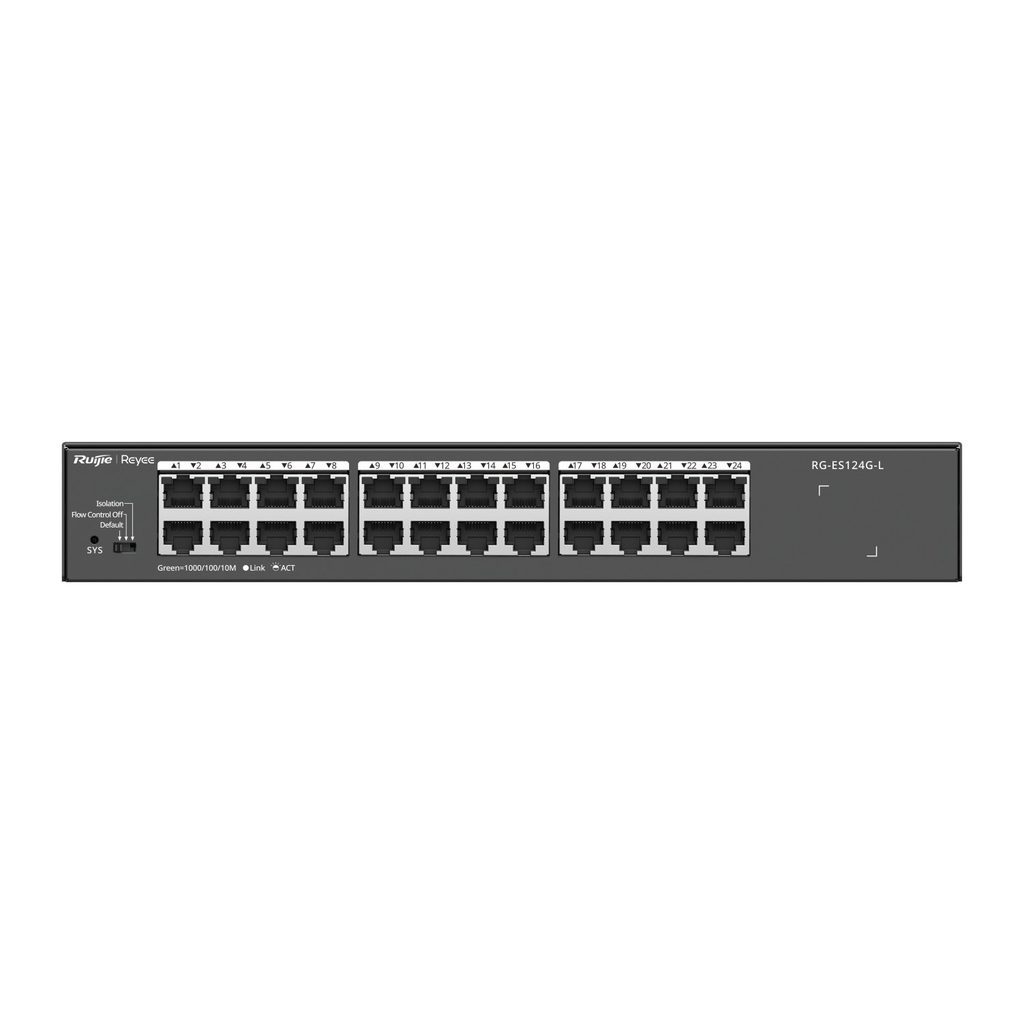
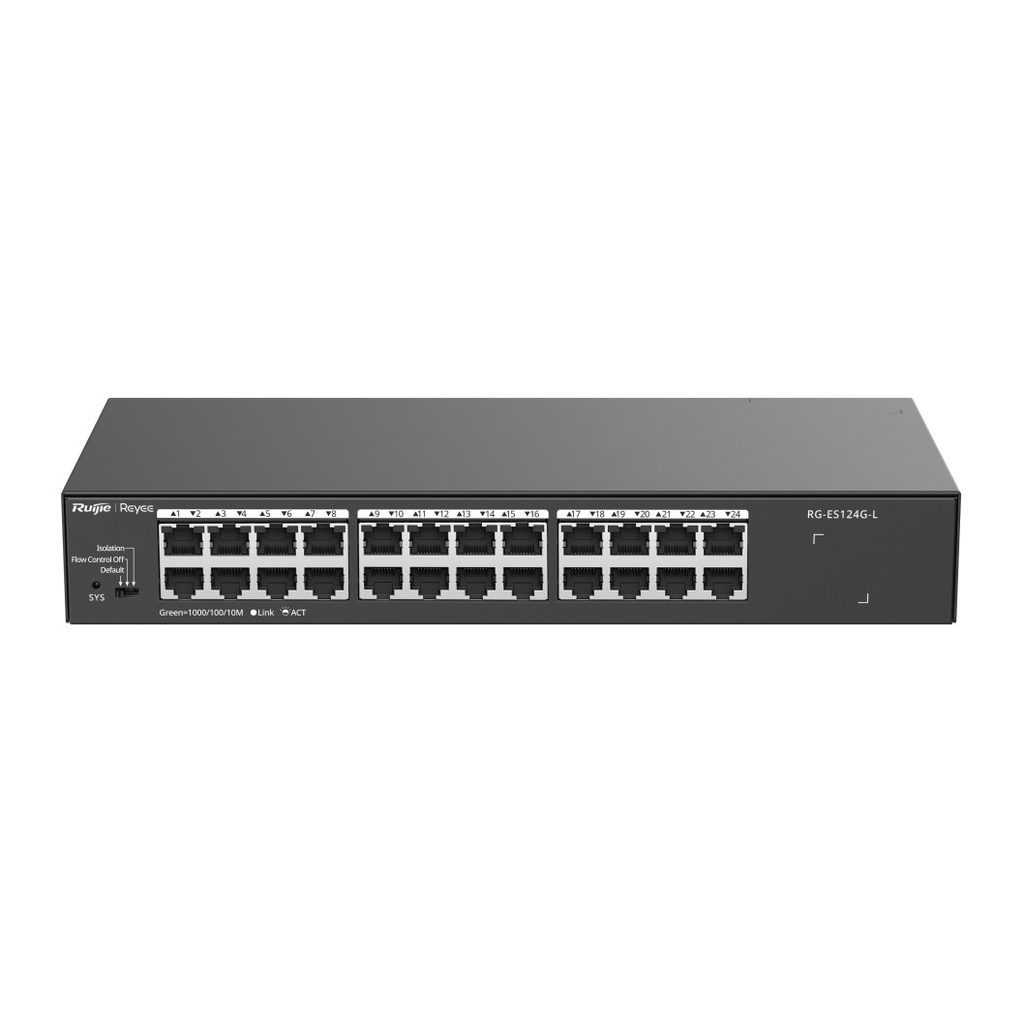
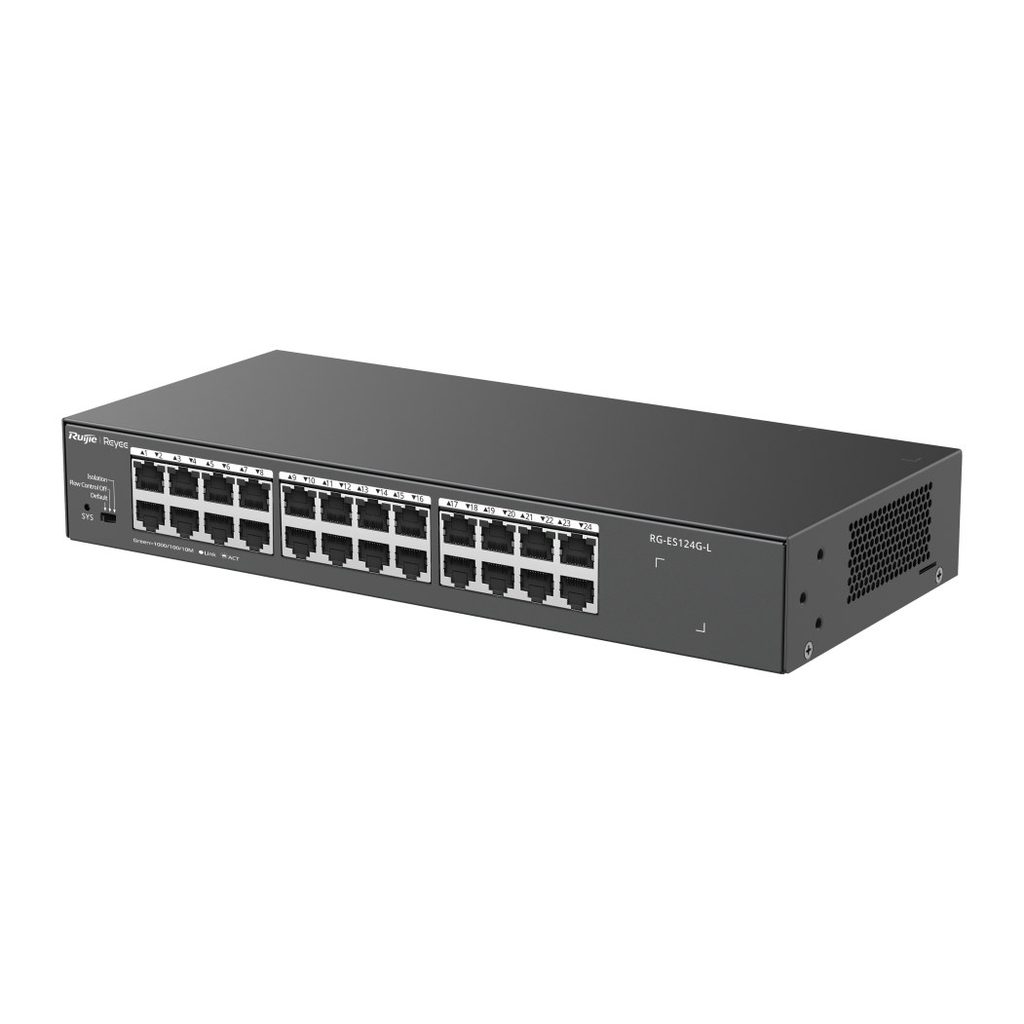
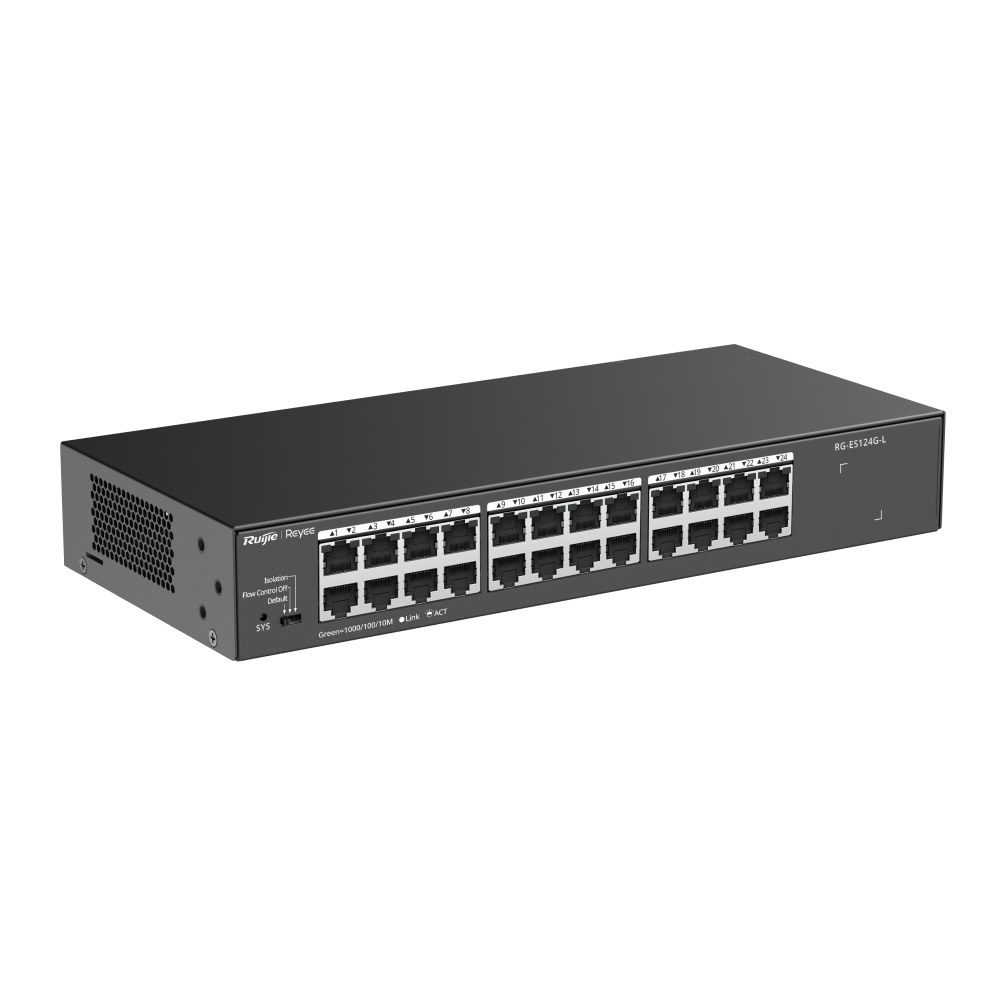
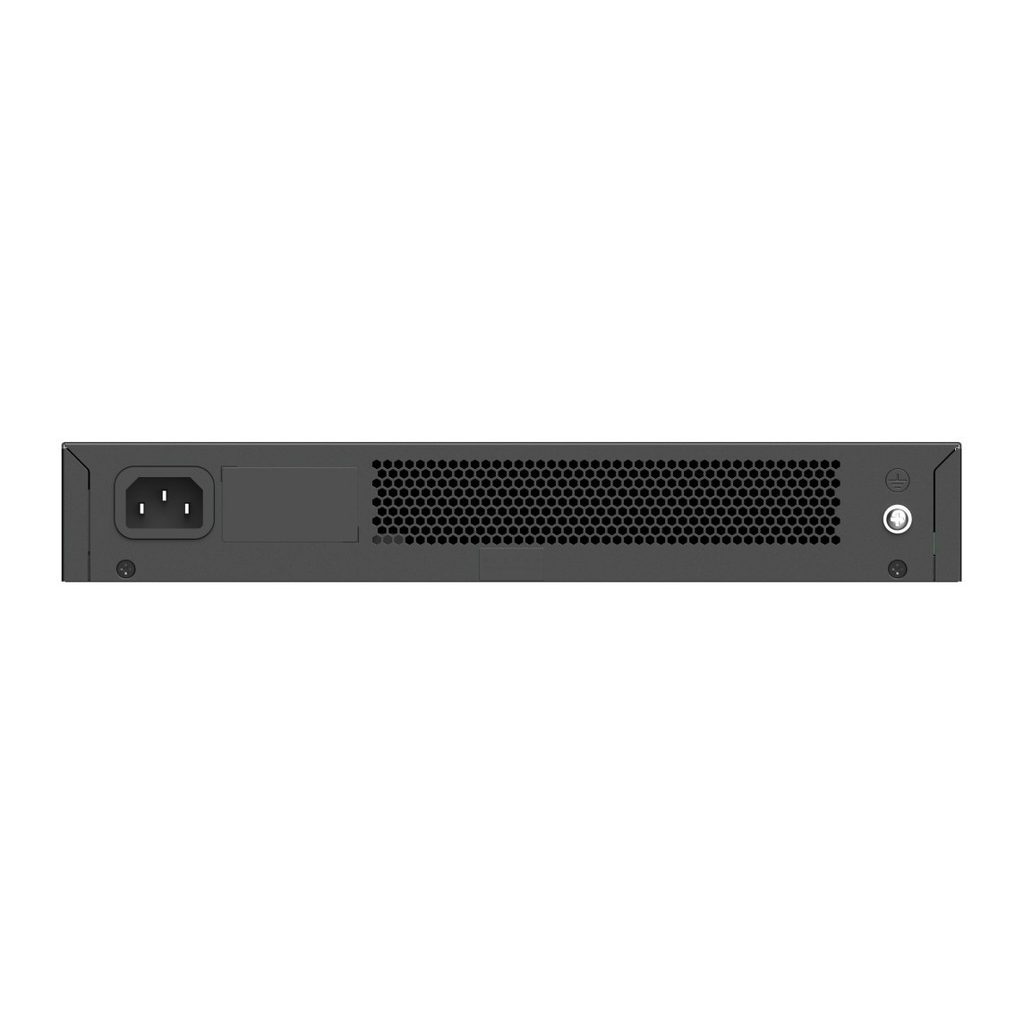
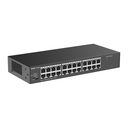
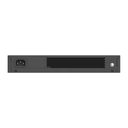
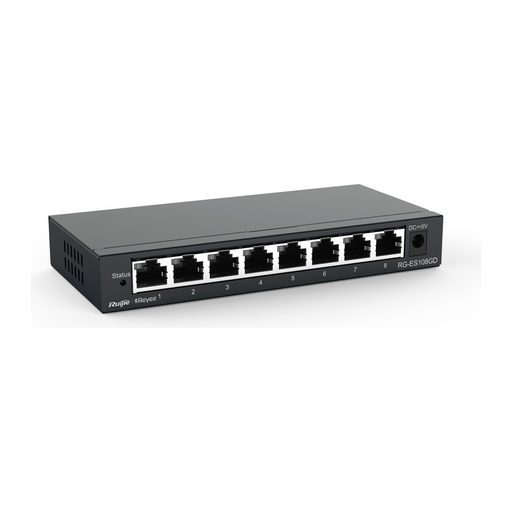
Overview of Reyee RG-ES124G-L
The Reyee RG-ES124G-L is a 24-port 10/100/1000 Mbps unmanaged non-PoE switch that works out of the box with no configuration. With 48 Gbps switching capacity, a 10000-byte jumbo frame size and a fanless metal case for silent desk or rack installation, it suits offices, schools, clinics, retail stores and NVR/CCTV backbones. A DIP switch selects Default, Flow Control Off or Isolation mode, where ports 1-22 are isolated from each other but still reach uplink ports 23 and 24. Maximum power consumption is only 15 W, and the switch can be visualized on Ruijie Cloud when a managed Reyee switch is deployed on the same network.
Technical Specifications – Reyee RG-ES124G-L
Product Information
| Product Category | Layer 2 |
|---|
| Warranty | 3 years |
|---|
Port Specifications
| Total number of RJ45 ports | 24 |
|---|
| Number of 10/100/1000BASE-T ports | 24 |
|---|
| DIP switch | Default Mode: all ports can communicate with each other, and flow control is enabled on all ports. Flow Control Off Mode: all ports can communicate with each other, and traffic control is disabled on all ports. Isolation Mode: ports 1 to 22 cannot communicate with each other, but can communicate with ports 23 and 24. Ports 23 and 24 can communicate with each other. The flow control function is enabled for all ports. |
|---|
Power Supply and Consumption
| Power input | 220 V AC power supply: Rated input voltage: 100 V AC to 240 V AC, 50 Hz to 60 Hz; Maximum input voltage: 90 V AC to 264 V AC, 47 Hz to 63 Hz; Rated input current: 0.6 A |
|---|
| Maximum power consumption | 15 W |
|---|
| Power supply | Fixed power supply |
|---|
System Specifications
| Flash memory | 4 MB |
|---|
| Forwarding rate | 35.7 Mpps |
|---|
| Switching capacity | 48 Gbps |
|---|
Dimensions and Weight
| Casing | Metal |
|---|
| Product dimensions (W x D x H) | 280 mm x 125 mm x 43.6 mm (11.02 in. x 4.92 in. x 1.72 in.) |
|---|
| Weight | 1.12 kg (2.47 lbs) (without packaging materials); 1.86 kg (4.10 lbs) (with packaging materials) |
|---|
| Shipping weight | 1.86 kg (4.10 lbs) |
|---|
Environment and Reliability
| Fan | Fanless design |
|---|
| Cooling | Natural cooling |
|---|
| Mounting options | Desk/Rack |
|---|
| Hot swapping of cables | Hot swapping supported by the service port and power connector |
|---|
| MTBF | 200,000 hours |
|---|
| Operating temperature | 0°C to 45°C (32°F to 113°F) |
|---|
| Storage temperature | –40°C to +70°C (–40°F to +158°F) |
|---|
| Operating humidity | 10% RH to 90% RH (non-condensing) |
|---|
| Storage humidity | 5% RH to 95% RH (non-condensing) |
|---|
| Altitude | –500 m to +5,000 m (–1,640.42 ft. to +16,404.20 ft.) |
|---|
| ESD protection | Air discharge: 8 kV; Contact discharge: 6 kV |
|---|
| Surge protection | Service port: ± 4 kV for common mode; Power connector: ± 6 kV for common mode and ± 6 kV for differential mode |
|---|
Certification and Regulatory Compliance
| EMC | EN 55032, EN IEC 61000-3-2, EN 61000-3-3, EN 55035, EN 300 386 |
|---|
| Safety compliance | EN 62368-1, IEC 62368-1 |
|---|
| Certification | CE, CB |
|---|
Ethernet Switching
| Maximum number of MAC address entries | 8000 |
|---|
| Interface flow control | Yes |
|---|
| LLDP | No |
|---|
| LLDP-MED | No |
|---|
Interface
| Jumbo frame length (MTU) | 10000 bytes |
|---|
IP Service
| IPv4 ping | No |
|---|
| IPv4 traceroute | No |
|---|
| ICMPv6 | No |
|---|
| IPv6 ping | No |
|---|
| IPv6 traceroute | No |
|---|
Multicast
| IGMPv1 snooping | No |
|---|
| IGMPv2 snooping | No |
|---|
| Basic IGMPv3 snooping | No |
|---|
| Full IGMPv3 snooping | No |
|---|
| IGMP filtering | No |
|---|
Security
System Performance Capacity
| Recommended camera limit | 200W H265: 40; 400W H265: 20 |
|---|
Source: Ruijie Reyee official website and datasheet. Specifications are subject to change by the manufacturer.