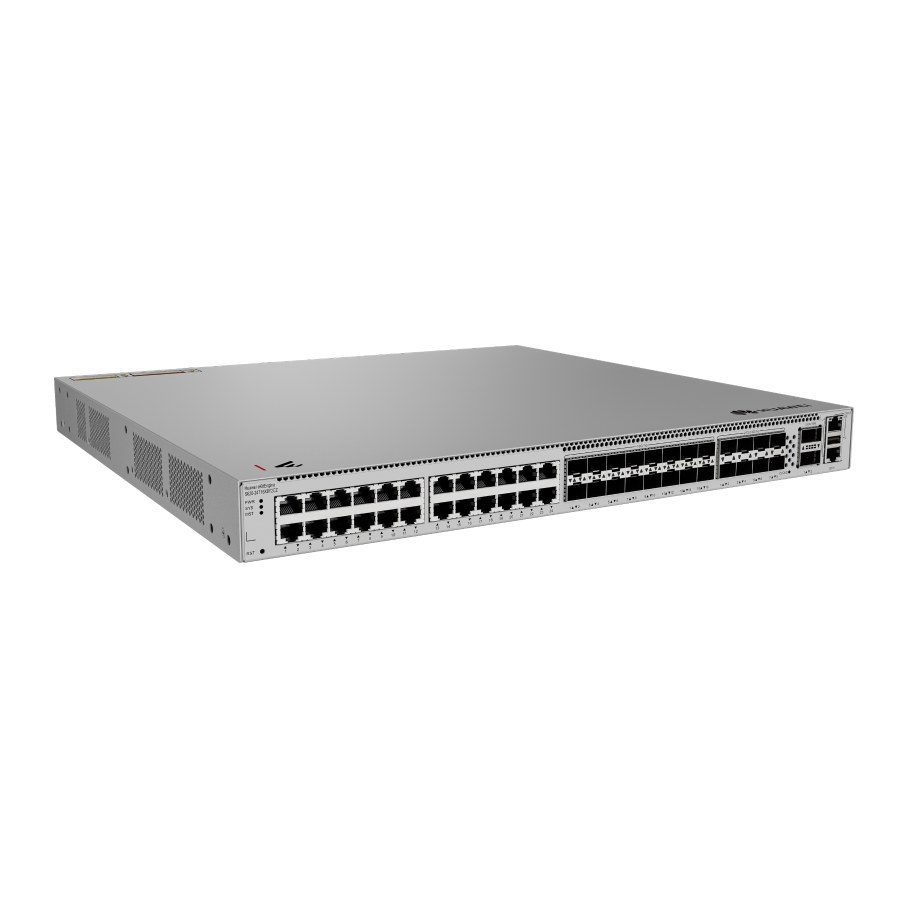
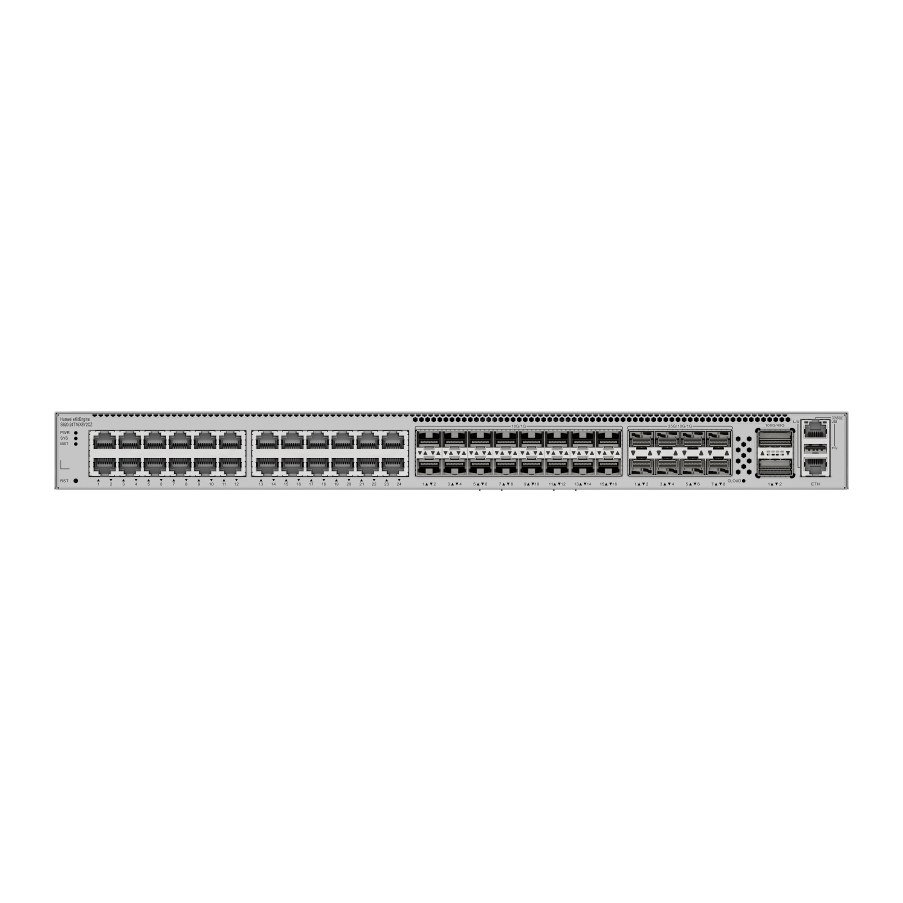
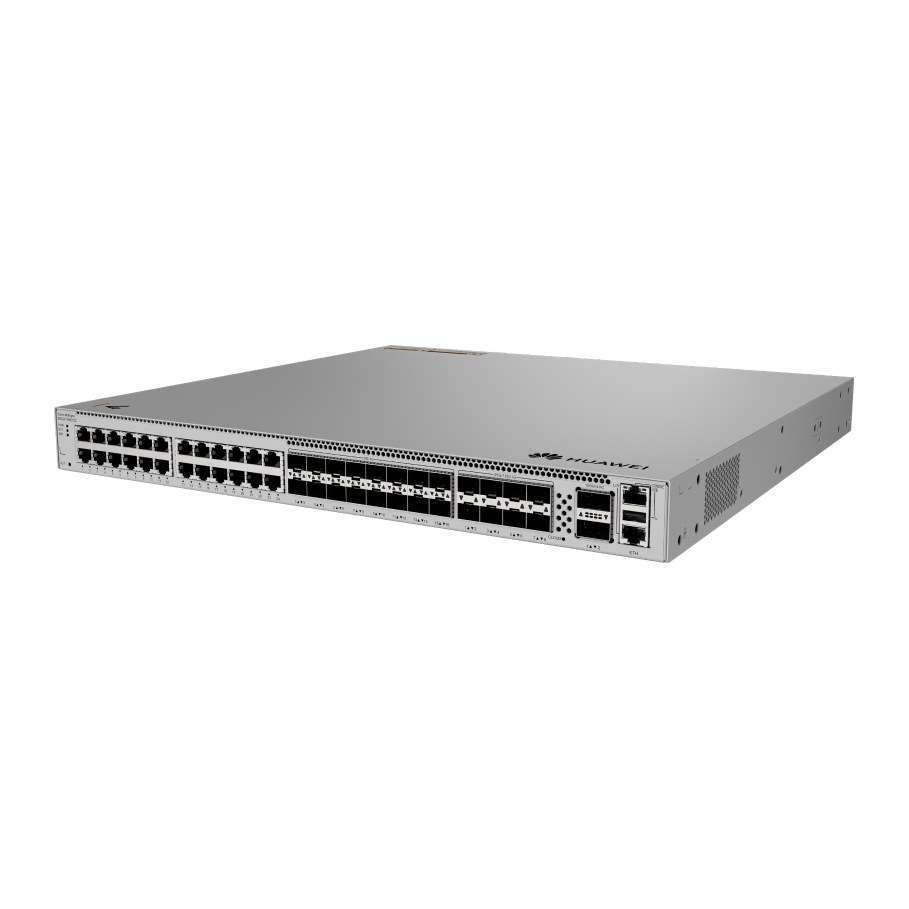
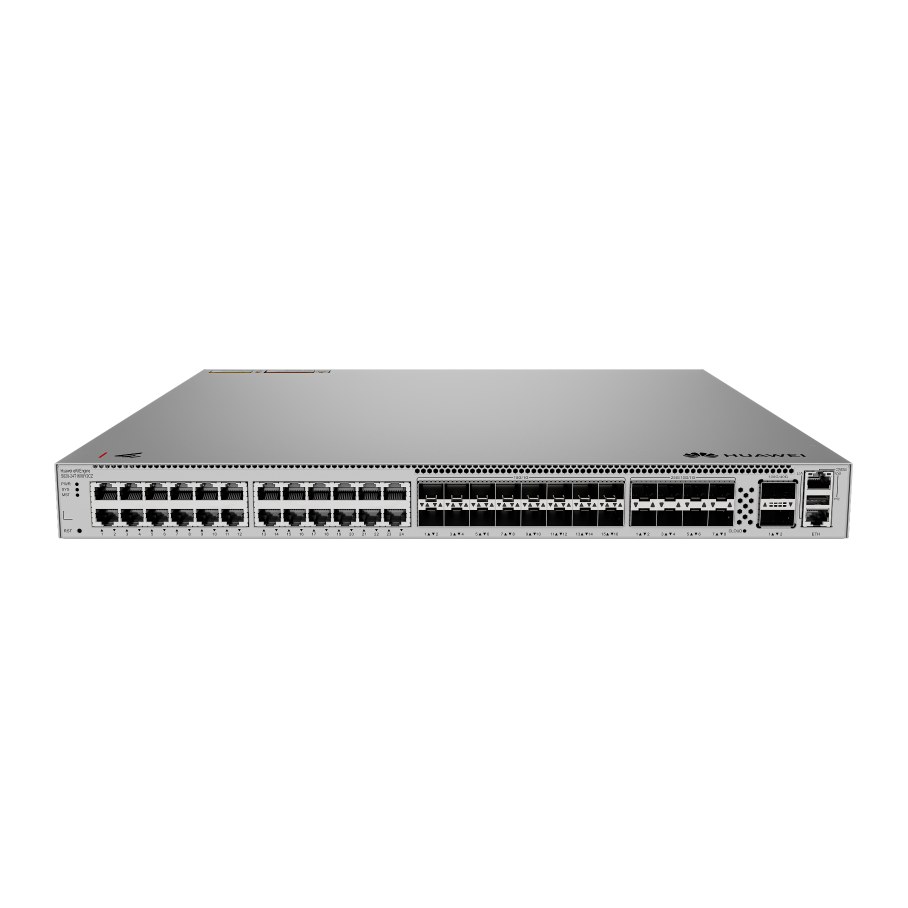
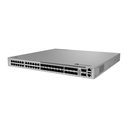
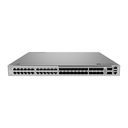
| Supported Subcard | HSIC-X08S000 (Part number: 02314VYH) |
|---|
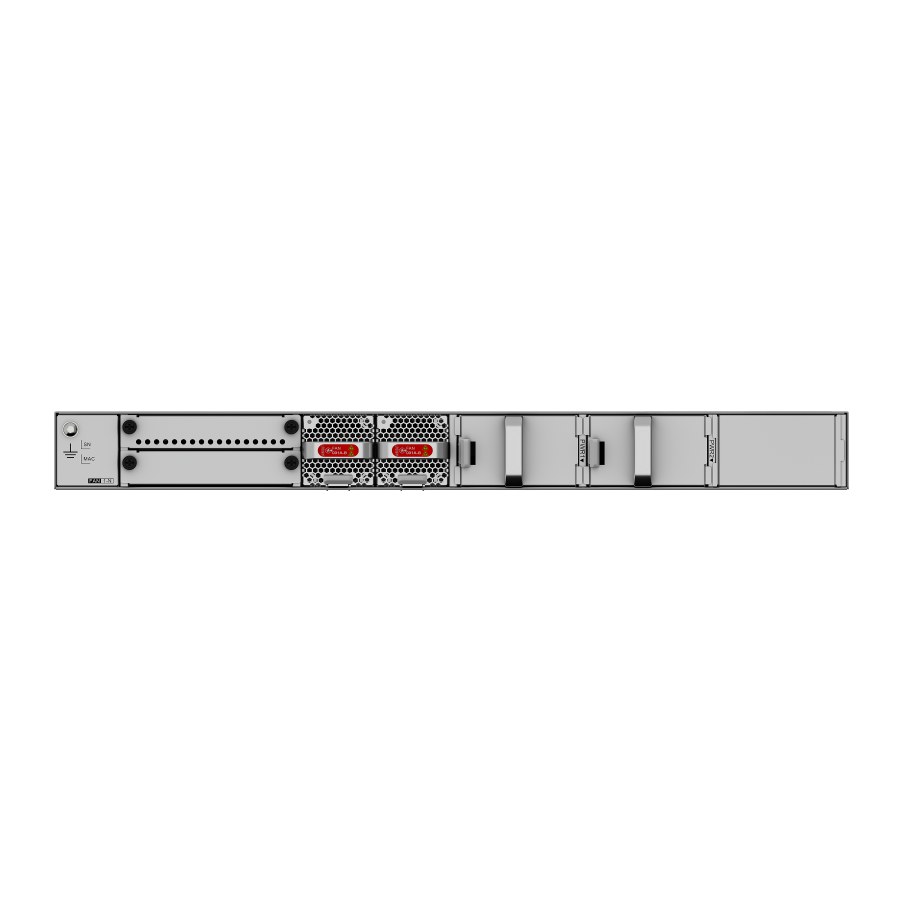
| Supported Fan | FAN-031A-B (Part number: 02352CAB, two delivered by default) |
|---|
| Supported Power Module | 180 W AC power module (Part number: 02131754) |
|---|
| Supported Power Module | 240 W DC power module (Part number: 02314VUJ) |
|---|
| Supported Power Module | 400 W DC power module (Part number: 02314VUG) |
|---|
| Supported Power Module | 600 W AC power module (Part number: 02313BUS, one delivered by default) |
|---|
| Switching capacity | 1568 Gbit/s |
|---|
| Packet forwarding rate | 1167 Mpps |
|---|
| GE RJ45 | 24 (1G/100M/10M) |
|---|
| 10G SFP+ | 16 (10G/2.5G/1G/100M) |
|---|
| 25G SFP28 | 8 (25G/10G/2.5G/1G) |
|---|
| 100G QSFP28 | 2 (100G/40G) |
|---|
| iStack | Up to 9 switches of the same series in a stack |
|---|
| Number of card slots | 1 |
|---|
| Number of power slots | 2 |
|---|
| Certification | EMC certification; Safety certification; Manufacturing certification |
|---|
| Chassis material | Metal |
|---|
| Static power consumption [W] | 77 |
|---|
| Dimensions without packaging (H x W x D) [mm(in.)] | Basic dimensions (excluding the parts protruding from the body): 43.6 mm x 442.0 mm x 420.0 mm (1.72 in. x 17.40 in. x 16.54 in.); Maximum dimensions (the depth is the distance from ports on the front panel to the parts protruding from the rear panel): 43.6 mm x 442.0 mm x 454.0 mm (1.72 in. x 17.4 in. x 17.87 in.) |
|---|
| Dimensions with packaging (H x W x D) [mm(in.)] | 145.0 mm x 650.0 mm x 550.0 mm (5.71 in. x 25.59 in. x 21.65 in.) |
|---|
| Installation type | Rack mounting,Desk mounting |
|---|
| Weight without packaging [kg(lb)] | 6.31 kg (13.91 lb) |
|---|
| Weight with packaging [kg(lb)] | 8.76 kg (19.31 lb) |
|---|
| Typical power consumption [W] | 30% traffic under the ATIS standard and dual power modules: 122 W (with two 180 W AC power modules); 118 W (with two 240 W DC power modules) |
|---|
| Maximum power consumption [W] | 100% traffic under the ATIS standard and dual power modules: 127 W (with two 180 W AC power modules); 123 W (with two 240 W DC power modules) |
|---|
| Number of fan modules | 2 |
|---|
| Redundant power supply | 1+1; Pluggable AC and DC power modules can be used together on the same device. Note: Power modules with fans and power modules without fans cannot be installed on the same device. |
|---|
| Long-term operating temperature [°C(°F)] | –5°C to +45°C (23°F to 113°F) at an altitude of 0 to 1800 m (0 to 5905.44 ft.) |
|---|
| Long-term operating relative humidity [RH] | 5% RH to 95% RH, non-condensing |
|---|
| Power supply mode | Pluggable power supply |
|---|
| Input voltage range [V] | AC input: 90 V AC to 290 V AC; 45 Hz to 66 Hz; High-voltage DC input: 190 V DC to 290 V DC; DC input: -38.4 V DC to -72 V DC |
|---|
| Power supply surge protection [kV] | Configured with AC power modules: ±6 kV in differential mode and ±6 kV in common mode; Configured with DC power modules: ±2 kV in differential mode and ±4 kV in common mode |
|---|
| Types of fans | Pluggable |
|---|
| Heat dissipation mode | Air cooling for heat dissipation, intelligent fan speed adjustment |
|---|
| Airflow direction | Air intake from front and right and air exhaust from rear |
|---|