Skip to Content
  • Delivery in 4–10 working days across Saudi Arabia
  • A tax invoice with every order
  • Technical support before and after you buy

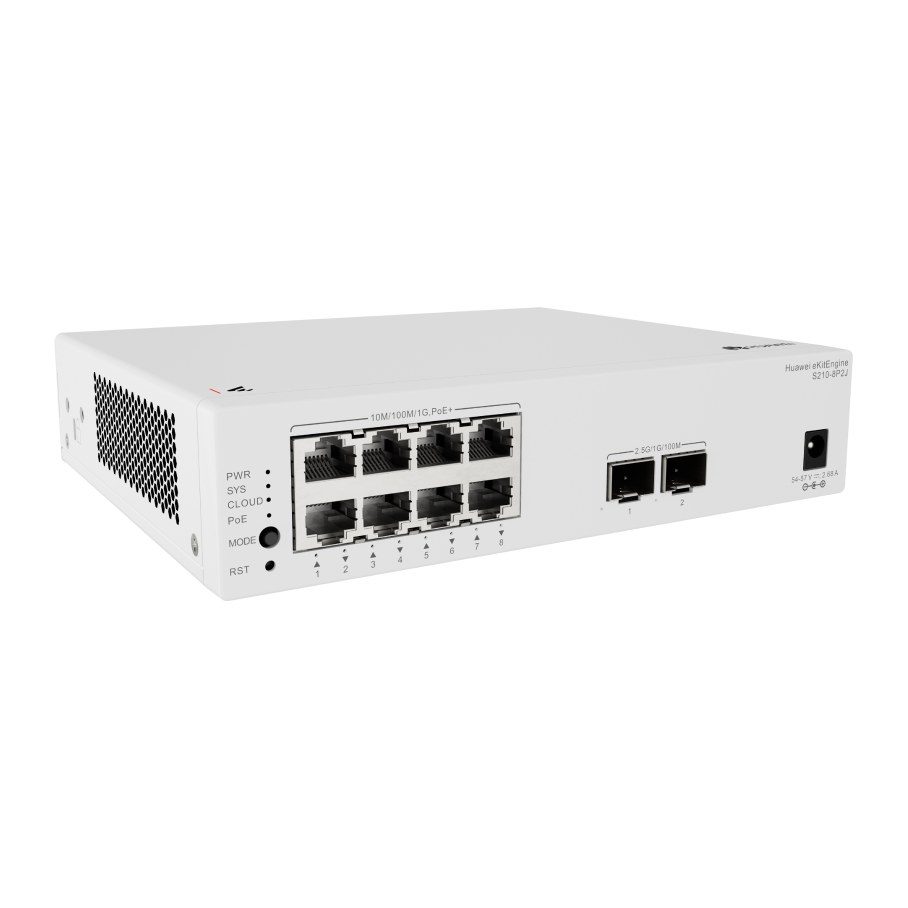
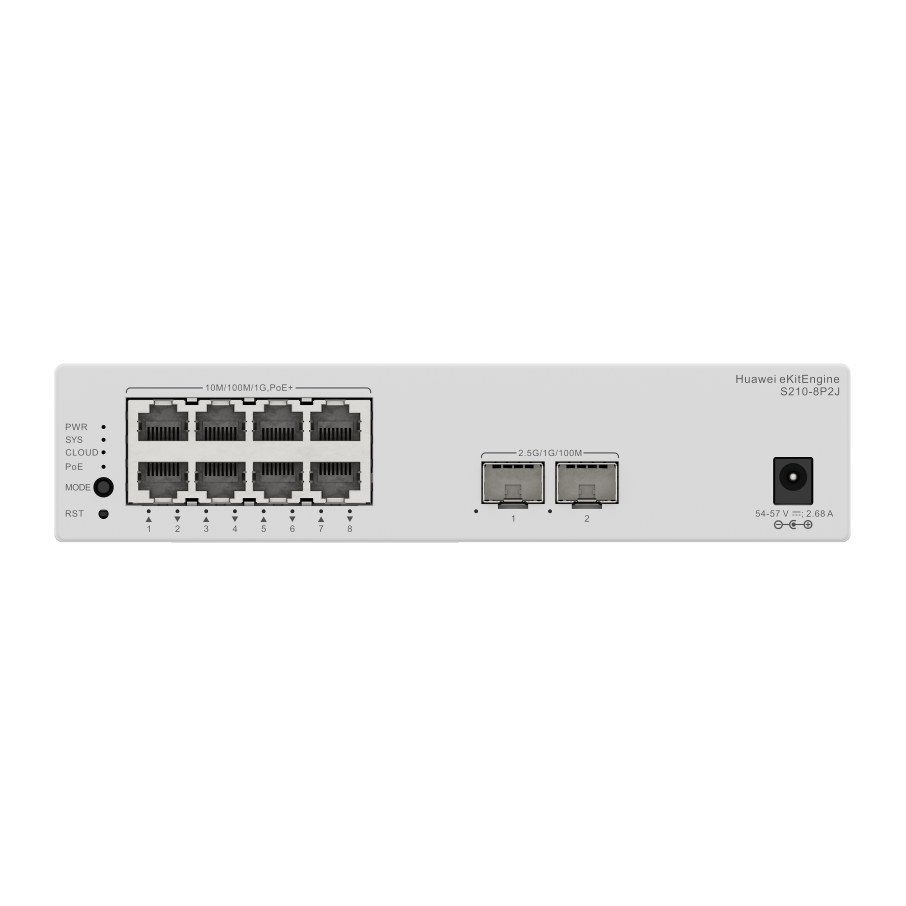
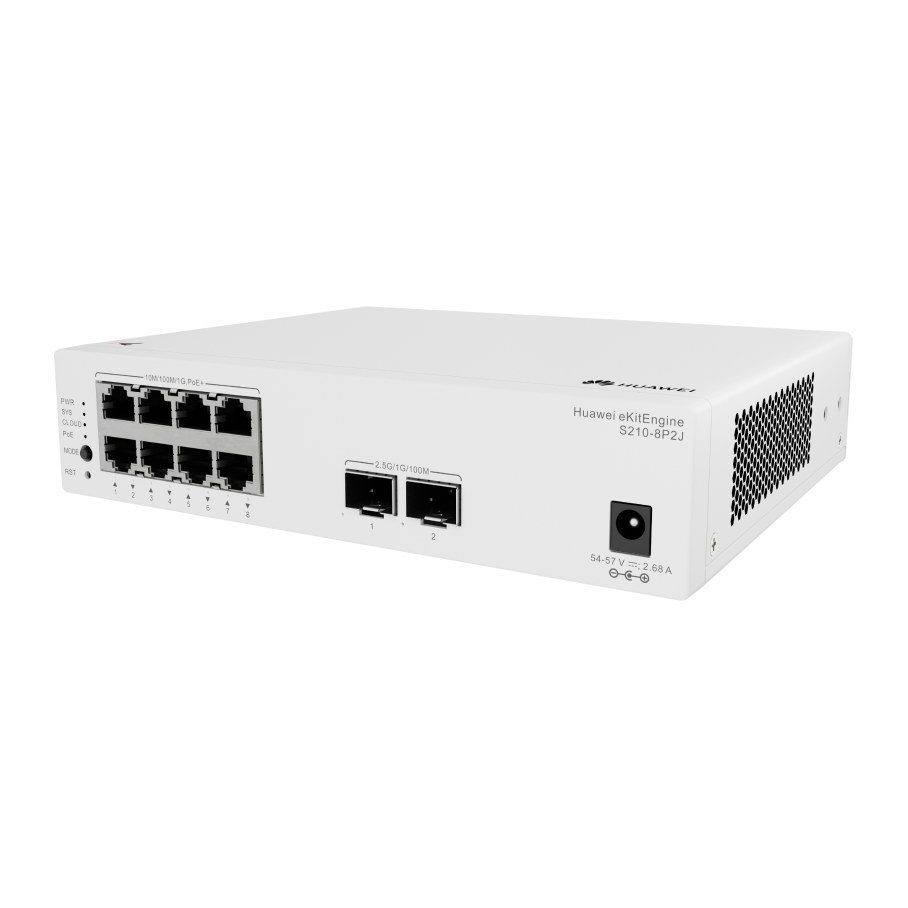
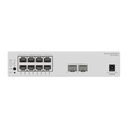
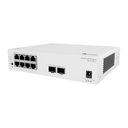
Huawei eKit S210-8P2J 8-Port Gigabit PoE+ Switch, 2 x 2.5GE SFP, 128W PoE

Part number S210-8P2J
  • 8 × 10/100/1000BASE-T PoE+ ports
  • 2 × 2.5GE SFP ports (2.5G/1G/100M)
  • Maximum PoE power 128 W: up to 4 ports at 30 W (802.3at) or 8 ports at 15.4 W (802.3af)
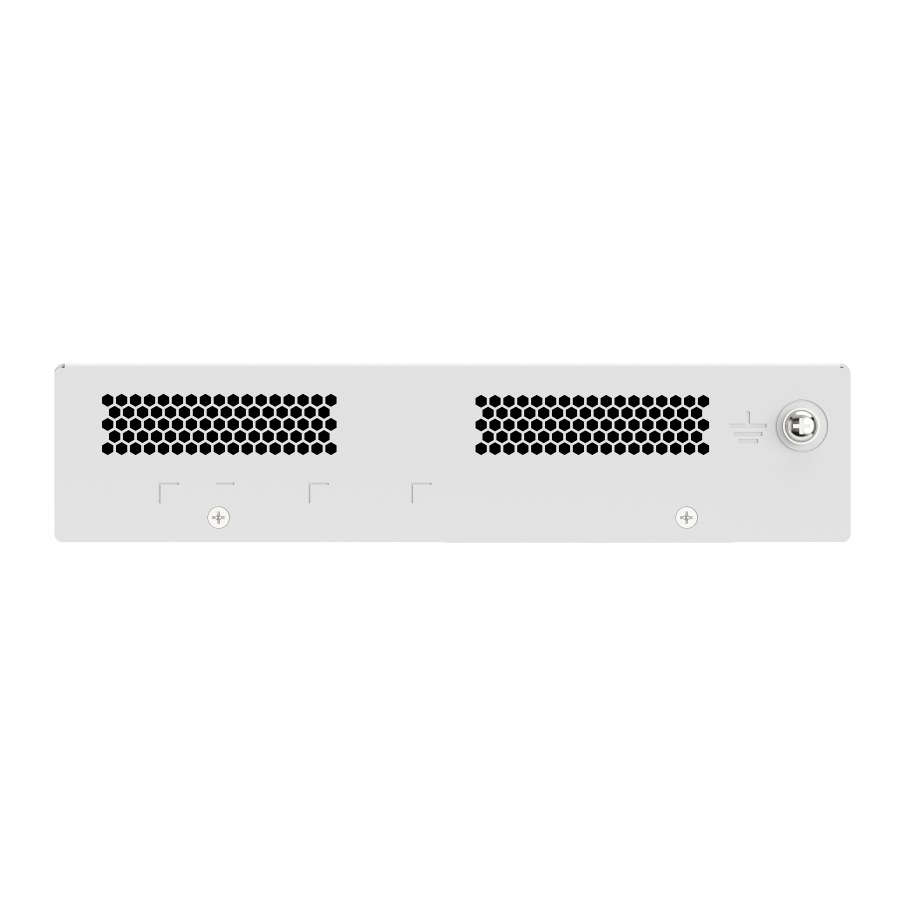
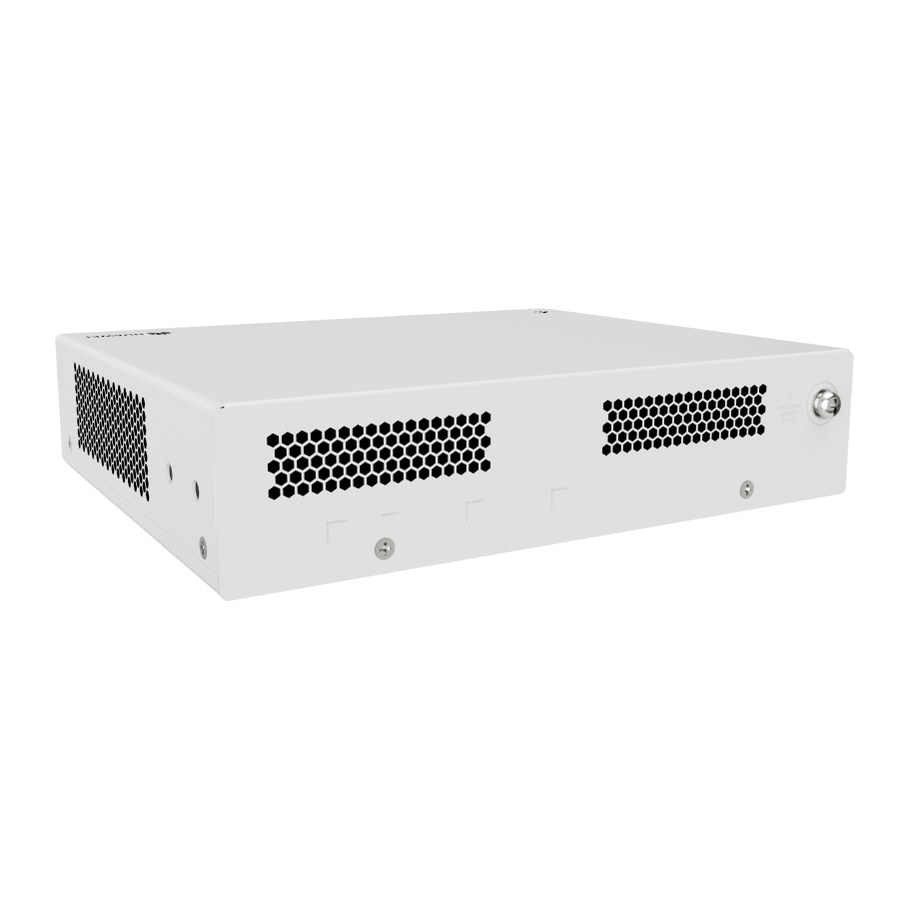
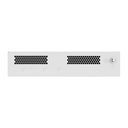
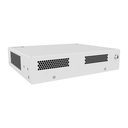
  • Fanless, natural heat dissipation
  • Metal chassis for desk or wall mounting
  • Supplied with a 220 V AC power adapter
Price
⃁ 554.85 ⃁ 554.85
⃁ 554.85
(Tax excluded)
  • Delivery within 4–10 business days across Saudi Arabia
  • Warranty according to the manufacturer
  • Tax invoice with every order
  • Technical support before and after purchase

Not sure this model fits your setup? Read the buying guide
Technical specifications – S210-8P2J

Ports and PoE

GE RJ458 (PoE+) (1G/100M/10M)
2.5G SFP2 (2.5G/1G/100M)
PoESupported
Maximum PoE power consumption128 W
Ports at full load 30 W (802.3at)4
Ports at full load 15.4 W (802.3af)8

Power

Power supply modePower adapter
Input voltage rangePower adapter input: 170 V AC to 264 V AC; 47 Hz to 63 Hz
Static power consumption7.15 W
Typical power consumption16.74 W
Maximum power consumptionWithout PoE: 14.60 W (device), 17.59 W (device + adapter); full PoE load: 161.02 W (PoE: 128 W)
Power supply surge protection±4 kV differential mode, ±4 kV common mode

Physical and environment

Chassis materialMetal
Heat dissipationNatural heat dissipation (fanless)
Installation typeDesk mounting, wall mounting
Dimensions without packaging (H × W × D)43.6 × 195 × 160 mm (max. depth 166.2 mm)
Dimensions with packaging (H × W × D)116 × 285 × 300 mm
Weight without packaging1.60 kg
Weight with packaging2.08 kg
Long-term operating temperature-5 °C to +45 °C (0 to 1800 m altitude)
Long-term operating humidity5% to 95% RH, non-condensing
CertificationEMC, safety, manufacturing certification

Identification

Huawei part number (BOM)98012922

Source: official Huawei eKit product page (ekit.huawei.com).

PRACTICAL ANSWERS

Network planning questions

Should I choose a router, a switch or an access point?

Start with the task: connecting networks, adding wired device ports, or providing wireless coverage. A single installation may need more than one device type. Share a site diagram and device list so the proposed roles and connections are clear.

Why is wireless coverage weak in some rooms?

Check the access point location, building layout, obstacles and the number of active devices. Measure coverage where people actually work before choosing extra equipment; changing the internet package alone may not address a coverage problem.

How do I select a switch for powered network devices?

List the devices to be connected and check each device’s power requirements against the switch’s per-port capability and total documented power budget. Also review uplink capacity and reserve ports for the expansion you actually expect.

Can the guest network be separated from business devices?

Define which devices and services guests should be able to reach, then check whether the router, switch and access points support the required separation. Test the resulting access rules; a different wireless network name alone is not the acceptance test.

What information helps plan a network upgrade?

Provide floor plans, current equipment models, internet connections, cabling details and peak device counts. Describe the applications that matter most and the observed problem, such as disconnections or slow local file access.

How should network performance be checked after installation?

Agree on the locations and representative workloads to test, then record wired and wireless results separately. Check connectivity, coverage and access rules during normal use, and retain a diagram and configuration backup for support.