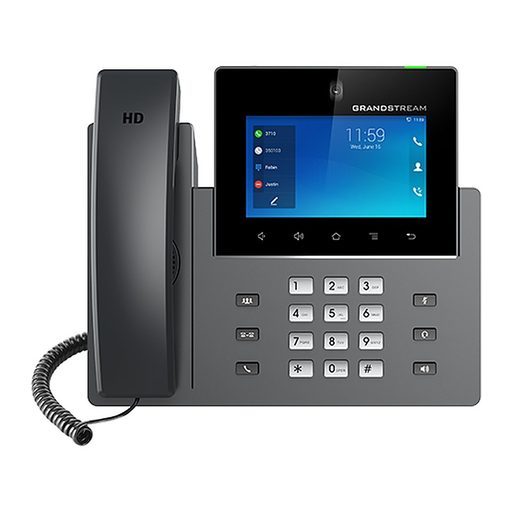
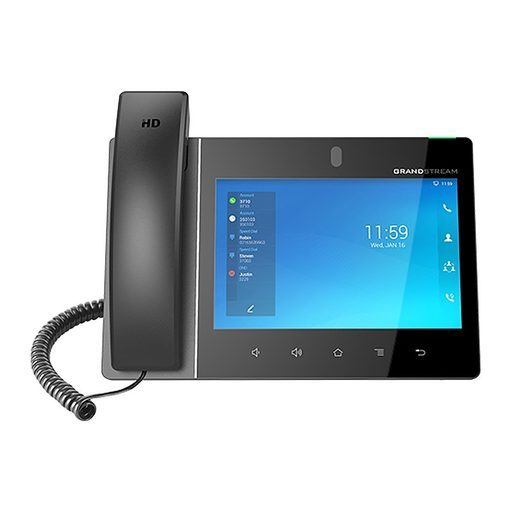
Overview of Grandstream GXV3470
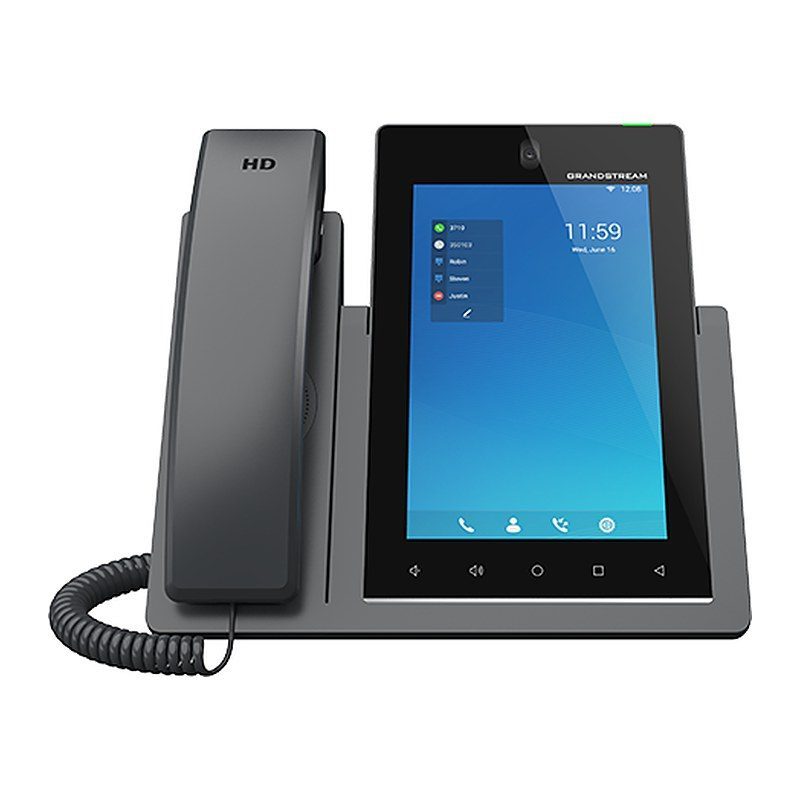
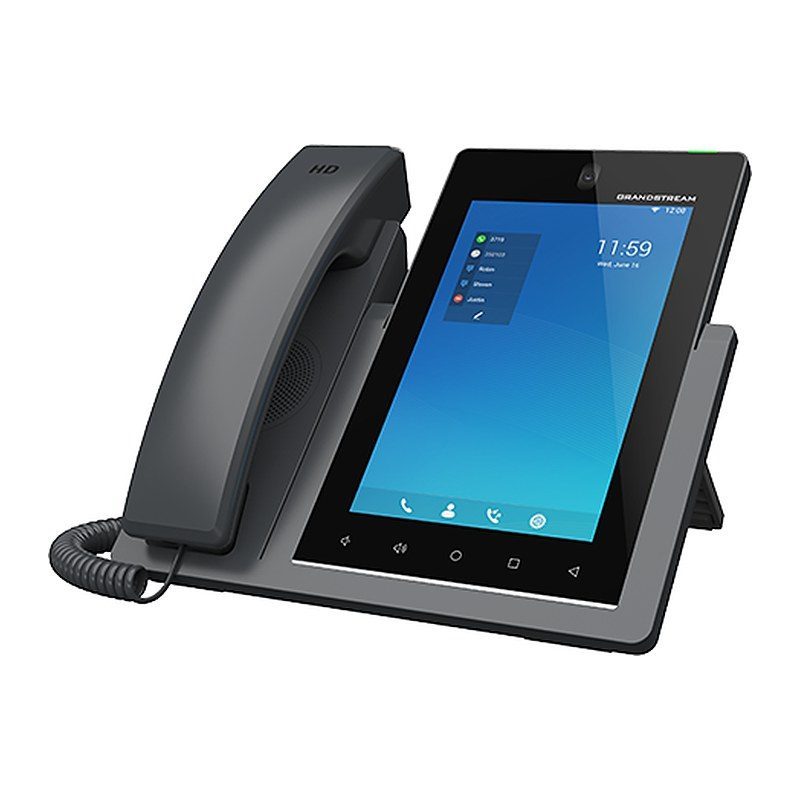
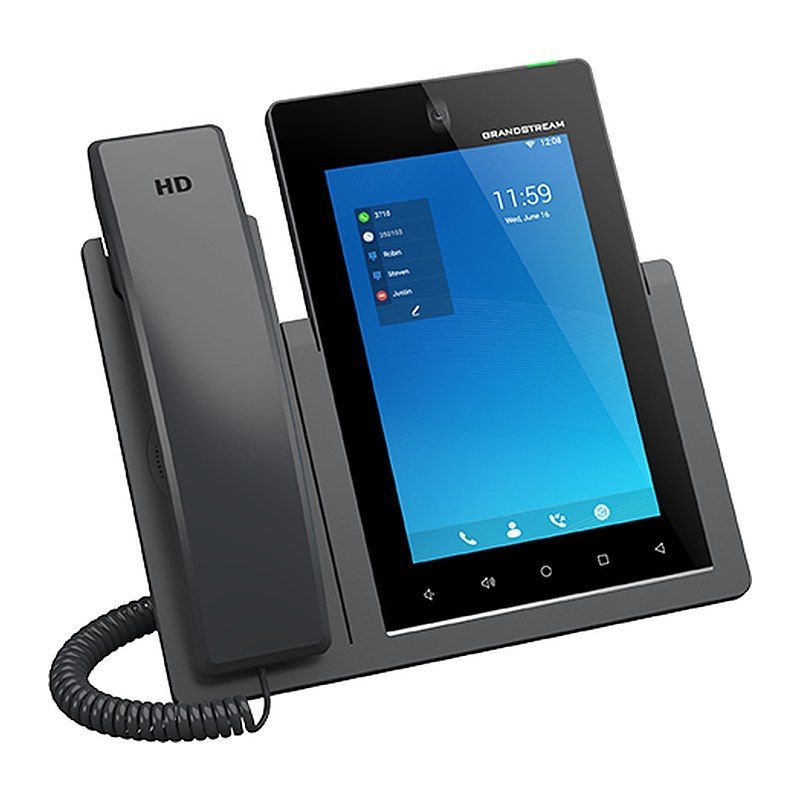
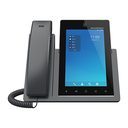
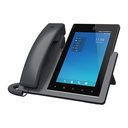
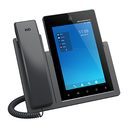
The Grandstream GXV3470 is a powerful desktop video phone for enterprise users that offers an all-in-one communications solution. It delivers a 7 inch capacitive touch screen, a tiltable 2 MP camera with privacy shutter, dual microphones and HD video conferencing. The phone adds dual Gigabit ports with PoE/PoE+, integrated Wi-Fi 6, Bluetooth 5.0 and HDMI-out, and runs Android 14 with access to a wide range of Android apps. Combining an IP video phone, a video collaboration solution and Android tablet functionality, it suits managers' offices, hotel executive suites and corporate meeting areas.
Technical Specifications – Grandstream GXV3470
Network
| Protocols/Standards | SIP RFC3261, TCP/IP/UDP, RTP/RTCP, HTTP/HTTPS, ARP, ICMP, DNS (A record, SRV, NAPTR), DHCP, PPPoE, SSH, TFTP, NTP, STUN, LLDP-MED, LDAP, TR-069, 802.1x, TLS, SRTP, IPv6, OpenVPN |
|---|
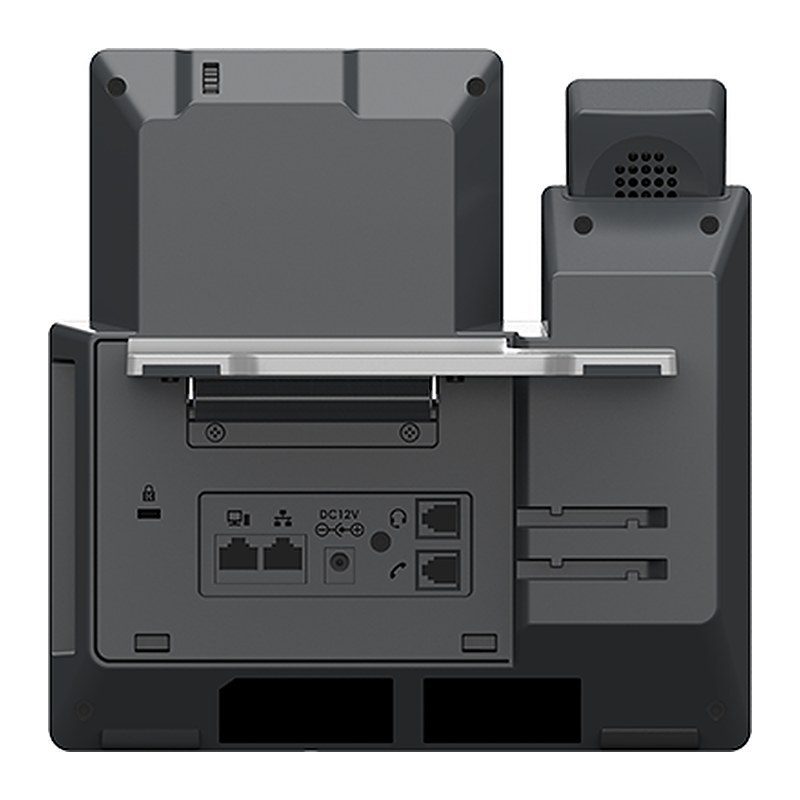
| Network Interfaces | Dual switched 10/100/1000 Mbps ports with integrated PoE/PoE+ |
|---|
Hardware
| Graphic Display | 7.0 inch 800×1280 capacitive touch screen (5 points) IPS LCD |
|---|
| Camera | Tiltable 2 mega-pixel CMOS camera with privacy shutter, 1080P@30fps |
|---|
| Bluetooth | Yes, integrated Bluetooth 5.0 |
|---|
Network
| Wi-Fi | Yes, dual-band dual-stream Wi-Fi 6 (2.4GHz & 5GHz) with 802.11 a/b/g/n/ac/ax, 2T2R, Wi-Fi Display & AirPlay |
|---|
Hardware
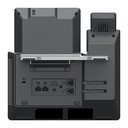
| Auxiliary Ports | RJ9 headset jack (allowing EHS with Plantronics headsets), 3.5mm headset port, USB 2.0 port, USB 3.0 port, HDMI-out |
|---|
| Feature Keys | 2 function touch keys VOLUME +/-, 3 dedicated Android touch keys HOME, MENU, and BACK |
|---|
| Processor & Memory | Quad-core 2.0GHz ARM Cortex-A55 processor with 4GB RAM and 16GB eMMC Flash |
|---|
Audio & Video
| Voice Codecs and Capabilities | Wide-band Opus, wide-band G.722, G.711μ/a, G.729A/B, G.726-32, iLBC, in-band and out-of-band DTMF (In audio, RFC2833, SIP INFO), VAD, CNG, AEC, PLC, AJB, AGC, ANS, Noise Shield 2.0 |
|---|
| Video Codecs and Capabilities | H.264 BP/MP/HP, video resolution up to 720p, frame rate up to 30 fps, bit rate up to 2Mbps, 3-way video conference (720p@30fps), anti-flickering, and auto exposure |
|---|
Telephony
| Telephony Features | Hold, transfer, forward (unconditional/no-answer/busy), call park/pickup, 10-way audio conference (including the host), shared-call-appearance (SCA) / bridged-line-appearance (BLA), virtual Programmable Key, downloadable contacts (XML, LDAP, up to 1000 items), call record (local and server), call log (up to 1000 records), call waiting, auto answer, XML customization of screen, flexible dial plan, personalized music ringtones and music on hold, server redundancy & fail-over |
|---|
| Sample Applications | Local apps: Contacts, Call History, File Manager, Programmable Key, Settings, Browser, Clock, Voicemail, Calculator, Recorder, GS Market, etc.; supports third-party Android apps; API/SDK available for advanced custom application development |
|---|
Hardware
Telephony
| Applications Deployment | Supports Android 14 compliant applications to be developed, downloaded and run on the device with provisioning control |
|---|
Audio & Video
| HD Audio | Yes, 2 omnidirectional microphones, HD handset and speakerphone with support for wideband audio |
|---|
Hardware
| Base Stand | Yes, built-in stand with multiple adjustable angles |
|---|
| Extension Module | No |
|---|
Network
| QoS | Layer 2 QoS (802.1Q, 802.1p) and Layer 3 (ToS, DiffServ, MPLS) QoS |
|---|
Security & Management
| Security | User and administrator level passwords, random default admin password, MD5 and MD5-sess based authentication, 256-bit AES encrypted configuration file, TLS, SRTP, HTTPS, 802.1x media access control, anti-hacking secure boot |
|---|
| Multi-language | English, German, Italian, French, Spanish, Portuguese, Russian, Croatian, Chinese, Korean, Japanese, and more |
|---|
| Upgrade/Provisioning | Firmware upgrade via TFTP / HTTP / HTTPS or local HTTP upload, mass provisioning using TR-069 or AES encrypted XML configuration file, GDMS |
|---|
| Device Management | Yes, GDMS |
|---|
Power & Physical
| Power & Green Energy Efficiency | Universal power adapter included: Input 100-240VAC 50-60Hz; Output 12VDC 1.5A (18W); Integrated PoE 802.3af Class 3, PoE+ 802.3at Class 4; must use PSU or PoE+ to power up the phone when using USB devices |
|---|
| Temperature and Humidity | Operation: 0°C to 40°C; Storage: -10°C to 60°C; Humidity: 10% to 90% non-condensing |
|---|
| Package Content | GXV3470 phone, handset with cord, base stand, universal power supply, network cable, screen cleaning cloth, quick installation guide |
|---|
Compliance
| Compliance | FCC: CFR 47 Part 15 Subpart B Class B; CFR 47 Part 15 Subpart C; CFR 47 Part 15 Subpart E; Part 68 (HAC); IC: RSS-247, RSS-GEN, RSS-102, ICES-003, CS-03; CE: EN 55032 Class B; EN 55035; EN IEC 61000-3-2; EN 61000-3-3; EN IEC 62368-1; ETSI EN 300328; ETSI EN 301893; ETSI EN 301489-1; ETSI EN 301489-17; EN IEC 62311; UKCA: BS EN 55032 Class B; BS EN 55035; BS EN IEC 61000-3-2; BS EN 61000-3-3; BS EN IEC 62368-1; ETSI EN 300328; ETSI EN 301893; ETSI EN 301489-1; ETSI EN 301489-17; BS EN IEC 62311; RCM: AS/ACIF S040 AS/CA S004; AS/NZS CISPR 32; AS/NZS 62368.1; AS/NZS 4268; HDMI; RoHS 2.0 |
|---|
Source: Grandstream official website and datasheet. Specifications are subject to change by the manufacturer.