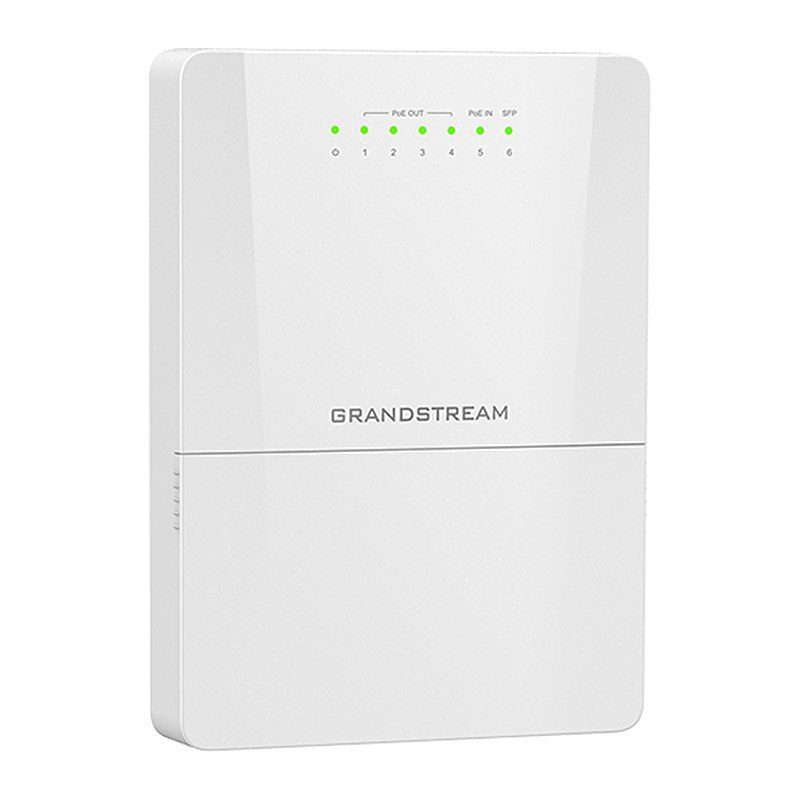
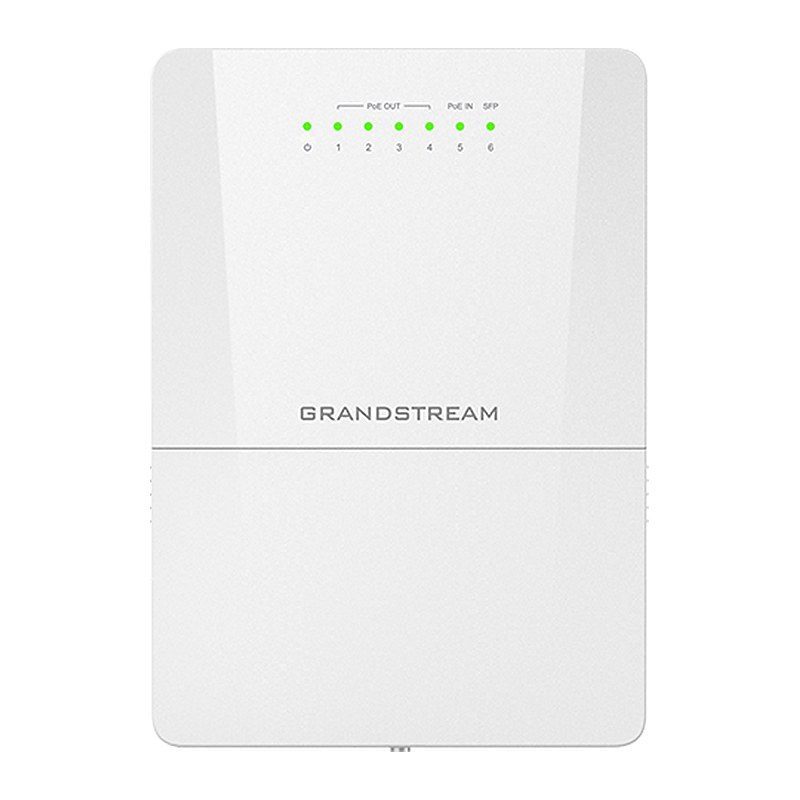
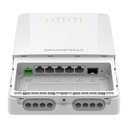
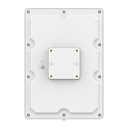
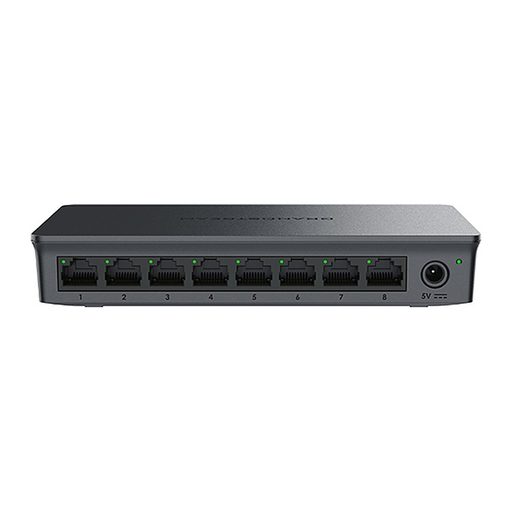
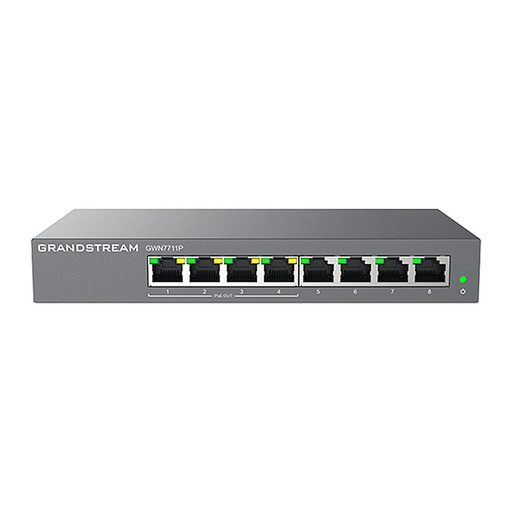
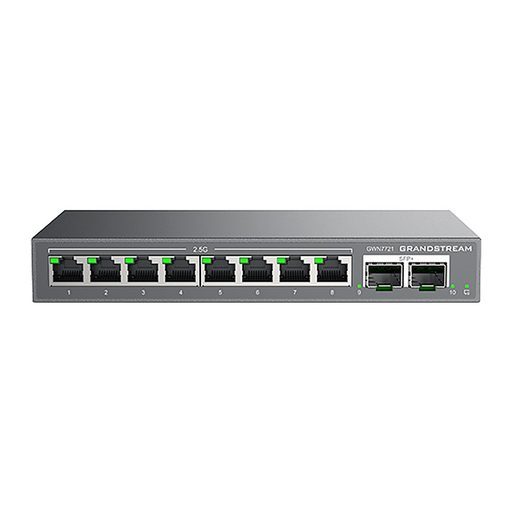
Overview of Grandstream GWN7710R
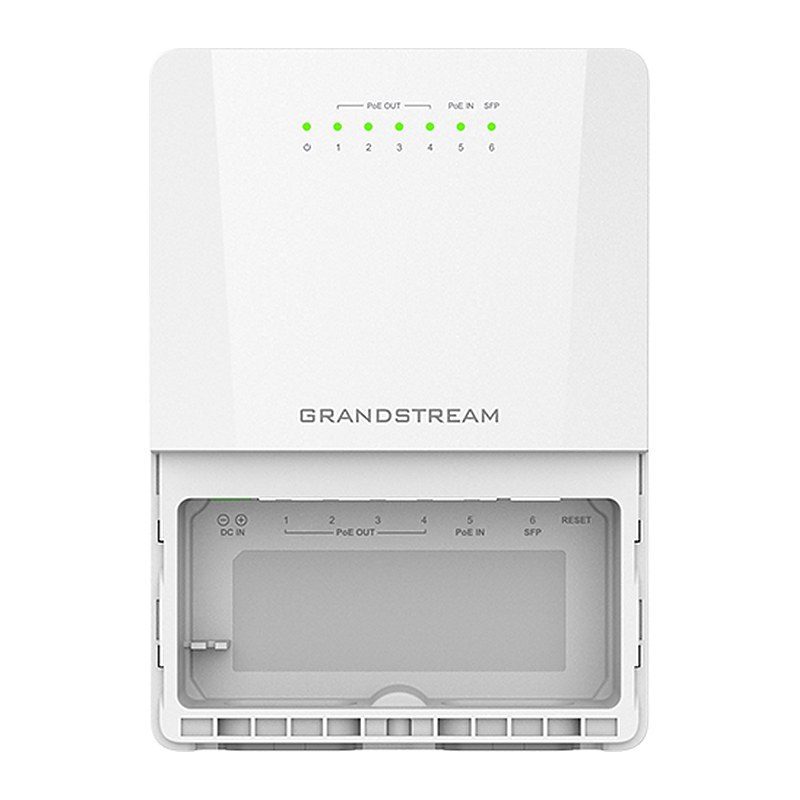
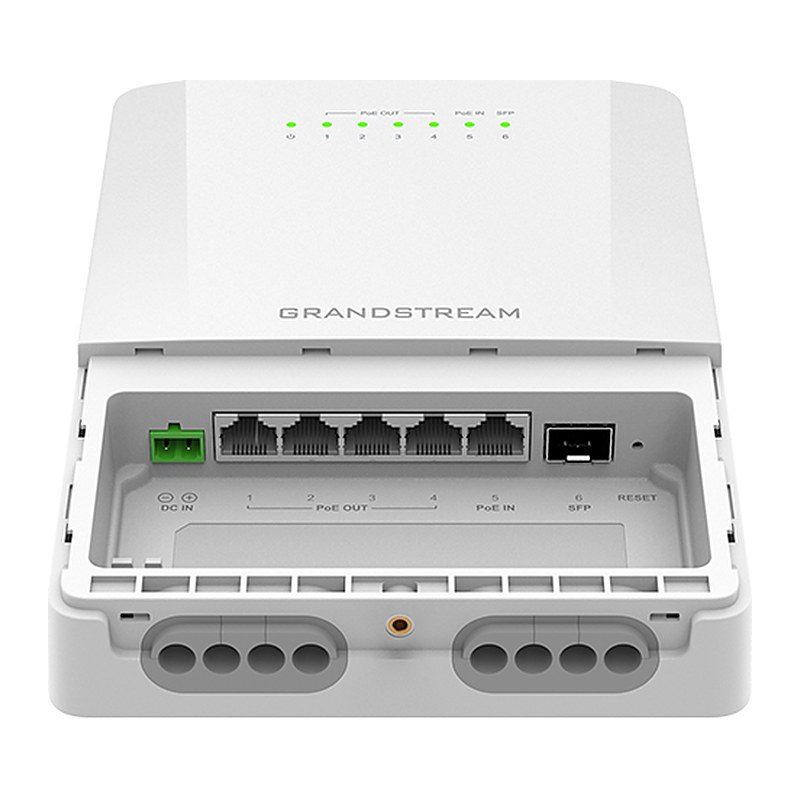
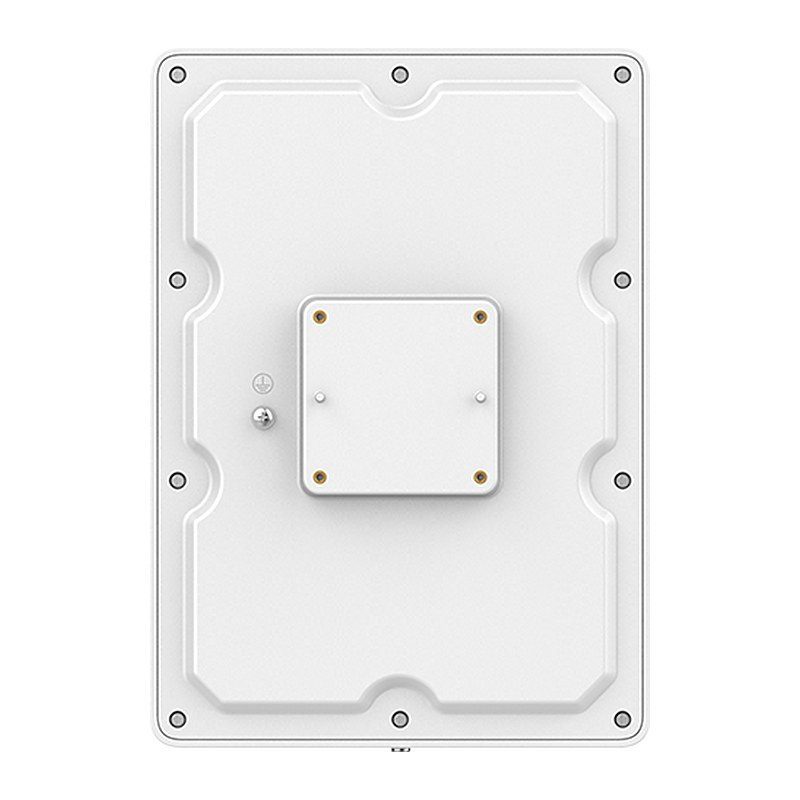
The Grandstream GWN7710R is a 6-port (5GE + 1SFP) outdoor lite managed PoE switch with an IP66-rated waterproof and dustproof casing that protects against rain, dust and high temperatures. It provides 4 Gigabit ports with standard or passive 24V/48V PoE output, 1 Gigabit port with PoE++ input, a 1G/2.5G SFP port, and a 12-57V DC input suitable for solar or battery power. VLANs, Voice VLAN, DSCP/802.1p QoS, bandwidth and storm control ensure stable performance. Management is available via local web UI, GDMS Networking and GWN Manager, with pole, DIN-rail and wall mounting for outdoor locations, hotels, restaurants, parks, campuses and public areas.
Technical Specifications – Grandstream GWN7710R
Protocols
| Network Protocol | IPv4, IEEE 802.3i, IEEE 802.3u, IEEE 802.3ab, IEEE 802.3x, IEEE 802.1p, IEEE 802.3af, IEEE 802.3at |
|---|
Ports
| Communication Ports | 5x Gigabit Ethernet Ports; 1x 1G/2.5G SFP Port |
|---|
| Auxiliary Ports | 1x Reset Pinhole |
|---|
Power
| Power Supply | 12V-57V DC input; Standard PoE/PoE+/PoE++ input |
|---|
PoE
| PoE In and PoE Out Ports | PoE In: Port 5; PoE Out: Port 1 - Port 4 |
|---|
| PoE Output | Standard PoE output mode (default); Passive 24VDC or 48VDC output mode (configured via UI) |
|---|
| PoE Output Power Budget (PoE In) | 802.3af input: 3W; 802.3at input: 15W; 802.3bt input: 60W output budget |
|---|
| PoE Output Power Budget (DC In 12V~57V) | DC In >12V: 60W; DC In >24V: 72W; DC In >36V: 100W output budget (depends on external DC input power) |
|---|
| Max Output Power Per Port | Standard PoE mode: Port 1 - Port 4 up to 30W each; Passive PoE mode: Port 1: 4-pair 48V DC up to 60W or 4-pair 24V DC up to 30W; Port 2 - Port 4: 2-pair 48V DC up to 30W or 2-pair 24V DC up to 15W |
|---|
Performance
| Forwarding Mode | Store-and-forward |
|---|
| Total Non-blocking Throughput | 6Gbps |
|---|
| Switching Capability | 15Gbps |
|---|
| Jumbo Frame | 2K/3K/4K/5K/6K/7K/8K/9K/12K/15K |
|---|
| Forwarding Rate | 11.16Mpps |
|---|
| Packet Buffer | 4Mb |
|---|
Switching
| MAC | 8K MAC address capacity |
|---|
| VLAN | Up to 32 VLANs (out of 4K VLAN IDs); Port-based VLAN, 802.1Q VLAN; Voice VLAN |
|---|
| LAG | 3 |
|---|
Multicast
| Multicast | IGMP snooping, Report Message Suppression |
|---|
QoS
| QoS | Auto prioritization of the incoming port of the packet; port priority, 802.1P priority and DSCP priority; bandwidth control; rate limit |
|---|
Switching
Maintenance
| Maintenance | Backup and restore, system reboot, factory reset, firmware upgrade, MAC address search, SNMP, LLDP; monitoring including port statistics, port mirroring, cable test and Ping |
|---|
Security
| Security | Storm control, DHCP Snooping, Spanning Tree, Loop prevention, PoE Watchdog |
|---|
Management
| Management Options | Local Web UI (embedded controller), GDMS Networking (cloud), GWN Manager (on-premise) |
|---|
LEDs
| LED Indicators | Per device System on: Green; Per Ethernet port Link/Activity: Green; Per passive PoE out port 48VDC: Orange; Per passive PoE out port 24VDC: Blue; Supports LED indicator switch |
|---|
Physical
| Mounting | Pole / Wall-Mount / DIN-Rail |
|---|
| Enclosure | Metal, IP66 waterproof and dustproof |
|---|
Environmental
| ESD | ± 16kV Air, ± 16kV Contact |
|---|
| Operating Temperature | -40 to 60 °C (-40 to 140 °F) |
|---|
| Storage Temperature | -40 to 70 °C (-40 to 158 °F) |
|---|
| Operating Humidity | Supports IP66 waterproof |
|---|
| Storage Humidity | 10% to 95% Non-condensing |
|---|
Physical
| Unit Dimensions (L x W x H) | 210 x 150 x 52mm |
|---|
| Package Dimensions (L x W x H) | 466 x 286 x 258mm |
|---|
| Unit Weight | 0.75KG |
|---|
| Package Weight | 1.35KG |
|---|
| Package Content | 1x Switch, Rack-mounting Standard Brackets, 1x QIG, 4x assembled screws, 4x expansion screws, 2x metal straps, 1x Phoenix connector |
|---|
Certification
| Compliance | FCC, CE, RCM, IC |
|---|
Source: Grandstream official website and datasheet. Specifications are subject to change by the manufacturer.