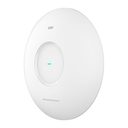
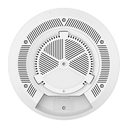
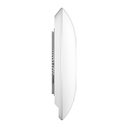
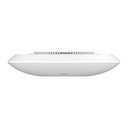
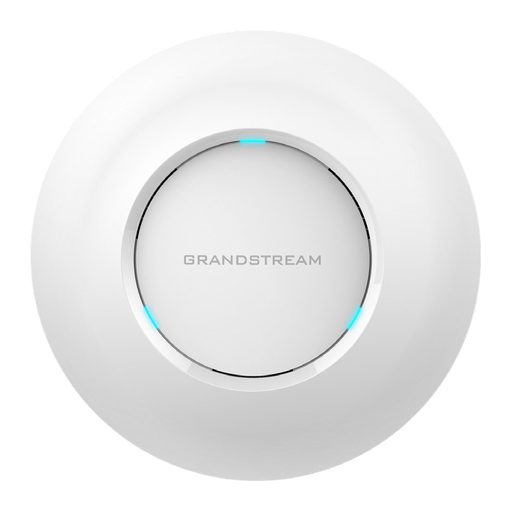
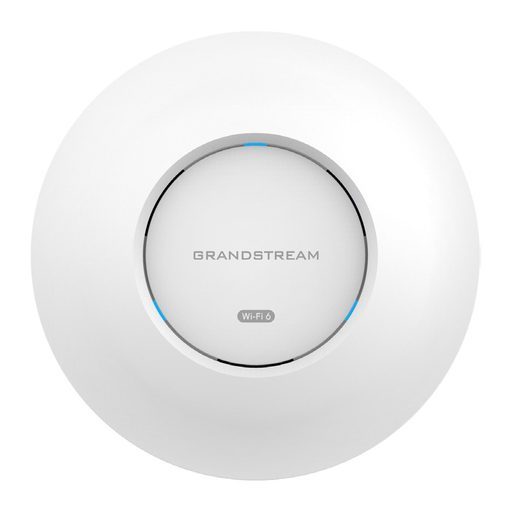
Overview of Grandstream GWN7670E
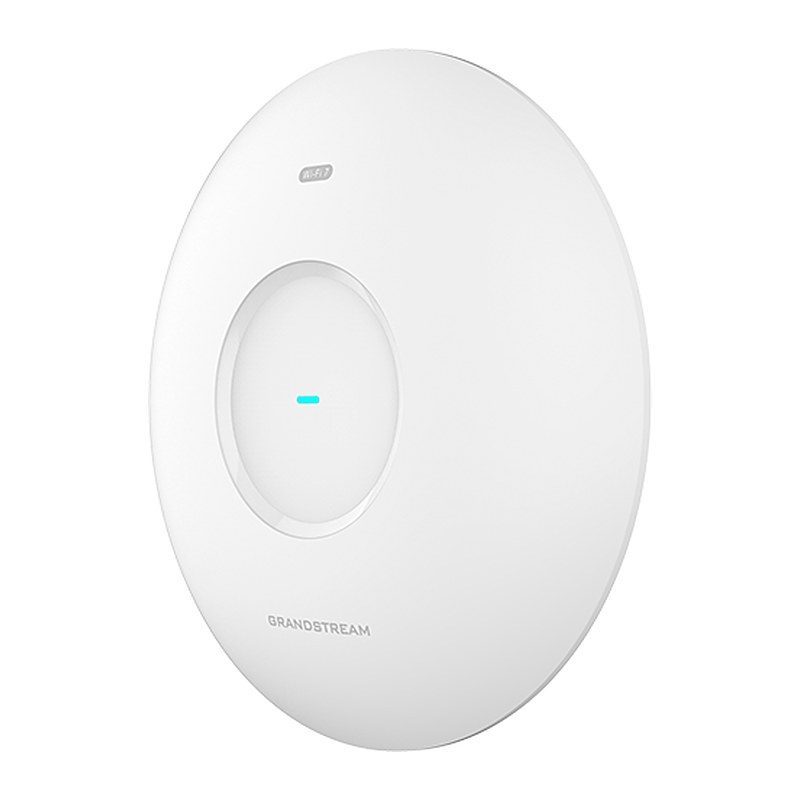
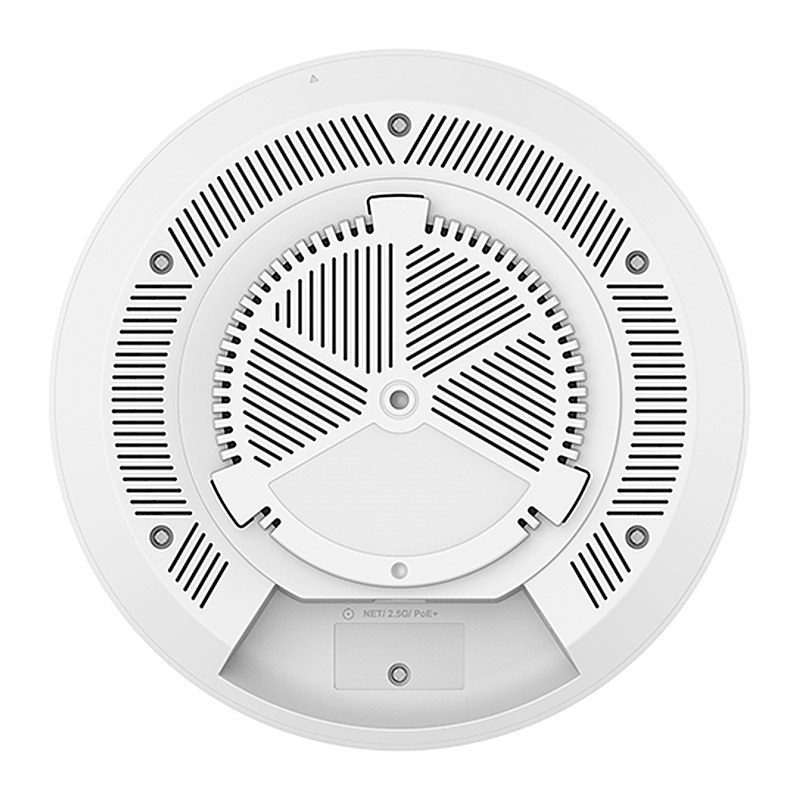
The Grandstream GWN7670E is a powerful enterprise-grade Wi-Fi 7 BE3600 access point tailored for SMBs and medium-scale, high-density wireless environments. It combines 2.4 GHz 2x2:2 and 5 GHz 3x3:2 MU-MIMO with DL/UL OFDMA for 3.6Gbps aggregate throughput, while Xtra Range 2.0 and a high-gain 5 GHz antenna boost signal penetration for seamless 360-degree coverage up to 175 meters. It supports up to 512 clients, MLO, 4K QAM, up to 1,000 PPSK accounts and captive portals. A single 2.5 GbE port with PoE+ input and a versatile bracket for wall, ceiling or junction-box mounting simplify installation. Managed via local web UI, GDMS Networking or GWN Manager, it is ideal for offices, retail spaces and schools.
Technical Specifications – Grandstream GWN7670E
Basic
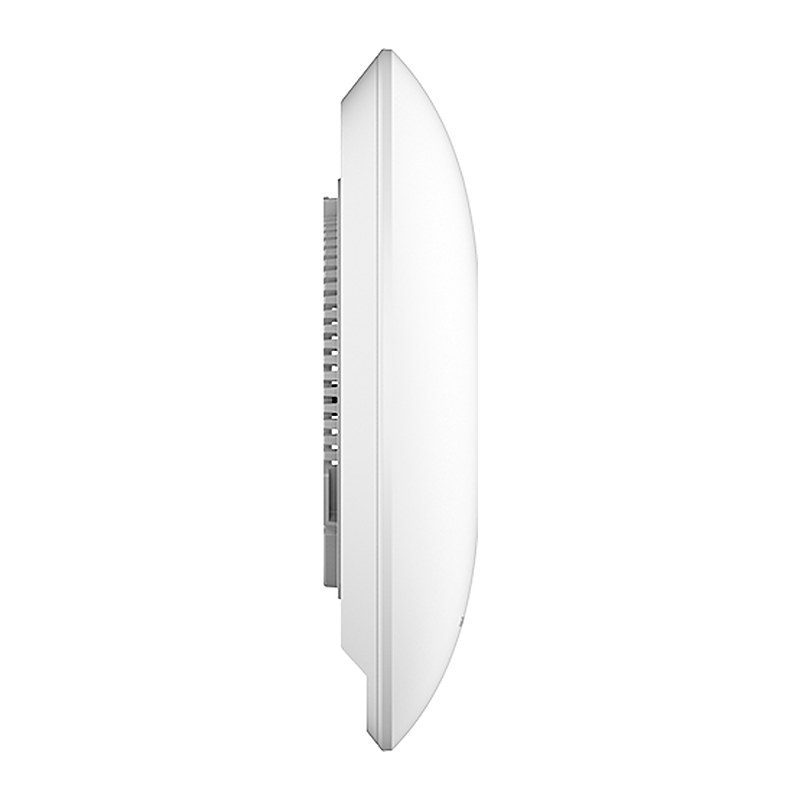
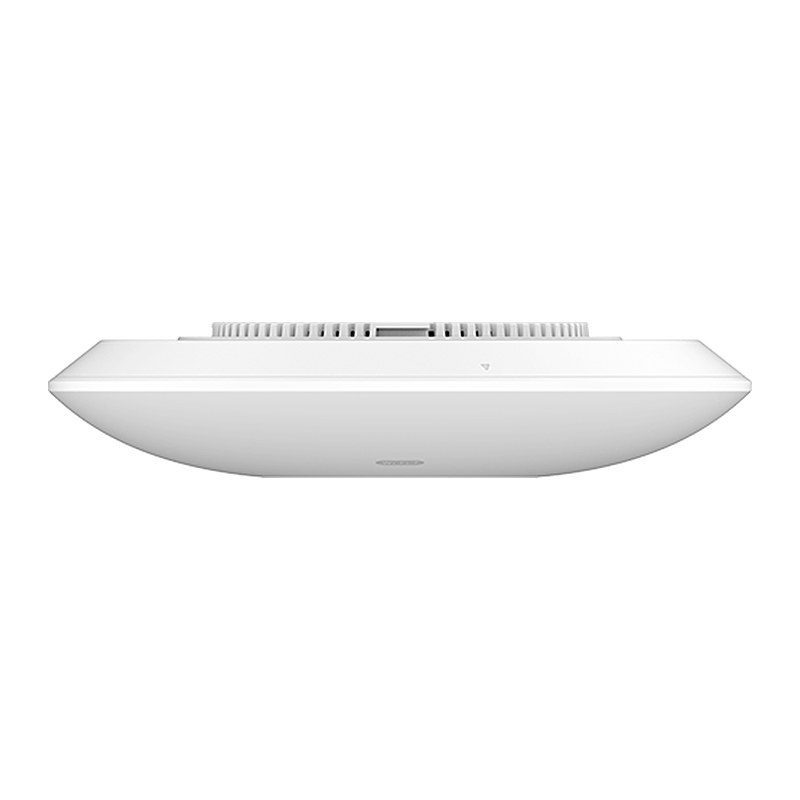
| Unit Dimension | Ø220 mm × 48.5 mm |
|---|
| Package Dimension | 275 mm × 266 mm × 76 mm |
|---|
| Unit Weight | 545.8 g |
|---|
| Package Weight | 992.8 g |
|---|
| Installation Methods | Indoor Wall Mount, Ceiling Mount, and Junction Box Mount |
|---|
Radio
| Antenna | 5 single-frequency antennas; 2.4 GHz: 2 × 3.5 dBi; 5 GHz: 3 × 5.5 dBi |
|---|
| MIMO | 2.4 GHz: 2×2:2, MU-MIMO; 5 GHz: 3×3:2, MU-MIMO |
|---|
| Frequency Bands | 2.4 GHz Radio: 2,400–2,483.5 MHz; 5 GHz Radio: 5,150–5,895 MHz |
|---|
| Channel Bandwidth | 2.4 GHz: 20 and 40 MHz; 5 GHz: 20, 40, 80 and 160 MHz |
|---|
| Wi-Fi Data Rates | 2.4 GHz: IEEE 802.11be: Up to 688 Mbps; IEEE 802.11ax: 7.3 Mbps to 574 Mbps; IEEE 802.11n: 6.5 Mbps to 300 Mbps; IEEE 802.11g: 6, 9, 12, 18, 24, 36, 48, 54 Mbps; IEEE 802.11b: 1, 2, 5.5, 11 Mbps. 5 GHz: IEEE 802.11be: Up to 2,882 Mbps; IEEE 802.11ax: 7.3 Mbps to 2,402 Mbps; IEEE 802.11ac: 6.5 Mbps to 1,732 Mbps; IEEE 802.11n: 6.5 Mbps to 300 Mbps; IEEE 802.11a: 6, 9, 12, 18, 24, 36, 48, 54 Mbps |
|---|
| Maximum TX Power | 2.4 GHz: 26.5 dBm; 5 GHz: 25 dBm |
|---|
| Receiver Sensitivity | 2.4 GHz: 802.11b: -96 dBm @1 Mbps, -88 dBm @11 Mbps; 802.11g: -93 dBm @6 Mbps, -75 dBm @54 Mbps; 802.11n 20 MHz: -73 dBm @MCS7; 802.11n 40 MHz: -70 dBm @MCS7; 802.11ax 20 MHz: -60 dBm @MCS11; 802.11ax 40 MHz: -58 dBm @MCS11; 802.11be 20 MHz: -65 dBm @MCS13; 802.11be 40 MHz: -62 dBm @MCS13. 5 GHz: 802.11a: -92 dBm @6 Mbps, -74 dBm @54 Mbps; 802.11n 20 MHz: -73 dBm @MCS7; 802.11n 40 MHz: -70 dBm @MCS7; 802.11ac 20 MHz: -67 dBm @MCS8; 802.11ac 40 MHz: -63 dBm @MCS9; 802.11ac 80 MHz: -59 dBm @MCS9; 802.11ax 20 MHz: -60 dBm @MCS11; 802.11ax 40 MHz: -58 dBm @MCS11; 802.11ax 80 MHz: -56 dBm @MCS11; 802.11ax 160 MHz: -52 dBm @MCS11; 802.11be 20 MHz: -59 dBm @MCS13; 802.11be 40 MHz: -56 dBm @MCS13; 802.11be 80 MHz: -54 dBm @MCS13; 802.11be 160 MHz: -52 dBm @MCS13 |
|---|
| Coverage Range | Up to 175 m (may vary based on environment) |
|---|
Ports
| Network Ports | 1 × 2.5 GbE RJ45 port (Supports PoE Input) |
|---|
| Other Ports | 1 × Reset Pinhole, 1 × Kensington Lock |
|---|
LED
| System LED | 1 tri-color LED for device tracking and status indication |
|---|
Power and Energy
| PoE Standards | 802.3at |
|---|
| Max Power Consumption | 16 W |
|---|
Environmental Endurance
| Operating Temperature | 0 °C to 45 °C |
|---|
| Storage Temperature | -30 °C to 60 °C |
|---|
| Humidity | 10%–90%, non-condensing |
|---|
Certification
| Compliance | FCC, CE, RCM, IC |
|---|
| Wi-Fi Alliance | Passpoint Release 3; WMM; Wi-Fi Agile Multiband; Protected Management Frames; WPA2/WPA3/WPA Enterprise & Personal; Wi-Fi CERTIFIED 6, Wi-Fi CERTIFIED 7, Wi-Fi CERTIFIED a/ac/b/g/n (certifications under testing; preliminary) |
|---|
WLAN
| Wi-Fi Standards | Wi-Fi 7 (IEEE 802.11a/b/g/n/ac/ax/be) |
|---|
| SSIDs | 32 SSIDs in total, 16 per radio: 2.4 GHz & 5 GHz |
|---|
| Client Capacity | Up to 512 concurrent clients |
|---|
| Advanced Wireless Features | Beamforming, OFDMA, Multi-RU, Preamble Puncturing, 4096-QAM, Multilink Operation (MLO), Target Wake Time (TWT), Maximal Ratio Combining (MRC), Space-Time Block Coding (STBC), Low-Density Parity-Check (LDPC), 802.11 Dynamic Frequency Selection (DFS), BSS Coloring |
|---|
| Bandwidth Limiting | Supports rate limiting based on SSID, Client, MAC, or IP address |
|---|
| Band Steering / Client Steering | Yes / Yes |
|---|
| RRM | Dynamic assignment of radio power and channels |
|---|
| VPN | L2TPv3 |
|---|
| VLAN | VLAN binding based on Interface, SSID, or MAC address; Management VLAN and Dynamic VLAN |
|---|
| Schedule | Supports SSID, LED, and Reboot scheduling |
|---|
WLAN Extension
| Bridge / Extender | Yes / Yes |
|---|
| Mesh | 2.4 GHz, 2.4 GHz & 5 GHz, 5 GHz |
|---|
| Hotspot 2.0 | Yes |
|---|
| Wireless Roaming | 802.11k, 802.11v, 802.11r; Layer 2 roaming |
|---|
Network
| IPv4 / IPv6 | Static IP or DHCP assignment |
|---|
| DHCP / NAT / LLDP | DHCP Server, Client, and Relay modes; NAT Pool; LLDP |
|---|
User Authentication
| Authentication | 802.1x; MAC Authentication (RADIUS); PPSK with or without RADIUS; Easy PSK; Captive Portal with RADIUS, Social Login, Vouchers, Password, SAML SSO, and Active Directory |
|---|
Security and Maintenance
| Encryption | Open System, OSEN, WPA2-PSK (Personal), WPA2-802.1x (Enterprise), WPA3-SAE (Personal), WPA3-802.1x (Enterprise), WPA3-OWE (Enhanced Open), WPA/WPA2, WPA2/WPA3; Unique Security Certificate and Random Default Password per Device |
|---|
| Firmware Security | Anti-Hacking Secure Boot; Critical Data and Control Lockdown via Digital Signatures |
|---|
| Forwarding Security / WIDS | MAC Filtering, Client Isolation, OS Filtering; Inbound/Outbound Traffic Rules, Rogue AP Detection and Containment, ARP Attack Defense, ND Attack Defense |
|---|
| Management Protocol | TR-069, SNMP |
|---|
Service Quality
| QoS | 802.11e/WMM, 802.1p, 802.1q, TOS |
|---|
Management Platform
| Local / Cloud Management | Local Web UI: embedded controller managing up to 50 local GWN APs; GDMS Networking: free cloud management for unlimited GWN APs; GWN Manager: premise-based software controller for up to 3,000 GWN APs; GWN App |
|---|
Package Contents
| Standard Items | 1 × GWN7670E Wi-Fi 7 Wireless AP, 1 × Quick Installation Guide, 1 × Regulatory Paper, 1 × Mounting Bracket, 1 × Ceiling Mounting Bracket, 3 × Plastic Expansion Bolts, 3 × Pan Head Tapping Screws (ST3.5 × 20 mm), 3 × Pan Head Machine Screws (M3 × 50 mm), 3 × M3 Nuts |
|---|
Source: Grandstream official website and datasheet. Specifications are subject to change by the manufacturer.