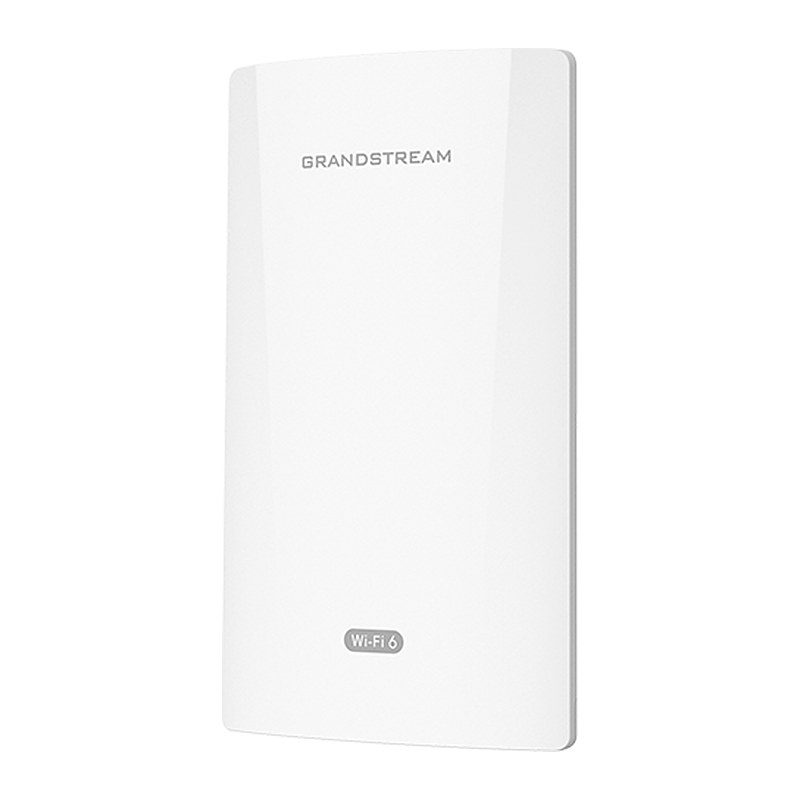
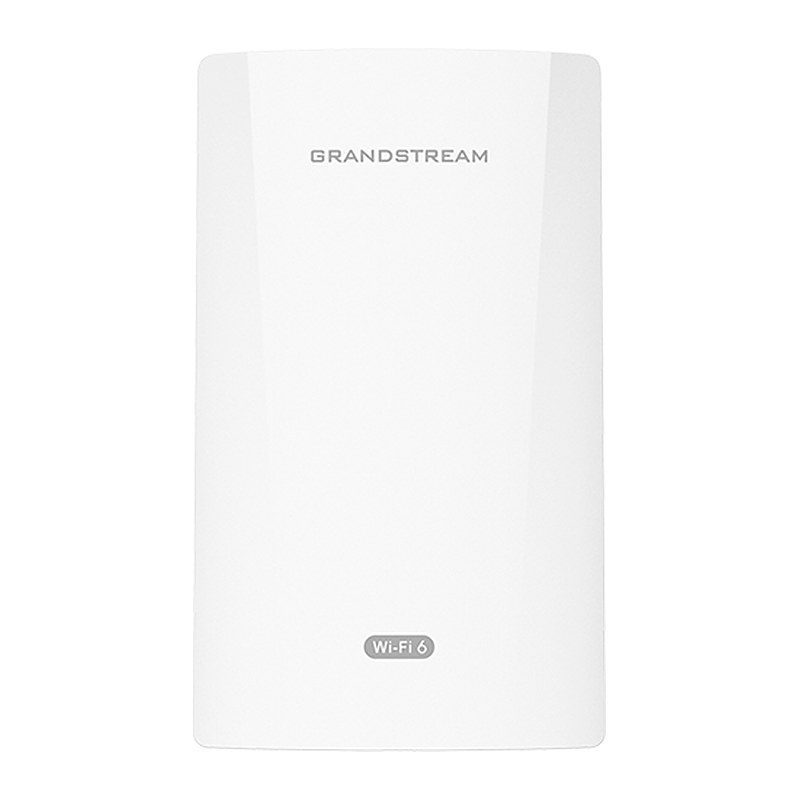
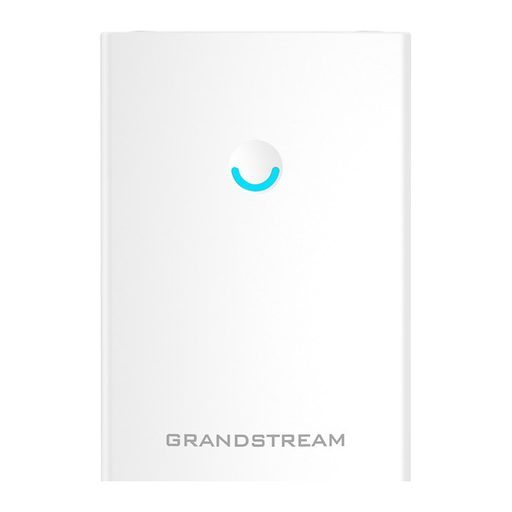
Overview of Grandstream GWN7302
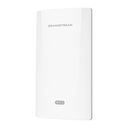
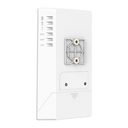
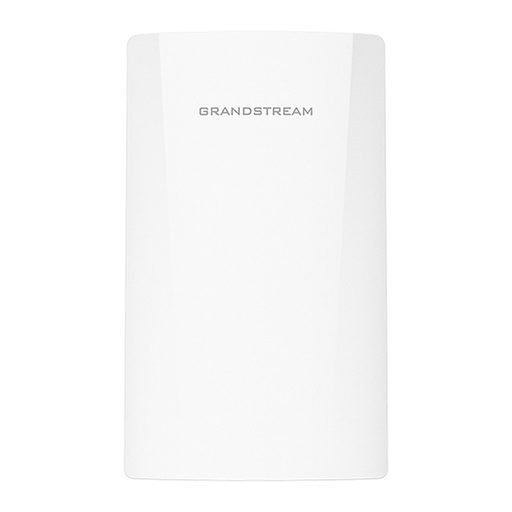
The Grandstream GWN7302 is an enterprise PtP/PtMP fixed wireless bridge for medium-to-large organizations that need long-distance wireless data transmission. It offers single-band 2x2:2 MIMO with TDMA technology, a sophisticated antenna design, up to 2.4Gbps throughput and a coverage range of up to 5 km. IP66 weatherproofing and a -30°C to 60°C operating range suit harsh outdoor sites. One-key pairing and signal strength LEDs simplify antenna alignment, while a PoE output port can power nearby cameras or speakers. It is ideal for linking separated buildings, warehouses, factories, construction sites, parking lots, farms and campuses where cabling is costly or impractical.
Technical Specifications – Grandstream GWN7302
Radio
| Antenna | 2 single internal antennas, 5GHz x 2, gain 13.5dBi; Beamwidth 5G: H:30°, V:30° |
|---|
| MIMO | 5GHz: 2x2:2, MIMO |
|---|
| Frequency Bands | 5GHz Radio: 5150 - 5850 MHz (not all frequency bands can be used in all regions) |
|---|
| Channel Bandwidth | 5G: 20, 40, 80 and 160MHz (x2) |
|---|
| Wi-Fi Data Rates | 5G: IEEE 802.11ax: 7.3 Mbps to 2402 Mbps; IEEE 802.11ac: 6.5 Mbps to 1732 Mbps; IEEE 802.11n: 6.5 Mbps to 300Mbps; IEEE 802.11a: 6, 9, 12, 18, 24, 36, 48, 54 Mbps |
|---|
| Maximum TX Power | 5G: 26dBm (varies by country, frequency band and MCS rate) |
|---|
| Receiver Sensitivity | 5G: 802.11a: -92dBm @6Mbps, -74dBm @54Mbps; 802.11n 20MHz: -73dBm @MCS7; 802.11n 40MHz: -70dBm @MCS7; 802.11ac 20MHz: -67dBm @MCS8; 802.11ac 40MHz: -63dBm @MCS9; 802.11ac 80MHz: -59dBm @MCS9; 802.11ax 20MHz: -60dBm @MCS11; 802.11ax 40MHz: -58dBm @MCS11; 802.11ax 80MHz: -56dBm @MCS11; 802.11ax 160MHz: -52dBm @MCS11 |
|---|
| Coverage Range | Up to 5 kilometers (can vary based on environment) |
|---|
| Point to Multipoint | 1 to 4 |
|---|
Interfaces
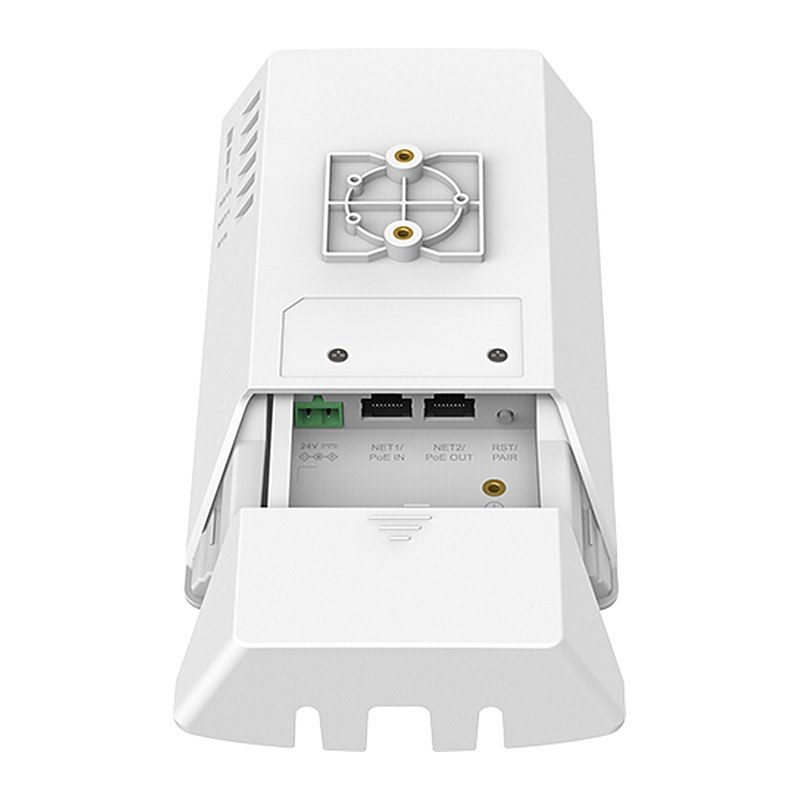
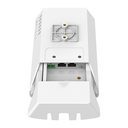
| Network Ports | 1x autosensing 10/100/1000 Base-T Ethernet Port, RJ-45, PoE input; 1x autosensing 10/100/1000 Base-T Ethernet Port, RJ-45, PoE output |
|---|
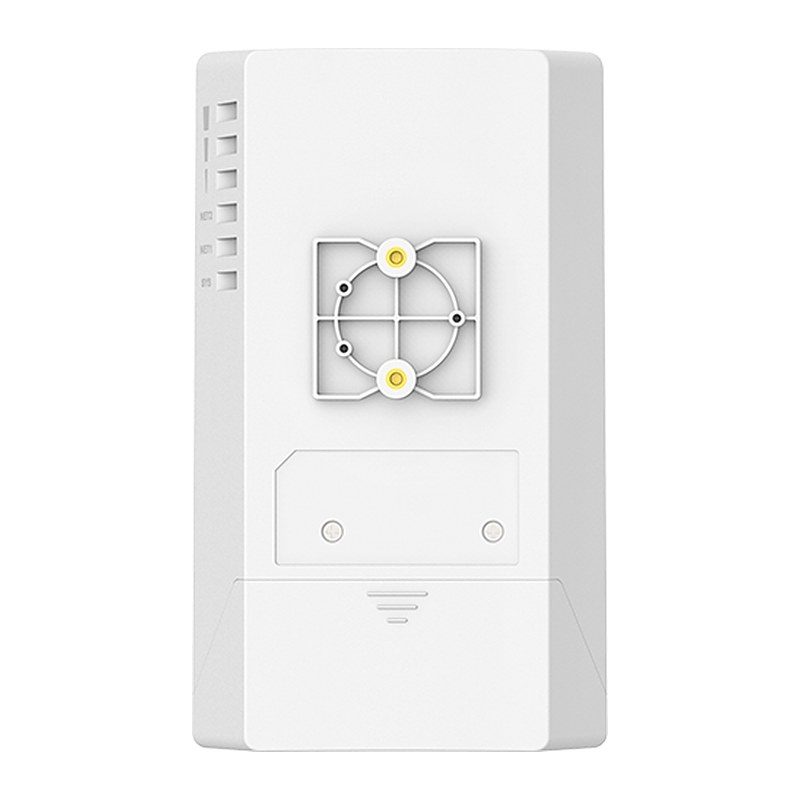
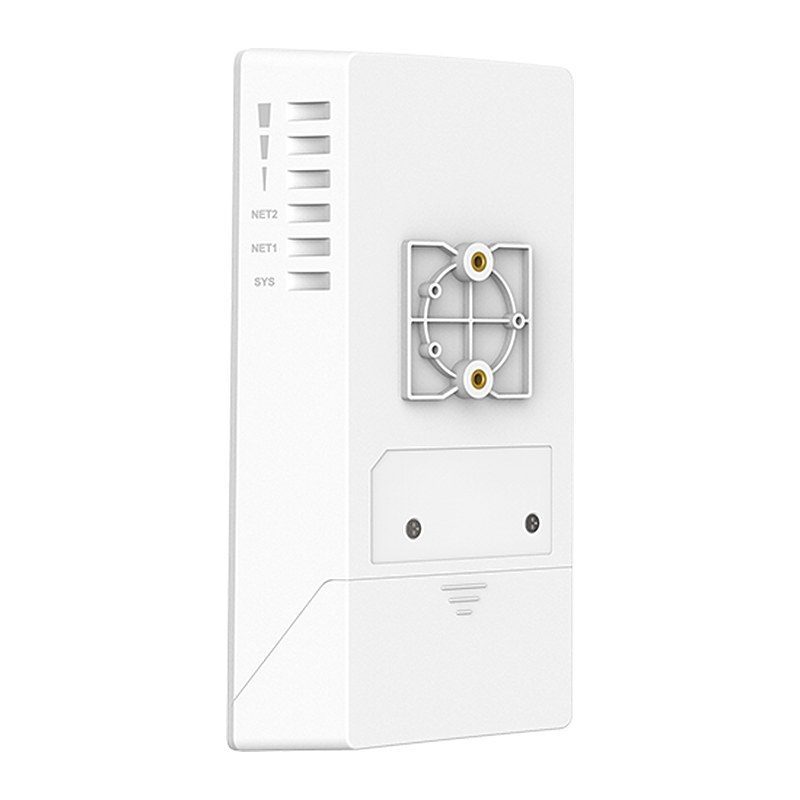
| LEDs | 1 tri-color LED for device tracking and status indication; 3x LED for signal strength; 2x LED for network port status |
|---|
| Auxiliary Ports | 1x Reset and Pairing Button |
|---|
Power
| PoE Input | 802.3af/at |
|---|
| DC | +24V (Compatible with 16V-48V) |
|---|
| PSE Output | Max 13W with PoE+ input; Max 25W with +24V DC/2A input |
|---|
| Maximum Power Consumption | 13W |
|---|
Physical
| Dimension | Unit: 180 x 102 x 38 mm; Entire Package: 219 x 185.5 x 66 mm |
|---|
| Weight | Unit: 412g; Entire Package: 753g |
|---|
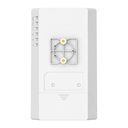
| Mounting | Wall mount or pole mount, kits included |
|---|
| Package Content | GWN7302 PtP/PtMP Fixed Wireless Bridge, Mounting Kits, Quick Start Guide |
|---|
Environmental
| Temperature | Operation: -30°C to 60°C; Storage: -30°C to 70°C |
|---|
| Humidity | 5% to 95% Non-condensing |
|---|
| Weatherproof Guide | IP66-level weatherproof capability |
|---|
Compliance
| Compliance | FCC, CE, RCM, IC |
|---|
Software Specifications
| WLAN | IEEE 802.11 a/n/ac/ax; SSID: Single 5G, disabled; auto channel; transmit power selection; management Wi-Fi; TDMA |
|---|
| Pairing | One-key pairing; Web pairing |
|---|
| Network | Static or DHCP IPv4; VLAN |
|---|
| Security | WPA2-PSK, WPA3-PSK |
|---|
| System Tools | Link Test, Antenna Alignment, Spectrum Analyzer |
|---|
| QoS | 802.11e/WMM, 802.1p, 802.1q, TOS |
|---|
| Management Platform | Local Web, GDMS Networking via SSH tunneling, GWN Manager, GWN App |
|---|
| Management Protocol | TR-069, SNMP |
|---|
Source: Grandstream official website and datasheet. Specifications are subject to change by the manufacturer.