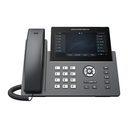
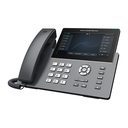
Overview of Grandstream GRP2670
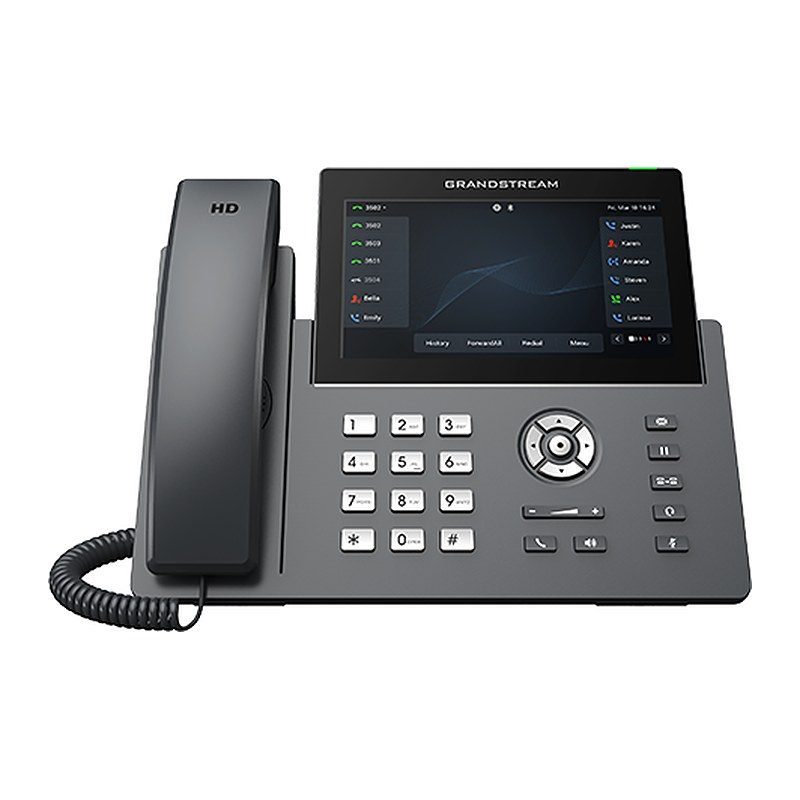
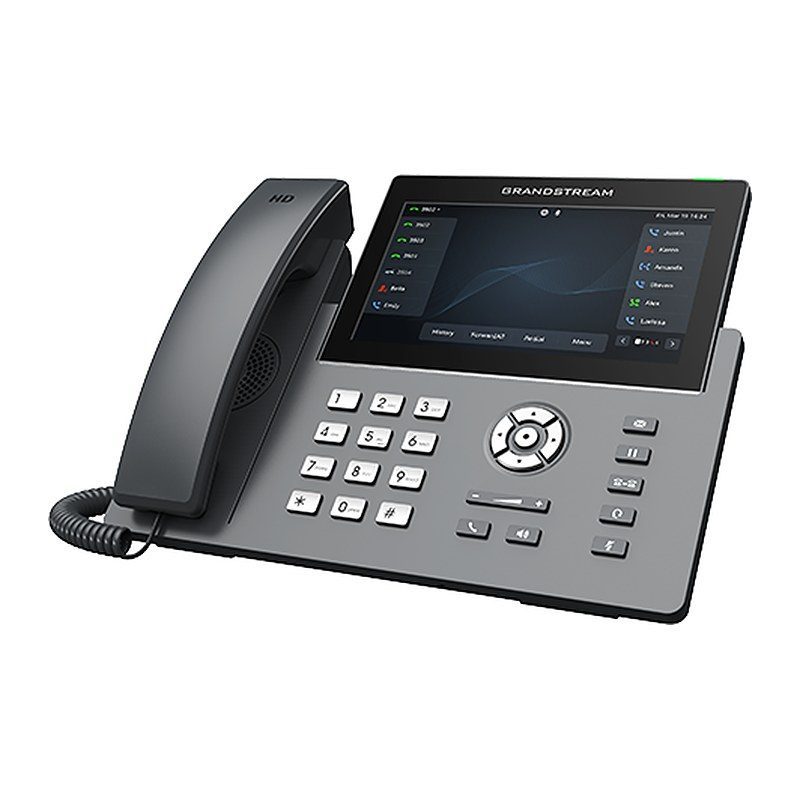
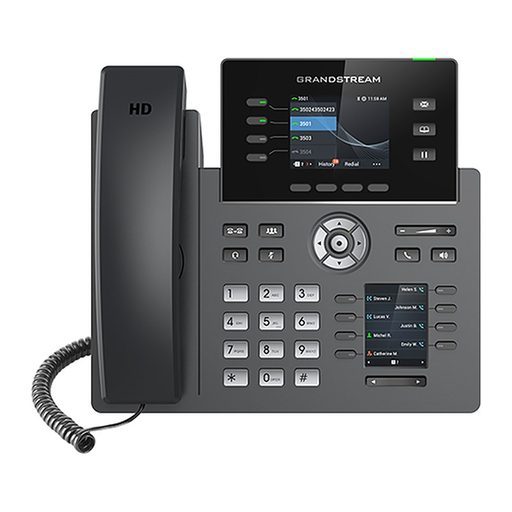
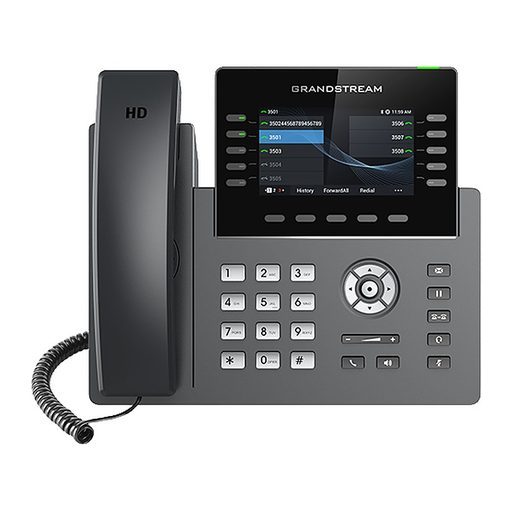
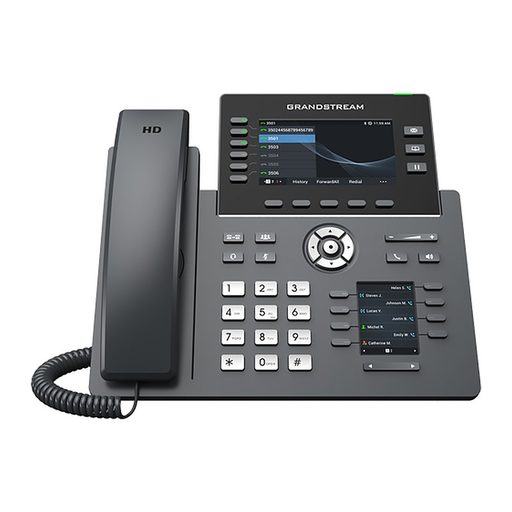
Part of the GRP series of carrier-grade IP phones, the Grandstream GRP2670 is a professional 12-line model designed with zero-touch provisioning for mass deployment and easy management. Its easy-to-use 7-inch capacitive touch screen hosts 48 virtual multi-purpose keys, alongside 16 SIP accounts, 5-way voice conferencing, integrated PoE and Wi-Fi 6, Bluetooth, full HD audio and support for EHS (Plantronics) and USB headsets. Carrier-grade security and Grandstream's GDMS centralized management simplify large rollouts. It is the perfect choice for receptionists, executives and busy professionals managing high call volumes in hotels, clinics and corporate offices.
Technical Specifications – Grandstream GRP2670
Network
| Protocols/Standards | SIP RFC3261, TCP/IP/UDP, RTP/RTCP, HTTP/HTTPS, ARP, ICMP, DNS (A record, SRV, NAPTR), DHCP, PPPoE, TELNET, TFTP, NTP, STUN, SIMPLE, LLDP, LDAP, TR-069, 802.1x, TLS, SRTP, IPV6 |
|---|
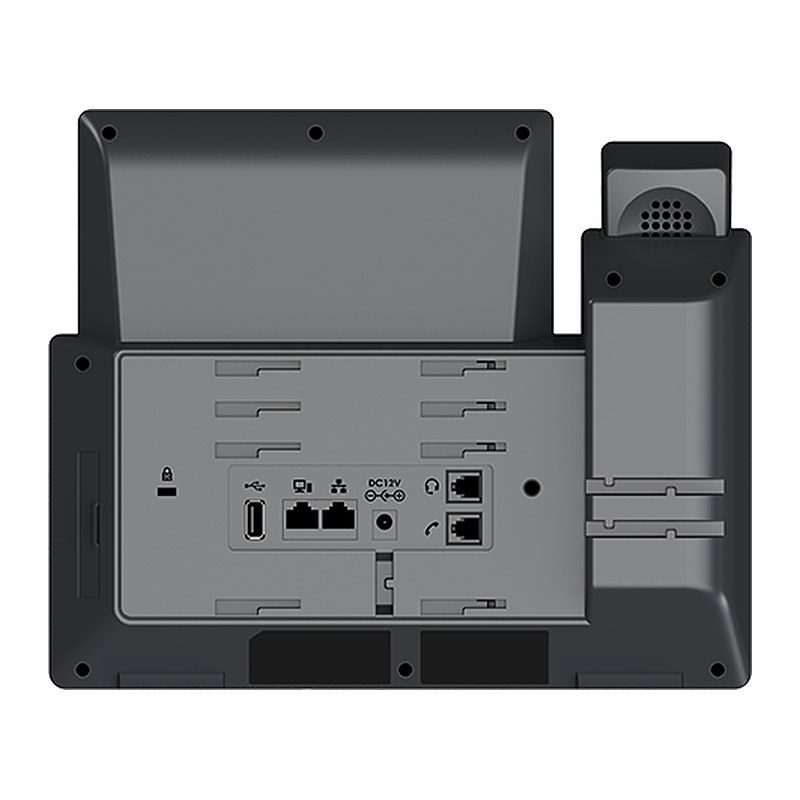
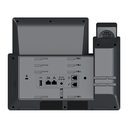
| Network Interfaces | Dual switched auto-sensing 10/100/1000 Mbps Gigabit Ethernet ports with integrated PoE |
|---|
Display & Keys
| Graphic Display | 7 inch (1024x600) capacitive touch screen TFT LCD |
|---|
Network
| Wi-Fi | Integrated dual-band (2.4GHz and 5GHz) Wi-Fi 6 (802.11a/b/g/n/ac/ax) - hardware version 5.0 and above |
|---|
| Bluetooth | Yes, integrated |
|---|
Display & Keys
| Lines | 12 lines |
|---|
| SIP Accounts | 16 SIP accounts |
|---|
| Feature Keys | 5 navigation/menu keys, 9 dedicated function keys for: MESSAGE (with LED indicator), TRANSFER, HEADSET, HOLD, MUTE, SEND/REDIAL, SPEAKERPHONE, VOL+, VOL- |
|---|
| Virtual Multi-Purpose Keys | 48 VPKs |
|---|
| Custom Faceplates | Yes |
|---|
| Extension Module | Yes, GBX20; connect up to 4 GBX20 modules for a total of 160 contacts/extensions |
|---|
Audio
| Auxiliary Port | RJ9 headset jack allowing EHS with Plantronics headsets, USB to support Grandstream's GUV Series headsets and other USB headsets |
|---|
| Voice Codecs and Capabilities | Support for G.729A/B, G.711µ/a-law, G.726, G.722 (wide-band), G723, iLBC, OPUS, in-band and out-of-band DTMF (in audio, RFC2833, SIP INFO) |
|---|
| HD Audio | Yes, HD handset and speakerphone with support for wideband audio |
|---|
Telephony Features
| Audio Conferencing | 5-way audio conferencing |
|---|
| Telephony Features | Hold, transfer, forward, 5-way conference, call park, call pickup, shared-call-appearance (SCA)/bridged-line-appearance (BLA), downloadable phonebook (XML, LDAP, up to 2000 items), call waiting, call log (up to 2000 records), XML customization of screen, off-hook auto dial, auto answer, click-to-dial, flexible dial plan, hot-desking, personalized music ringtones and music on hold, server redundancy and fail-over |
|---|
Network
| QoS | Layer 2 QoS (802.1Q, 802.1P), 802.11e (WMM) and Layer 3 (ToS, DiffServ, MPLS) QoS |
|---|
Security & Management
| Security | User and administrator level passwords, MD5 and MD5-sess based authentication, 256-bit AES encrypted configuration file, SRTP, TLS, 802.1x media access control, secure boot |
|---|
| Multi-language | English, German, Italian, French, Spanish, Portuguese, Russian, Croatian, Chinese, Korean, Japanese and more |
|---|
| Upgrade/Provisioning | Firmware upgrade via FTP/TFTP/TFTPS/HTTP/HTTPS, mass provisioning using GDMS/TR-069 or AES encrypted XML configuration file |
|---|
| Device Management | Yes, GDMS |
|---|
Power
| Power Adapter | Universal power adapter included: Input 100-240V; Output +12V, 1A |
|---|
| PoE | Integrated Power-over-Ethernet (802.3af) |
|---|
| Energy Efficiency | IEEE 802.3az Energy-Efficient Ethernet |
|---|
| Max Power Consumption | 6.5W (power adapter) |
|---|
Environment
| Operating Temperature | 0°C to 40°C |
|---|
| Storage Temperature | -10°C to 60°C |
|---|
| Humidity | 10% to 90% Non-condensing |
|---|
Physical
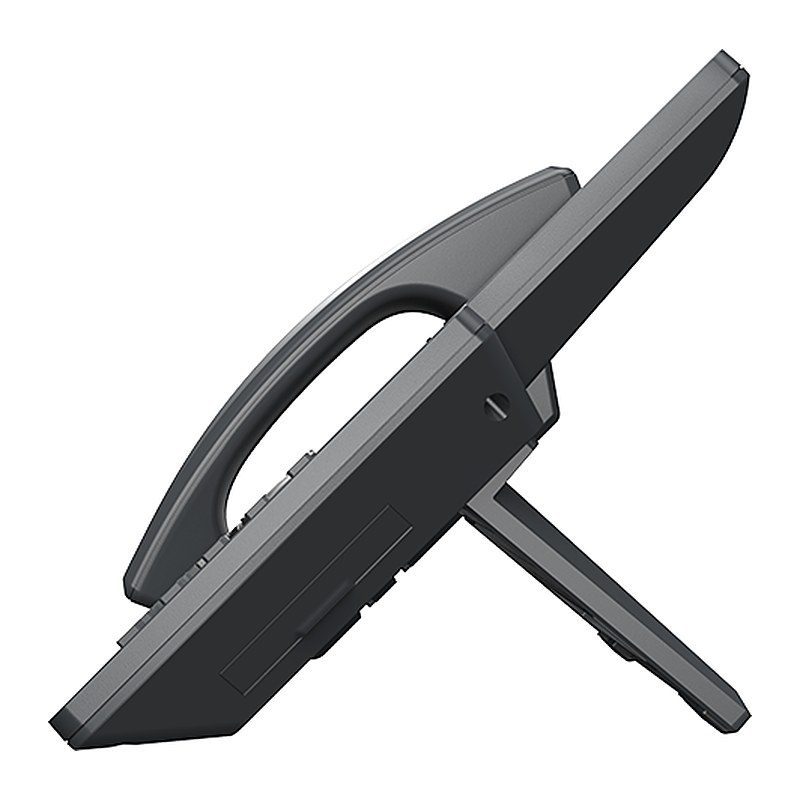
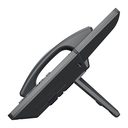
| Base Stand | Yes, 2 angle positions available, wall mountable (wall mount sold separately) |
|---|
| Package Content | GRP2670 phone, handset with cord, phone stand, 12V power adapter, network cable, Quick Installation Guide, GPL license |
|---|
| Dimensions | 267mm x 220mm x 82mm |
|---|
| Unit Weight | 1.1kg |
|---|
| Package Weight | 1.65kg |
|---|
Compliance
| FCC | Part 15 Subpart B (Class B), Part 15 Subpart C 15.247, Part 15 Subpart C 15.407, Part 1 Subpart I, Part 68. 316/317 |
|---|
| IC | RSS-247, RSS-Gen, RSS-102, ICES-003, CS-03 Part V |
|---|
| CE | EN 55032, EN 55035, EN 61000-3-2, EN 61000-3-3, EN 62368-1, EN 62311, EN 301 489-1, EN 301 489-17, EN 300 328, EN 301 893 |
|---|
| RCM | AS/NZS CISPR 32, AS/NZS 62368.1, AS/NZS 4268, AS NZS 2772.2, AS/CA S004 |
|---|
Source: Grandstream official website and datasheet. Specifications are subject to change by the manufacturer.