Skip to Content
  • Delivery in 4–10 working days across Saudi Arabia
  • A tax invoice with every order
  • Technical support before and after you buy

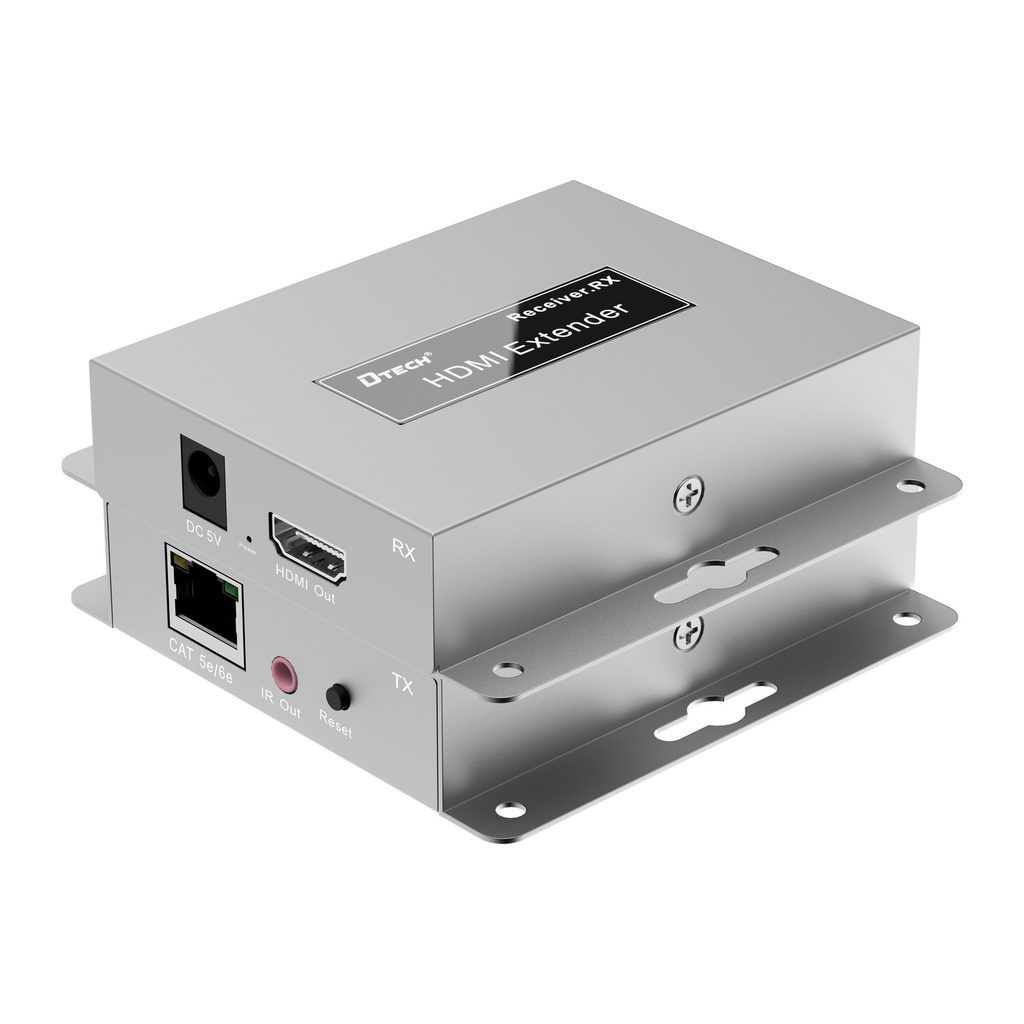
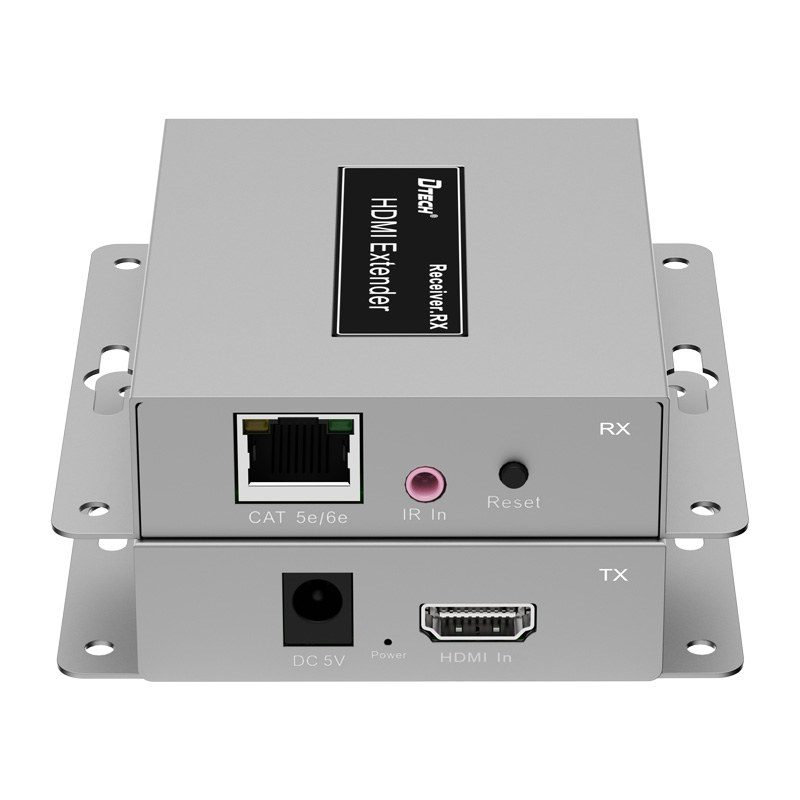
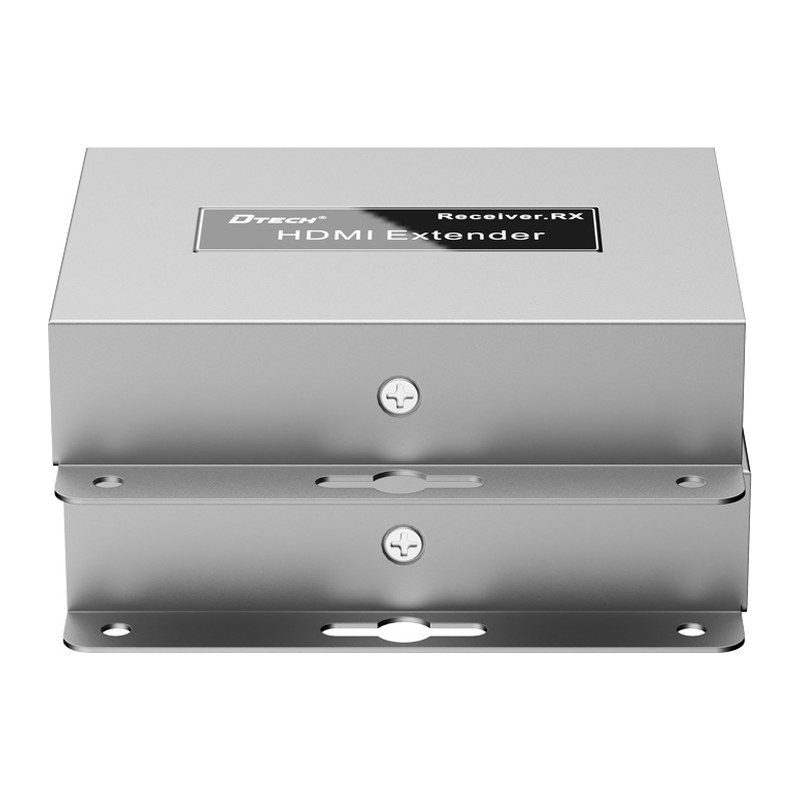
DTECH DT-7043 HDMI IP Extender, 150m, 1080p, Sender & Receiver

Part number DT-7043
  • HDMI IP extender kit (sender + receiver)
  • Range up to 150 m over Cat5/Cat6
  • 1080P @60Hz
  • IR return; cascade via network switches
Price
⃁ 499.99 ⃁ 499.99 ⃁ 651.04 Save 23%
⃁ 499.99 ⃁ 651.04
(Tax excluded)
  • Delivery within 4–10 business days across Saudi Arabia
  • Warranty according to the manufacturer
  • Tax invoice with every order
  • Technical support before and after purchase

Not sure this model fits your setup? Read the buying guide
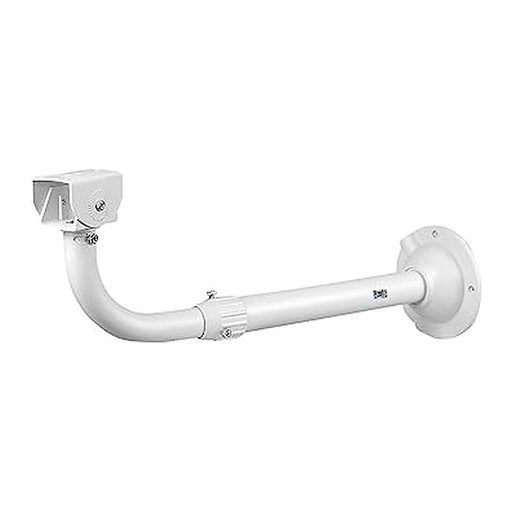
Overview of DT-7043

The DTECH DT-7043 is an HDMI IP extender kit with sender and receiver that transmits 1080P @60Hz video over Cat5/Cat6 cable, rated by the supplier for up to 150 m. It provides IR return and can be cascaded through network switches. It suits remote displays for DVR/NVR systems in control rooms, malls and offices.

Specifications – DT-7043

TypeHDMI IP extender (sender + receiver)
RangeUp to 150 m
Cable typeCat5/Cat6
Resolution1080P @60Hz
IRIR return

PRACTICAL ANSWERS

Camera and recording questions

How do I choose a camera for an entrance?

Describe the entrance width, mounting height, distance to the subject and available lighting. Decide whether you need an overview or identifiable detail, then compare the exact lens and image specifications of the proposed model.

Will a new camera work with my existing recorder?

Check the camera and recorder model numbers, connection type, supported video formats and recording limits together. Do not rely on brand names alone; ask for confirmation against both devices’ documentation before ordering.

How much recording storage will I need?

Prepare the number of cameras, desired retention period, recording schedule and proposed image settings. Ask for a storage estimate based on these inputs and an allowance for variation; a disk capacity alone does not guarantee a fixed number of days.

What should I check for outdoor camera installation?

Review the model’s documented environmental rating and operating conditions, then plan sheltered connections, suitable cable routes and a serviceable mounting point. Installation details should be confirmed for the actual location, not inferred from the camera’s appearance.

Can I view the cameras from a phone?

Check which app and remote-access method the model supports, whether an account or subscription is required, and the internet requirements at the site. Plan individual user access and secure account settings rather than sharing an administrator password.

What should be tested when a camera system is handed over?

Review the intended views, playback and export, date and time, user permissions and any agreed remote access. Request the equipment list and configuration handover, and record outstanding issues before accepting the installation.